Listed from the MCP registry; nobody on Odel publishes it.
Is this yours? Claim it
Journal
Read, search and edit your Journal notes. Sign in with your Homebase identity.
One address for any MCP client. You sign in at mcp.cloudx.run once, after adding it.
What it does
- Reads
- Writes
- High impact
At most: only reads or looks up information.
What it costs
FreeOdel charges nothing per call. The publisher may charge for its own service.
What it asks for at sign-in
| Access to | Read | Change |
|---|---|---|
| Journal | Not stated: journal | |
From the sign-in at mcp.cloudx.run, as the endpoint publishes it. You approve it there.
Tools
None listed · checked 26 Nov 2026Odel could not list its tools without signing in.

Journal
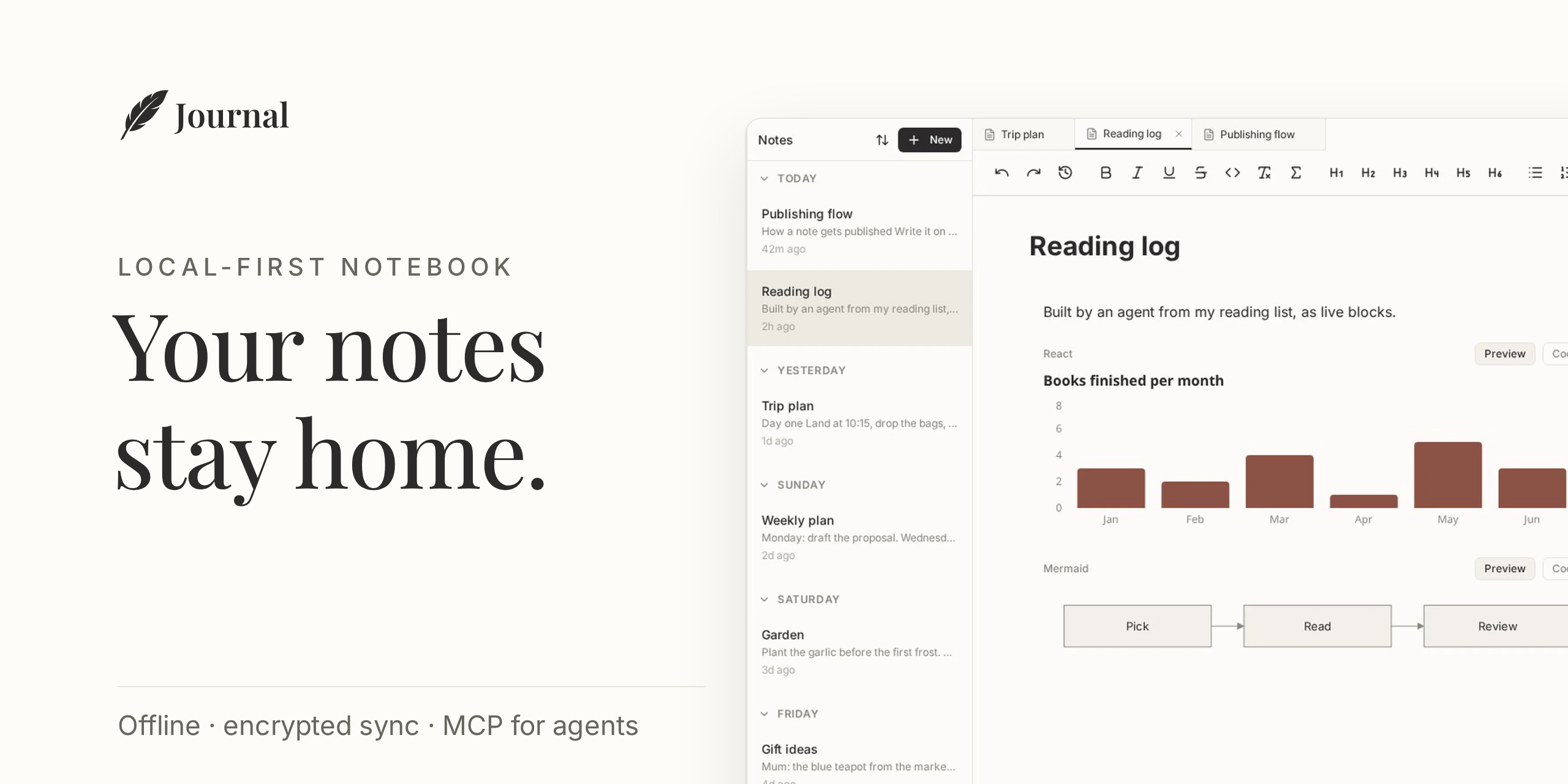
Journal is a local-first notebook on your own Homebase identity. Your notes are in a database in your browser (PGlite), so Journal works offline. It syncs them, encrypted, to your identity. You can install it as an app (PWA).
Open it at journal.cloudx.run. The website has more detail.
Note
To try Journal, sign in as john.doe.demo.rocks with the password a. Other people use this demo identity, so do not keep private notes in it.
Features
- An editor with Markdown shortcuts, math, code, callouts, toggles, tables, task lists, link previews and image galleries.
- Live blocks: Mermaid, SVG, HTML and React that run in the note.
- Folders (one level), tags and full-text search.
- Sharing with other Homebase identities and circles, and public pages with a link to copy.
- Version history on each device.
- Import from Markdown, Notion or Obsidian. Export to Markdown or PDF.
- An optional AI assistant that runs on your device with WebLLM, in desktop browsers.
- An MCP server that lets AI agents read and write the folders you grant.
AI agents
Claude Code, Claude Desktop, Cursor and Codex CLI connect through the Journal MCP server. To add it to Claude Code, run:
/plugin marketplace add 2002Bishwajeet/journal
/plugin install journal@journal
/journal:login you.dotyou.cloud
Then grant folders in Settings → Agent access. The agents page and mcp/README.md cover the other clients and all the tools.
Develop
You need Node 22 or newer. You also need a GitHub token with the read:packages scope, because @homebase-id/js-lib is on GitHub Packages.
-
Clone the repository.
-
Create
.npmrcin the project root with these two lines. Do not commit it.ini@homebase-id:registry=https://npm.pkg.github.com //npm.pkg.github.com/:_authToken=${GH_TOKEN} -
Set
GH_TOKENto your token, then runnpm ci. -
Run
npm run devand open https://dev.dotyou.cloud:5173. This name points to127.0.0.1, and its certificate is in the repository.
npm run build   # type check and production build
npm run lint    # ESLint
npm run test    # Vitest unit tests
npm run e2e     # Playwright tests on 127.0.0.1, never a real identity
AGENTS.md describes the architecture, project structure, conventions and testing policy. e2e/README.md describes the e2e tests.
Licence
AGPL-3.0. Release notes are in RELEASE_NOTES.md.







