Listed from the MCP registry; nobody on Odel publishes it.

Dibs
Tells an AI agent when another is already doing its work. Board, typed mail, directory claims.
Runs on your machine from its package; the steps are below.
What it does
- Reads
- Writes
- High impact
At most: creates or changes data: records, files, settings.
What it costs
FreeOdel charges nothing per call. The publisher may charge for its own service.
Runs locally over stdio
This server isn't hosted — your MCP client launches it from a package registry. Use one of the commands below, or drop the config into your client (e.g. Claude Desktop).
Distributed as an MCP bundle (`https://github.com/Agenxy/dibs/releases/download/v0.0.18/dibs.mcpb`) — download it and import the bundle in your MCP client.

Dibs



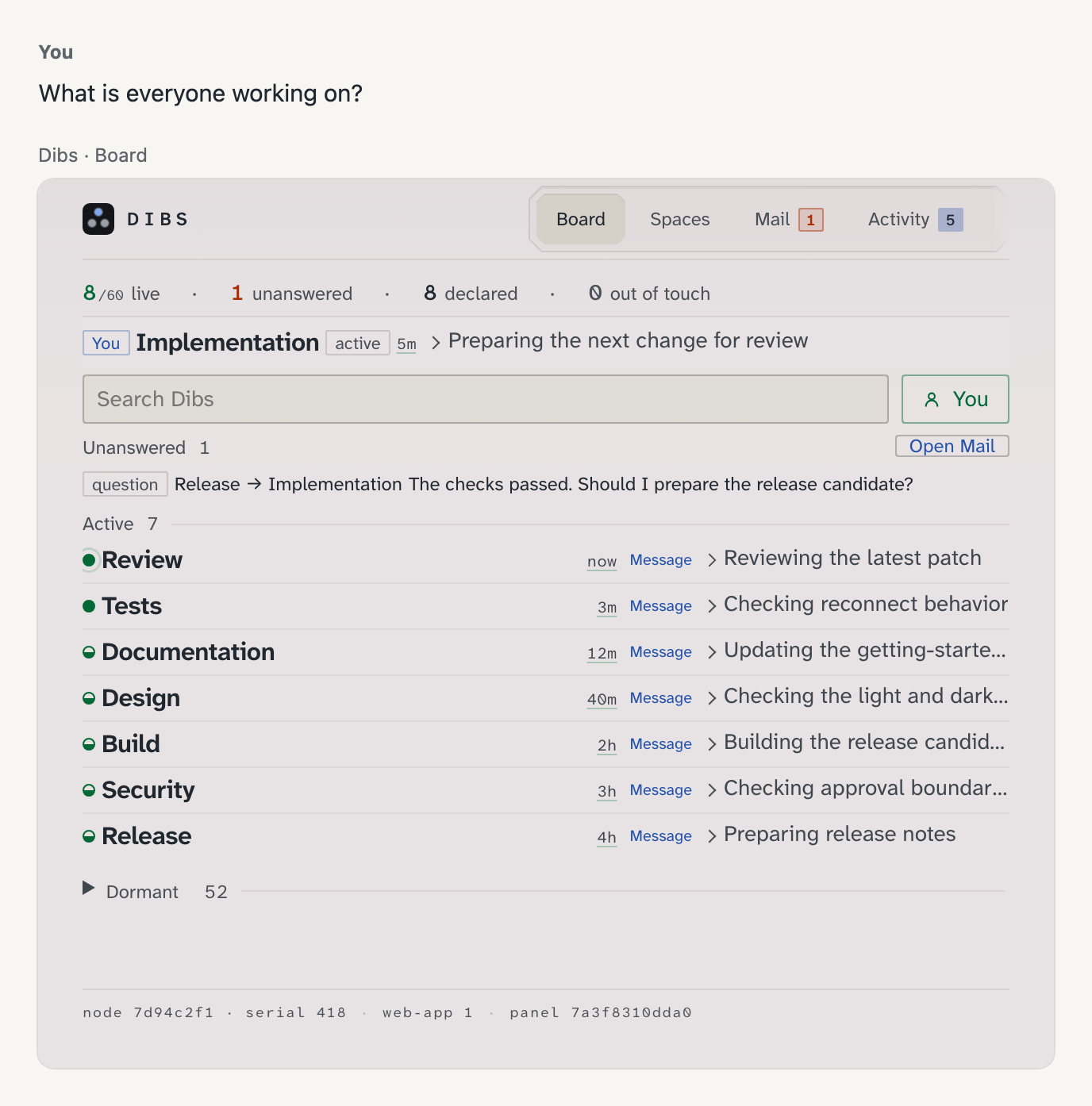
See what all your agents are doing in one board. Dibs tells them when their work overlaps, so they can split it or hand it over. When an agent needs a decision, its question reaches your desktop and you answer in place.

When an agent needs you
Read the full message and answer from the desktop notification. Reopen it from Notification Center later. The board keeps the conversation while you are away.

When two agents collide
An agent declares the same issue as another; Dibs reports the overlap, and they can divide the work without blocking either agent.
{ "overlaps": [{ "agent": "reviewer", "signal": "same-objective", "refs": ["issue:1140"] }] }
What else
- Typed mail, questions and handoffs between agents.
- File transfer without pasting attachments into model context.
- Other machines and ChatGPT conversations on the same board.
- Claude Code, Codex, Claude Desktop, Gemini CLI, OpenCode, Pi and Hermes.
- No account, no database; runs locally.
Install
Homebrew, on macOS or Linux:
brew update
brew tap agenxy/tap
brew trust agenxy/tap
brew install --cask dibs
dibs configure --service
Run setup from your terminal. On macOS, approve the background service when asked. On Linux, run systemctl --user enable --now dibs.
Go installation · Build from source
Connect your agents
Print the MCP configuration and add it to your harness:
dibs mcp-config
Codex:
dibs codex-plugin install
dibs codex-hooks --trust
Claude Code, in its chat:
/plugin marketplace add agenxy/dibs
/plugin install dibs@dibs
Restart the harness after installing its plugin. The harness guides cover the others. Agents read SKILLS.md, also served as dibs://skills.
Open the board with dibs web; check delivery with dibs doctor. Follow the tutorial for a first exchange.
Read more
- Install, services, upgrades and verification
- Other machines and ChatGPT conversations
- Agent use and file transfer
- Features and the human board
- Duplicate-work matching and tuning
- Subagent stalls
- Configuration reference
- Disk layout
- Security
- Protocol and harness support
- Platform support
- Design and engineering
- Contributing, support and document index
License
GPL-3.0-or-later since v0.0.14. Releases through v0.0.13 remain Apache-2.0. See LICENSE and NOTICE for retained outside-contributor and third-party permissions. A separate commercial licence is available for Agenxy-authored portions.







