
TabTree
Mind maps and whiteboards in one offline HTML file.
Live demo — no signup · tabtree.app · Templates · Claude connector
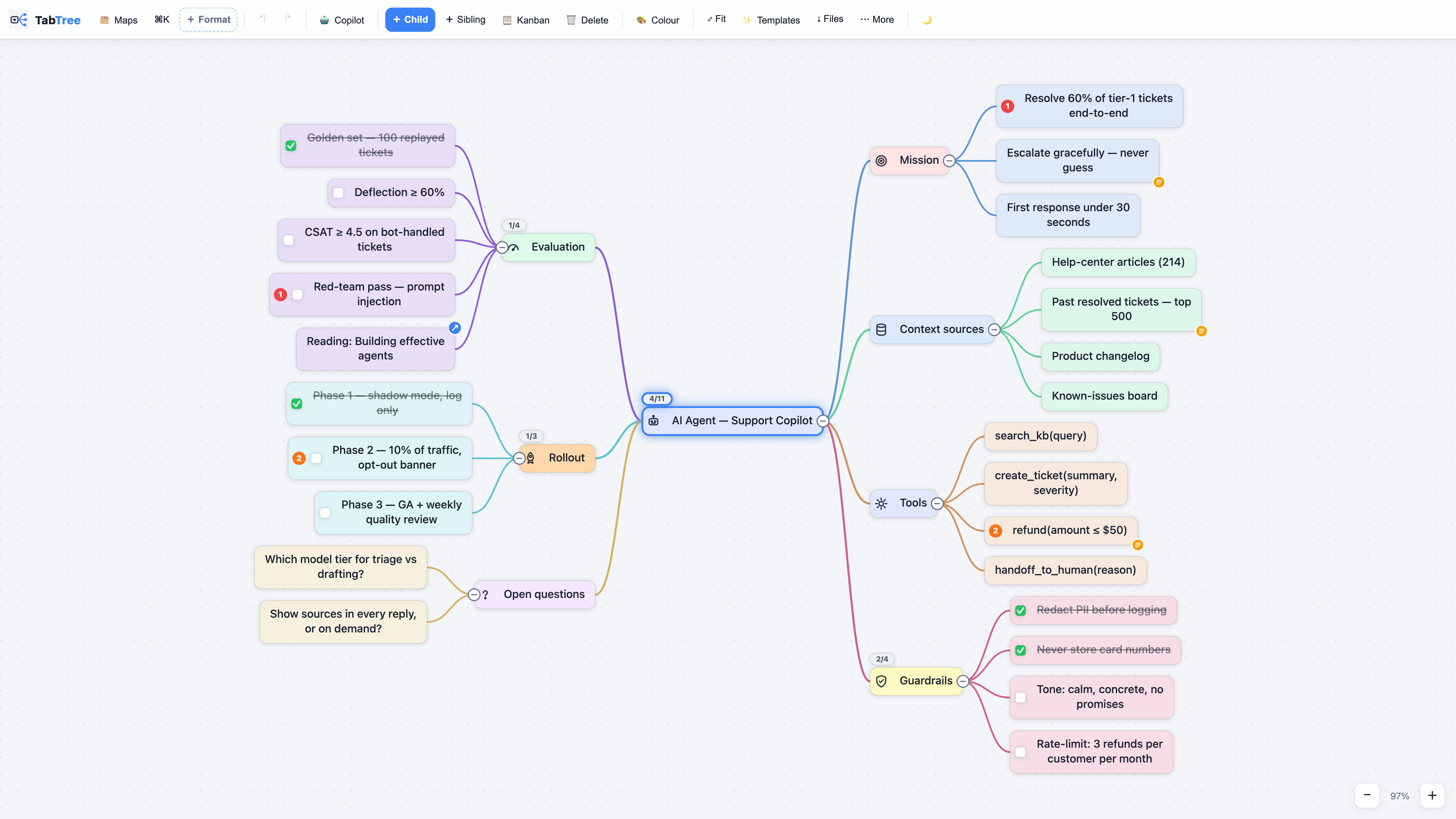
What it is
TabTree is a mind-mapping and whiteboard app that fits in a single HTML file. You double-click it and it runs — offline, with no account, no server and no subscription. One document reads six ways: mind map, kanban board, Gantt chart, page of notes, spreadsheet or full-screen presentation. Switch views; nothing is converted and nothing is lost.
| One file | The entire app is one HTML file — no install, no build, no dependencies. |
| Offline, always | It runs from file://. Nothing leaves your machine. |
| Bought once | No subscription, no account, no telemetry, no expiry. |
| 69 templates | Business Model Canvas, Lean Canvas, OKRs, roadmaps, agent specs… all of them |
| It leaves the building | PNG posts, carousel PDFs, MP4 flythroughs, or one .html file that carries the app and the map together. |
| Claude writes into it | The connector below is free with every licence. |
This repository
TabTree itself is a commercial product and its source is not published here. This repository is the public face of it, and it holds three things that are genuinely useful on their own:
mcp/— the full source of the Claude connector, free to use, copy, redistribute and modify (its own licence, no attribution required), and the same code published to npm astabtree-mcp.templates/— the 69 template outlines in plain Markdown, each with a link that opens it live. Paste them into TabTree, or into any outliner.screenshots/— rendered by the real engine, not mocked up.
To use the app itself, try the demo — it is the whole application, running in your browser, with nothing to install.
Claude connector
Let Claude read your TabTree library and turn a conversation, a transcript or a spec into a real map on your disk. Local files, no account, nothing uploaded — the connector only ever sees the backup folder you point it at.
Claude Desktop — double-click, nothing to install. Download
TabTree-Connector.mcpb and double-click it. Claude
Desktop ships its own Node, so there is nothing else to install, and it asks you for
your backup folder in a normal folder picker.
Claude Code, or any MCP client — one line:
npx -y tabtree-mcp
Or in your client's config:
{
  "mcpServers": {
    "tabtree": {
      "command": "npx",
      "args": [
        "-y",
        "tabtree-mcp"
      ],
      "env": {
        "TABTREE_DIR": "/path/to/your/TabTree/backup/folder"
      }
    }
  }
}
Six tools: list_maps, read_map, search_maps, create_mindmap,
create_board, propose_changes. It only ever writes new files — it never
modifies or deletes one of your maps, and propose_changes drops a proposal the
app applies only when you click. Full detail in mcp/README.md.
Screenshots
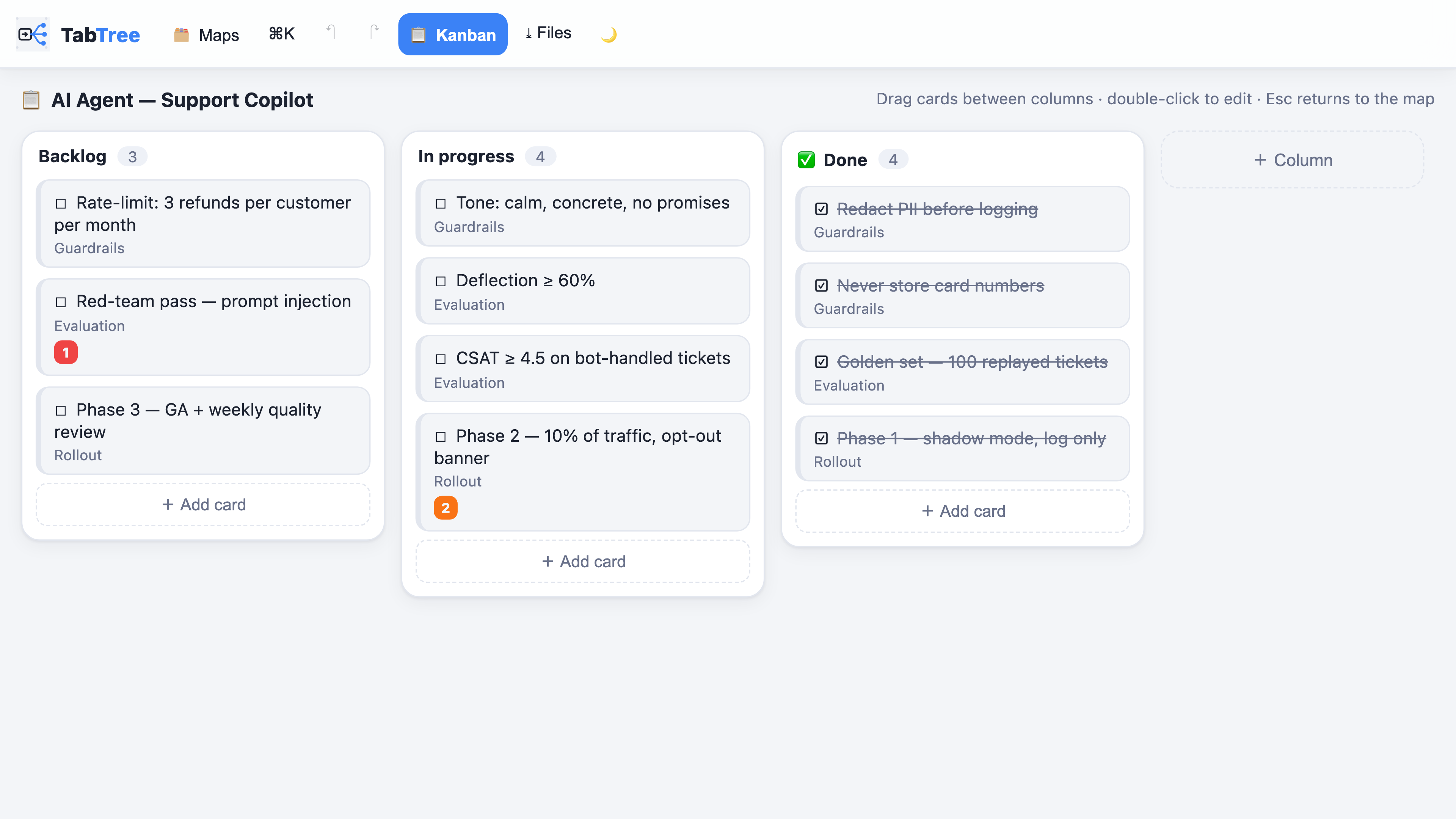
The same document as status columns — every card is still a node of the map.
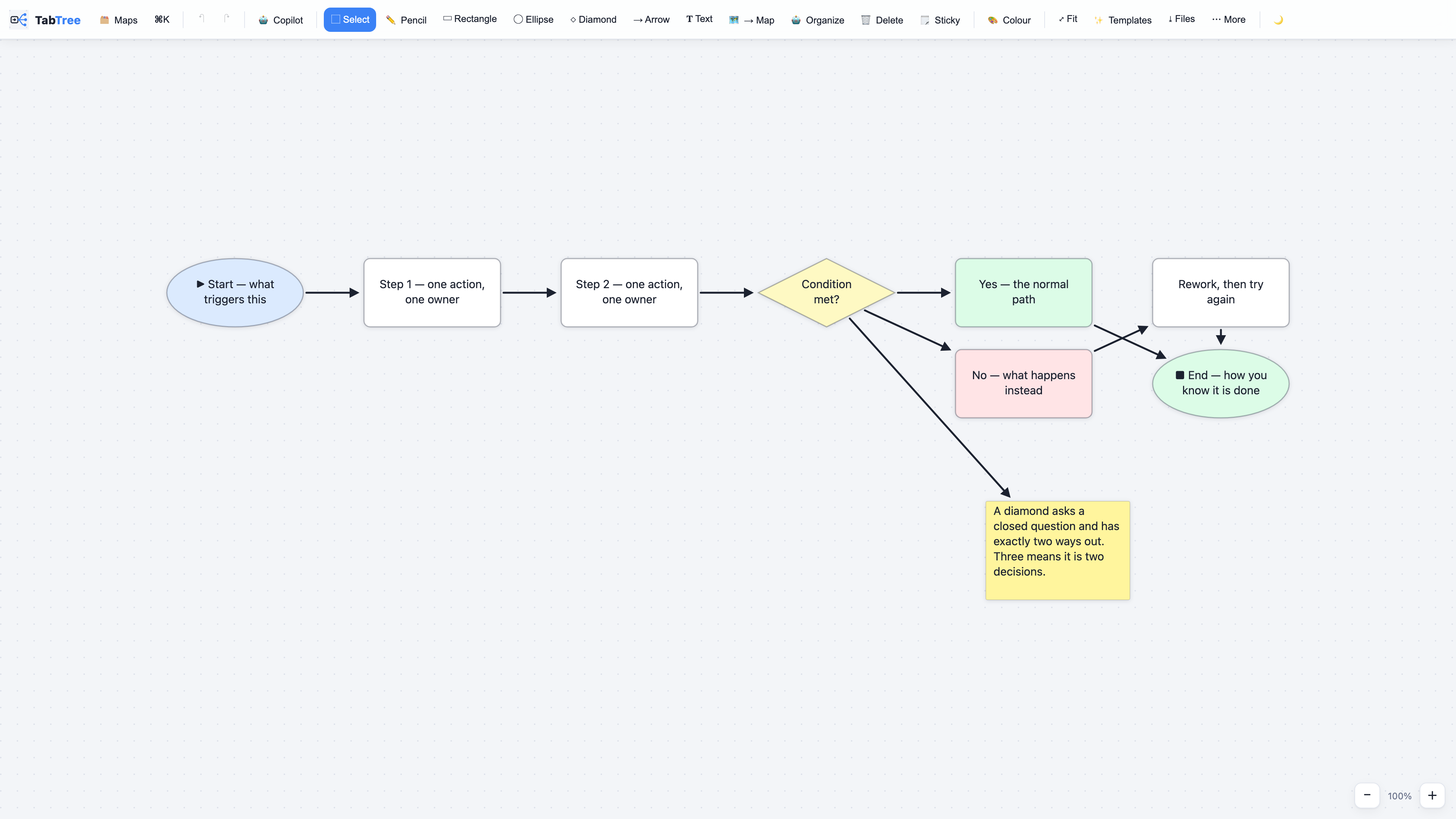
Arrows stay attached to the boxes when you move them.
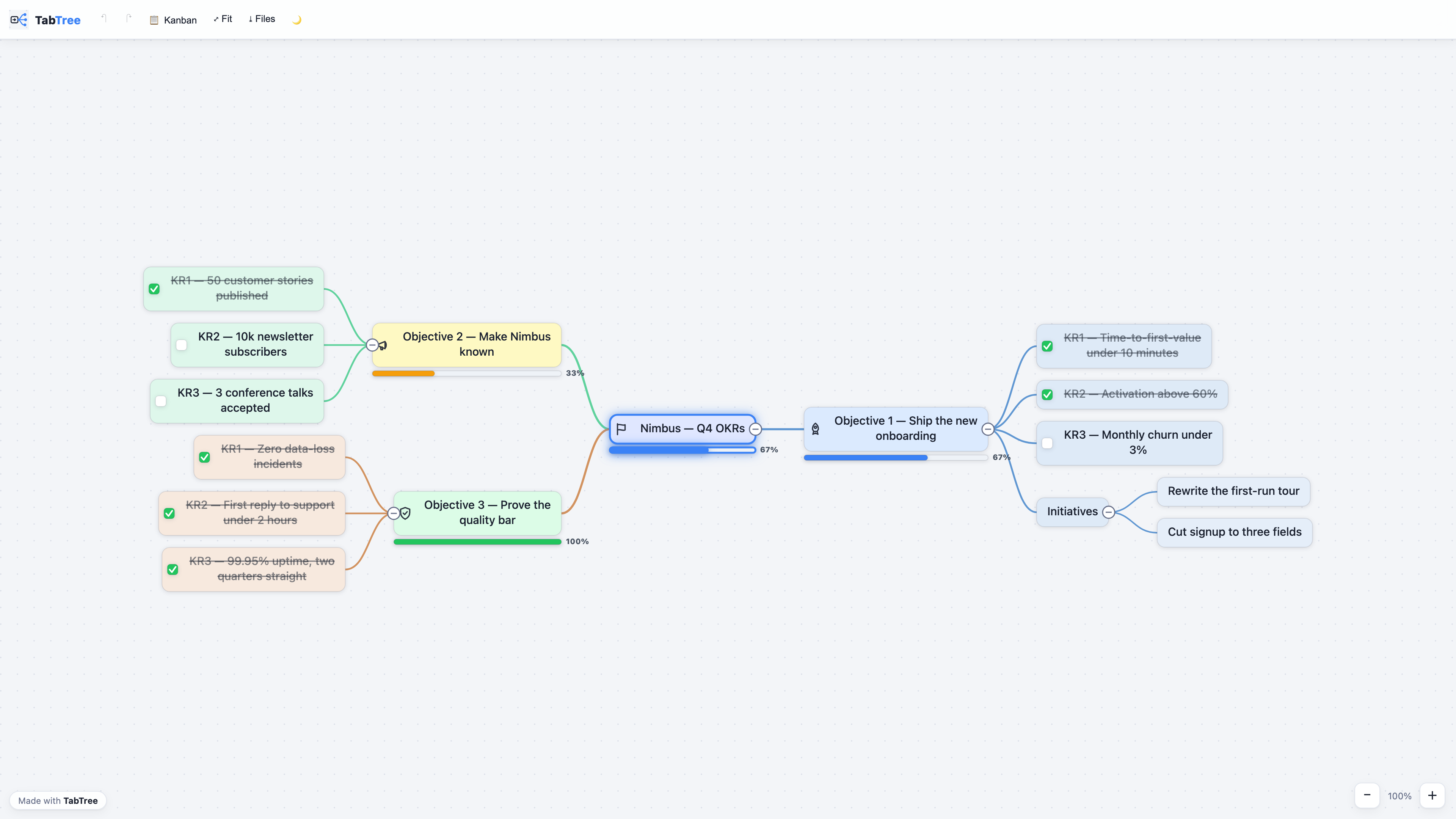
A map sent as one .html file: your reader double-clicks it, offline, no install.
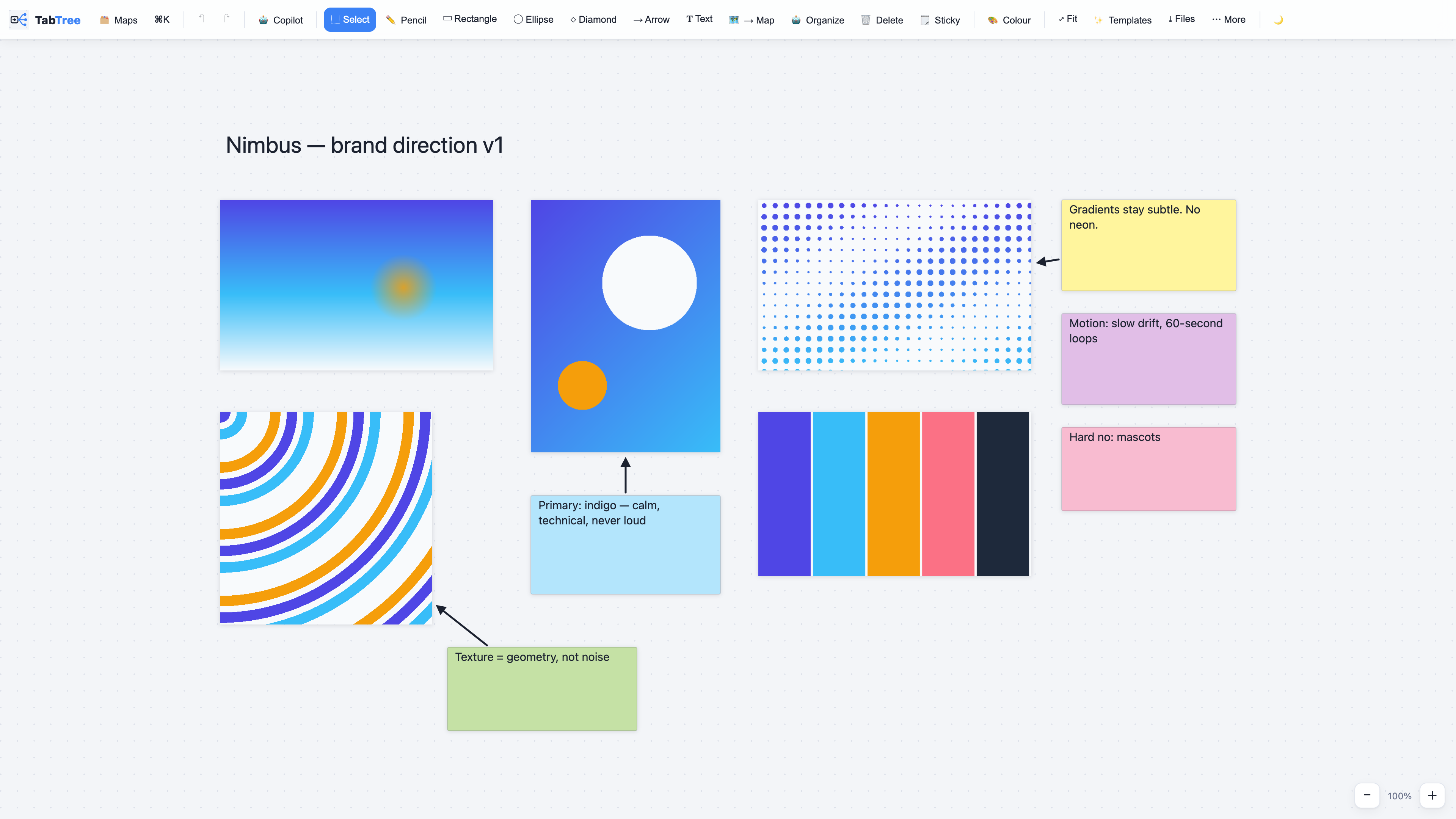
Images and reasoning on one canvas.
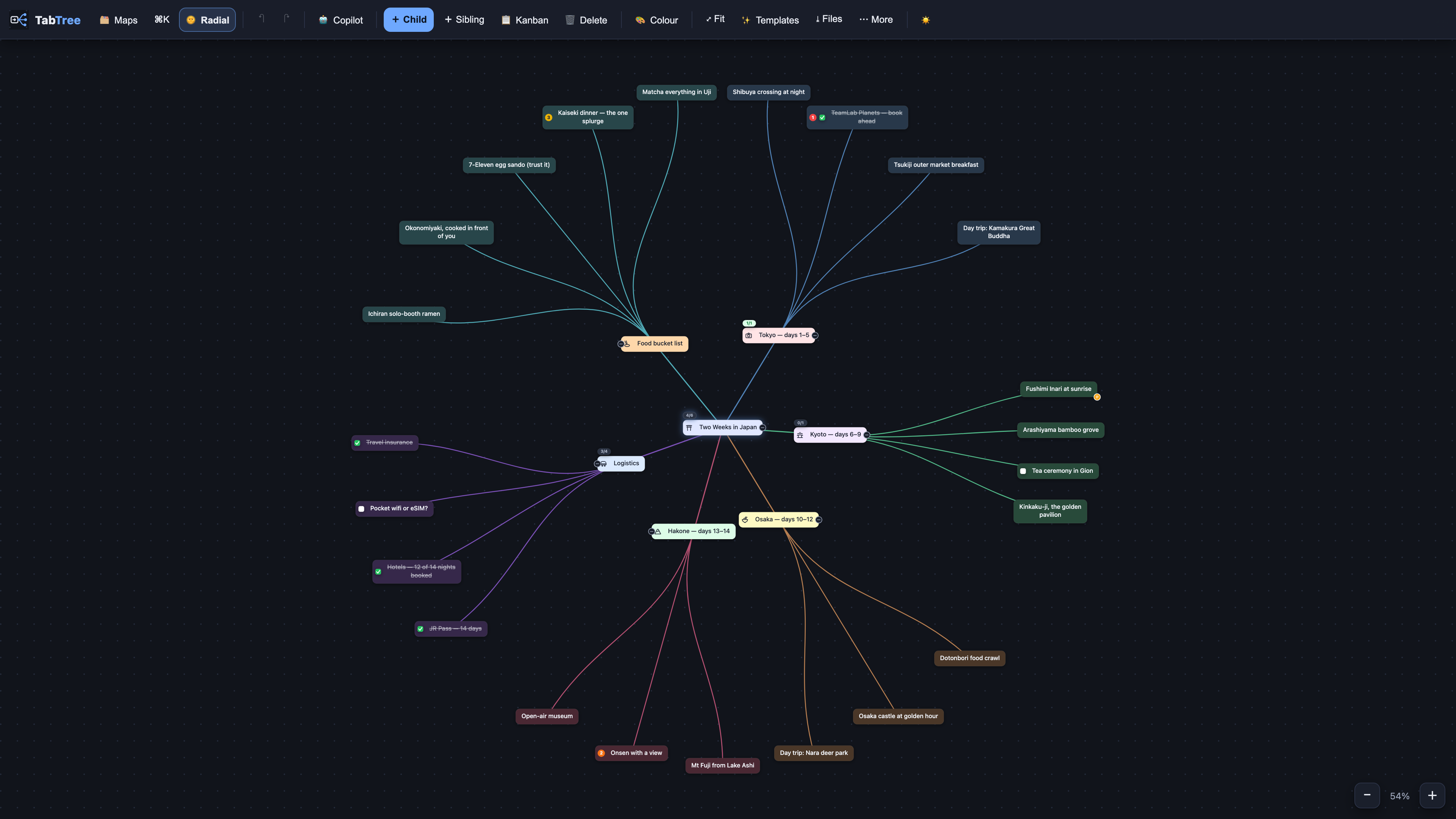
Radial layout, dark theme.
Licence
Two different licences, and the distinction matters:
- The connector in
mcp/is free to use, copy, redistribute and modify, for any purpose, with or without a TabTree licence — seemcp/LICENSE.md. It is given away on purpose. - The app is a commercial product sold at tabtree.app; its source is not in this repository, and its licence does not allow redistribution.
- The template outlines are yours to copy and adapt freely.
Made in Casablanca. tabtree.app