Listed from the MCP registry; nobody on Odel publishes it.
Is this yours? Claim it
iBridge
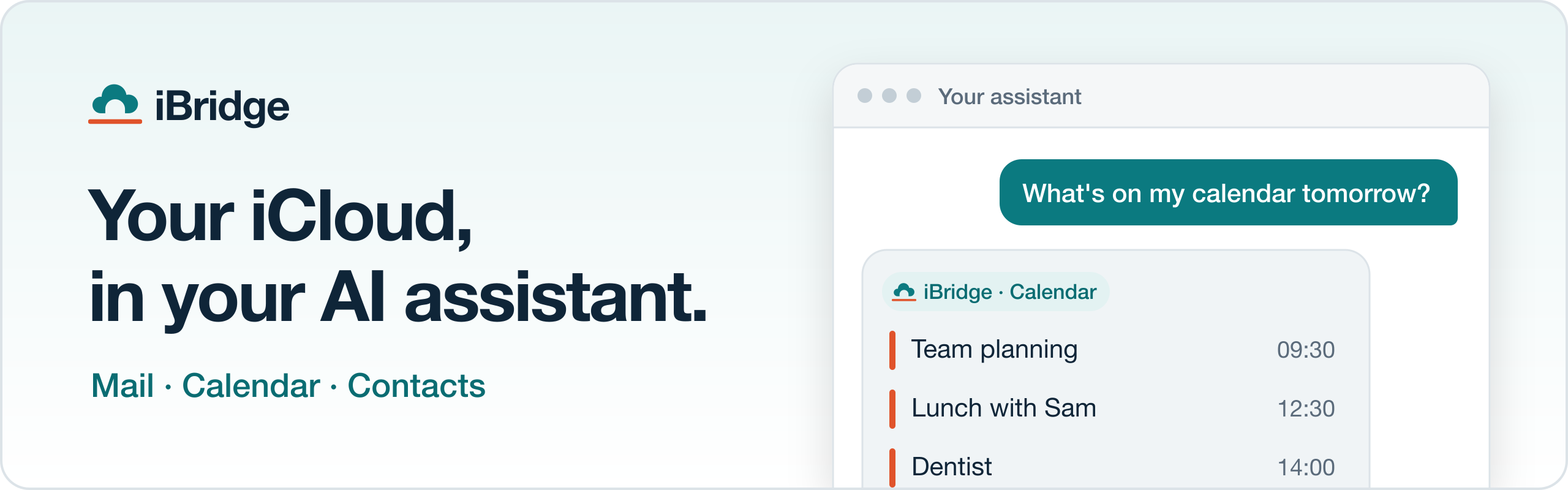
Read, search and manage iCloud Mail, Calendar and Contacts from Claude and other MCP clients.
One address for any MCP client. You sign in at mcp.ibridge.fyi once, after adding it.
What it does
- Reads
- Writes
- High impact
At most: moves money, runs code or commands, deletes data, or sends messages for you.
What it costs
FreeOdel charges nothing per call. The publisher may charge for its own service.
What it asks for at sign-in
| Access to | Read | Change |
|---|---|---|
| Icloud |
From the sign-in at mcp.ibridge.fyi, as the endpoint publishes it. You approve it there.
Tools
None listed · checked 20 Nov 2026Odel could not list its tools without signing in.

iBridge






An MCP server that lets Claude and other MCP clients read, search and manage your iCloud Mail, Calendar and Contacts.
It talks to iCloud over IMAP, SMTP, CalDAV and CardDAV with an app-specific password. Your Apple ID password is never used. Run it on your machine, run your own hosted copy, or use the hosted connector at ibridge.fyi.
iBridge is distributed as source. There are no prebuilt binaries: you build it with Rust, or you use the hosted connector.
Tools
- Mail: list mailboxes, search, read messages and attachments, create drafts, send, move and set flags.
- Calendar: list calendars, search and read events, create, update and delete them.
- Contacts: search and read contacts, create, update and delete them.
- Account:
account_statusreports which services are reachable.
Tools that change anything are marked as such. Mail, event and contact text reaches the client as plain JSON fields, with hidden characters and hidden HTML removed, and each read tool says where its text comes from.
Start read-only
Some tools send mail, move messages, and change or delete events and contacts. While you find out what Claude does with them, run the server read-only: every tool that changes anything is hidden and rejected.
ibridge serve --stdio --read-only
Drop --read-only once you trust the setup.
Install from source
You need Rust 1.98 or newer. First create an app-specific password at account.apple.com under Sign-In and Security. Use one password per tool, so you can revoke it on its own.
cargo install ibridge
Or build from a checkout:
git clone https://github.com/AlexanderTar/ibridge-mcp
cd ibridge-mcp
cargo install --path crates/ibridge
Or install straight from git: cargo install --git https://github.com/AlexanderTar/ibridge-mcp ibridge.
Connect Claude Code
Store the password in your system keychain, then register the server:
ibridge login
claude mcp add ibridge -- ibridge serve --stdio --read-only
ibridge login checks the password against iCloud before it stores it, and prints the claude mcp add line for your install. ibridge doctor checks the keychain, the network and the sign-in for each service.
To keep one server running in the background on macOS or Linux, ibridge daemon install starts it on loopback and prints the claude mcp add --transport http line, with its bearer token.
Connect Claude Desktop
Build the Claude Desktop extension from your own build, in a checkout:
cargo build --release -p ibridge
cargo xtask mcpb
That writes target/mcpb/ibridge-<version>-<platform>.mcpb (it needs zip on your PATH). Open the file in Claude Desktop. It asks for your Apple ID and the app-specific password, keeps the password out of the config file and passes it to the server as an environment variable. The extension has no read-only switch; use Claude Code if you want one.
Hosted connector
ibridge.fyi runs iBridge for you, for Claude.ai and other remote MCP clients. Add a custom connector with the URL https://mcp.ibridge.fyi/mcp, sign in with Apple, then connect your iCloud address with an app-specific password. It costs US$1.99 per month or US$19.99 per year. Running iBridge on your own machine or self-hosting is free and never gated.
Self-host
To run your own hosted server, build the image from a checkout:
docker build -t ibridge:src .
docs/self-host.md covers running it, sign-in, backups and platforms such as Fly.io and Railway. Read docs/security-model.md first: it says what the hosted server stores and where its protection ends.
Reminders
The reminders tools read and change old-style reminder lists only. Apple's newer Reminders format is not visible over CalDAV, so iBridge cannot see those lists, and the list tool says so. Calendar events are not affected.
Security
Credentials are only ever sent to Apple's iCloud hosts. See SECURITY.md to report a vulnerability.
Contributing
Read CONTRIBUTING.md and the Code of Conduct. docs/local-development.md covers the toolchain, docs/release.md covers releases and CHANGELOG.md lists what changed.
Licence
Apache-2.0. See LICENSE and NOTICE. The one exception is Apple's Sign in with Apple logo in crates/ibridge-hosted/assets/: it is Apple's artwork, committed unmodified, kept out of the published crate, and not covered by that licence.
mcp-name: io.github.AlexanderTar/ibridge







