Listed from the MCP registry; nobody on Odel publishes it.

ExpoKit
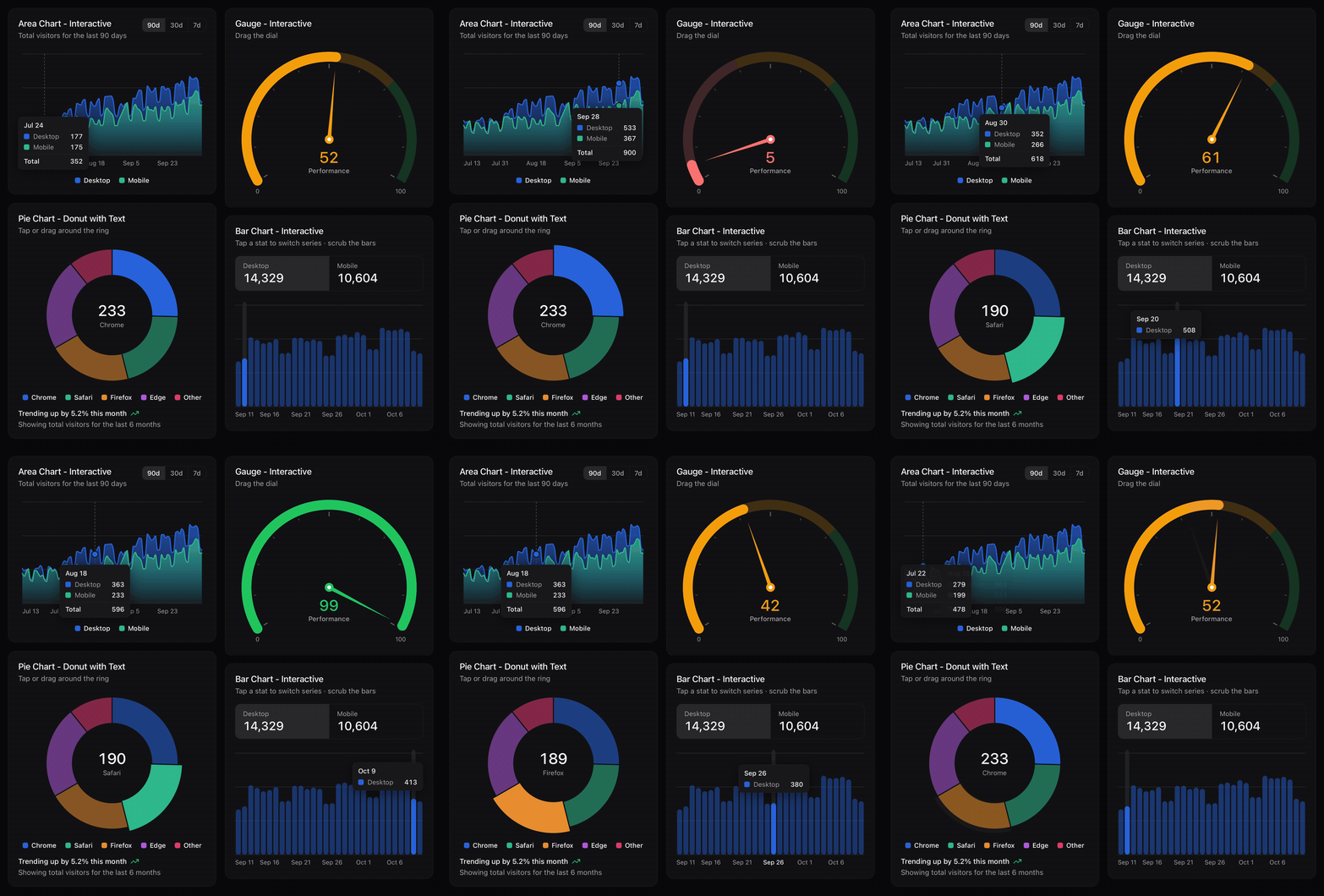
Search and add animated Expo and React Native UI components, charts and screens to your app.
Runs on your machine from its package; the steps are below.
What it does
- Reads
- Writes
- High impact
At most: creates or changes data: records, files, settings.
What it costs
FreeOdel charges nothing per call. The publisher may charge for its own service.
Runs locally over stdio
This server isn't hosted — your MCP client launches it from a package registry. Use one of the commands below, or drop the config into your client (e.g. Claude Desktop).
Run
npx -y @expokit/cli
MCP client config
{
  "mcpServers": {
    "expokit": {
      "command": "npx",
      "args": [
        "-y",
        "@expokit/cli"
      ]
    }
  }
}

ExpoKit
Beautifully animated UI components, charts and templates for Expo and React Native.
Website ·
Docs ·
CLI on npm ·
expo-charts on npm




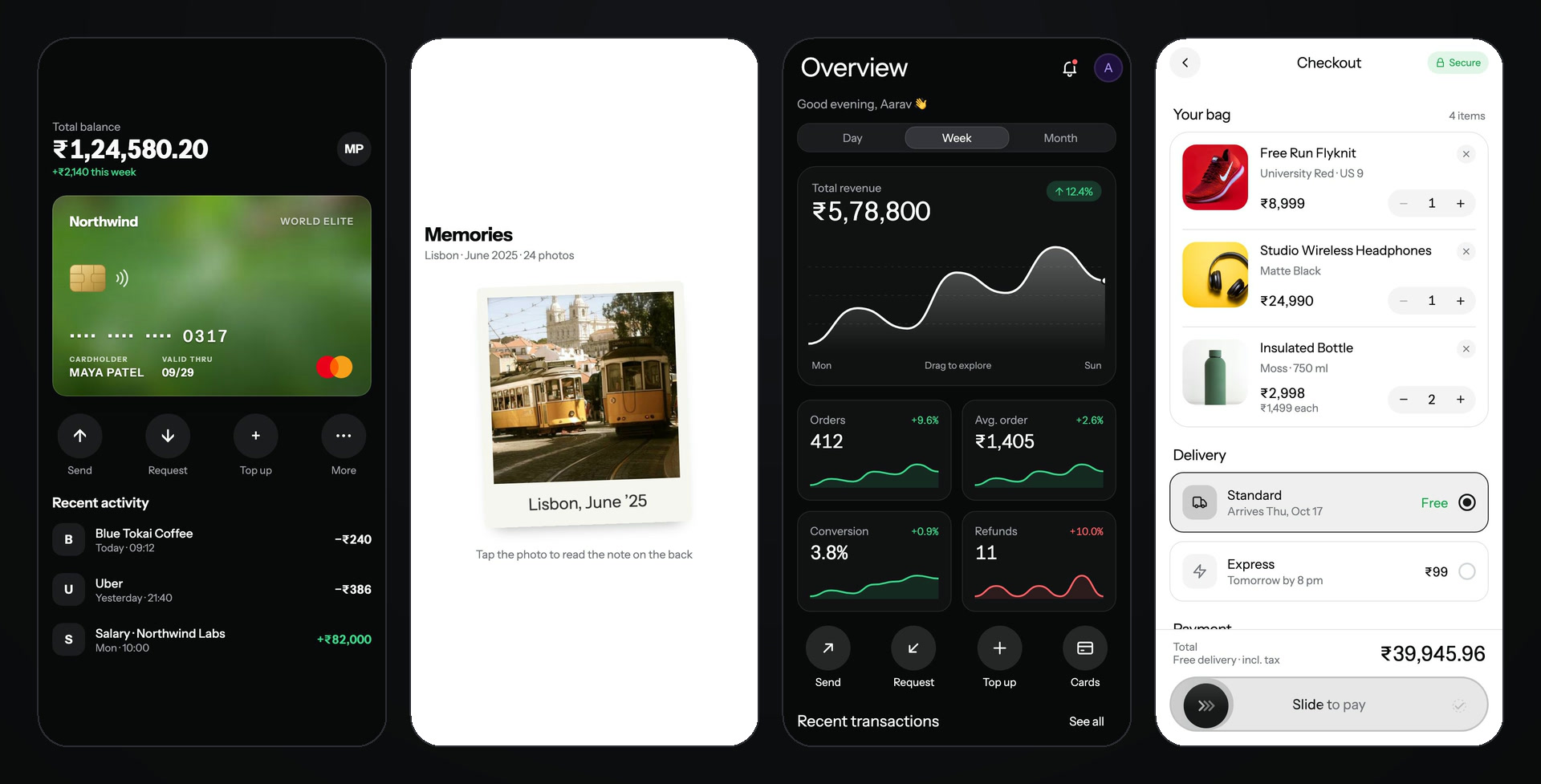
Payment card and flip card are free; the dashboard and checkout screens are Pro blocks.
Quick start
In your Expo app's folder:
npx @expokit/cli@latest init
npx @expokit/cli@latest add button otp-input
Browse every component with live previews → · Try them on your phone in Expo Go →
What is ExpoKit?
ExpoKit works like shadcn/ui for mobile: instead of installing a UI library, the CLI copies each component's source into your app. You get readable, typed files you own and can change however you like.
- Built for touch — springs, drag gestures, squash and stretch, haptics-ready feedback
- Runs everywhere — iOS, Android, web and Expo Go, with plain React Native
Animatedandreact-native-svg - One theme — light and dark built in; one
KitProviderre-skins every component - Accessible — roles, states and labels for VoiceOver and TalkBack, 44pt touch targets
- AI-ready — an MCP server and a Claude Code plugin let your editor find and add components for you
What's in this repo
| Folder | What |
|---|---|
registry/ | The free components, charts and templates — each with its source, props (item.json) and demos |
packages/cli | @expokit/cli, the CLI that adds components to your app |
packages/charts | expo-charts, animated and interactive charts |
skills/, .claude-plugin/ | The ExpoKit skill and Claude Code plugin |
CONTRIBUTING.md, docs/ | How to report bugs, submit patches and use AI tools with ExpoKit |
ExpoKit Pro adds 3D and Liquid Glass components, full-screen blocks and more charts. Pro source is not in this repository.
Docs
Installation, live previews, props, theming and AI setup for every component: expokit.in/docs
Contributing
This is a read-only mirror: pull requests from forks are closed. Read CONTRIBUTING.md — bugs, component requests and patches via issues (submit a patch).
Feedback
Found a bug or want a component? Open an issue.
Security
- No runtime dependencies — neither
@expokit/clinorexpo-chartsinstalls anything else (expo-chartsonly has peer dependencies), and neither runs install scripts. - Source in the open — every published version is built from the code in this repository.
- Checked continuously — CI, CodeQL and OpenSSF Scorecard run on every change.
Found a vulnerability? Please report it privately — see SECURITY.md.
Community
- X: @expo_kit
- Instagram: @expokit.in
- Email: work@karandev.in
Sponsors
ExpoKit is built by one developer. Become a sponsor → — Pro forever, priority on your component requests, and your name here.
License
MIT © Karan (anshkaran7) — covers everything in this repository. ExpoKit Pro items are not part of it: they are sold separately under the terms at https://expokit.in/terms. The ExpoKit name and logo are not licensed for use as your own branding.