Listed from the MCP registry; nobody on Odel publishes it.
Is this yours? Claim it
Noteit
MCP server for AI agent profiles and smart notes. 60+ coding prompt packs with expert personas.
One address for any MCP client. You sign in at www.noteit-mcp.com once, after adding it.
What it does
- Reads
- Writes
- High impact
At most: creates or changes data: records, files, settings.
What it costs
FreeOdel charges nothing per call. The publisher may charge for its own service.
What it asks for at sign-in
| Access to | Read | Change |
|---|---|---|
| Your identity | ||
| Profile | ||
| Email address |
From the sign-in at www.noteit-mcp.com, as the endpoint publishes it. You approve it there.
Tools
None listed · checked 9 Oct 2026Odel could not list its tools without signing in.

Noteit MCP



🩹 The cure for AI "Markdown Hell" - AI prompt library + visual knowledge hub for developers
Noteit-MCP transforms drowning in 5,000-word documents into navigable HTML and logic diagrams instantly. With 60+ expert personas, organize complex ideas without cognitive overload. Makes Specification-Driven Development actually human-readable.
✨ Demo & Screenshots
🎥 Noteit MCP in Action - Complete usage walkthrough
🎬 Click to watch the complete demo
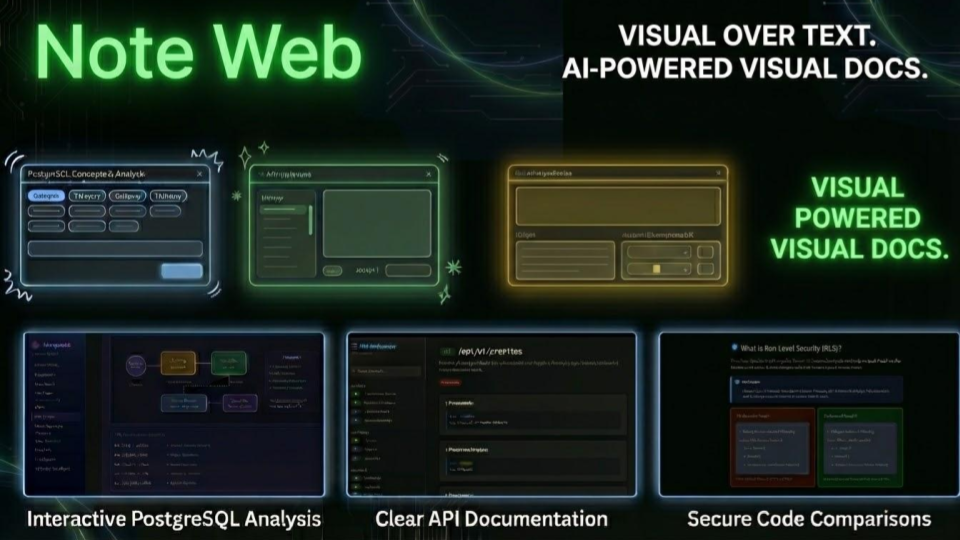
📊 Unified dashboard with agent profiles and note management
🤖 40+ pre-built agent templates for different coding tasks
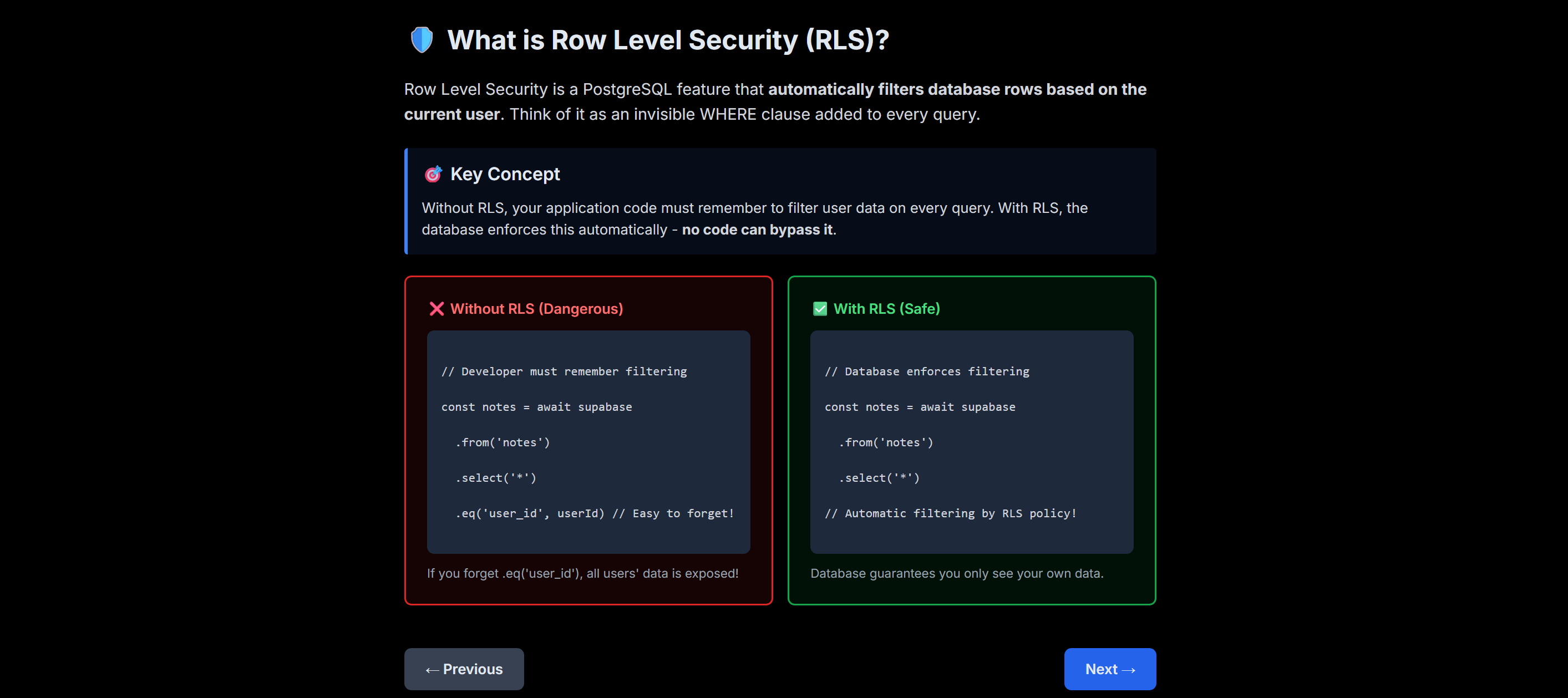
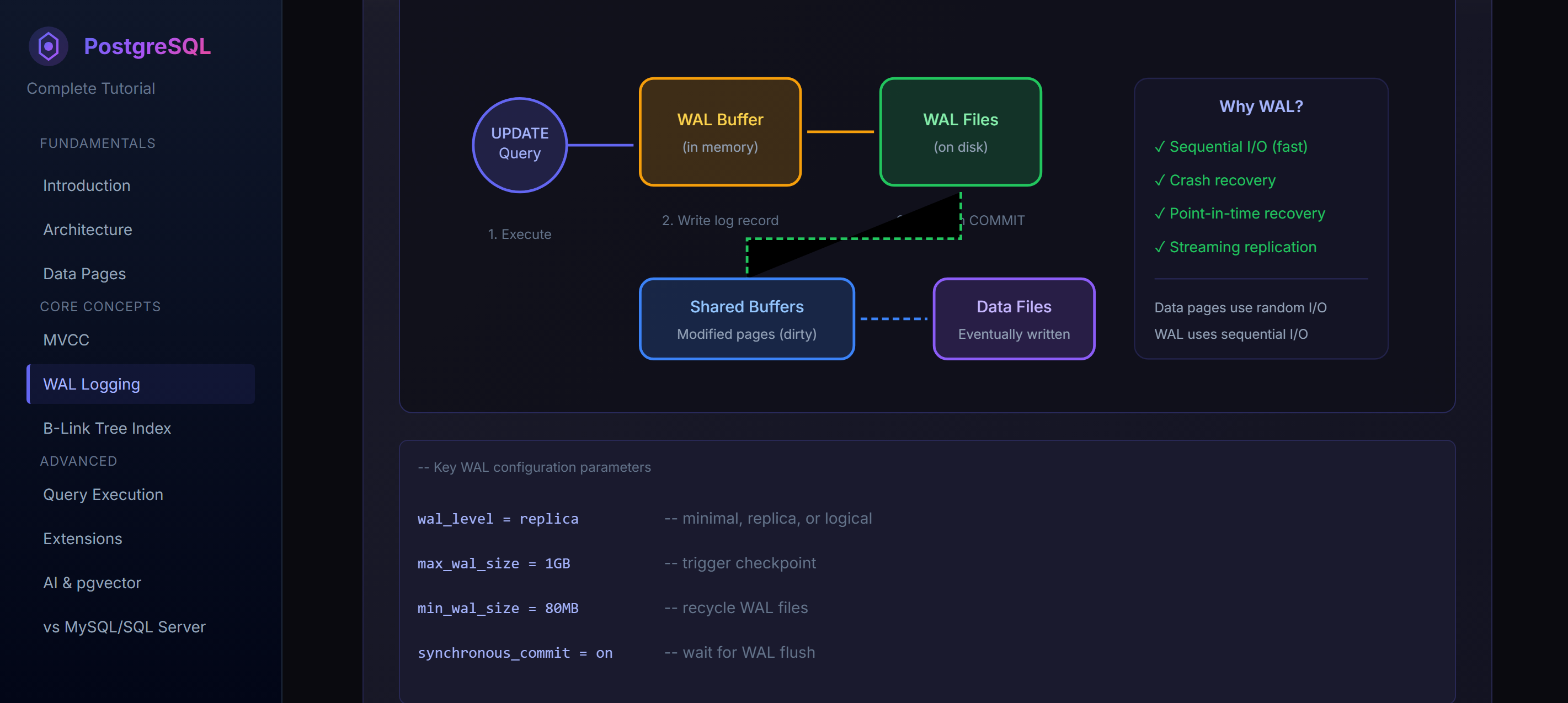
📝 AI-readable notes with graph visualizations
1) What is Noteit MCP?
Noteit MCP is an HTTP MCP server (Next.js API route) that lets AI coding tools securely access two core systems:
- Agent Profiles: Composable configurations (personas, instructions, rules, documents) that shape AI behavior for specific tasks.
- Notes: Personal note-taking with structured records and graph visualizations.
Authentication uses OAuth 2.1 with device fingerprint for IDEs that support it, with an optional API Token flow for other MCP clients. The server endpoint is exposed at /api/mcp.
2) Why use Noteit MCP?
- Unified configuration: Reusable agent profiles that any AI client can adopt.
- Productive note-taking: AI-readable notes, tasks, and visual graphs.
- Secure by design: OAuth 2.1 + transparent token refresh; API token for non‑OAuth clients.
- Works across IDEs: Cursor, Claude Code, Gemini CLI, Claude Desktop (via proxy), and more.
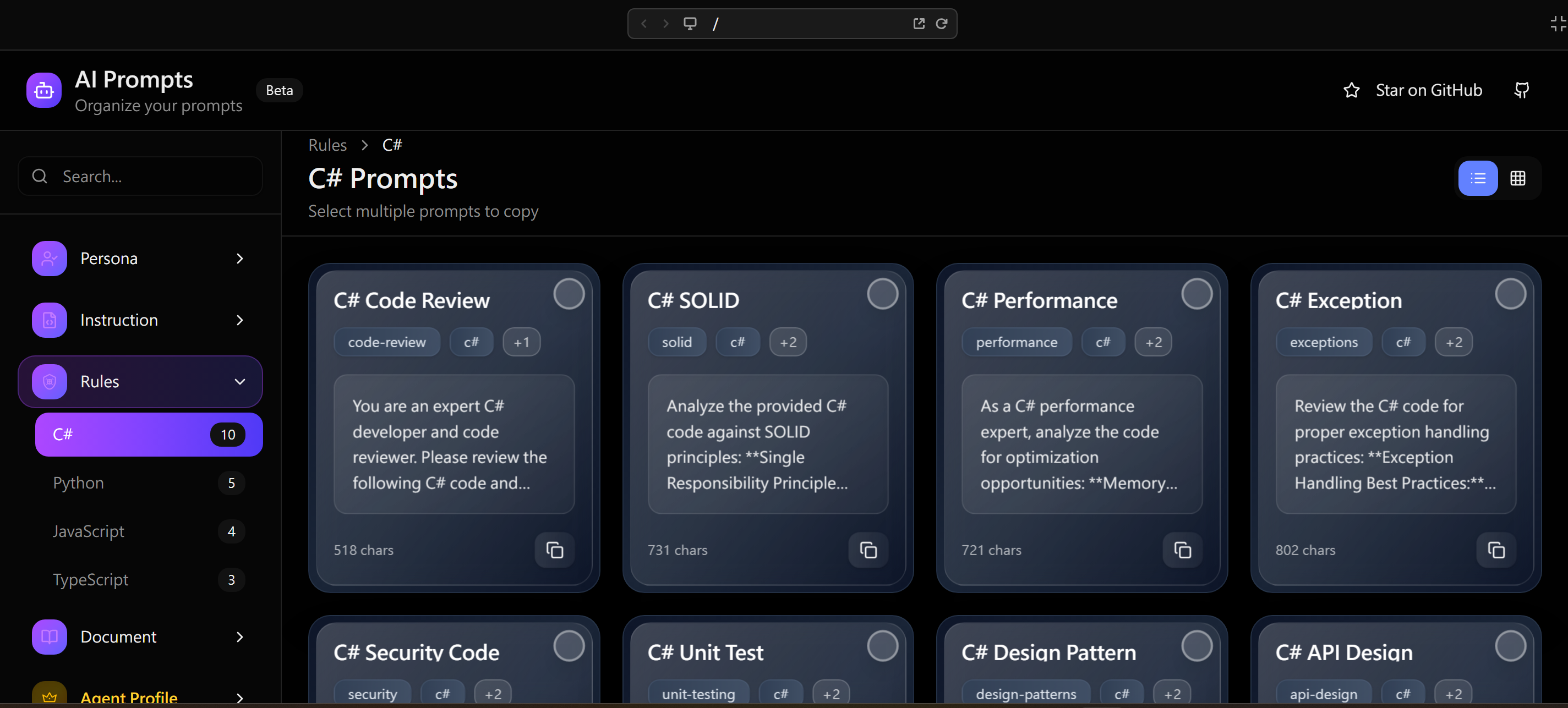
60+ expert personas for different coding tasks and workflows
3) How to connect
The MCP server is at https://www.noteit-mcp.com/api/mcp.
Cursor (mcp.json)
Create or update ~/.cursor/mcp.json:
{
  "mcpServers": {
    "noteit-mcp": {
      "url": "https://www.noteit-mcp.com/api/mcp"
    }
  }
}
Then restart Cursor. OAuth will be handled automatically.
Claude Code (built-in MCP)
Use the command-line helper (global scope):
claude mcp add --transport http noteit-mcp https://www.noteit-mcp.com/api/mcp
Or project scope:
claude mcp add -s project --transport http noteit-mcp https://www.noteit-mcp.com/api/mcp
Gemini CLI
Add the server and authenticate:
gemini mcp add --transport http noteit-mcp https://www.noteit-mcp.com/api/mcp
/mcp auth noteit-mcp
/mcp  # verify tools are listed
Other IDEs (API Token)
Login at https://www.noteit-mcp.com to obtain an API token.
4) Available Tools
Through Noteit-MCP, agents can use the following tools:
- noteit_profiles_list: List user agent profiles - configuration sets containing personas, instructions, rules, and documents for specific roles or tasks
- noteit_profiles_getConfig: Retrieve a composable AI agent configuration profile containing personas, instructions, rules, and documents
- noteit_profiles_generate: Generate and save individual configuration components (persona, rule, document, instruction) that can be assembled into agent profiles
- noteit_notes_create: Create project notes with 4 specialized types: "note" for general records, "task" for development assignments, "why" for explanations, "issue" for problems and bugs
- noteit_notes_read: Retrieve complete content of a specific note by its unique ID
- noteit_notes_list: Browse and filter all user notes across projects with optional filtering by tags, record types, or project names
- noteit_web_create: Generate interactive HTML notes to help developers understand complex concepts, processes, or technical details
- noteit_flow_create: Create visual flow diagrams with nested data support for technical process visualization
⭐ Star this project
If Noteit MCP helps streamline your AI workflow, please give it a star! It helps others discover this tool and motivates continued development.
License
MIT







