Listed from the MCP registry; nobody on Odel publishes it.
Is this yours? Claim it
Landingfolio
Real landing-page design inspiration: hero, pricing, testimonial and feature section screenshots.
One address for any MCP client. Your key stays in your Odel vault.
What it does
- Reads
- Writes
- High impact
At most: creates or changes data: records, files, settings.
What it costs
FreeOdel charges nothing per call. The publisher may charge for its own service.
Tools
None listed · checked 2 Nov 2026Odel could not list its tools without signing in.
Landingfolio MCP
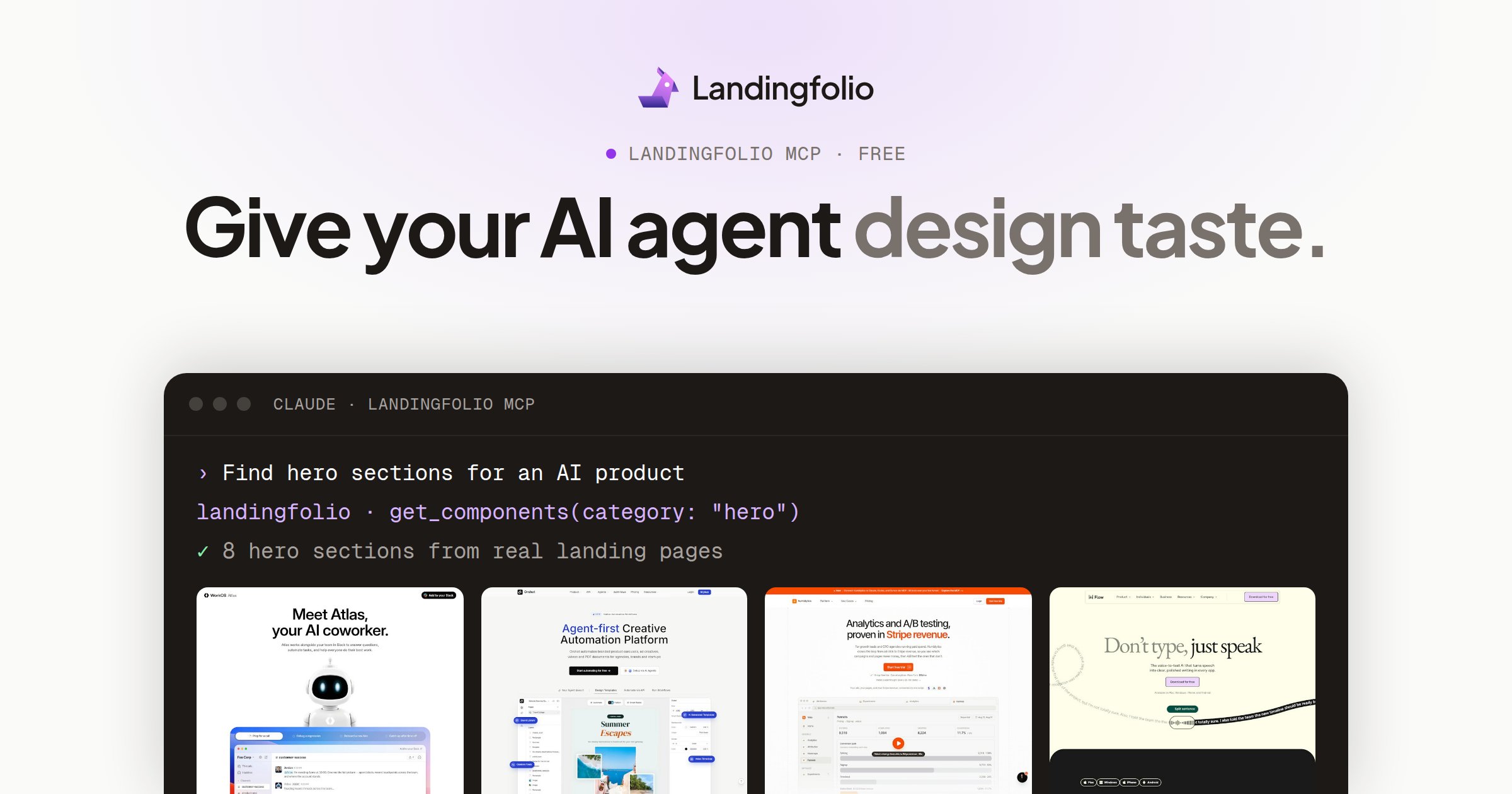
Give your AI agent design taste. Landingfolio MCP plugs the Landingfolio gallery into Claude Code, Cursor, Codex, Windsurf, VS Code and any other MCP client. Your agent pulls real screenshots of hero sections, pricing tables, testimonials, features, CTAs, footers, full landing pages and OG images, and builds from them instead of generic AI layouts.
- Remote server, nothing to install:
https://mcp.landingfolio.com/mcp(Streamable HTTP) - Free: 20 component fetches a day per token. Get a token at landingfolio.com/mcp.
Install
Replace lf_YOUR_TOKEN with your token from landingfolio.com/mcp.
Claude Code
claude mcp add --transport http landingfolio https://mcp.landingfolio.com/mcp --header "Authorization: Bearer lf_YOUR_TOKEN"
Or as a plugin (set LANDINGFOLIO_TOKEN in your shell first):
/plugin marketplace add dannypostma/landingfolio-mcp
/plugin install landingfolio@landingfolio
Cursor / Windsurf / other clients
~/.cursor/mcp.json, ~/.codeium/windsurf/mcp_config.json, or your client's MCP config:
{
  "mcpServers": {
    "landingfolio": {
      "url": "https://mcp.landingfolio.com/mcp",
      "headers": { "Authorization": "Bearer lf_YOUR_TOKEN" }
    }
  }
}
Codex
export LANDINGFOLIO_TOKEN="lf_YOUR_TOKEN"
codex mcp add landingfolio --url https://mcp.landingfolio.com/mcp --bearer-token-env-var LANDINGFOLIO_TOKEN
VS Code
.vscode/mcp.json:
{
  "servers": {
    "landingfolio": {
      "type": "http",
      "url": "https://mcp.landingfolio.com/mcp",
      "headers": { "Authorization": "Bearer lf_YOUR_TOKEN" }
    }
  }
}
Tools
| Tool | What it does |
|---|---|
list_categories | Lists the component categories (hero, pricing, testimonials, features, CTA, footer, …). |
search_components | Finds sections from a plain description, like "dark pricing with 3 tiers". |
get_components | Gets the newest component screenshots in a category, or your own collection. |
pick_components | Opens a visual picker where you choose the sections you like. |
get_components_by_id | Loads the sections you picked, by the code the picker gives you. |
get_inspiration_page | Gets a full landing page from the gallery to build from. |
get_og_images | Gets OG / social share image examples. |
add_component | Saves a section to your Landingfolio collection. |
list_my_components | Lists the sections in your collection. |
delete_component | Removes a section from your collection. |
Example prompts
- "Build a hero for my SaaS. Use Landingfolio for inspiration."
- "Find me 3 testimonial sections with a dark background and redo ours in that style."
- "Open the Landingfolio picker, I'll choose pricing tables I like."
Privacy
Privacy policy: https://www.landingfolio.com/legal/privacy-policy
The server only returns screenshots and metadata from the public Landingfolio library. Tool calls are logged per account to keep the free tier healthy. No code, prompts or files from your project reach Landingfolio.
Links
- Website: https://www.landingfolio.com/mcp
- Support: hello@landingfolio.com






