Listed from the MCP registry; nobody on Odel publishes it.

Google Trends
Google Trends interest over time, by region, and trending searches in 125 countries.
Runs on your machine from its package; the steps are below.
What it does
- Reads
- Writes
- High impact
At most: only reads or looks up information.
What it costs
FreeOdel charges nothing per call. The publisher may charge for its own service.
Runs locally over stdio
This server isn't hosted — your MCP client launches it from a package registry. Use one of the commands below, or drop the config into your client (e.g. Claude Desktop).
Run
npx -y google-trends-mcp-server
MCP client config
{
  "mcpServers": {
    "google-trends": {
      "command": "npx",
      "args": [
        "-y",
        "google-trends-mcp-server"
      ]
    }
  }
}Google Trends MCP Server

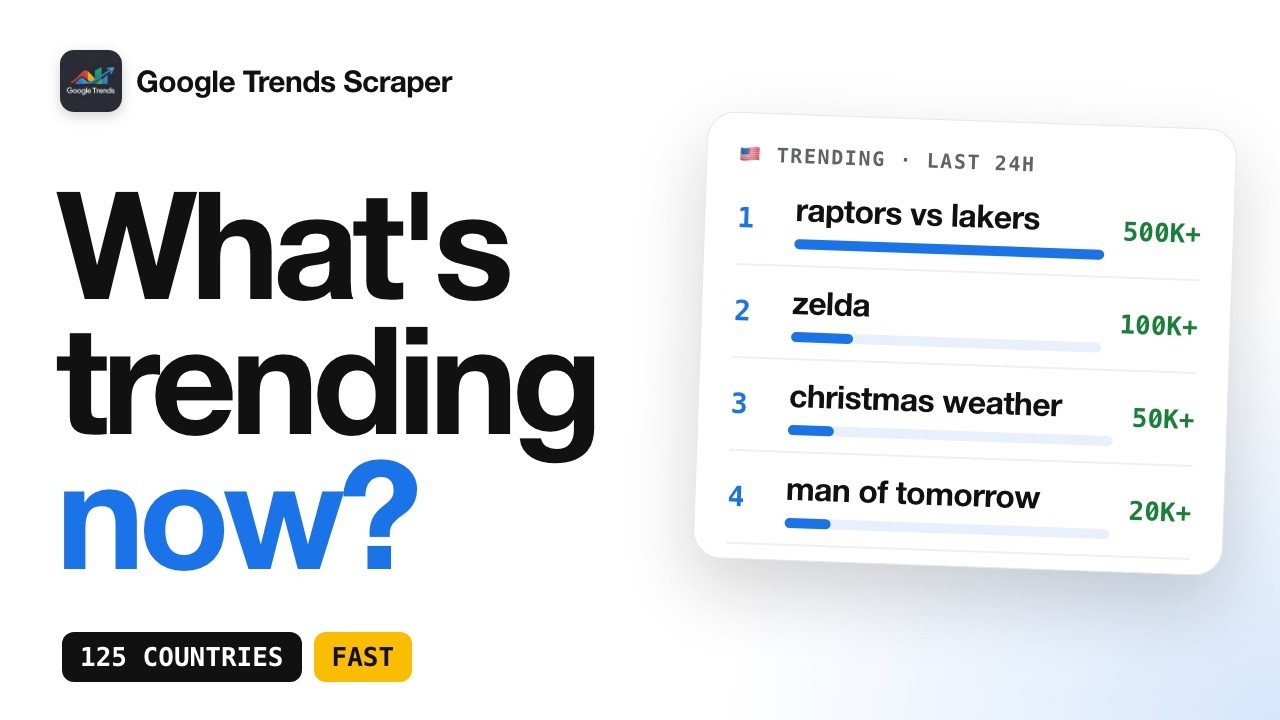
An MCP server that gives Claude, Cursor, VS Code Copilot, n8n AI agents and any other MCP client live Google Trends data: search interest over time, interest by region or country, and what people are searching for right now in 125 countries.
Ask your assistant things like:
- "Is interest in electric cars growing in the US? Show me the last 12 months."
- "Which US states search the most for bitcoin?"
- "What is trending on Google in the UK today?"
- "Compare the seasonality of 'sunscreen' over the last 5 years and tell me when to launch a campaign."
The data comes from the Google Trends Scraper Actor on Apify, which handles Google's rate limits, so your assistant never hits the HTTP 429 errors of unofficial libraries like pytrends.
Click Watch > Custom > Releases at the top of this page to be notified of new features.
Video
Video: how the Google Trends Scraper behind this server works.
Tools
| Tool | What it does |
|---|---|
get_interest_over_time | Search interest (0-100) over time for a keyword, in a country or worldwide, from the last hour to the last 5 years. Optionally interest by region (US states, regions) or by country. |
get_trending_searches | Trending searches of the last 4, 24, 48 or 168 hours in a country, with search volume and related queries. |
Setup
You need Node.js 18 or later and an Apify API token: create a free Apify account, then copy your token from Settings > API & Integrations.
Claude Desktop
Open Settings > Developer > Edit Config and add:
{
  "mcpServers": {
    "google-trends": {
      "command": "npx",
      "args": ["-y", "google-trends-mcp-server"],
      "env": { "APIFY_TOKEN": "your_apify_token" }
    }
  }
}
Restart Claude Desktop.
Claude Code
claude mcp add google-trends -e APIFY_TOKEN=your_apify_token -- npx -y google-trends-mcp-server
Cursor
Add the same block as for Claude Desktop to ~/.cursor/mcp.json (all projects) or .cursor/mcp.json (one project).
VS Code (Copilot agent mode)
Create .vscode/mcp.json:
{
  "servers": {
    "google-trends": {
      "type": "stdio",
      "command": "npx",
      "args": ["-y", "google-trends-mcp-server"],
      "env": { "APIFY_TOKEN": "your_apify_token" }
    }
  }
}
Any other MCP client
Command npx -y google-trends-mcp-server, transport stdio, environment variable APIFY_TOKEN.
Example answer
get_interest_over_time with keyword: "chatgpt", geo: "US", timeframe: "today 1-m", include_regions: true returns:
{
 "keyword": "chatgpt",
 "geo": "US",
 "timeframe": "today 1-m",
 "granularity": "day",
 "peak": { "date": "2026-10-28", "value": 100 },
 "latest": { "date": "2026-11-15", "value": 60 },
 "series": { "2026-10-15": 94, "2026-10-16": 89, "...": "..." },
 "regions": [
  { "rank": 1, "region": "California", "value": 100 },
  { "rank": 2, "region": "New Jersey", "value": 88 }
 ],
 "google_trends_url": "https://trends.google.com/trends/explore?date=today+1-m&geo=US&q=chatgpt&hl=en-US"
}
Good to know
- One keyword per call. Each series is scaled 0-100 on its own peak, so two keywords from separate calls show their shape, not their relative volume.
- A call usually takes 5 to 30 seconds.
- Without a country (
geoempty),include_regionsreturns interest by country.
Other ways to use the same data
- Python script: google-trends-api-python
- Node.js script: google-trends-api-node
- No code, in n8n: n8n workflow templates
- Directly on Apify: Google Trends Scraper
FAQ
Is there an official Google Trends MCP server?
Not from Google. Google's own Trends API is in limited alpha. This server is one of the ways to give an AI assistant reliable Google Trends access today.
Why not call Google Trends directly from the assistant?
Google rate-limits Google Trends hard (HTTP 429). The Apify Actor behind this server rotates proxies and retries, so the assistant gets data on the first try.
Does it work with ChatGPT?
It works with any client that supports MCP servers over stdio. For clients that only accept remote MCP servers, use the hosted Apify MCP server at https://mcp.apify.com?tools=data_xplorer/google-trends-fast-scraper with your Apify token.
Disclosure
I am the author of the Google Trends Scraper Actor used by this server. Links to apify.com in this repository are referral links: if you create an Apify account through them, I may earn a commission at no cost to you.
License
MIT