Listed from the MCP registry; nobody on Odel publishes it.

admcp - Android Debug MCP
Local-first MCP server for Android debugging via ADB, JDI, LLDB, and Flutter.
Runs on your machine from its package; the steps are below.
What it does
- Reads
- Writes
- High impact
At most: moves money, runs code or commands, deletes data, or sends messages for you.
What it costs
FreeOdel charges nothing per call. The publisher may charge for its own service.
Runs locally over stdio
This server isn't hosted — your MCP client launches it from a package registry. Use one of the commands below, or drop the config into your client (e.g. Claude Desktop).
Distributed as an MCP bundle (`https://github.com/dima-xd/admcp/releases/download/v1.0.0/admcp-1.0.0.mcpb`) — download it and import the bundle in your MCP client.
admcp
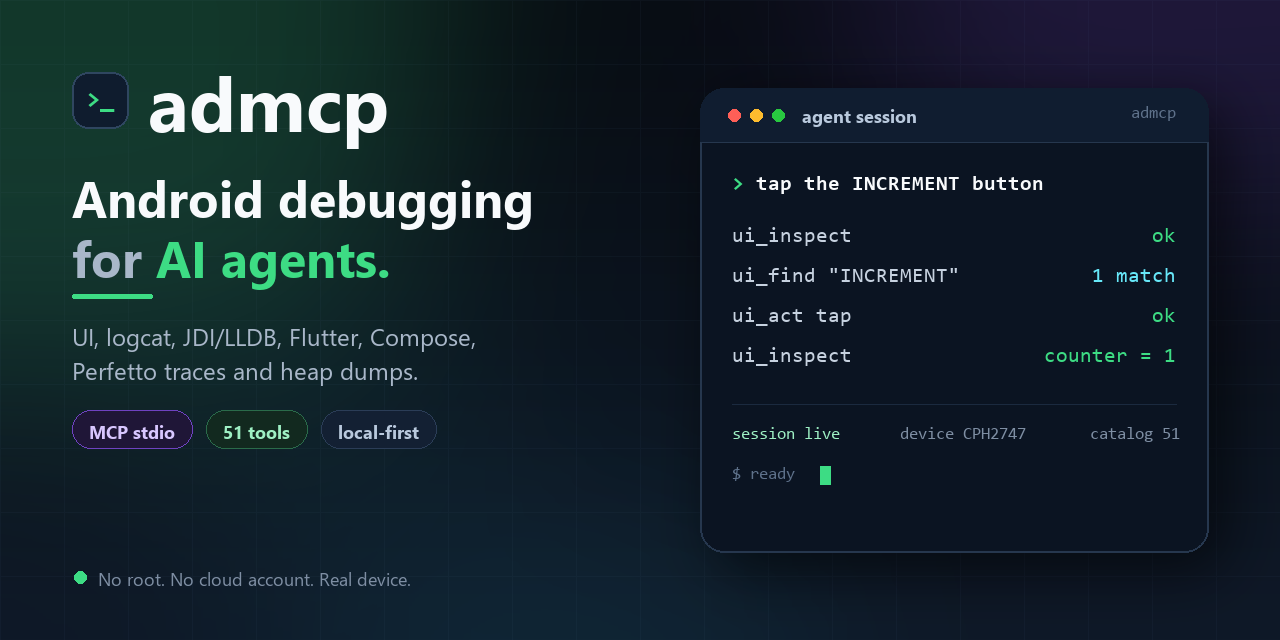
admcp is a local-first Model Context Protocol (MCP) server for Android development. It connects any MCP stdio client to a real device or emulator and exposes 51 typed tools for UI inspection, screenshots, logcat, Java/Kotlin JDI debugging, native LLDB, Flutter/Dart DAP, Compose inspection, Perfetto traces, heap dumps, artifacts and evidence-based diagnostics.
No root. No cloud account required.




Quick start | What it can do | Example prompts | Why admcp | Documentation
Status: v1, 51 tools, live-tested on a OnePlus CPH2747 (API 36, arm64-v8a). Full evidence and remaining limits: implementation status.
Quick start
- Install JDK 21 and Android SDK platform-tools (
adb). - Download
admcp-<version>.zipfrom GitHub Releases and unzip it. MCPB-compatible clients can installadmcp-<version>.mcpbfrom the same release instead. - Point your MCP client at
bin/admcp.baton Windows orbin/admcpon Linux and macOS.
Any MCP stdio client can use it. The JSON below uses the common mcpServers
shape; adapt the command and arguments to your client (Claude Code, Cursor,
VS Code, Codex, Gemini CLI, and similar).
{
  "mcpServers": {
    "admcp": {
      "command": "C:\\Tools\\admcp\\admcp-<version>\\bin\\admcp.bat",
      "args": [
        "--platform-tools", "C:\\Android\\Sdk\\platform-tools",
        "--artifacts", "C:\\temp\\admcp-artifacts"
      ]
    }
  }
}
On Linux and macOS, use /opt/admcp/admcp-<version>/bin/admcp as command.
Verify the install:
C:\Tools\admcp\admcp-<version>\bin\admcp.bat --selftest
On Linux and macOS:
/opt/admcp/admcp-<version>/bin/admcp --selftest
You should see catalog=51 registered=51 version=<version> on stderr. The
server then speaks MCP over stdio; stdout is reserved for protocol traffic.
What it can do
| Area | Tools |
|---|---|
| Device and workspace | device_list, device_inspect, toolchain_probe, workspace_open, workspace_describe |
| App lifecycle | app_build, app_install, app_launch |
| Sessions | session_start, session_status, session_stop |
| UI and screenshots | ui_inspect, ui_find, ui_act, ui_screenshot, compose_inspect |
| Logs | logcat_start, logcat_query, logcat_stop, logcat_statistics, logcat_health |
| Java/Kotlin debug | debug_attach, breakpoints, debug_step, debug_stack, debug_variables, debug_evaluate |
| Native debug | LLDB attach, breakpoints, stack, registers, memory reads and modules |
| Flutter debug | DART_DAP attach, breakpoints, stack, variables, step, pause and detach |
| Performance | Perfetto system traces, heap dumps and performance_trace_analyze |
| Artifacts and evidence | artifact_get, analyze_artifact, previews, diagnostics_* and signals_crashes |
The full 51-tool contract is in docs/architecture/mcp-tool-catalog-v1.md. The catalog is validated by contract tests.
Example prompts
Once admcp is connected, ask your agent things like:
Inspect the current screen, find the INCREMENT button, tap it, and verify the counter changed.
Start logcat, reproduce the crash, then summarize the stack trace and the last 50 lines before it.
Launch the app, attach JDI, set a breakpoint in MainActivity, and show locals when it hits.
Inspect this Compose screen and tell me which accessibility node is the DELETE COUNTER button.
Record a 5-second Perfetto trace and summarize what happened.
Attach LLDB to the native library, break in fixture_increment, and show the registers.
Why admcp
Many Android MCP tools are thin command wrappers. admcp keeps device, workspace, process and session state together, then exposes debugging primitives with typed schemas, artifacts and safety gates.
It is for:
- Android developers who want Claude Code, Cursor or another agent to inspect and debug a real device.
- Agent builders who need stable, typed Android actions instead of parsing adb strings.
- QA and automation workflows that need reproducible evidence from a device.
| adb and shell scripts | Android Studio | admcp | |
|---|---|---|---|
| Built for AI agents | No | No | Yes |
| Typed MCP tool schemas | No | No | 51 tools |
| Session, process and backend state | No | Partial | Yes |
| JDI, LLDB and Flutter over MCP | No | Human UI | Yes |
| Evidence, artifacts and diagnostics | No | Partial | Yes |
| Local-first, no cloud account | Yes | Yes | Yes |
Android Studio is the better tool for a human sitting at the IDE. admcp is for the agent that needs to inspect, act and debug without a human driving every click.
How it works
flowchart LR
    Client["MCP client / agent"] -->|stdio| Server["admcp (MCP server)"]
    Server --> ADB["ADB / Android CLI"]
    Server --> JDI["JDI (JDWP client)"]
    Server --> LLDB["lldb-dap"]
    Server --> DAP["Flutter DAP"]
    ADB --> Device["Android device / emulator"]
    JDI -.->|via adb forward| ADB
    LLDB -.->|via adb forward / lldb-server| ADB
    DAP -.->|via adb forward| ADB
The server runs on your machine next to the Android toolchain. It does not upload your project or device data anywhere.
Verified
186tests with0failures on the verified host.- The catalog registers all
51tools over MCP stdio. - Live device: OnePlus CPH2747, API 36, arm64-v8a.
- JDI: attach, breakpoints, step, stack, locals and read-only evaluation.
- LLDB: attach, breakpoints, stack, registers, bounded memory reads and modules.
- Flutter:
DART_DAPbreakpoints, stack, variables, step, pause and detach. - Compose: accessibility-tree inspection and verified UI actions.
- Performance: Perfetto capture/analysis and HPROF heap-dump capture.
- Evidence: logcat, crash buffer, artifacts, session timeline and diagnostics.
Device-dependent integration tests skip when no device is attached. See implementation status for the full acceptance evidence.
Requirements
- JDK 21.
- Android SDK platform-tools (
adb). - Windows, Linux or macOS.
- Optional: Android CLI, Flutter SDK, NDK
lldb/lldb-server,lldb-dapand a connected device or emulator.
Only debuggable developer builds are supported. Root and Android security bypasses are out of scope.
Build from source
Build, test and package from source
The Gradle wrapper is checked in; no local Gradle install is required.
Windows:
gradlew.bat clean test
gradlew.bat :app:admcp:installDist
Linux and macOS:
./gradlew clean test
./gradlew :app:admcp:installDist
The installable distribution is written to
app/admcp/build/install/admcp/. The release archive is built with
:app:admcp:distZip and written to
app/admcp/build/distributions/admcp-<version>.zip.
Releases are automated with semantic-release from Conventional Commits on
pushes to main or master: fix: is a patch release, feat: is a minor
release and BREAKING CHANGE: is a major release. No release PR or changelog is
generated.
Configuration
| Option | Purpose |
|---|---|
--platform-tools <dir> | Directory containing adb |
--workspace <dir> | Default workspace root |
--android-cli <path> | Android CLI executable |
--flutter-root <dir> | Flutter SDK root |
--artifacts <dir> | Artifact store root |
--trust-workspace <dir> | Operator-approved workspace root; repeatable |
--selftest | Print catalog/registration counts and exit |
--version | Print the version and exit |
workspace_trust only succeeds for a canonical root passed to the server at
startup with --trust-workspace. A tool argument cannot self-assert approval.
Known limitations
- The verified device is a OnePlus CPH2747 on API 36; other OEM, API and transport combinations are not claimed.
- Simultaneous JDI and LLDB inspection is not reliable on the verified device.
Sequential switching works with
debug_attach(switchBackend=true). - Compose
TREEuses the accessibility hierarchy. Internal semantics, slot table and recomposition data require app instrumentation. - No host
trace_processor_shellis bundled, so trace analysis returns a bounded summary unless Perfetto SQL tooling is installed. - Crashlytics issue clusters require
android auth login; the local crash buffer remains the default evidence source. - Native LLDB needs a separately installed
lldb-dapand an ABI-matchedlldb-server. - The host confirmation dialog requires an interactive desktop. Headless servers fail closed to a one-shot token.
See implementation status for details and exact error behavior.
Security
- Only debuggable developer builds are supported.
- Project-controlled code runs only after an explicit workspace trust grant.
- Destructive UI actions require host confirmation or a one-shot token bound to the session and action.
- Artifact reads are confined to the store root, capped and redacted by default.
- The server is local-first: no cloud account is required.
Documentation
- Technical design
- Implementation status
- Tool catalog (Markdown)
- Tool catalog (JSON)
- MCP Registry publishing
Contributing
Issues and pull requests are welcome. The public tool catalog is versioned;
open an issue before adding or renaming a public tool. Run gradlew test
before sending a PR.
If admcp saves your agent time, a star helps more Android developers find it.
License
Apache License 2.0. See LICENSE.






