Rowbase
Safe, read-only-by-default MySQL, PostgreSQL & SQLite access for AI agents. TOON output.
Runs on your machine from its package; the steps are below.
What it does
- Reads
- Writes
- High impact
Not assessed yet.
What it costs
FreeOdel charges nothing per call. The publisher may charge for its own service.
Runs locally over stdio
This server isn't hosted — your MCP client launches it from a package registry. Use one of the commands below, or drop the config into your client (e.g. Claude Desktop).
Run
uvx rowbase-db
MCP client config
{
  "mcpServers": {
    "rowbase": {
      "command": "uvx",
      "args": [
        "rowbase-db"
      ]
    }
  }
}

Rowbase
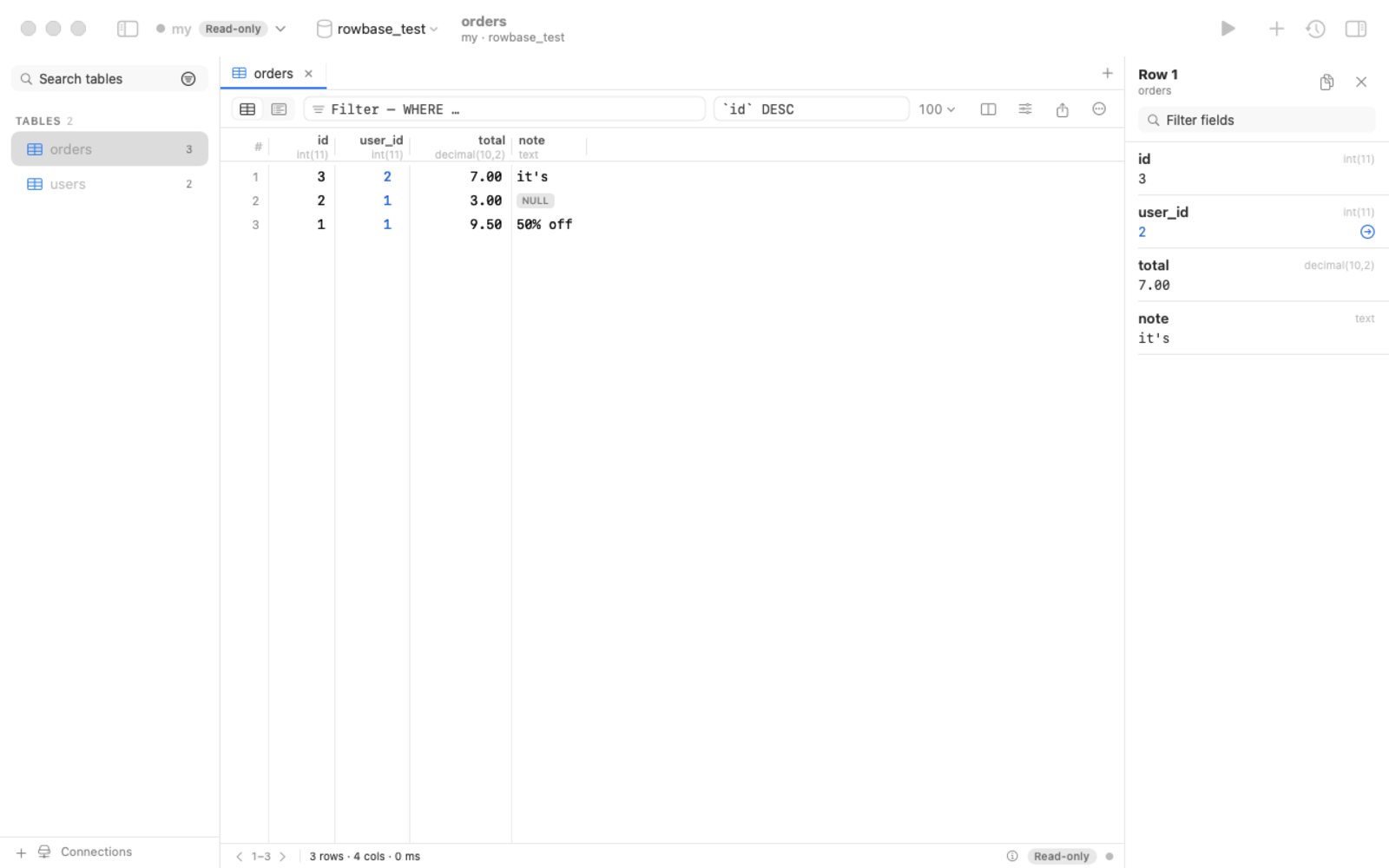
A fast, good-looking, read-only-by-default database client — for humans and for AI agents.
MySQL / MariaDB · PostgreSQL · SQLite · native macOS app · one-file app for macOS, Linux & Windows · built-in MCP server






Why Rowbase?
- Safe by default. Every connection is read-only until you say otherwise — enforced at four independent layers
(driver-level single statement, SQL guard,
READ ONLYtransaction, timeouts). Production connections get a red accent. - Made for AI assistants too. A built-in MCP server lets Claude, Cursor, Codex & co. explore your schema and query data — read-only unless you allow writes, with a token-efficient output format (TOON) and a built-in guide so the assistant knows how to use it. One copy-paste prompt sets everything up.
- One file, no installer. Download a single binary for macOS, Linux or Windows and run it — no admin rights, no Python, no drivers to install. Or use the native macOS app.
- No SQL required. Filter any column from its header like in DataGrip — pick values from a list with counts, or use contains / starts with / between / LIKE / regex / NULL — and build whole queries visually (joins, counts and sums, conditions, sorting) in the query builder, with the generated SQL shown live.
- Nice to use. Foreign-key navigation (also for UUID references without FKs, e.g. 1C-style schemas), "referenced by", transpose, column picker, schema-aware autocomplete, EXPLAIN highlighting, query cancel, inline editing with SQL preview, export to CSV/JSON/Markdown/SQL, SSH tunnels.
- Open source under Apache-2.0. Passwords live in your OS keychain, never in config files.
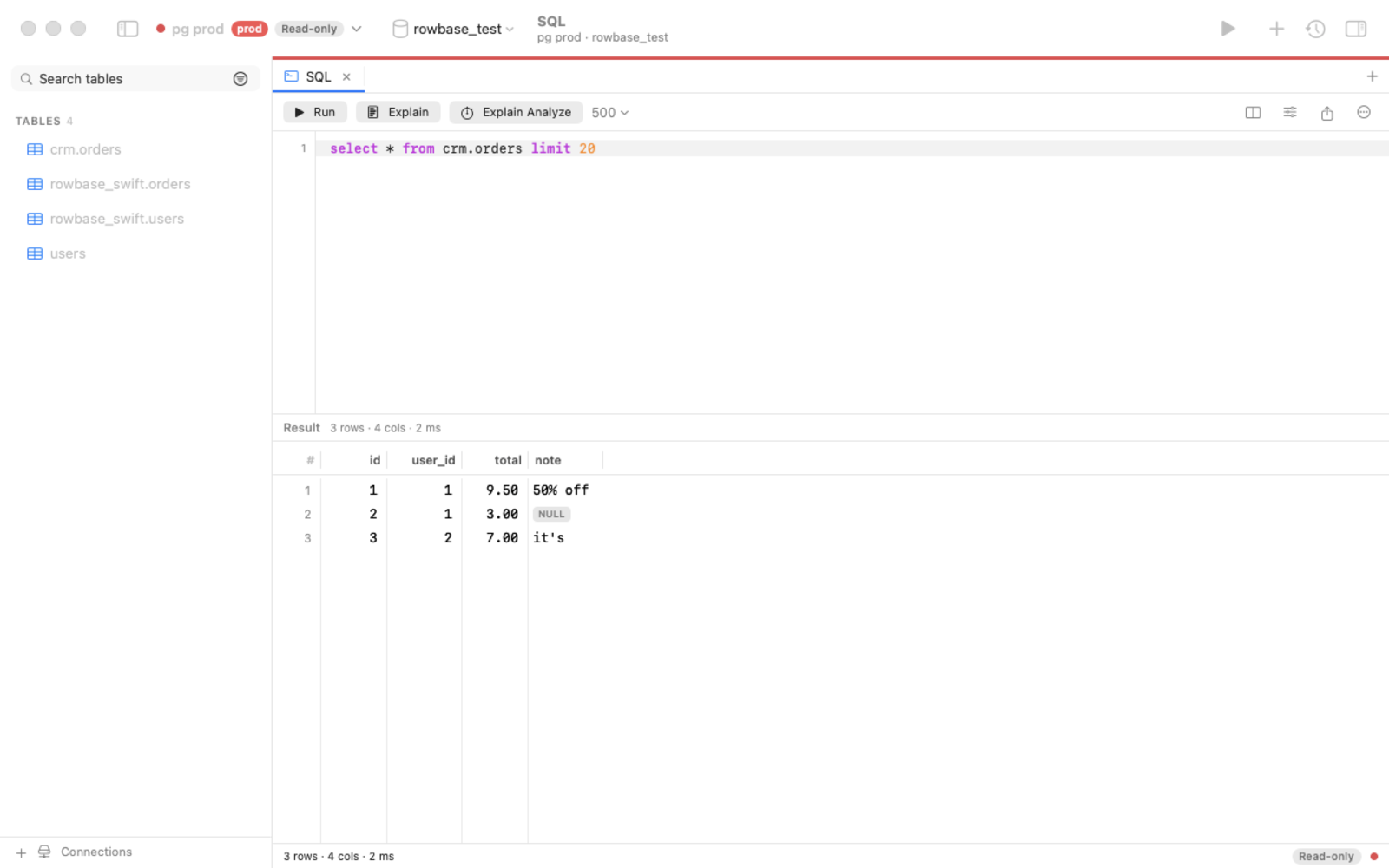 | 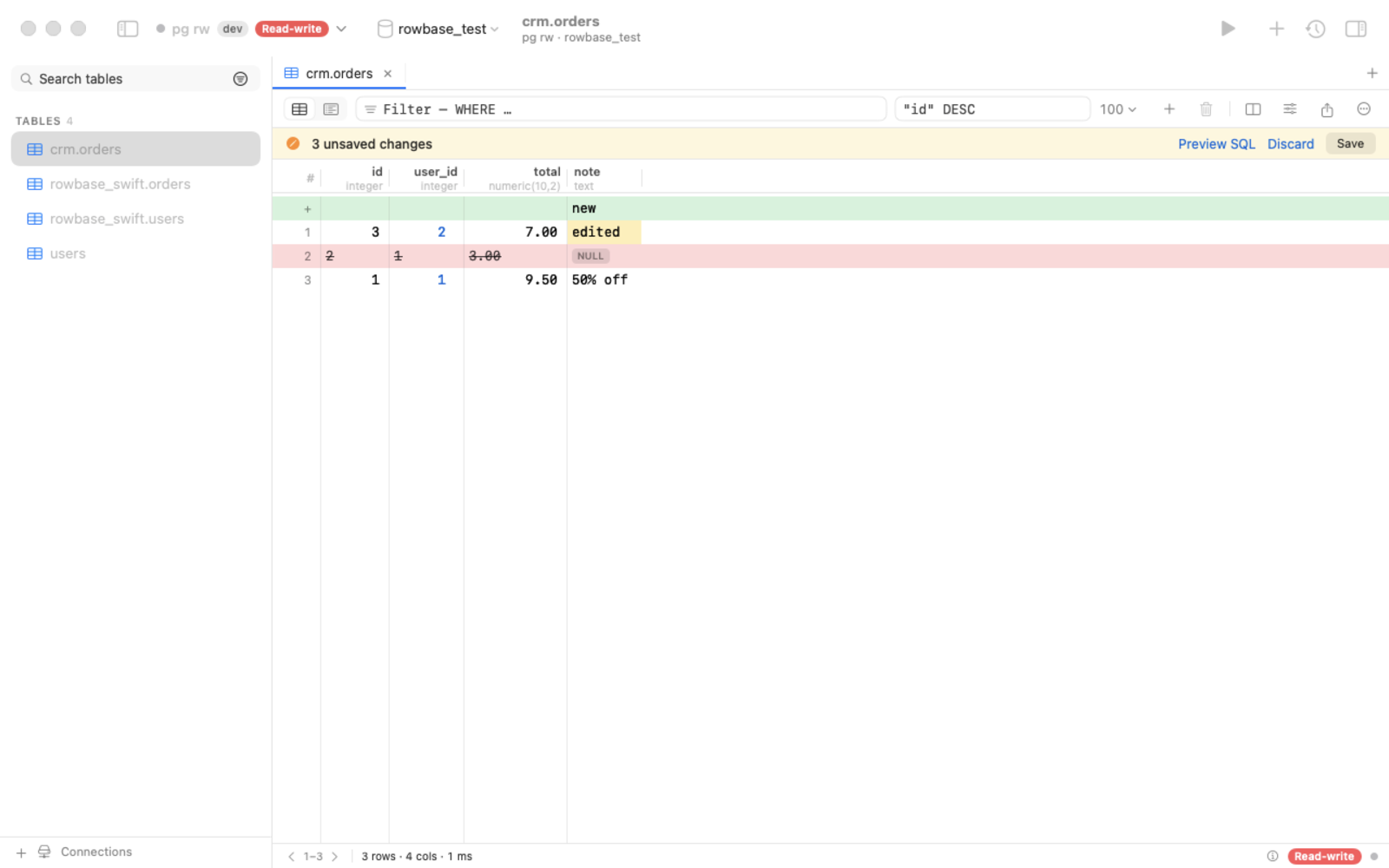 |
| SQL editor: autocomplete, ⌘↩ runs the statement under the caret, EXPLAIN, cancel | Edit rows safely: pending changes, SQL preview, one atomic save |
Download
Grab the latest from Releases:
| Platform | File | How to run |
|---|---|---|
| macOS (native app) | Rowbase-x.y.z.dmg | open, drag to Applications |
| macOS (one file) | rowbase-macos-arm64 | chmod +x rowbase-macos-arm64 && ./rowbase-macos-arm64 |
| Ubuntu / Debian | rowbase_x.y.z_amd64.deb / _arm64.deb | double-click → Install (or sudo apt install ./rowbase_*.deb), then start Rowbase from the apps menu |
| Linux, no root | one command | curl -fsSL https://raw.githubusercontent.com/djstreet11/Rowbase/main/packaging/install.sh | sh — installs to ~/.local/bin + apps menu |
| Linux x64 / arm64 (one file) | rowbase-linux-x64 / -arm64 | chmod +x rowbase-linux-* && ./rowbase-linux-x64 (Ubuntu 20.04+, Debian 10+, RHEL 8+) |
| Windows 10 / 11 | rowbase-windows-x64.exe | double-click |
Started without arguments (or from the apps menu), Rowbase opens the web UI in your browser; starting it again just
reopens the page. A downloaded Linux one-file binary has no "executable" flag, so a double-click does nothing — use the
.deb or the install command above, or chmod +x it. Builds are not code-signed yet:
macOS → System Settings → Privacy & Security → Open Anyway; Windows → More info → Run anyway.
Updates. The Mac app: Rowbase → Check for Updates… (from 0.3.0). One-file binaries: rowbase update, or the
Update button in the web UI. PyPI installs: pipx upgrade rowbase-db. The only request is an anonymous check of
GitHub Releases, at most once a day — no telemetry; turn it off with ROWBASE_NO_UPDATE_CHECK=1.
Connect your AI assistant (MCP)
Open AI / MCP in the app, click Copy prompt, paste it into your assistant — it registers the server, reads the built-in guide and creates a reusable skill. Or register manually:
claude mcp add rowbase -- /path/to/rowbase mcp          # one-file binary or app
claude mcp add rowbase -- uvx --from rowbase-db rowbase mcp   # straight from PyPI, nothing to download
Listed in the official MCP Registry as io.github.djstreet11/rowbase.
Results come back as compact TOON tables (~40% fewer tokens than JSON):
rows[2]{id,customer,total}:
  1,"Smith, Bob",9.50
  2,ann,null
truncated: false
Tools: guide, connections, databases, tables, describe, search_schema, sample, count, query, explain, find_ref
(+ apply_changes only when you allow writes). Details: docs/MCP.md.
CLI
Install from PyPI (pipx install rowbase-db / uv tool install rowbase-db) or use a one-file download.
rowbase add shop 'postgres://me@db.example.com/shop?ssh=deploy@bastion'   # read-only unless --rw
rowbase tables -c shop
rowbase q "SELECT * FROM orders WHERE status = 'new'" -c shop --format json
rowbase ui        # web UI on http://127.0.0.1:8765
rowbase mcp       # MCP server (stdio)
rowbase doctor    # environment report
rowbase update    # update a one-file binary in place (--check: only check)
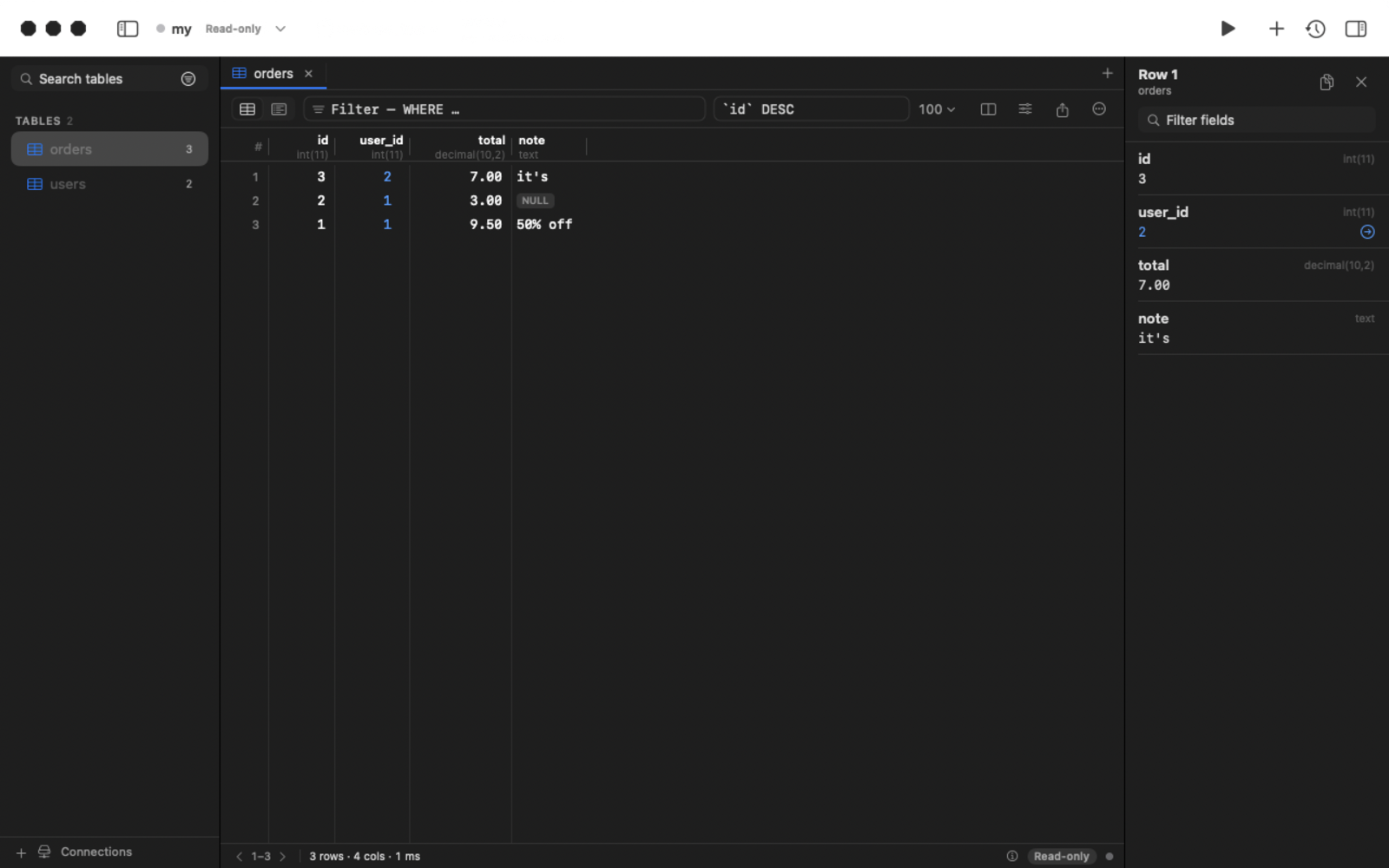
Dark mode
Build from source
- Python track:
python3 -m venv .venv && .venv/bin/pip install -e . && .venv/bin/rowbase ui - One-file binaries: docs/BUILDING.md · Native macOS app:
cd native && swift build· releases: docs/RELEASING.md - Architecture & roadmap: SPEC.md
Contributing
Issues, ideas and pull requests are welcome — see CONTRIBUTING.md and the Code of Conduct. If Rowbase is useful to you, a ⭐ helps others find it.
License
Apache-2.0 — see NOTICE and THIRD_PARTY_LICENSES.md.