
Engram: AI memory you can edit in Obsidian
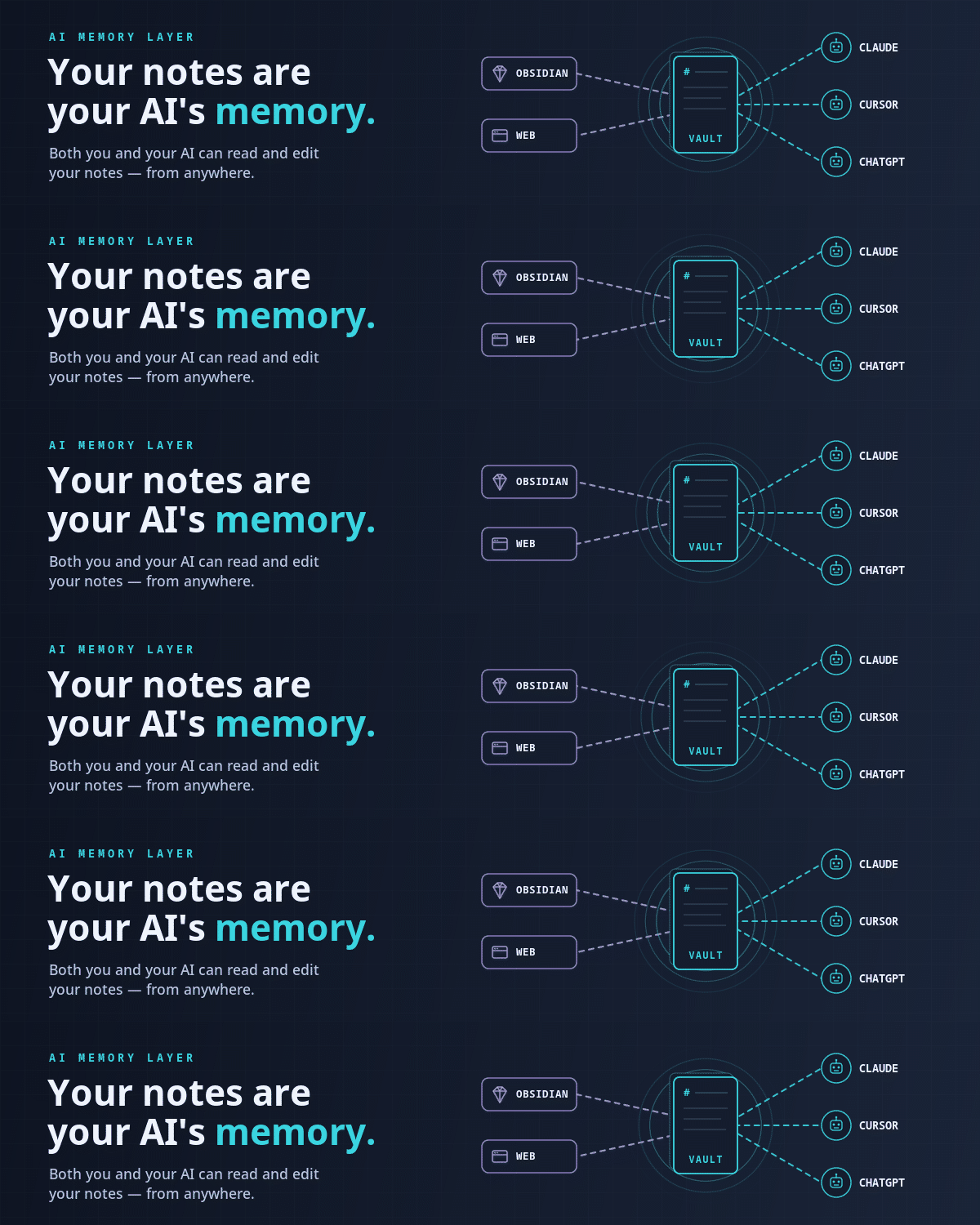
Shared memory for Claude, ChatGPT and any MCP client. Read and edit it in Obsidian or the web app.
One address for any MCP client. Your key stays in your Odel vault.
What it does
- Reads
- Writes
- High impact
At most: creates or changes data: records, files, settings.
What it costs
FreeOdel charges nothing per call. The publisher may charge for its own service.
Tools
None listed · checked 8 Oct 2026Odel could not list its tools without signing in.
Engram
MCP-native · semantic + keyword search · real-time sync · self-hostable · source-available · Elixir/Phoenix






Connect · Quickstart · Self-host · MCP · API · Architecture · Plugin · Discord
Your notes stay plain markdown that you and your AI assistants both read and write. Pairs with the Engram Obsidian Sync plugin to sync your whole vault.
Connect
Nothing to install. Point any MCP client at the hosted server and sign in when prompted (OAuth):
https://mcp.engram.page
- Claude Code:
claude mcp add --transport http engram https://mcp.engram.page - Claude.ai / ChatGPT: add a custom connector with the URL above.
- Cursor:
{"mcpServers": {"engram": {"url": "https://mcp.engram.page"}}}in~/.cursor/mcp.json - VS Code:
{"servers": {"engram": {"type": "http", "url": "https://mcp.engram.page"}}}in.vscode/mcp.json
More clients: MCP docs.
Self-Host (Docker Compose)
Don't want to run the commands yourself? Open the Quickstart docs, select the whole page, and paste it into your AI assistant — it's written top-to-bottom as imperatives the AI can execute in order.
Otherwise:
git clone https://github.com/engram-app/Engram.git
cd Engram
cp .env.example .env       # then fill in the three secrets at the top
docker compose up -d
App at http://localhost:4000. Migrations run on boot. Only port 4000 is host-exposed; everything else stays on the private Docker network.
Large vaults? Enable MinIO for S3-style attachments:
docker compose --profile s3 up -d — see
storage docs.
Better embeddings? Switch to Voyage AI in .env — see
embeddings docs.
Full self-host documentation
| Topic | Link |
|---|---|
| Quickstart | https://engram.page/docs/self-host/quickstart/ |
| Environment vars | https://engram.page/docs/self-host/environment-variables/ |
| Encryption & keys | https://engram.page/docs/self-host/encryption/ |
| Backup & restore | https://engram.page/docs/self-host/backup-restore/ |
| Upgrades | https://engram.page/docs/self-host/upgrade/ |
| Troubleshooting | https://engram.page/docs/self-host/troubleshooting/ |
| Architecture | https://engram.page/docs/self-host/architecture/ |
| MCP setup | https://engram.page/docs/mcp/ |
| HTTP API | https://engram.page/docs/api/ |
Community
Questions, ideas, or bug reports? Join us on Discord.
Contributing
Local dev setup, tests, and PR rules: see CONTRIBUTING.md.
License
Dual-licensed:
- PolyForm Small Business 1.0.0 — free for organizations under $1M USD prior-year revenue and < 100 employees + contractors.
- Commercial License — required for larger orgs. See
LICENSE-COMMERCIAL.md or email
support@engram.page.
External contributions sign the Engram CLA. See CONTRIBUTING.md.
Security
See SECURITY.md for vulnerability disclosure. Self-host LAN deployments are out of scope of our published SLA — security depends on the operator's network and infra.
Copyright (c) 2026 Rasbandit Software Solutions LLC d/b/a Engram.







