Listed from the MCP registry; nobody on Odel publishes it.
Is this yours? Claim it
Context Vault
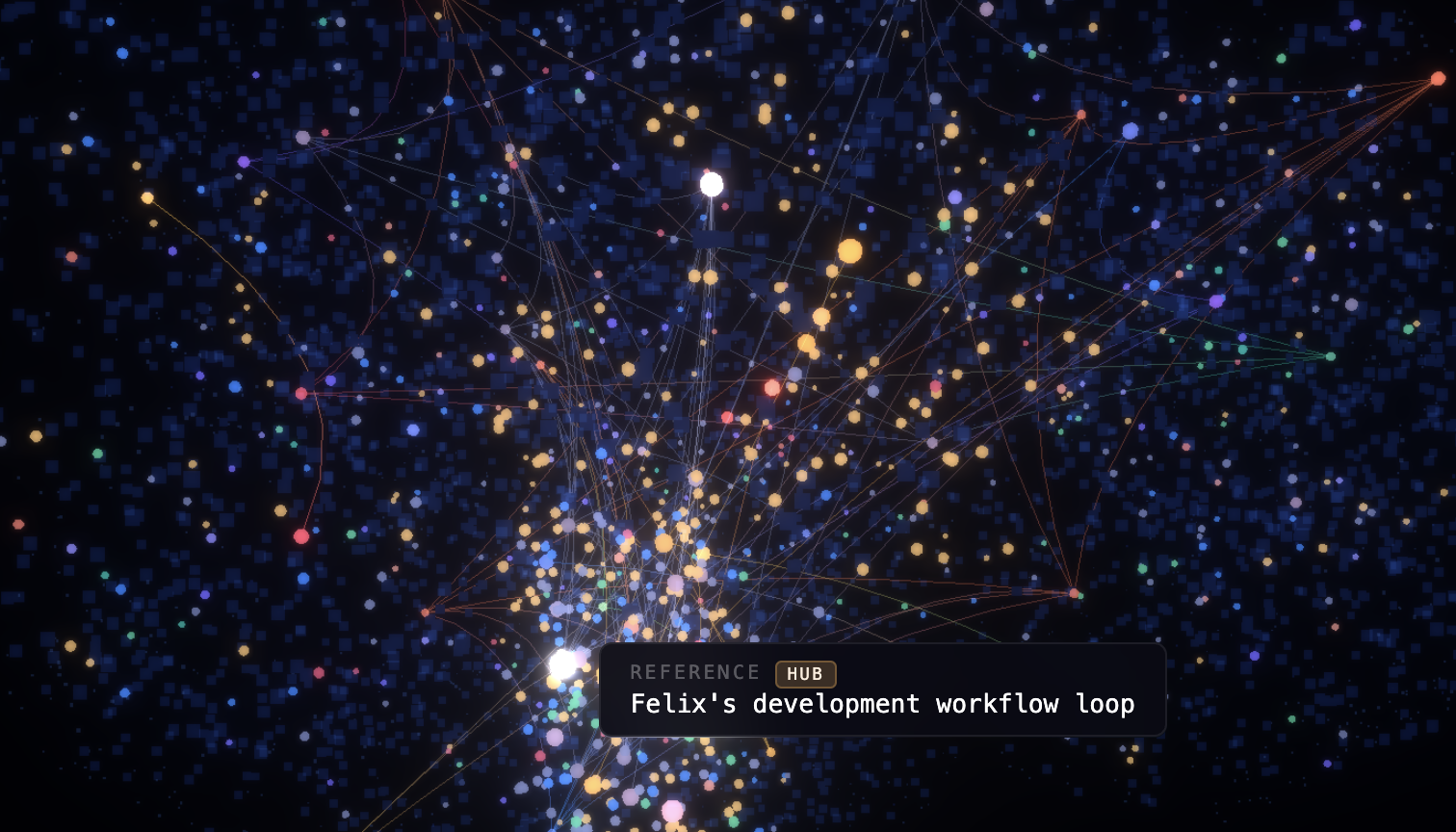
Hosted memory for AI agents: save what your agent learns and recall it in the next session.
One address for any MCP client. You sign in at api.context-vault.com once, after adding it.
What it does
- Reads
- Writes
- High impact
At most: creates or changes data: records, files, settings.
What it costs
FreeOdel charges nothing per call. The publisher may charge for its own service.
What it asks for at sign-in
| Access to | Read | Change |
|---|---|---|
| Vault |
From the sign-in at api.context-vault.com, as the endpoint publishes it. You approve it there.
Tools
None listed · checked 13 Nov 2026Odel could not list its tools without signing in.


Persistent memory for AI agents: your agent saves what it learns and finds it again in the next session. Entries are plain markdown files on your machine.
Hosted: point any MCP client at
https://api.context-vault.com/mcpand sign in when it asks (connect page). Cloud sync, web dashboard and team sharing at app.context-vault.com.
Quick start: a memory recalled in a new session, in under 5 minutes
Timed on a clean macOS account with Claude Code: about one minute of commands, plus your typing.
1. Install the binary (macOS and Linux; no Node needed):
curl -fsSL https://context-vault.com/install.sh | bash
It puts context-vault in ~/.local/bin. If it says that folder is not on your PATH, run the line it prints, then open a new terminal.
2. Connect your AI tools:
context-vault setup
This adds Context Vault to the MCP config of Claude Code and every other client it finds (Claude Desktop, Cursor, Windsurf, Cline, Roo Code). --client claude-code limits it to one; --dry-run shows what it would write.
3. Restart your AI tool. Quit it and start it again (for Claude Code, a new claude in a new terminal). The first start downloads the search model (about 90 MB) once.
4. Save something. Name the vault, or Claude Code may keep it in its own built-in memory instead:
Save to my vault: our staging bucket is called aurora-gravel-17
5. Recall it in a new session. Quit, start a fresh session, and ask:
Search my vault: what is our staging bucket called?
The answer comes from the vault, and the entry is a markdown file under ~/.vault/ that you can open and edit. context-vault doctor should print engine health: OK.
Check it without an AI tool. The same save and search from the shell:
context-vault save --title "staging bucket" --body "our staging bucket is called aurora-gravel-17"
context-vault search "what is our staging bucket called?"
Each hit prints its id, score and title, with the start of the entry under it. The shell search matches words; your AI tool's search also matches meaning once its model has downloaded.
Windows: irm https://context-vault.com/install.ps1 | iex, open a new terminal, then steps 2 to 5.
What it does
- Save: insights, decisions, patterns, references. Your agent writes them as you work.
- Search: hybrid full-text and semantic search, in natural language.
- Own your data: markdown in a folder you control, git-friendly and human-editable.
MCP tools
Your agent calls these; you talk to it in plain words.
| Tool | What it does |
|---|---|
save_context | Save an entry, or update one by id |
get_context | Search the vault (full-text and semantic) |
recall | Light hints from a raw signal: a prompt, an error, a file path |
list_context | Browse entries by kind, tags or date |
delete_context | Remove an entry by id |
ingest_url | Fetch a page and save its readable text |
ingest_project | Scan a local project and register it |
create_snapshot | Compile entries on a topic into one brief |
session_end | Save a session summary and its discoveries |
context_status | Vault health: paths, counts, issues |
list_buckets | List buckets (a bucket:<name> tag scopes entries) |
Kinds (insight, decision, pattern, reference, or your own) are folders in the vault.
CLI
| Command | What it does |
|---|---|
context-vault setup | Register the MCP server with your AI tools |
context-vault doctor | Check the install: paths and engine health |
context-vault status | Entry counts and resolved paths |
context-vault search <q> | Search from the shell |
context-vault save --title | Save an entry from the shell (--body, --kind) |
context-vault reindex | Rebuild the index from the markdown files |
context-vault --help | Every command |
Configuration
| Setting | Default | Override |
|---|---|---|
| Vault | ~/.vault/ | CONTEXT_VAULT_VAULT_DIR |
| Data | ~/.context-mcp/ | CONTEXT_VAULT_DATA_DIR |
| Database | ~/.context-mcp/vault.db | CONTEXT_VAULT_DB_PATH |
Troubleshooting
context-vault: command not found: the install folder is not on your PATH. Run~/.local/bin/context-vault setup, or add the line the installer printed to your shell profile.- Your agent says the vault tools are missing: restart the AI tool after setup; in Claude Code,
/mcpshows whethercontext-vaultconnected.context-vault setup --printshows the entry it writes. - Your agent saved it somewhere else: say "my vault" in the request.
- Stale search results:
context-vault reindex.
The npm package (npx context-vault) is still the older 3.20 Node build; use the install script above.
Hosted option
Cloud sync, web dashboard and team sharing at app.context-vault.com. Setup for Claude Code, Cursor and GPT Actions: docs/distribution/connect-in-2-minutes.md
Feedback
- Questions or ideas? Discussions
- Found a bug? Open an issue
Development
git clone https://github.com/fellanH/context-vault.git
cd context-vault
cargo build --release -p context-vault-cli
./target/release/context-vault --help
License
MIT







