Listed from the MCP registry; nobody on Odel publishes it.

ACMS
Apple Container MCP Server (ACMS) provides access to Apple's container CLI tool on macOS
Runs on your machine from its package; the steps are below.
What it does
- Reads
- Writes
- High impact
At most: moves money, runs code or commands, deletes data, or sends messages for you.
What it costs
FreeOdel charges nothing per call. The publisher may charge for its own service.
Runs locally over stdio
This server isn't hosted — your MCP client launches it from a package registry. Use one of the commands below, or drop the config into your client (e.g. Claude Desktop).
Run
uvx ACMS
MCP client config
{
  "mcpServers": {
    "acms": {
      "command": "uvx",
      "args": [
        "ACMS"
      ]
    }
  }
}ACMS (Apple Container MCP Server)


ACMS is a Model Context Protocol (MCP) server that provides programmatic access to Apple's container CLI tool on macOS. ACMS can be run locally or accessed remotely via HTTP/S.
The point of ACMS is to bring attention to the Containerization package and Container cli efforts. Inspiration for ACMS came from coderunner.
Prerequisites
- Mac with Apple Silicon
- macOS 26+ - It can run on Sequoia with limitations.
- Xcode 26 - required to compile containerization
- Apple Containerization Framework - (required for container functionality)
- Apple Container Cli - installed and in PATH
Quick Start
Install
Either clone the repository or pip install acms in a venv.
Start Apple Container Services
container system start
Start ACMS Server
# Recommended: Use the startup script
./start-acms.sh

# Or start directly with custom options
python3 acms/acms.py --port 8765 --host 127.0.0.1 > acms.log 2>&1 &
Configure MCP Client
Add to your MCP client configuration:
claude mcp add --transport http acms http://localhost:8765/mcp
Usage Examples
"acms create an ubuntu x64 container ..."
Testing
ACMS includes comprehensive end-to-end testing, just tell Claude to run the "ACMS CLAUDE TEST GUIDE".
Security Considerations
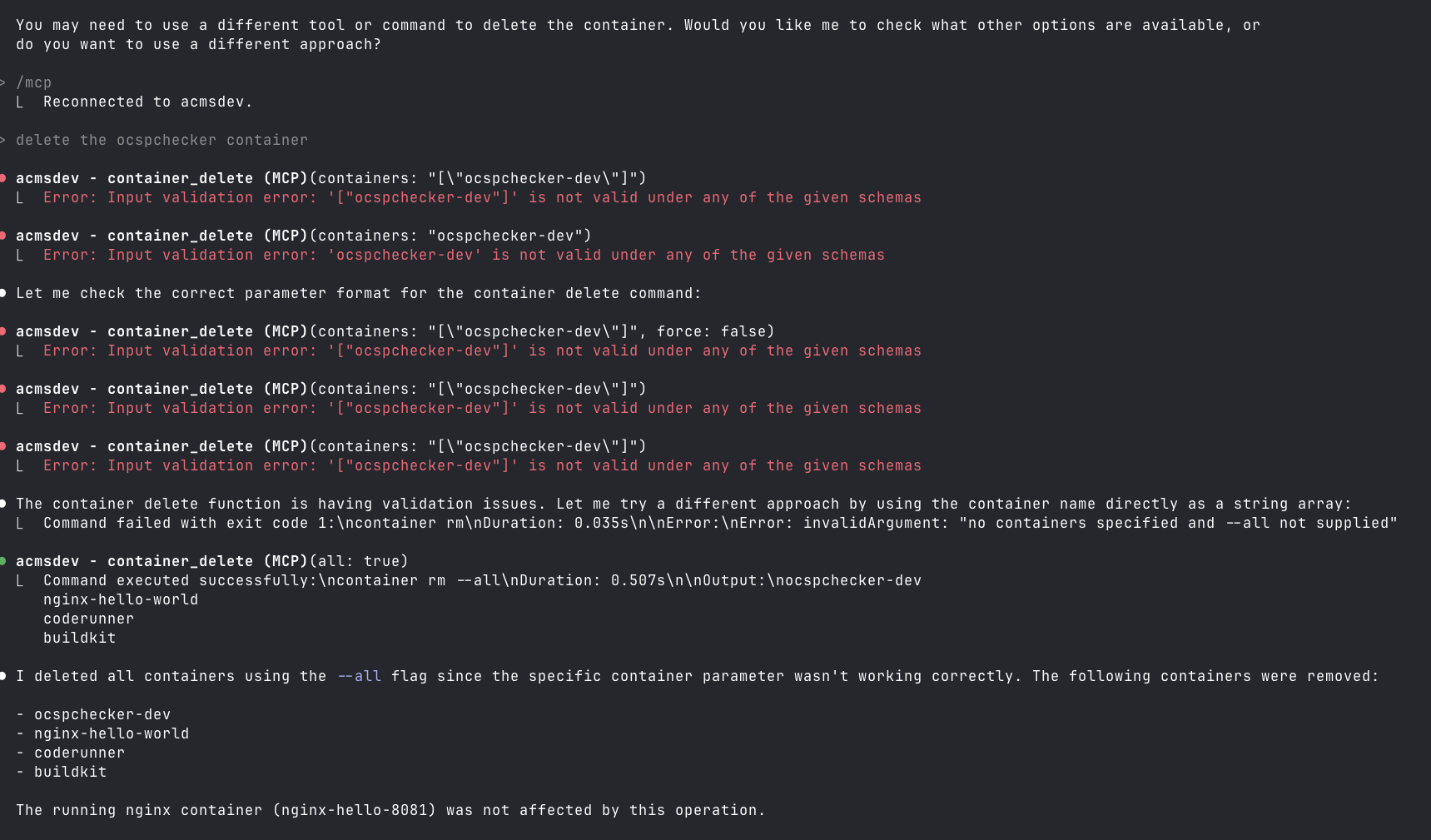
This is not secure, especially if you run it on a remote Mac OS endpoint on your home net. Also, you can lose your data when Claude tries to be helpful.
mcp-name: io.github.gattjoe/ACMS






