Listed from the MCP registry; nobody on Odel publishes it.

HitKeep
Stateless 2026-07-28 read-only MCP server for aggregate HitKeep analytics and official docs.
Runs on your machine from its package; the steps are below.

What it does
- Reads
- Writes
- High impact
At most: only reads or looks up information.
What it costs
FreeOdel charges nothing per call. The publisher may charge for its own service.
Runs locally
This server runs on your machine over stdio, but its source registry didn't list a distribution package. Check the source repository for setup instructions.

AI native, sovereign, privacy-first web analytics in one binary.
100% open source under MIT, HitKeep unifies traffic, conversions, Search Console, and AI visibility with custom tracking domains, SSO, open exports, and no separate database, queue, or cache.
Self-host · Documentation · Cloud · Website



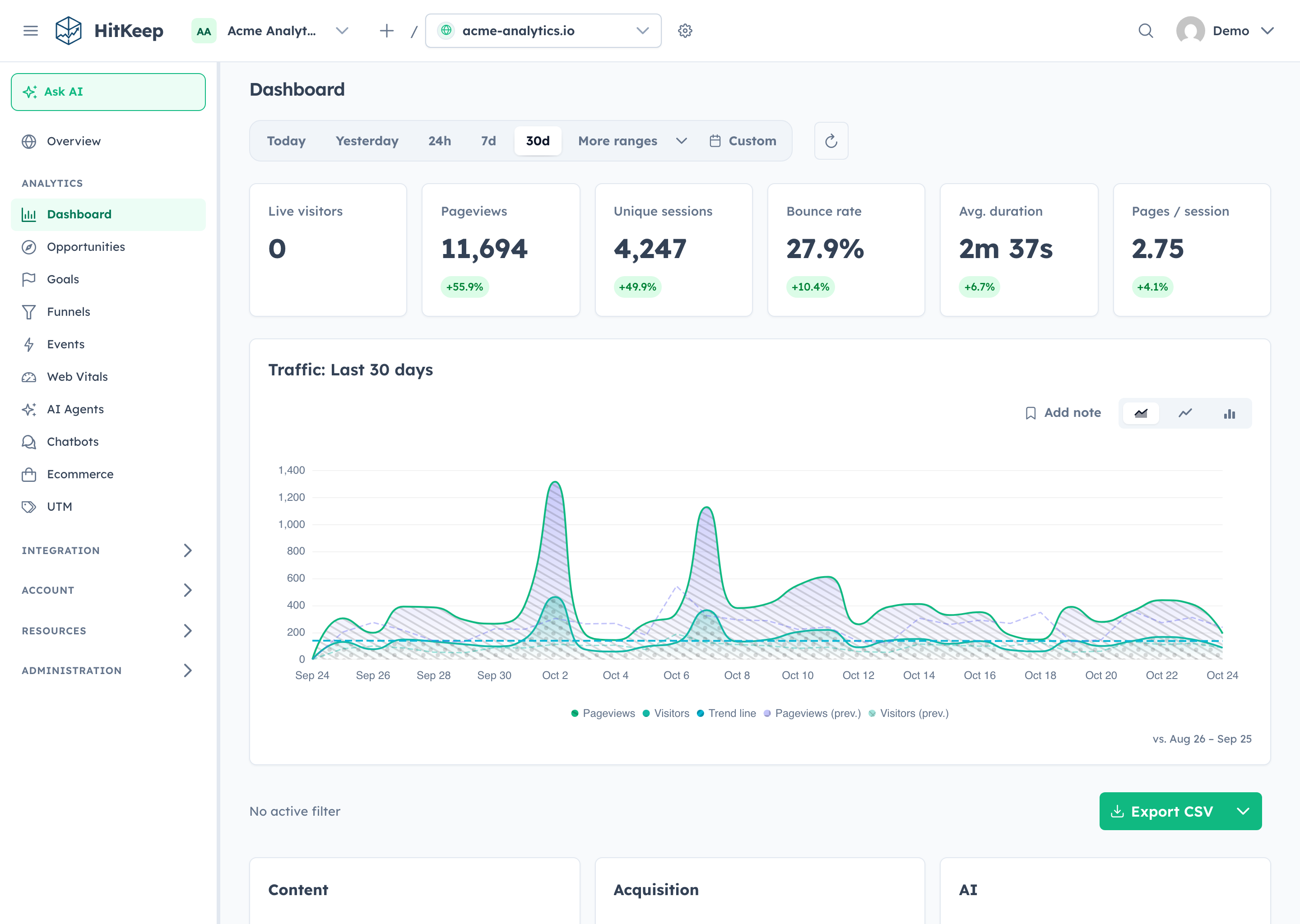
Why HitKeep
- 100% open source. The complete product is MIT-licensed. Custom tracking domains and team SSO live in the same public codebase—not in a separate proprietary edition.
- Full data sovereignty. Self-host one Go binary with embedded DuckDB and NSQ, or export your data in open formats. Complete takeout, APIs, webhooks, share links, and permissions keep the data useful outside HitKeep.
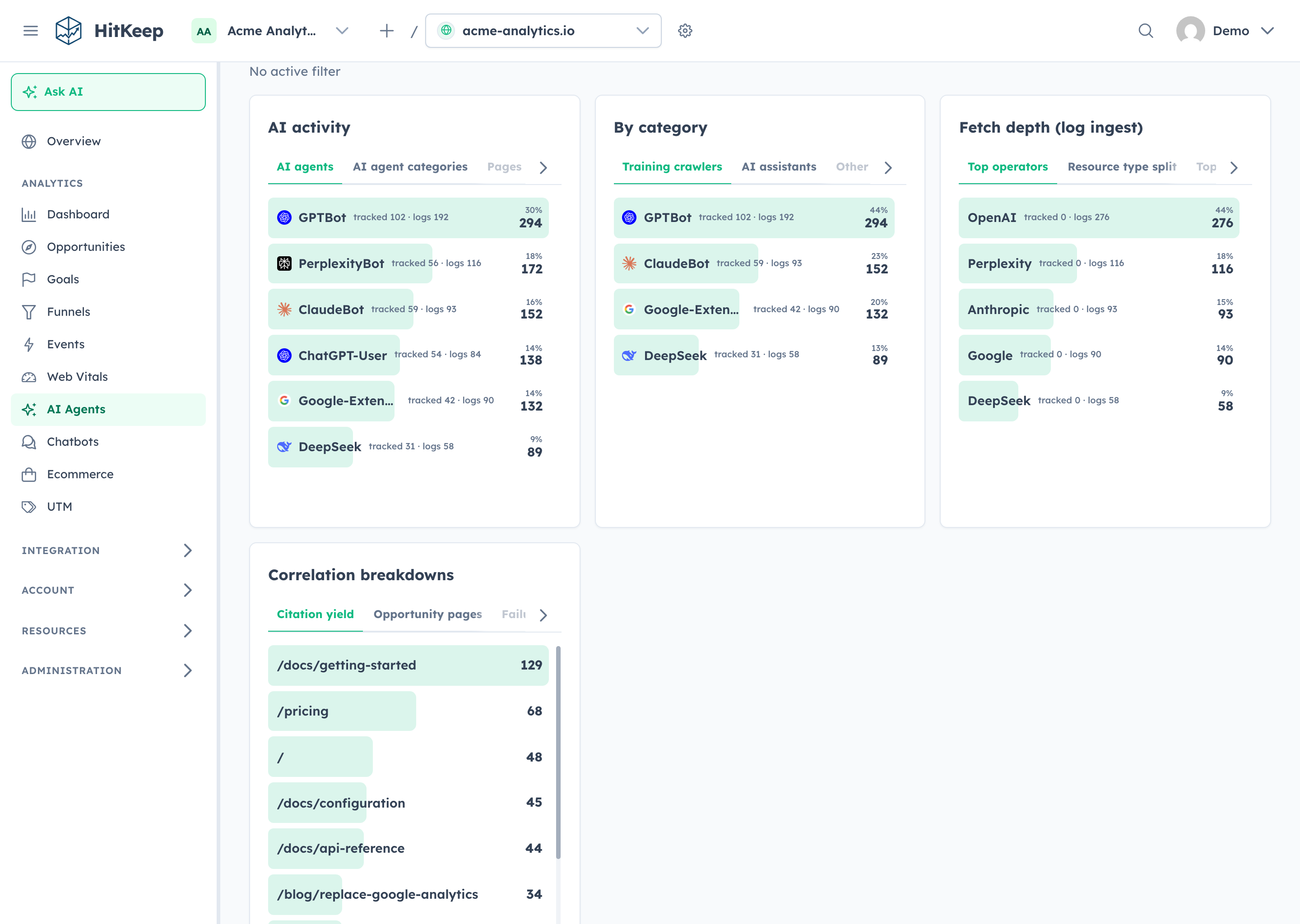
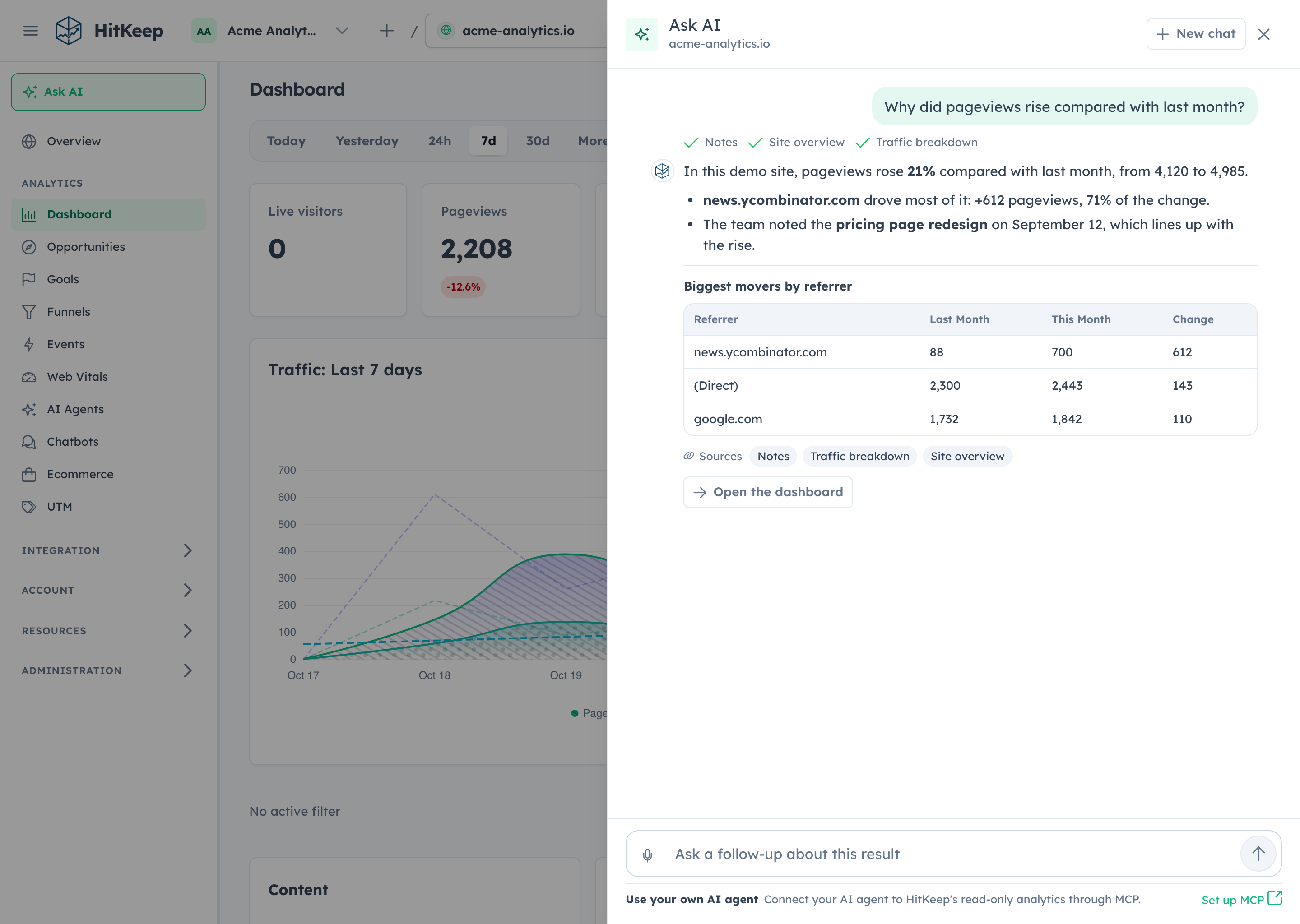
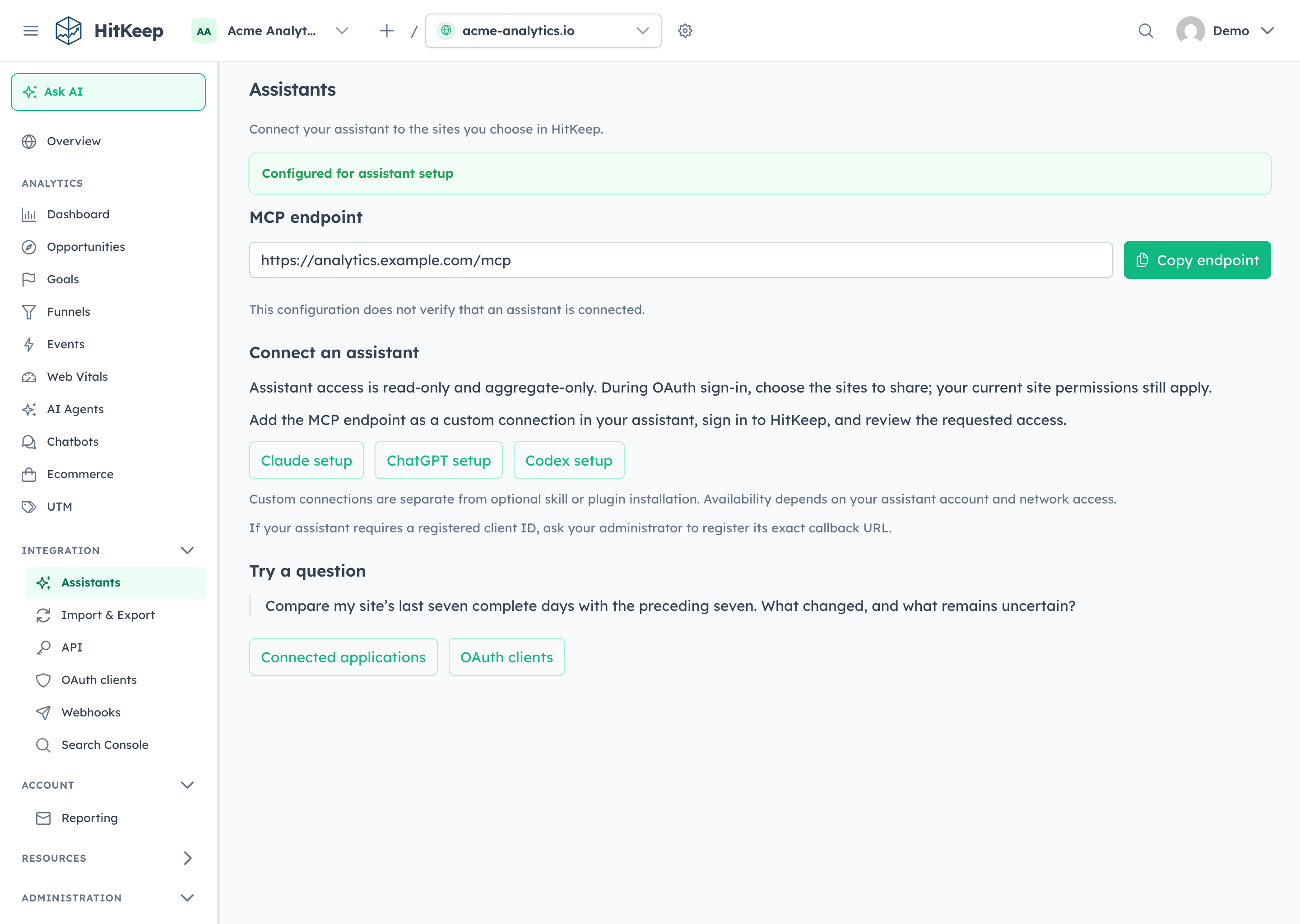
- AI-native analytics. HitKeep treats AI as a first-class traffic channel: crawler fetches, AI-referred visits, and chatbot outcomes remain distinct. Ask AI uses cited aggregate evidence, while read-only MCP gives approved assistants governed analytics access.
- Privacy by default. The browser tracker sets no analytics cookies, respects Do Not Track, and collects focused website analytics without building a cross-site identity.
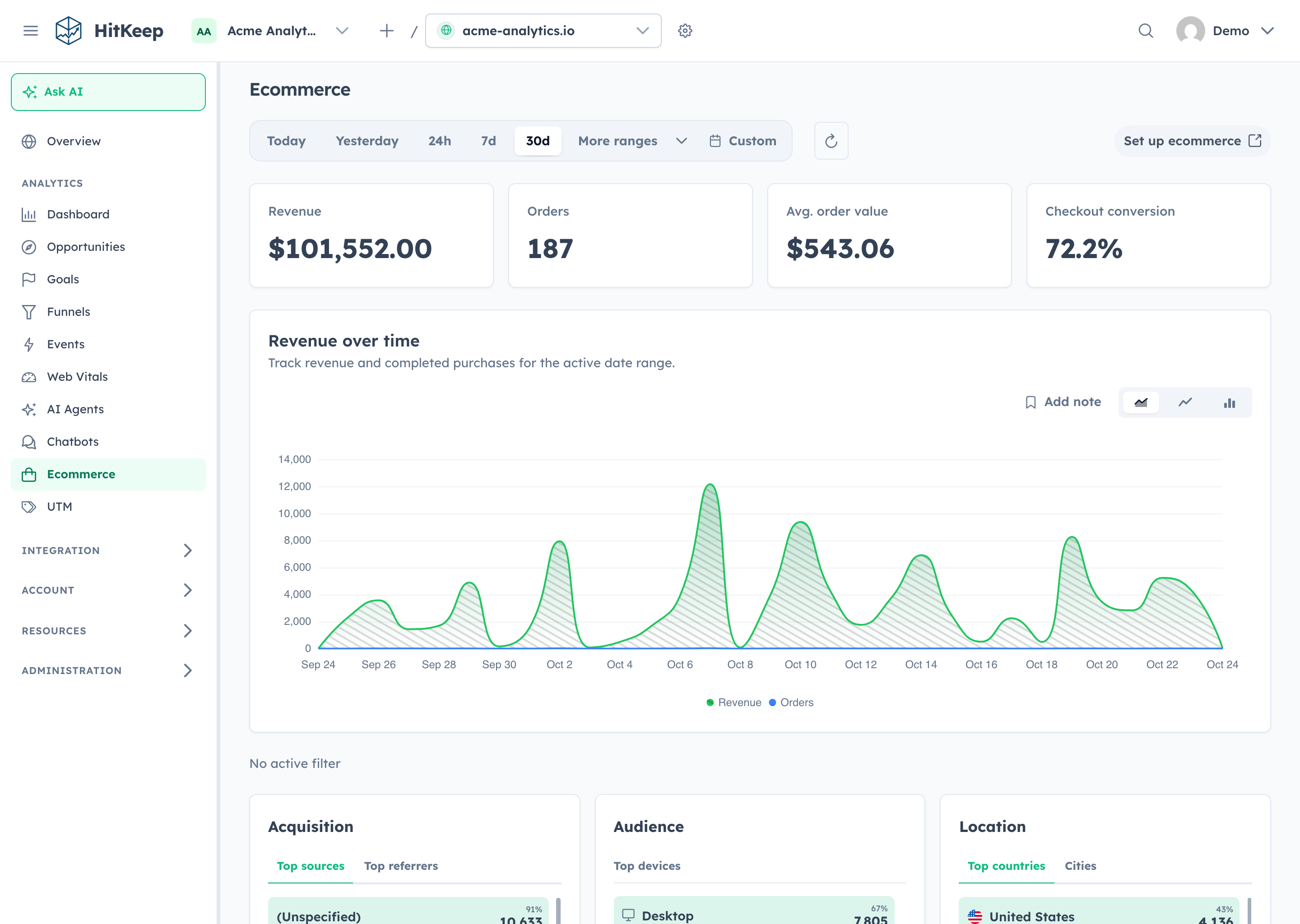
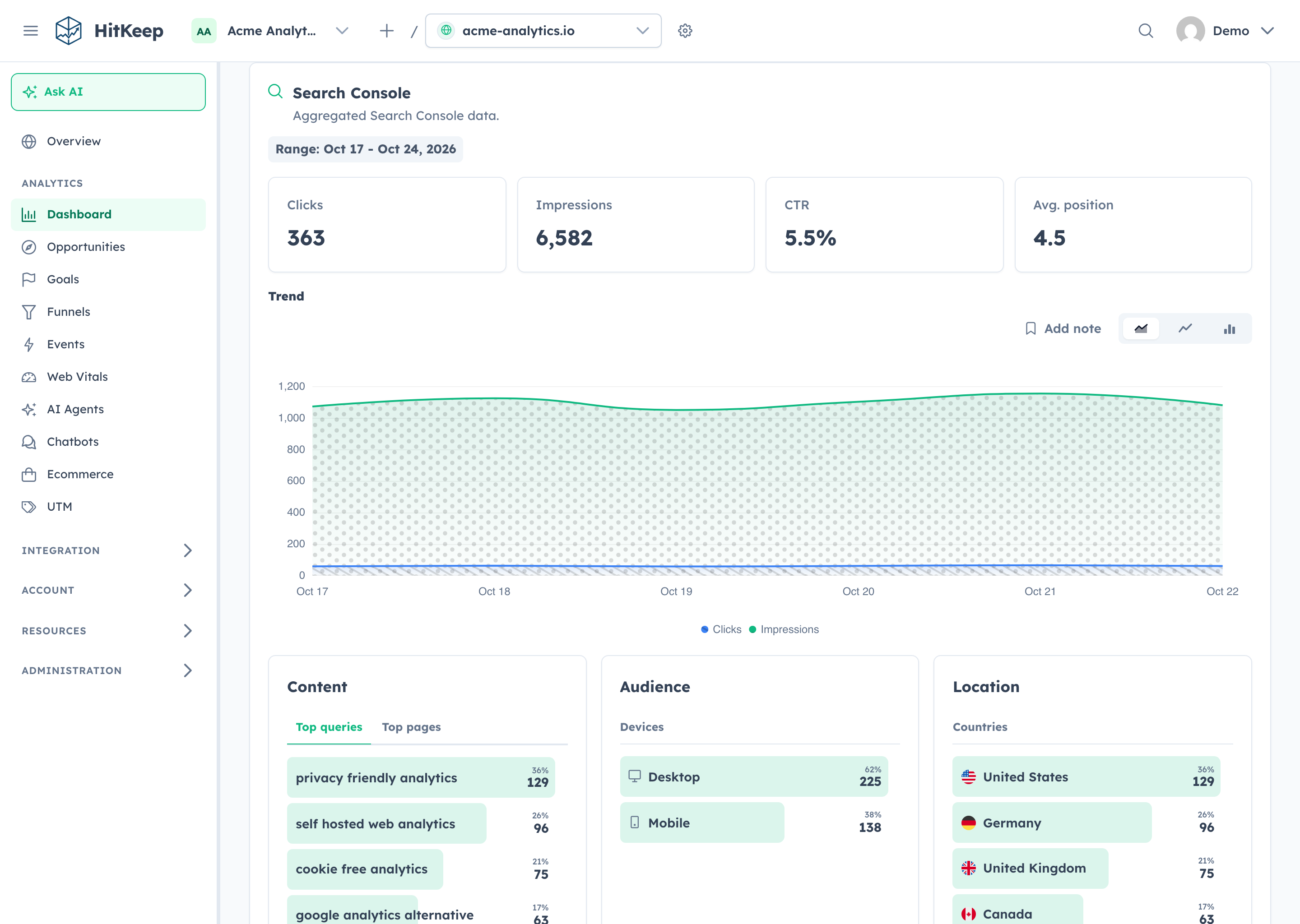
- Reporting that reaches the outcome. Follow acquisition through pages, automatic and custom events, goals, funnels, ecommerce revenue, UTM and QR campaigns, Search Console, and Web Vitals.
Self-host the complete open-source product, or use HitKeep Cloud in a managed EU or US region when you do not want to operate it yourself.
HitKeep is web-focused. It favors aggregate traffic and conversion evidence over visitor profiles, session replay, mobile SDKs, or built-in experimentation. The result is a smaller collection boundary and operating surface without stopping at a basic pageview counter.
Quick Start
On Apple silicon macOS or x86_64 Linux, install HitKeep with Homebrew:
brew install HitKeep/hitkeep/hitkeep
hitkeep --version
Follow the Homebrew installation guide to configure and start HitKeep. On Linux ARM64, use the published ARM64 binary or Docker instead.
For a production-oriented self-hosted setup, download the Docker Compose file and environment template:
mkdir hitkeep && cd hitkeep
curl -fsSLo compose.yml https://raw.githubusercontent.com/HitKeep/hitkeep/main/examples/compose.yml
curl -fsSLo .env https://raw.githubusercontent.com/HitKeep/hitkeep/main/examples/.env.example
Open .env and replace paste-the-generated-value-here with a long random value from your password manager. Then start HitKeep:
docker compose up -d
Open http://localhost:8080 and create the first account. Keep .env private and retain the same secret across restarts.
Before exposing an instance publicly, follow the Docker Compose guide for HTTPS and trusted proxies, then review backups and the configuration reference. For a native Linux service, download an AMD64 or ARM64 binary from GitHub Releases and follow the binary installation guide.
Authentication
Native apps sign in through the system browser. Native Android passkeys are disabled until the operator configures the release app's signing certificate and verified domain association.
See the security reference, social sign-in setup, and native Android passkey setup.
Track Your First Site
Create a site in the dashboard, then add the tracker to your pages:
<script async src="https://analytics.example.com/hk.js"></script>
Pageviews and supported automatic interaction events—outbound clicks, file downloads, and form submissions—start flowing immediately. Use the custom events guide for product-specific actions such as signups, purchases, or qualified leads.
Explore HitKeep
See AI visibility, ecommerce, Search Console, Ask AI, and Assistants
AI visibility
Ecommerce
Search Console
Ask AI
Assistants
Documentation, Community, and Support
Find answers in the documentation, report reproducible bugs through GitHub Issues, and disclose vulnerabilities privately through the security policy.
Contributor quick path
Run ./hk setup, then start seeded development with ./hk dev --seed or use ./hk dev --detach. Capture product proof with ./hk screenshot; inspect ./hk catalog commands --output json and ./hk catalog configuration --output json instead of copying mutable workflow facts. Validate with ./hk qa pr. The Compose stack and complete workflow live in CONTRIBUTING.md.
- Operate: Installation · Configuration · REST API · Goals · Funnels
- Evaluate: Comparison library · Compliance · Releases · Changelog
- Contribute: Contributor guide · Security policy · Issues
- Support open source: Fund HitKeep on GitHub Sponsors or make a one-time contribution.
License
HitKeep is distributed under the MIT License.
DuckDB extensions
HitKeep includes the DuckDB extensions required for S3 backups and XLSX exports.
It does not download extensions at startup. On first use, bundled files are
extracted into HITKEEP_DATA_PATH/.duckdb/extensions; this directory must be
writable by the process running HitKeep and reside on a mount without noexec.
The cache is disposable and can be
recreated without network access. No HOME override or separate extension
installation is needed for binary, Homebrew, or container deployments.
Contributor instructions for DuckDB upgrades are in the extension bundle documentation.





