Listed from the MCP registry; nobody on Odel publishes it.

Harie
Annotate screenshots for user guides. Saved as plain JPEG/PNG whose annotations stay editable.
Runs on your machine from its package; the steps are below.
What it does
- Reads
- Writes
- High impact
At most: creates or changes data: records, files, settings.
What it costs
FreeOdel charges nothing per call. The publisher may charge for its own service.
Runs locally over stdio
This server isn't hosted — your MCP client launches it from a package registry. Use one of the commands below, or drop the config into your client (e.g. Claude Desktop).
Run
npx -y @harie/mcp
MCP client config
{
  "mcpServers": {
    "harie": {
      "command": "npx",
      "args": [
        "-y",
        "@harie/mcp"
      ]
    }
  }
}

Harie
Just an image. Editable anytime.
English | 日本語
Website · Open the web editor · Chrome extension · MCP server





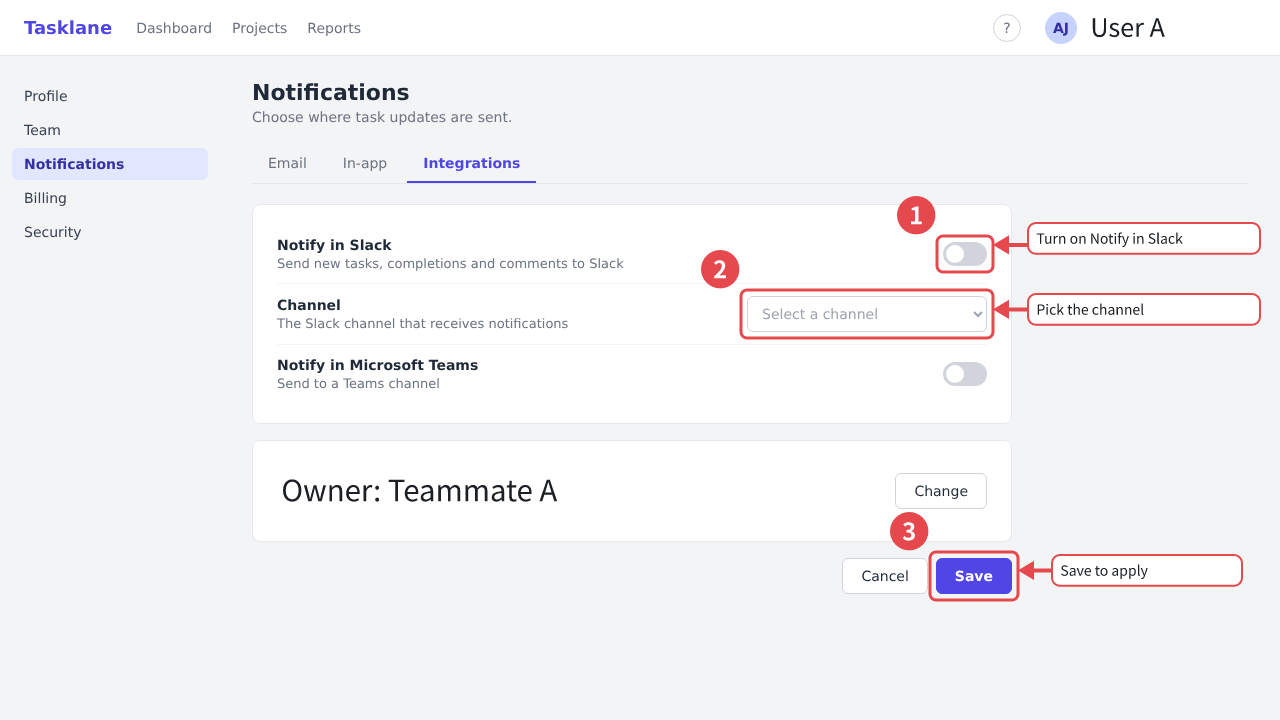
An app for adding boxes, arrows and captions to screenshots, for example when writing user guides for web services. Saved files display as ordinary JPEG / PNG images, and opening one in Harie lets you edit the annotations again and again. SVG, WebP, GIF, HEIC and more can be opened too (they are converted to PNG / JPEG when opened; saving is JPEG / PNG only).
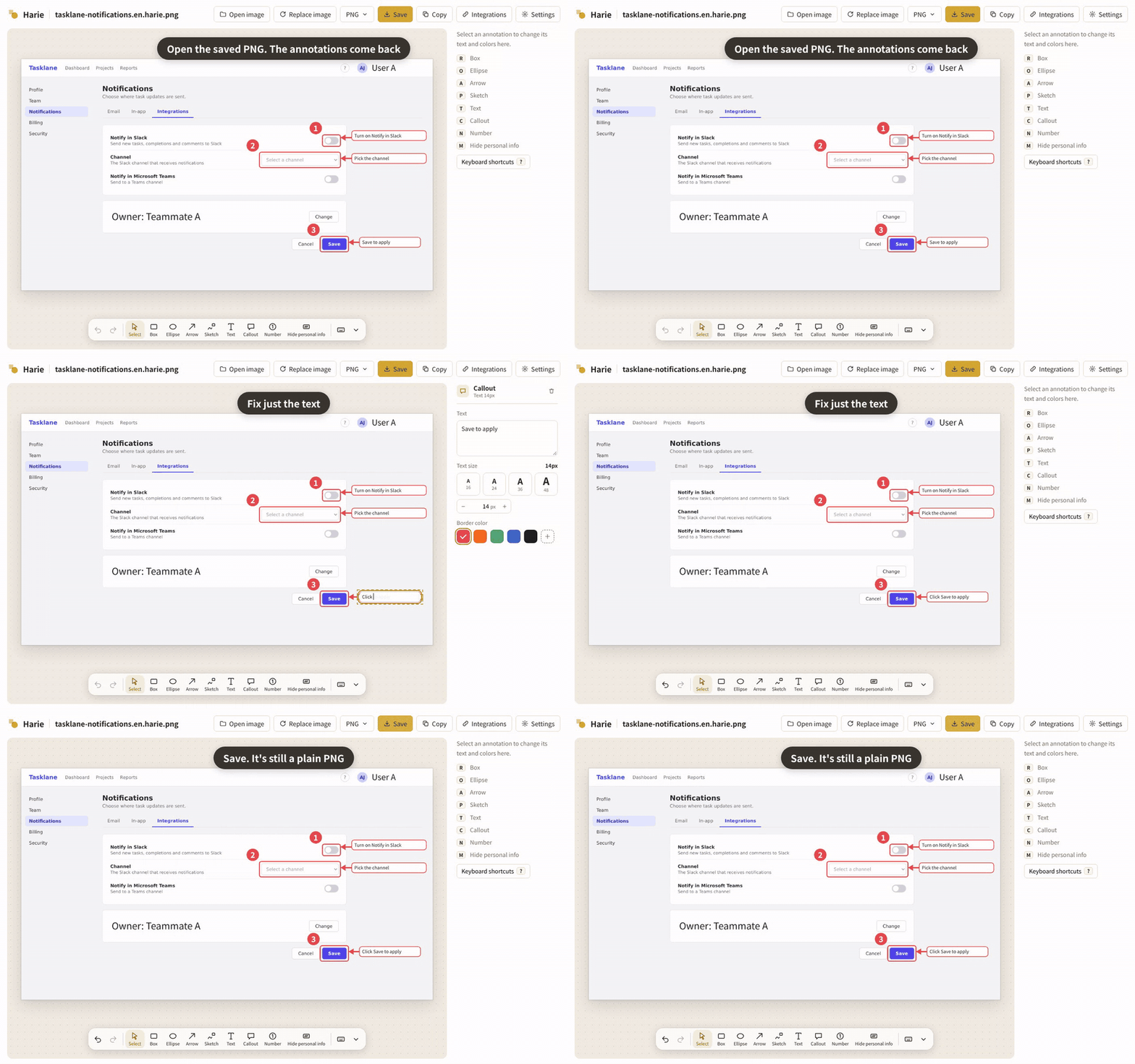
A saved file works as a normal image as is. The image below was saved with Harie too: download it and open it in the web editor to select and edit its annotations.
- Documentation: docs/ (in Japanese)
- Design decisions: docs/adr/ (in Japanese)
- For AI agents: CLAUDE.md
pnpm install
pnpm check                      # lint + typecheck + test
pnpm --filter @harie/web dev    # web editor (http://localhost:5173/)
The MVP (M0–M5: web editor, Chrome extension, MCP server, AI suggestions and personal-data masking) is implemented. See local setup for running it locally and the implementation plan for what comes next (both in Japanese).
The editor UI is available in English, Japanese, Korean, Traditional Chinese, Simplified Chinese, Spanish and Brazilian Portuguese.
Apps
Usage, installation, local checks and release steps are in each app's README. These READMEs are in Japanese, except the MCP server's.
| App | Description |
|---|---|
| apps/web | Web editor (PWA). Open an image, annotate it and save |
| apps/extension | Chrome extension. Capture the current page and annotate it right away |
| apps/mcp | MCP server (@harie/mcp on npm). Read and write annotations from Claude and other clients |
| apps/skill | Claude Skill. Create and edit annotations from claude.ai and cloud sessions where MCP cannot be set up (upload the .skill file, or install as a Claude Code plugin) |
| apps/cli | Development CLI (pnpm harie). Inspect, create and re-render files |
| apps/desktop | Desktop app (Tauri 2, macOS / Windows). Open with the OS dialog and save in place |
| apps/site | Landing page (GitHub Pages). The web editor is published alongside it at /app/ |
Packages
| Package | Description |
|---|---|
| packages/model | Schema and operations for annotation documents |
| packages/format | Embedding into and reading from JPEG / PNG |
| packages/render | Rendering annotations → SVG → pixels |
| packages/ai | AI annotation suggestions and personal-data detection |
| packages/editor | Editor UI (React) |
Support Harie
Harie is an MIT-licensed open source project built by one developer. If it helps you, a ★ Star on this repository keeps the project going and helps others find it.
- To support it on an ongoing basis, you can sponsor it through GitHub Sponsors.
- Bugs and requests ("I want to make this kind of guide image") are welcome in Issues.
- If you use Harie for your help center or internal guides, I'd love to hear about it.
License
MIT (LICENSE). The bundled font (Noto Sans JP) is under the SIL Open Font License 1.1.