HTML Cloud
Share AI-generated HTML as a private, end-to-end encrypted link. Update it later at the same link.
Runs on your machine from its package; the steps are below.
What it does
- Reads
- Writes
- High impact
At most: creates or changes data: records, files, settings.
What it costs
FreeOdel charges nothing per call. The publisher may charge for its own service.
Runs locally over stdio
This server isn't hosted — your MCP client launches it from a package registry. Use one of the commands below, or drop the config into your client (e.g. Claude Desktop).
Run
npx -y html-cloud-mcp
MCP client config
{
  "mcpServers": {
    "html-cloud": {
      "command": "npx",
      "args": [
        "-y",
        "html-cloud-mcp"
      ]
    }
  }
}

HTML Cloud
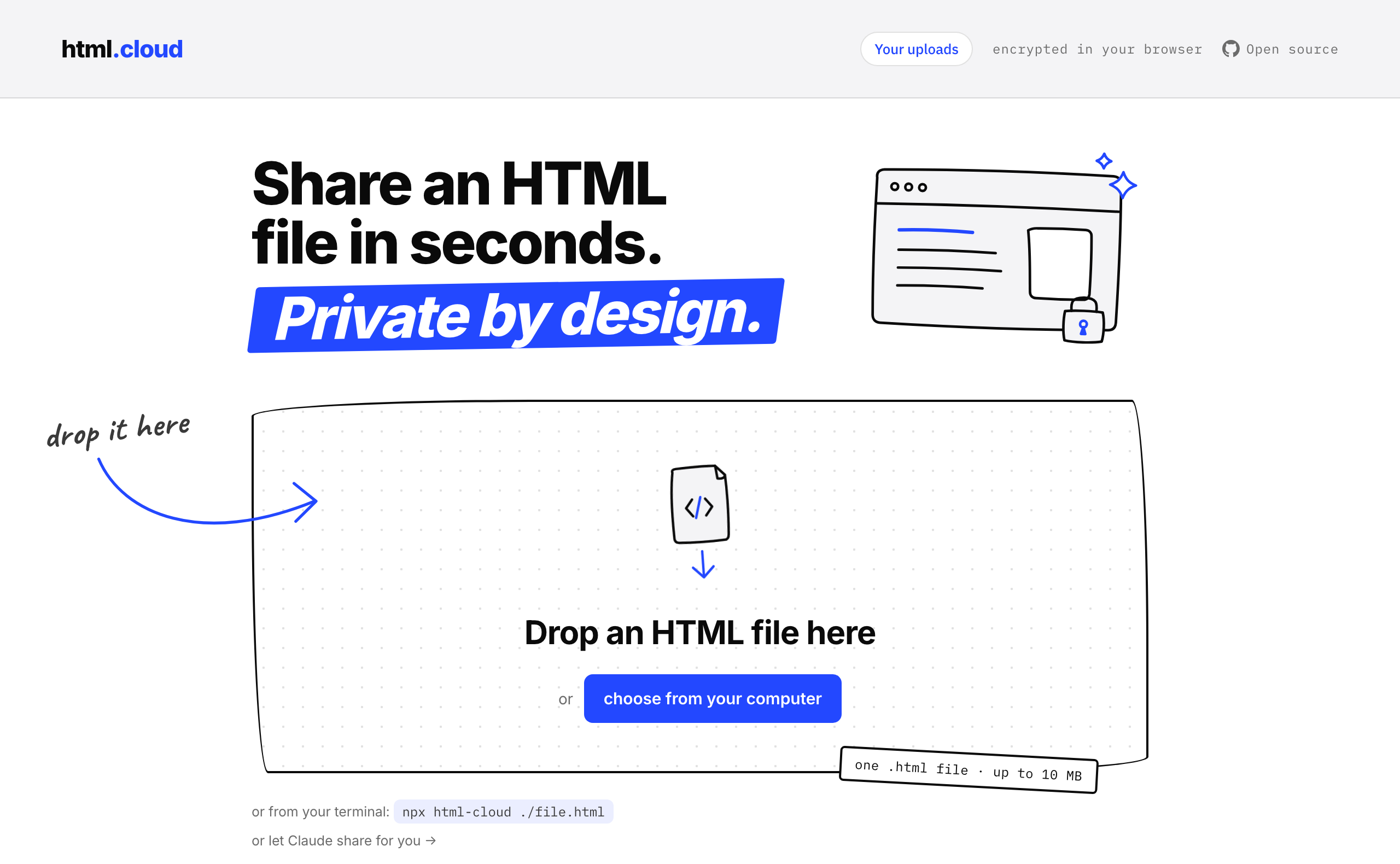
Share an HTML file. Keep the key.
Zero-knowledge, end-to-end encrypted HTML file sharing.
HTML Cloud · npm · Security · CLI · MCP
Your browser encrypts the file with AES-256-GCM before anything is uploaded. The decryption key lives after the # in the share URL — browsers never send that part to the server. We store only ciphertext.
How it works
- Drop an HTML file on the homepage
- Your browser generates two random keys: a view key (AES-256-GCM) and an edit key
- The file is encrypted in-browser and uploaded as ciphertext
- You get two links:
- Share link
/v/{id}#viewKey— give this to anyone you want to read the file - Edit link
/e/{id}#editKey— keep this private; it lets you replace the file, change its expiry, or delete it without changing the share link
- Share link
- Files self-destruct after the chosen expiry (7 days, 30 days, or never — 30 days by default)
The server stores:
- The encrypted blob
- The view key encrypted with the edit key (so the edit page can re-encrypt without exposing the view key)
SHA-256(editKey)for authorization — never the plaintext keys
Security properties
- Zero-knowledge uploads — the server cannot read any uploaded content
- Key-in-fragment — browsers strip the URL fragment before sending HTTP requests; the key never reaches the server
- Edit authorization — only
SHA-256(editKey)is stored; the rawedit_keyis verified on every write request (replace, expiry, settings, delete) - Expiry enforcement — expired documents are invisible to every route and hard-deleted daily by
model:prune - 10 MB upload limit enforced server-side
- No accounts — the API is stateless; every state-mutating request is authorized by the edit key, and uploads are rate-limited
See html.cloud/security for the full write-up.
CLI
Share a file from the terminal — encrypted locally, same crypto module as the browser:
npx html-cloud ./file.html
Or pipe straight from a generator:
my-report-tool | npx html-cloud -
The package lives in cli/ and on npm.
See html.cloud/cli for usage and options.
MCP server
Let Claude (or any MCP client) share HTML for you. The server is published as html-cloud-mcp and lives in cli/mcp/:
{
  "mcpServers": {
    "html-cloud": {
      "command": "npx",
      "args": ["-y", "html-cloud-mcp"]
    }
  }
}
See html.cloud/mcp for setup instructions.
Stack
- Laravel 13 (PHP 8.4+)
- SQLite (swap to MySQL/Postgres via
.envfor production) - Vite 8 (CSS and JS build pipeline)
- Web Crypto API (all crypto is browser-native; no external crypto libraries)
Setup
cp .env.example .env
php artisan key:generate
php artisan migrate
npm install && npm run build
php artisan serve
Run the test suite with:
php artisan test
For production, add a cron entry to run the scheduler:
* * * * * cd /path/to/html.cloud && php artisan schedule:run >> /dev/null 2>&1
Self-hosting
Clone, configure .env (APP_URL, DB_* if using MySQL/Postgres), run behind nginx or Caddy. Everything, including the encrypted blobs, lives in the database — back that up and you have the whole state.