Listed from the MCP registry; nobody on Odel publishes it.

ShortSmash
Generate finished short videos from a prompt, fetch trends, and check project status via MCP.
Runs on your machine from its package; the steps are below.
What it does
- Reads
- Writes
- High impact
At most: moves money, runs code or commands, deletes data, or sends messages for you.
What it costs
FreeOdel charges nothing per call. The publisher may charge for its own service.
Runs locally over stdio
This server isn't hosted — your MCP client launches it from a package registry. Use one of the commands below, or drop the config into your client (e.g. Claude Desktop).
Run
uvx shortsmash
MCP client config
{
  "mcpServers": {
    "shortsmash": {
      "command": "uvx",
      "args": [
        "shortsmash"
      ]
    }
  }
}


Prompt in. Finished short out.
ShortSmash is an AI video studio that takes one sentence — or today's trends — and ships a finished, captioned 9:16 short, then publishes it to YouTube, TikTok, Instagram, X, Threads, Bluesky, LinkedIn, Pinterest, and Facebook (profiles + Pages) through their official APIs. Script, voiceover, verified stock footage, karaoke captions, music ducking, trend harvesting, batch production, scheduling and comment-reply drafts, all in one CLI. And an MCP server, so AI agents can drive the whole factory.
shortsmash trends food                    # what's hot right now (free, no keys)
shortsmash batch food --count 5           # turn the top 5 trends into 5 videos
shortsmash serve                          # 🆕 web studio: http://localhost:8000
shortsmash agent "make a 30s reel about coffee and post it Friday at 6pm"
shortsmash post myvideo.mp4 --caption     # post YOUR video: AI title + hashtags
shortsmash post myvideo.mp4 --at "Friday 6pm" --platforms youtube,tiktok
git clone https://github.com/hydope/shortsmash && cd shortsmash
./install.sh                          # Windows: .\install.ps1
shortsmash "why you can't tickle yourself"   # prompt in, finished short out
🏆 Featured in
ShortSmash is listed in curated awesome lists (merged PRs):
- ToolkitlyAI/awesome-ai-tools — AI Video
- TensorBlock/awesome-mcp-servers — MCP registry profile live on tensorblock.co
- sajadh76/awesome-AI-tools — Video Generation
- mcpHQ/awesome-mcp-servers — MCP Servers
- Jenqyang/Awesome-AI-Agents — AI Agents
- Official MCP Registry —
io.github.hydope/shortsmash, installable viapip install shortsmash
🏗️ Architecture
flowchart LR
    P["Prompt / trend"] --> LLM["LLM: script + shot plan<br/>(NVIDIA · Gemini · Grok)"]
    LLM --> TTS["Neural TTS<br/>(50 languages)"]
    LLM --> VIS["Visuals<br/>(Pixabay · Agnes · Veo 3.1 · Kling)"]
    VIS --> GATE["Vision gate<br/>(CLIP + Gemini)"]
    GATE -->|reject| VIS
    TTS --> REN["FFmpeg render<br/>1080×1920 · karaoke captions<br/>cinematic grade · music"]
    GATE --> REN
    REN --> DUB["Dub engine<br/>(50 languages)"]
    REN --> PUB["10 publishers<br/>(official APIs)"]
    DUB --> PUB
    PUB --> SCHED["Scheduler<br/>(SQLite · 'Friday 6pm')"]
🖥️ ShortSmash Studio (web UI)
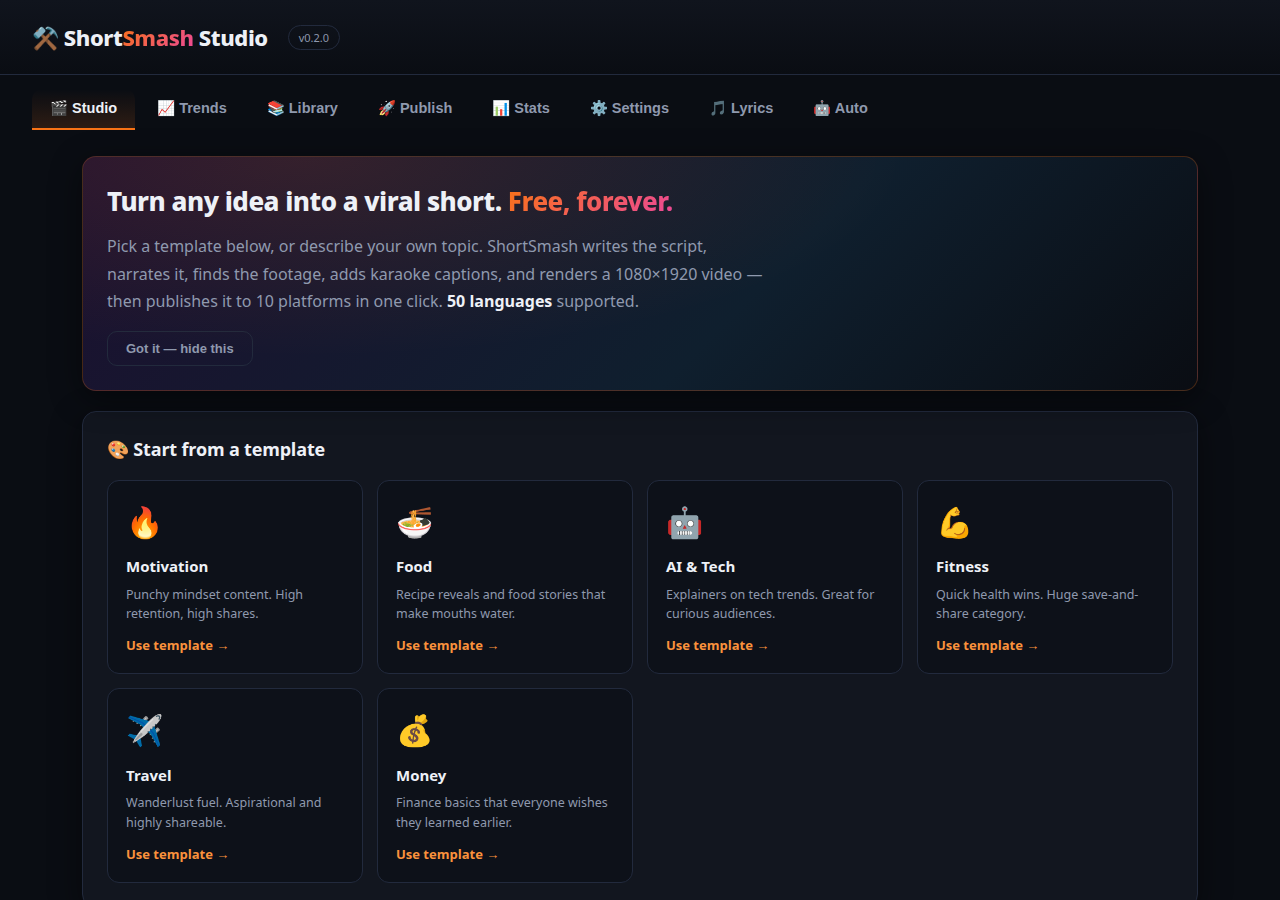
shortsmash serve launches a dark, fast studio in your browser — no build step:
- 🎬 Studio tab — type a topic, hit Smash, watch it build; video previews inline
- 📈 Trends tab — browse what's hot per niche, click any trend to use it as your topic
- 📚 Library tab — every project, video preview, one-click publish
- 📤 Manual posts — upload your own video, get a pre-flight check (resolution, duration, per-platform limits), AI-written title + hashtags, then post now or schedule it ("Friday 6pm") to 10 platforms
- 📊 Stats tab — your output at a glance
🎬 Demo
Made end-to-end by ShortSmash — no hand-picked clips, no human editing. LLM script, neural voice, CLIP-verified stock footage, karaoke captions, ducked music bed.
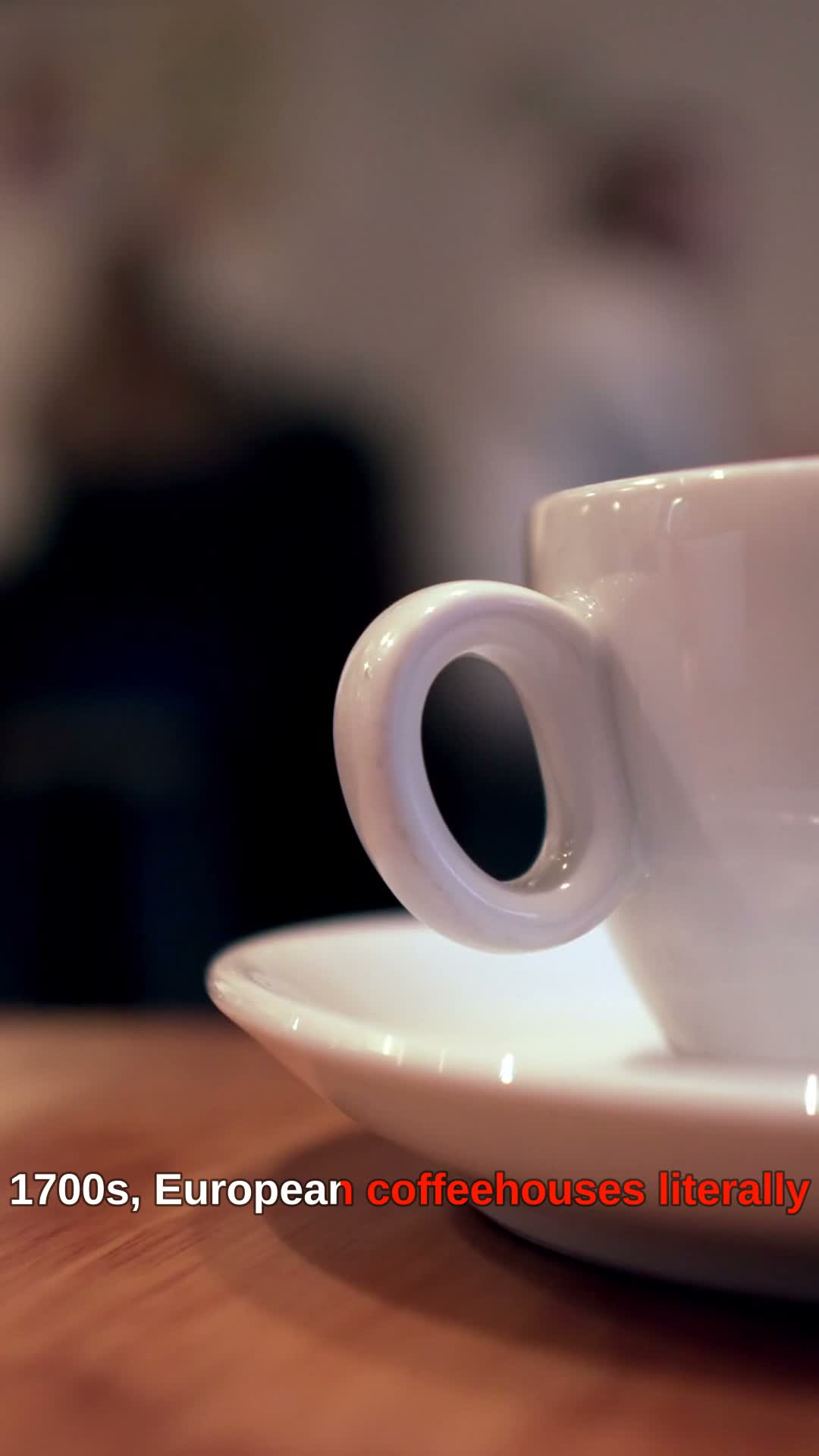
"How Goats Made You Addicted to Coffee" — 49s, 1080×1920, made from one prompt. Click to play:
Same video, re-voiced — native neural voices, same verified footage:
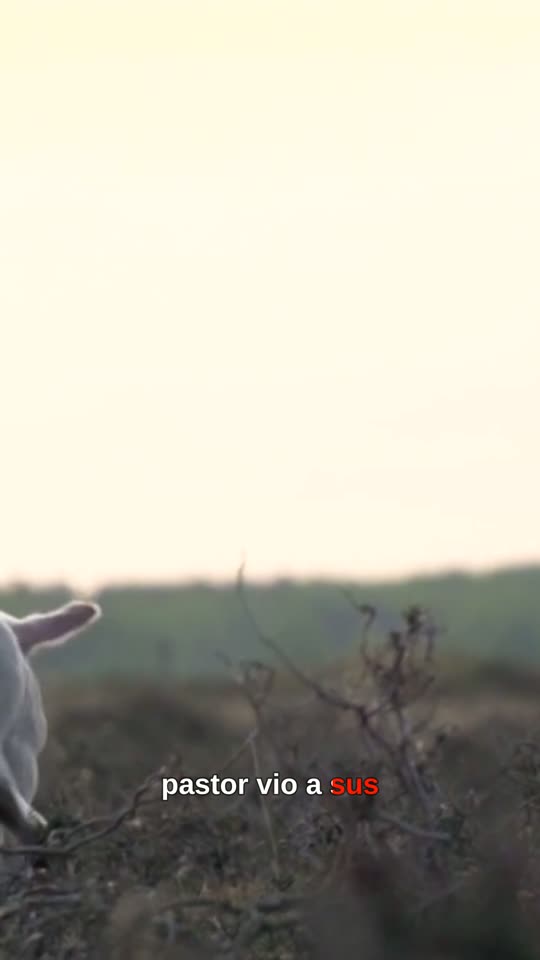



Español · اردو · Roman Urdu · 中文 — the Mandarin version uses a native voice (not translationese) with Hanzi karaoke captions. One project, every audience.
More demos — each made from a single prompt, click to play:
Why you can't tickle yourself — 11s, 1080×1920

The deepest place on Earth — 14s, 1080×1920
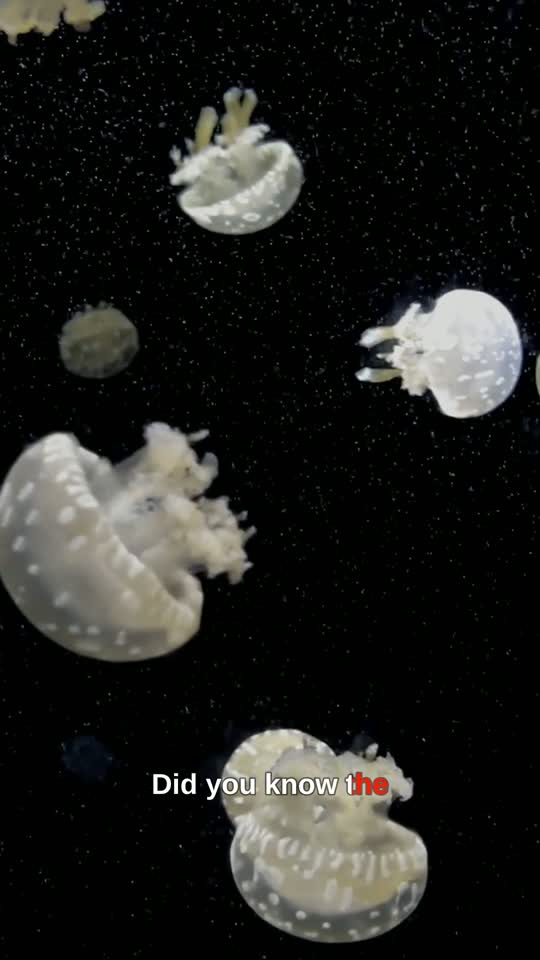
Why time flies faster as you get older — 11s, 1080×1920
📤 Or skip the AI — post your own video
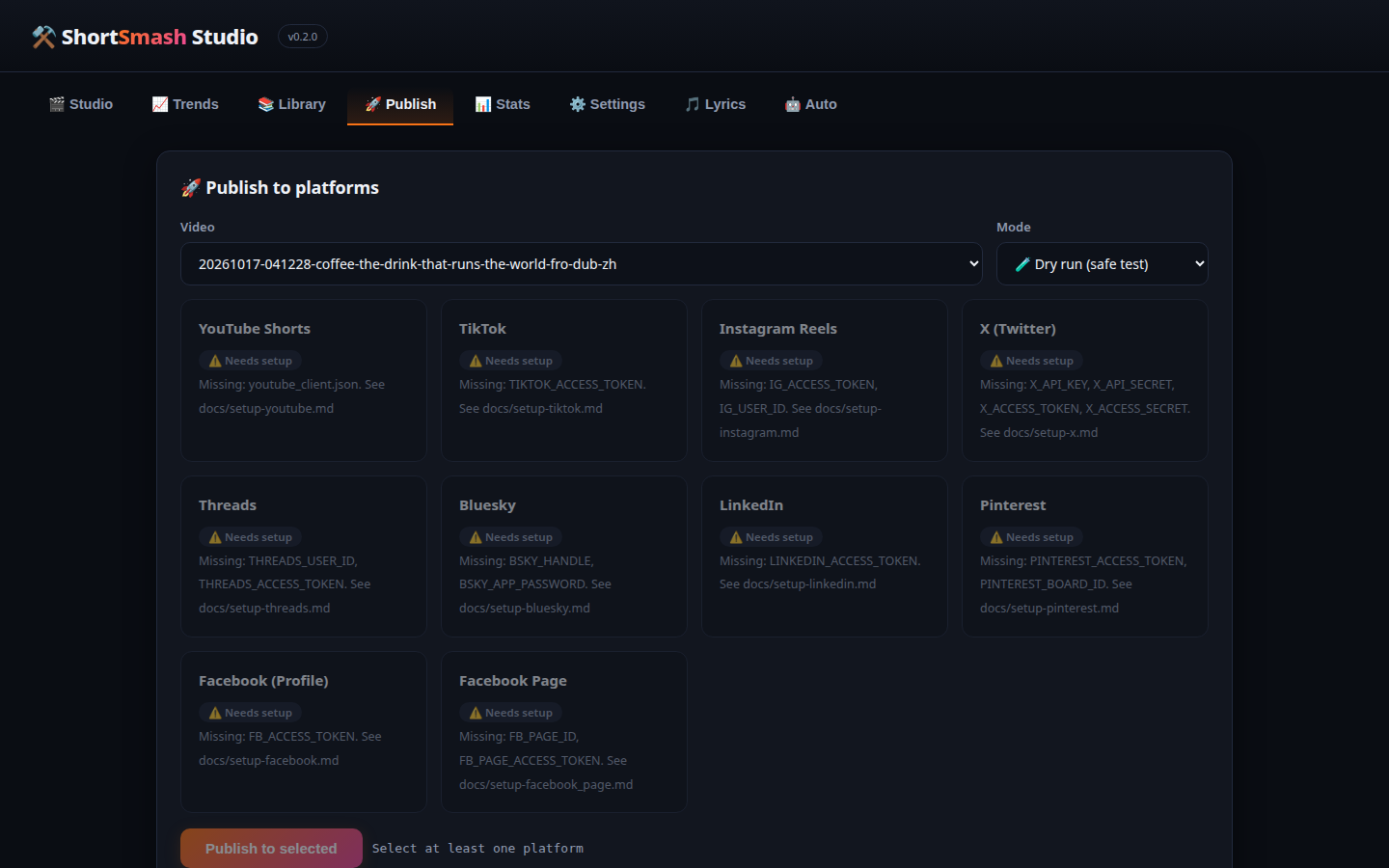
Upload any video, get a pre-flight check (resolution, duration, per-platform limits), an AI-written title + hashtags, then post now or schedule it ("Friday 6pm") to 10 platforms. In the Studio's Publish tab, or one command: shortsmash post myvideo.mp4 --caption


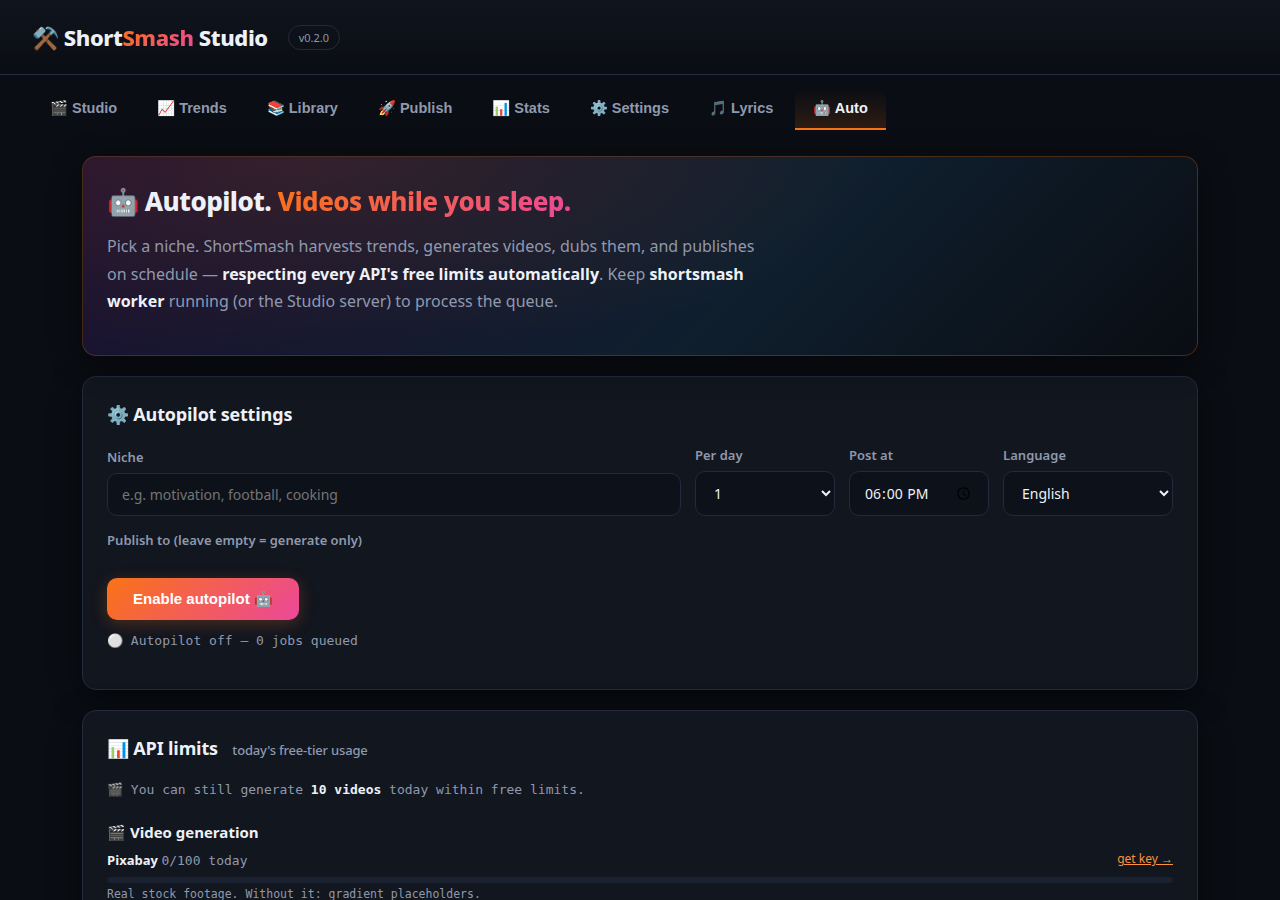
🖥️ ShortSmash Studio
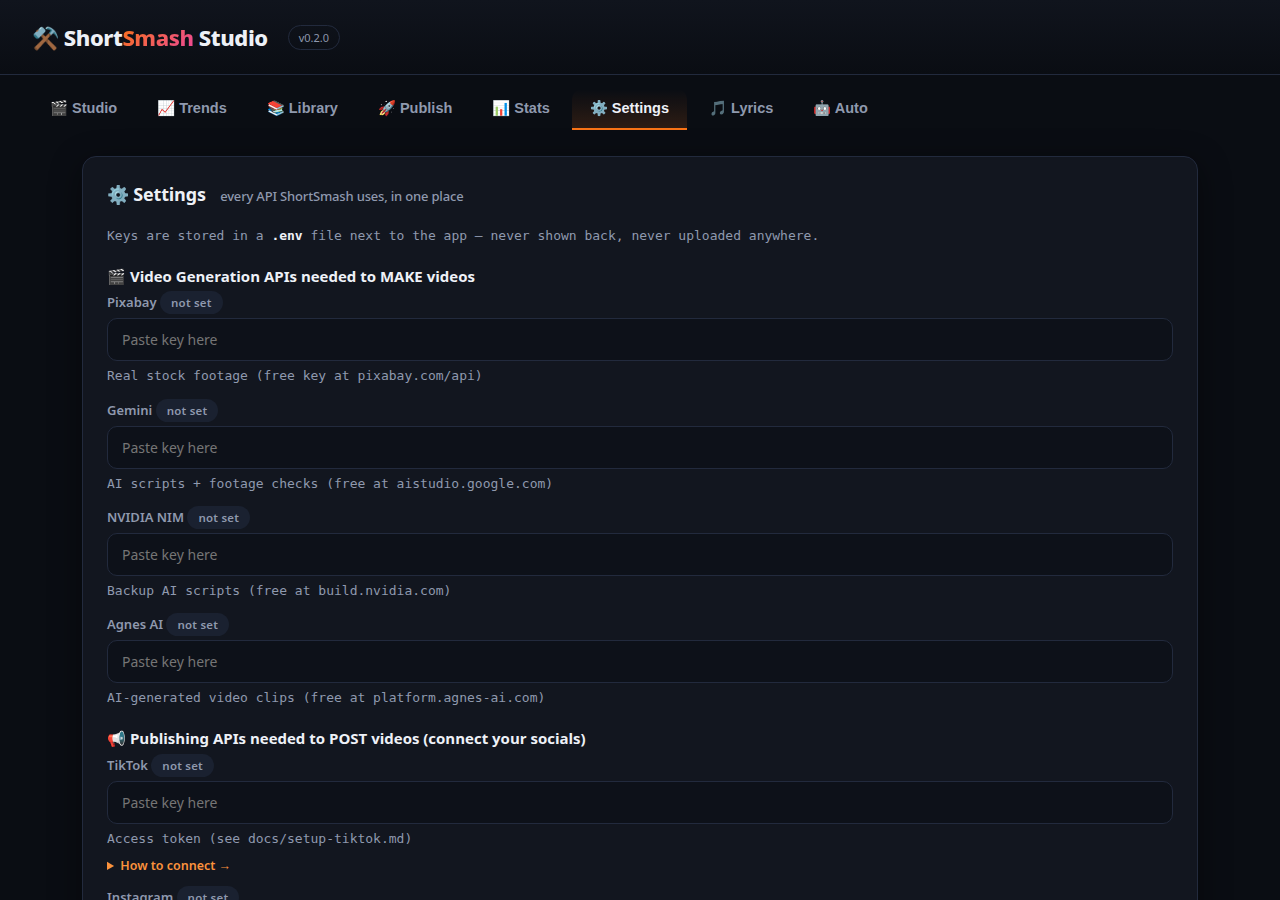
shortsmash serve — generate, browse trends, publish, and track stats from the browser:
| Studio (templates) | Settings (API keys) |
|---|---|
 |  |
| Publish | Library |
 | 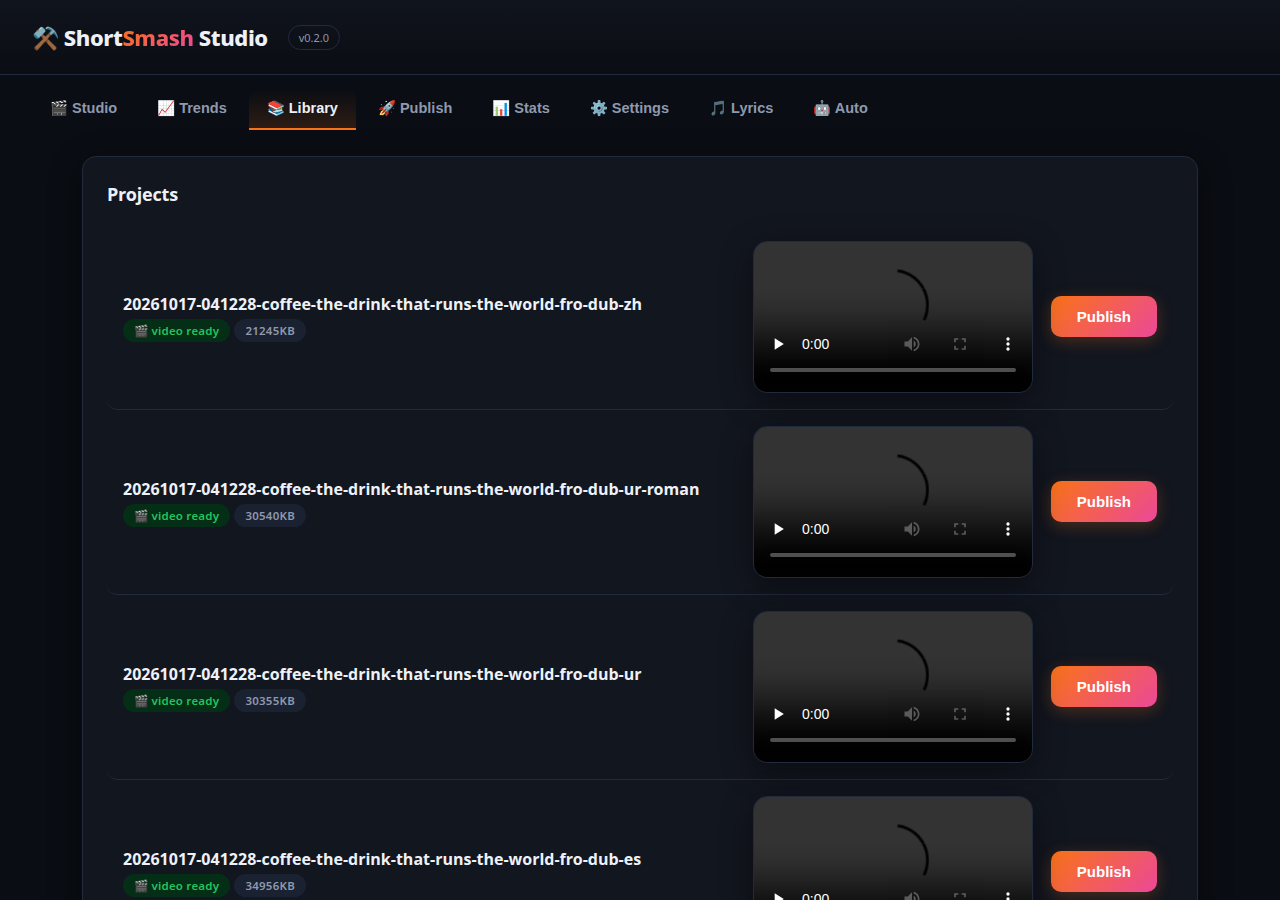 |
| Trends | Stats |
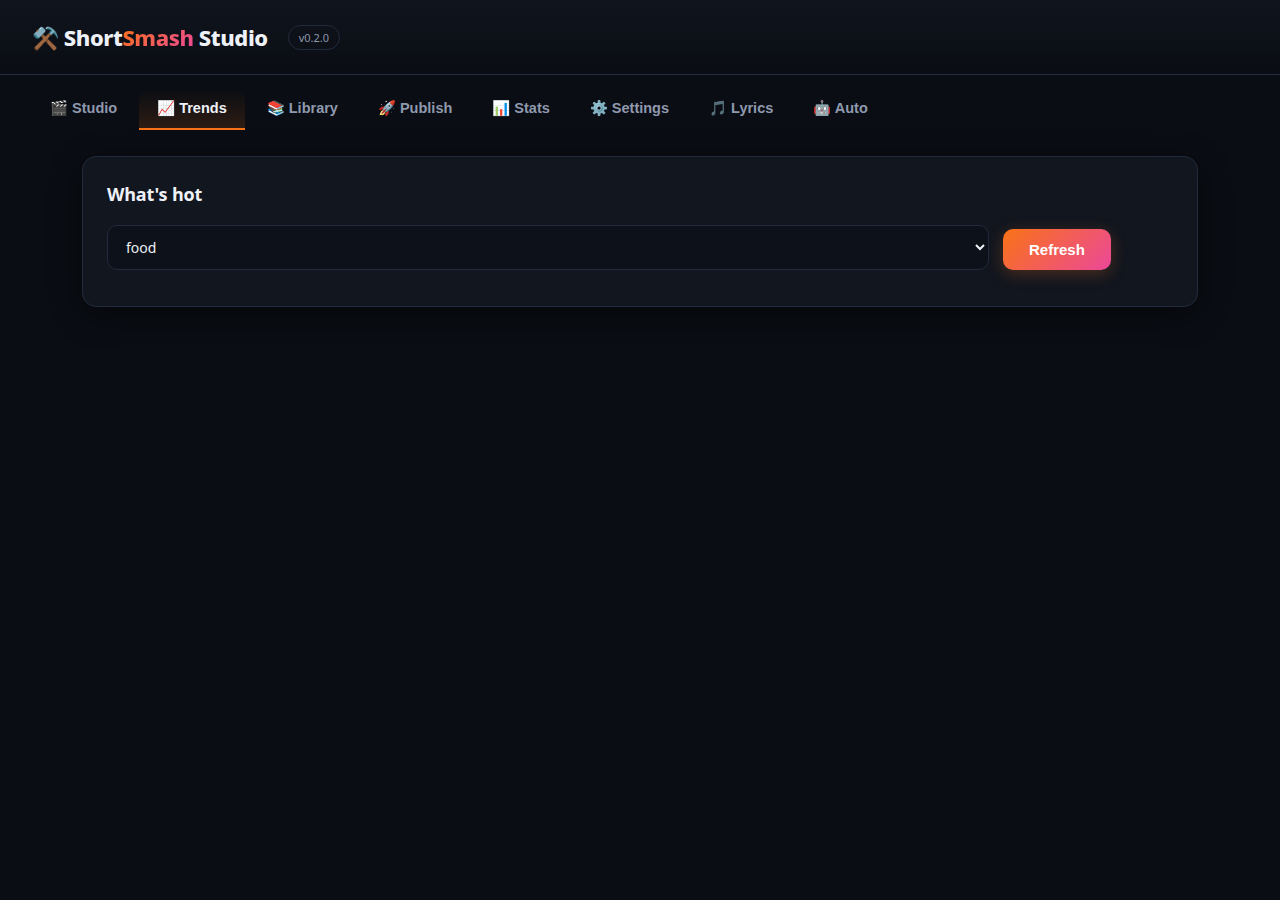 | 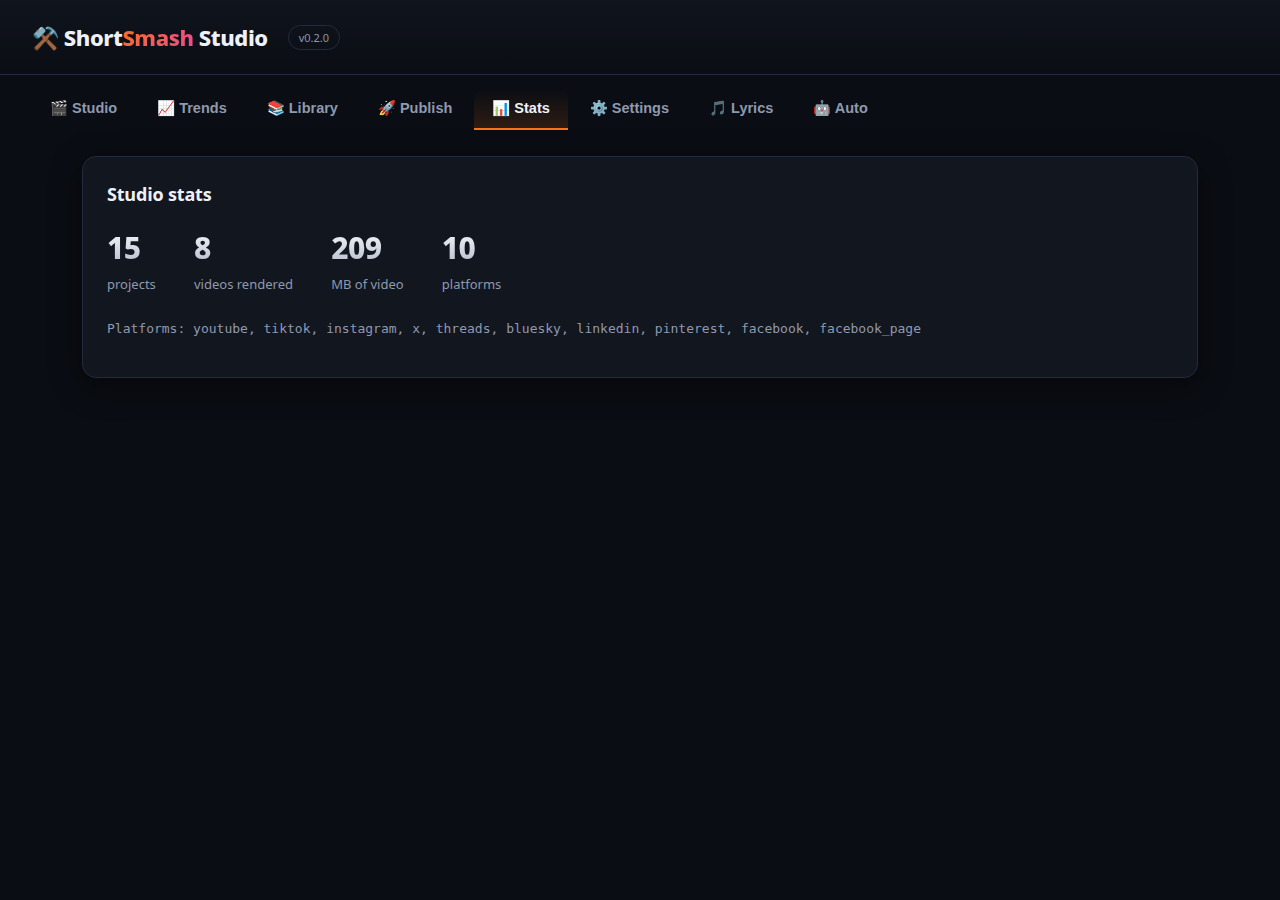 |
| Lyrics mode | Auto pilot |
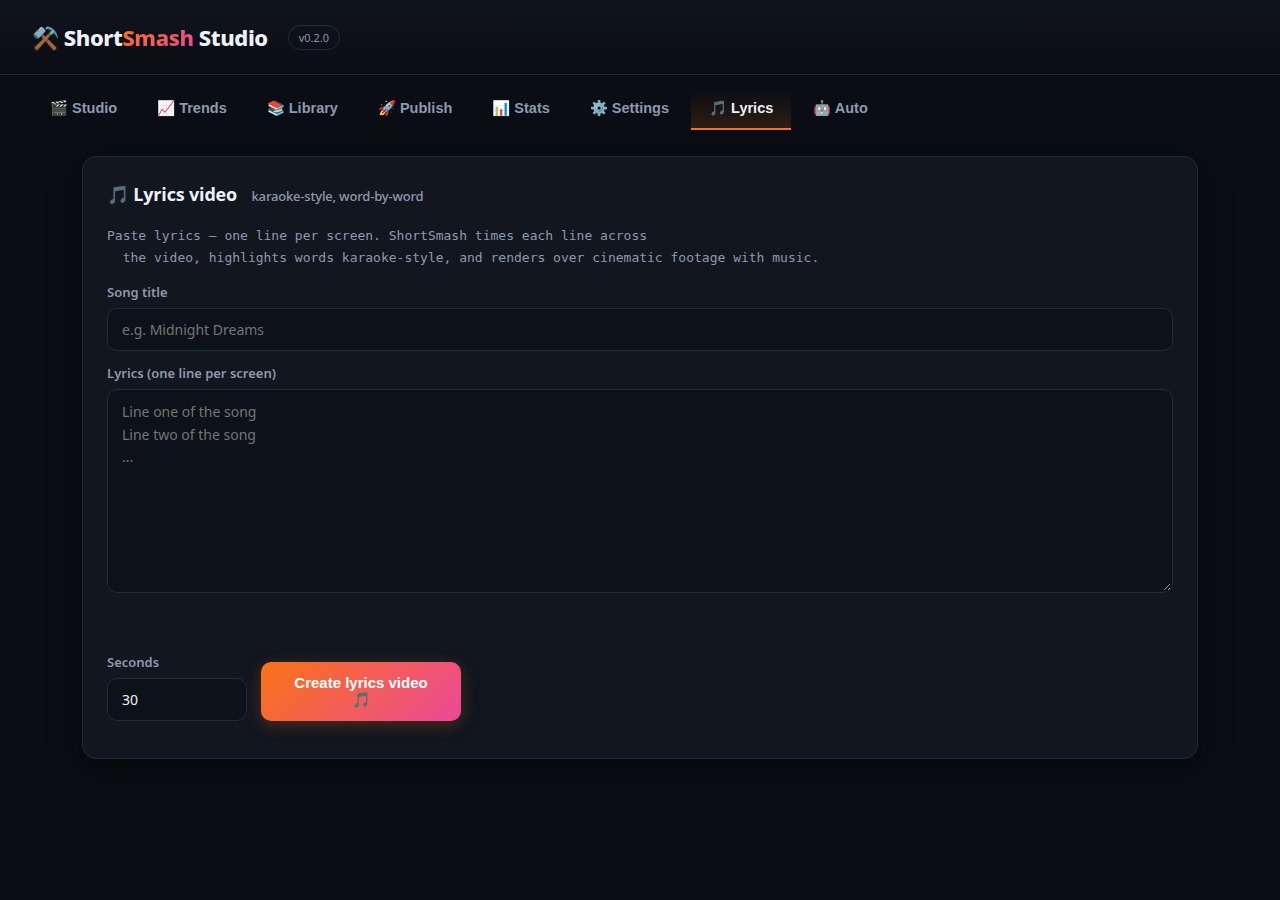 |  |
Why ShortSmash
Most text-to-video tools assemble clips blindly — whatever the stock API returns first goes in. That's why automated shorts have the infamous "stock-footage look": a burger in a cooking tutorial, a parrot in a recipe video.
ShortSmash is the first open-source pipeline with eyes:
- Two-stage vision gate. Every candidate clip's middle frame is checked by a local CLIP model (offline, no quota, no cost) against 15 confuser categories — burgers, birds, houseplants, empty pans, citrus fruit — then by Gemini vision when quota allows. Wrong footage never ships.
- Audible gate. Renders with dead or missing audio fail instead of shipping.
- Never ships silent. A CC-licensed music library auto-downloads on first run; music is ducked under narration with a real FFmpeg sidechain.
The pipeline
prompt ──▶ script ──▶ voice ──▶ visuals ──▶ captions ──▶ render ──▶ publish
           NVIDIA     Edge-TTS   Pixabay      faster-     FFmpeg      official
           Gemini     Piper      Veo 3.1      whisper     1080x1920   APIs only
           Grok       (offline   Kling        karaoke     +faststart
           OpenAI-    neural)    Agnes
           compat     50 langs   CLIP-verified
- Script — NVIDIA NIM (free) → Gemini (free) → Grok → any OpenAI-compatible endpoint (OpenRouter, DeepSeek, local Ollama) → offline template. Writes a scroll-stopping script and a strict JSON edit plan, validated by pydantic. Second-person, punchy, 3–4s scenes.
- Voice — Edge-TTS → Piper offline neural → gTTS fallback chain. 50 dub languages with native voices, Urdu/Hindi/Arabic included.
- Visuals — free Pixabay footage or AI generation: Google Veo 3.1 (best quality, native audio), Kling AI (top-tier motion), Agnes AI (free tier) — every clip verified by the vision gate regardless of source. Prefer your own? Set
visual_provider: customwith any command (ComfyUI, Replicate, MiniMax…). - Captions — faster-whisper word timestamps → burned-in karaoke captions.
- Render — FFmpeg: 9:16 smart reframe, transitions, hook + CTA overlays, ducked music, H.264/AAC faststart.
- Publish — YouTube, TikTok, Instagram, Threads, Bluesky, LinkedIn, Pinterest, X. Official APIs only — no Selenium, no scraping, nothing that gets accounts banned.
- Dub —
shortsmash dub <slug> --lang urre-voices any video in 50 languages — Urdu, Hindi, Arabic, Spanish, French, German, Chinese, Portuguese and 42 more — plusur-roman/hi-romanfor Roman-script captions ("Tum kaise ho?") with the native neural voice. Urdu captions render in proper Nastaliq calligraphy, right-to-left, with the karaoke highlight tracking the spoken word. Same verified clips, new native narration. - Analytics —
shortsmash analyticspulls real views/likes/comments from YouTube's API. Numbers from the platform, not vanity metrics. - Trends —
shortsmash trends <niche>harvests Google News + Hacker News (free, no keys).shortsmash batchturns the top trends into videos unattended. - Schedule — natural language ("Friday 6pm"), durable SQLite queue, retrying worker.
- Engage — pulls recent comments, drafts warm replies, you approve each one with a tap. Nothing posts itself.
- MCP server —
python -m shortsmash.mcp_serverexposesgenerate_video,get_trends,list_projects,project_statusto Claude Code, Cursor, and any MCP client. - Resume —
shortsmash resume <slug>picks up failed projects from the first incomplete stage instead of redoing everything.
How ShortSmash compares
| ShortSmash | MoneyPrinterTurbo | OpenPost | Postiz | ShortGPT | |
|---|---|---|---|---|---|
| Prompt → finished short | ✅ | ✅ | ❌ (manual editor) | ❌ | ✅ |
| Post your own video (validate + schedule) | ✅ | ❌ | ✅ | ✅ | ❌ |
| Footage verification | ✅ CLIP + Gemini | ❌ | n/a | n/a | ❌ |
| Offline neural voice fallback | ✅ Piper | ❌ | n/a | n/a | ❌ |
| Audio safety gate | ✅ | ❌ | n/a | n/a | ❌ |
| Trend harvesting (free, no keys) | ✅ | ✅ | ❌ | ❌ | ❌ |
| Batch production | ✅ | ✅ | ❌ | ❌ | ❌ |
| Karaoke word-level captions | ✅ | ✅ | ✅ | ❌ | ✅ |
| Official publishing APIs | ✅ 10 platforms | ⚠️ Selenium for YT | ✅ | ✅ | ⚠️ |
| Multi-language dubbing | ✅ 50 languages (incl. Roman Urdu/Hindi, Chinese) | ❌ | ❌ | ❌ | ✅ |
| Real analytics pull | ✅ | ❌ | ❌ | ✅ | ❌ |
| Web UI | ✅ Studio | ✅ | ✅ | ✅ | ✅ |
| MCP server | ✅ | ❌ | ✅ | ✅ | ❌ |
| Comment-reply drafts (human-approved) | ✅ | ❌ | ❌ | ❌ | ❌ |
| Resume failed projects | ✅ | ❌ | n/a | n/a | ❌ |
| License | MIT | MIT | AGPL/Commercial | MIT | MIT |
| $0 to run | ✅ | ✅ | self-host | ✅ | ✅ |
MoneyPrinterTurbo (129K★) is the most mature; OpenPost is the best manual workspace. ShortSmash is the most engineered AI-native pipeline — the only one that checks its own work.
What ShortSmash will never do
No fake likes, comments, follows, shares, or stars. No botting, no "human-like" evasion of platform detection, no scraping or unofficial endpoints. That violates every platform's rules and gets accounts banned — and it doesn't work for real growth anyway. This boundary is architectural, not a policy note: the capability simply isn't in the codebase.
Quickstart — one command
Windows (PowerShell) — paste this one line, done. It installs Python, FFmpeg, Git if missing, sets everything up, and puts ShortSmash Studio on your Desktop + Start Menu:
& ([scriptblock]::Create((irm "https://raw.githubusercontent.com/hydope/shortsmash/master/install.ps1")))
Windows (CMD) — same thing, one line in Command Prompt:
curl -L -o "%TEMP%\rf-install.cmd" "https://raw.githubusercontent.com/hydope/shortsmash/master/install.cmd" && "%TEMP%\rf-install.cmd"
Linux / macOS / Git Bash (Windows) — one line, works everywhere including Git Bash on Windows:
curl -fsSL "https://raw.githubusercontent.com/hydope/shortsmash/master/install.sh" | bash
After install, launch ShortSmash Studio from the Start Menu / Desktop
(Windows) or run shortsmash serve → open http://127.0.0.1:8000.
Prefer it manual? Download the repo and double-click install.bat
(Windows) or run ./install.sh (Linux/macOS).
Cloning just for the code? The full repo is ~213 MB of demo videos — skip them with a sparse checkout:
git clone --depth 1 --filter=blob:none --sparse https://github.com/hydope/shortsmash.git
git -C shortsmash sparse-checkout set shortsmash scripts fonts
If an earlier install failed halfway, delete the ShortSmash folder and re-run the one-liner.
Needs Python 3.11–3.13 and ffmpeg. The Windows one-line installers fetch both for you if missing — and if your machine already has Python 3.14, they install 3.13 (PowerShell) or 3.12 (CMD) side by side and use that instead, since 3.14 cannot build a working virtual environment yet. Installs fetch code only (~2 MB, no demo videos).
Make a video in the 🎬 Studio tab, then hit the 🚀 Publish tab to post it to 10 platforms (YouTube, TikTok, Instagram, X, Threads, Bluesky, LinkedIn, Pinterest, Facebook, Facebook Page) in one click — with per-platform setup status and dry-run safety.
Manual install, if you prefer it piecemeal:
pip install 'shortsmash[ai,voice,captions,trends,vision,mcp,youtube,x,schedule]'
shortsmash init          # guided setup: keys, voice, defaults
shortsmash doctor        # verify every dependency

# Your first video (needs a free Pixabay key + any LLM key)
shortsmash new "coffee" --duration 30

# Ride the trends
shortsmash trends ai --limit 5
shortsmash batch ai --count 3

# Hands-free
shortsmash agent "make a 30s reel about the top AI trend and post it Friday at 6pm"
Free keys: Pixabay (footage) · Google AI Studio (Gemini LLM) · NVIDIA NIM (LLM). Or point openai_base_url at local Ollama and pay nothing at all.
Docs
Per-platform publishing setup (official APIs):
docs/setup-youtube.md,setup-tiktok.md,setup-instagram.md,setup-x.mddocs/setup-threads.md,setup-bluesky.md,setup-linkedin.md,setup-pinterest.md,setup-facebook.md,setup-facebook_page.mddocs/trends.md— trend sources and scoringdocs/mcp.md— MCP server setup for Claude Code / Cursordocs/visual-providers.md— plugging in AI visual generation
License
MIT — build whatever you want.







