Listed from the MCP registry; nobody on Odel publishes it.

UISandbox
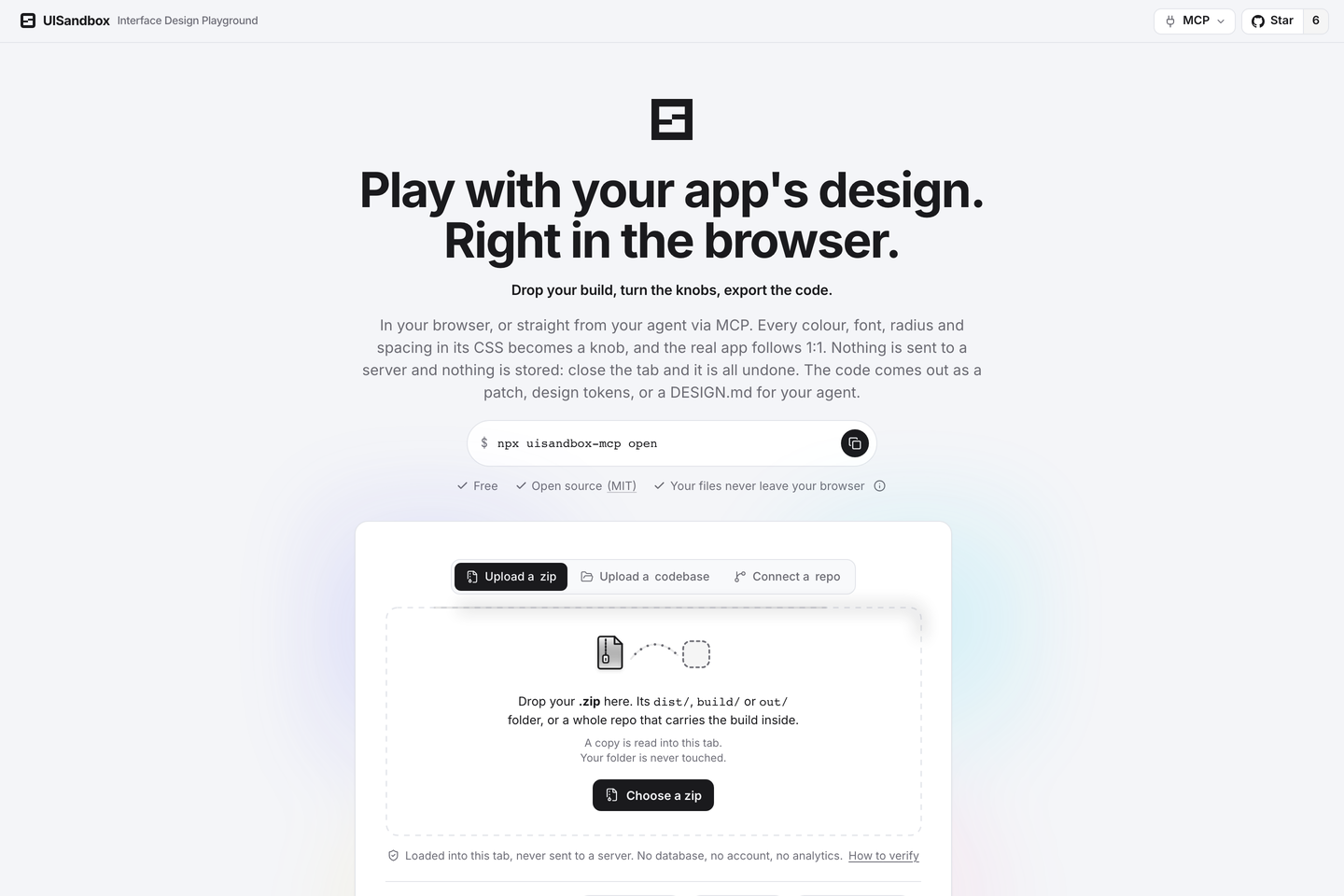
Play with your app's design in the browser: load a build, turn the knobs, export the code.
Runs on your machine from its package; the steps are below.
What it does
- Reads
- Writes
- High impact
At most: creates or changes data: records, files, settings.
What it costs
FreeOdel charges nothing per call. The publisher may charge for its own service.
Runs locally over stdio
This server isn't hosted — your MCP client launches it from a package registry. Use one of the commands below, or drop the config into your client (e.g. Claude Desktop).
Run
npx -y uisandbox-mcp
MCP client config
{
  "mcpServers": {
    "uisandbox": {
      "command": "npx",
      "args": [
        "-y",
        "uisandbox-mcp"
      ]
    }
  }
}
UISandbox
Play with your app's design. Right in the browser.
Bring your app, pick a look, tune it, take it home.
Your own app runs 1:1 in the tab, nothing is sent to a server, and closing the tab undoes all of it.
uisandbox.org · npm: uisandbox-mcp · MCP registry · Discussions · MIT


Your app looks like every other app an AI helped build, and you cannot say why. UISandbox opens it next to the knobs that decide that: colour, type, shape and space. Turn one and every place that value is used follows, on the real app and not a mock-up of it. Keep what you see as a design system your agent can apply.
Try it on the app you are running. Next to your dev server:
npx uisandbox-mcp@latest open
It finds the app on localhost and opens it live in your browser, every screen, hot reload kept. Or tell your agent to open it. No app at hand? uisandbox.org starts on a UI kit.
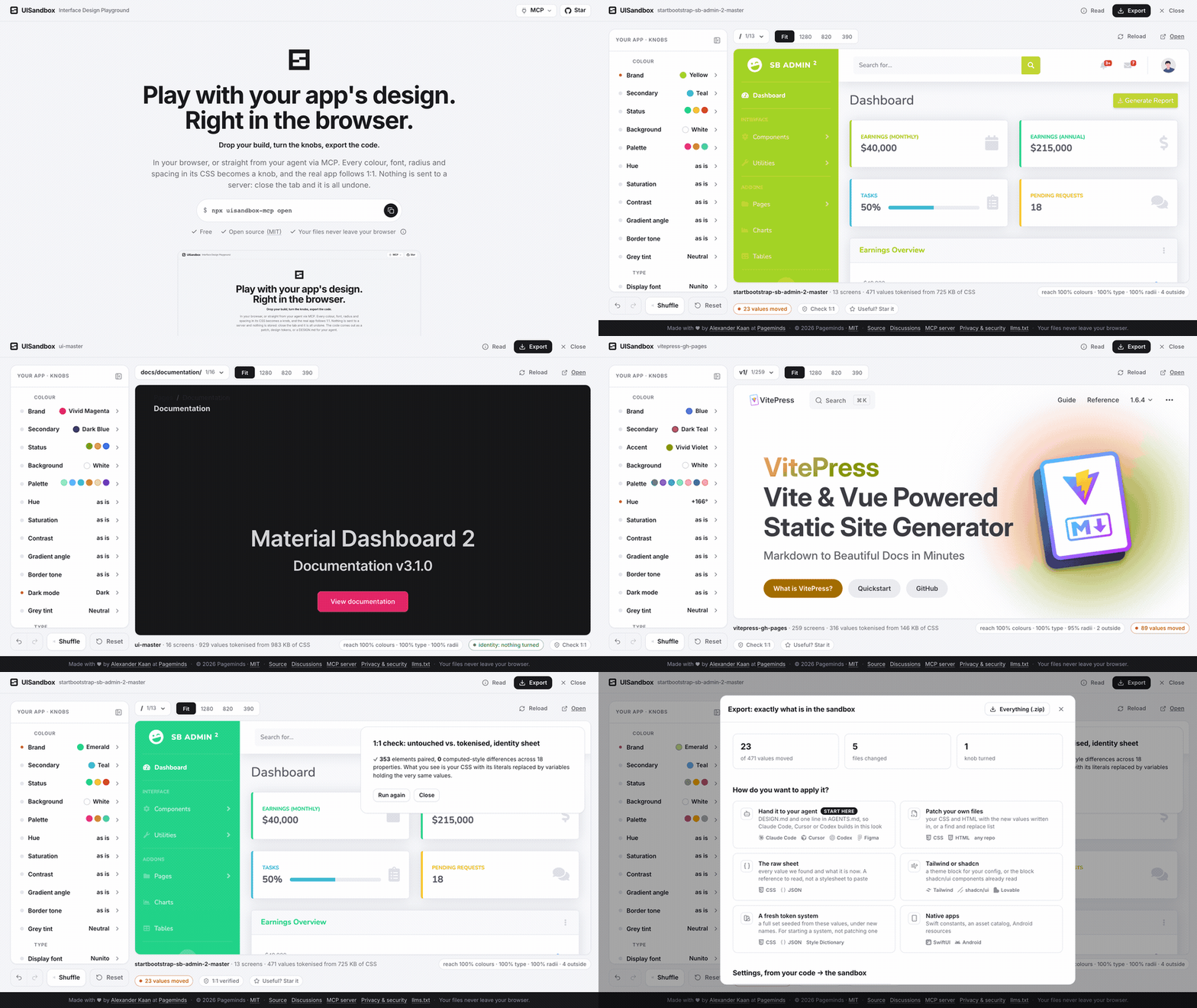
The four steps
- Bring your app. Run
npx uisandbox-mcp@latest opennext to your dev server, or tell your agent to open it, and your running app opens live, every screen, hot reload included (Open your local app, top right on the site, has the line and a prompt for your agent). No app at hand? The editor opens on shadcn/ui as it ships, six ways, with seven more kits one pick away (Tailwind CSS, daisyUI, Bootstrap, Material 3, Radix Themes, Mantine, Ant Design), each dressed as the same seven-screen invoicing app. No terminal? Drag Take this screen along to your bookmarks bar and click it on any screen your browser shows (staging, behind a login, a Lovable or v0 preview), or bring a zip, a folder or a public repo. What you turned on the kit comes along if you want it to. - Pick a look. 6 over the screen shows it six ways, side by side: Classic, Compact, Soft, Sharp, Airy and Bold. They differ in corners, spacing, depth and type and never in colour, so you compare the style and not the paint. Open one full size, then Pick this one. The same six are the Preset list.
- Tune it. Colour, Type, Shape and Space first; text size, line height, letter spacing, weight, heading weight, border width, elevation, motion, grey tint and the rest under More. Every dial has ×1 = as in your code at its centre. Your own dark mode is switched on your own hooks. Hold Space to see your original.
- Take it home. Copy for your AI puts the design system and how to apply it
in one paste, for Claude Code, Cursor, Codex, Lovable or v0. On a kit, the zip
keeps a
DESIGN.md, atheme.cssand aSKILL.mdin your repo, written in that kit's own variable names. On your own app you get your files patched in place, or tokens for CSS, Tailwind, shadcn, Swift and Android. With the MCP server running, Send to your agent hands it straight back.
It also says which tells of the generic AI look are on the screen (Inter or Geist everywhere, an indigo brand, gradients as decoration), measured from the page, and which of them a knob fixes.
Open one by link
uisandbox.org/?load= followed by a public GitHub or GitLab repository URL, or a
direct link to a .zip that allows CORS, opens straight into the sandbox:
https://uisandbox.org/?load=https://github.com/edwardtufte/tufte-css
https://uisandbox.org/?load=https://example.com/dist.zip
A repository URL goes through this site's repo route (GitHub and GitLab do not
send CORS on archives); a .zip URL is fetched by the browser itself. Either way
the archive is read in the tab, exactly as a dropped one is.
It is your app, not a preview of it
Every colour, radius, font, size, spacing, line-height, letter-spacing, weight,
border-width, duration, gradient angle and shadow literal in your CSS becomes a
variable holding the very same value, so the page renders exactly as it was.
Runtime styles too: style="" set by JavaScript, the <style> your framework
appends, insertRule and replaceSync from styled-components, Emotion, Lit and
Ant's cssinjs, CDN stylesheets through a same-origin proxy, and nested same-origin
frames such as Storybook's.
How to check it yourself
- Check 1:1 loads the untouched and the tokenised page side by side and diffs the computed styles of every element, shadow roots and nested frames included. Zero differences, or it names what differs.
- The reach meter in the stage foot says how much of what you see the knobs touch, and what lies outside: images, canvas, video.
- It says so when it can't help. iOS and Android projects, WordPress themes and source without a build get a clear message at the door.
- A hostile archive cannot navigate the tool away, register its own service
worker or unregister ours, or smuggle a zip-slip path out of an export. What it
can do, reach the tool's DOM because the frames are same-origin by design, reaches
nothing worth having: no server, no credentials, no state. Read
notes/security.md, and deploy on an origin of its own.
Your files never leave your browser
There is no server behind the sandbox, no account, no cookies and no analytics. Your files are read in the tab and served to the frame by a service worker on the same origin; exports are made there too. The one exception is a public repo URL, which goes through uisandbox.org to fetch its zip. Nothing is stored.
From your terminal, or from your agent
npx uisandbox-mcp@latest open                       # the app you are running, live, hot reload included (else this folder's build)
npx uisandbox-mcp@latest open http://localhost:3000 # that dev server, when more than one runs
The same engine runs as an MCP server (mcp/README.md): load a
build, a zip or a running dev server, open the real sandbox in the user's browser,
wait_for_send for what they turned, set knobs, export any format, verify the
1:1 check and take a screenshot. Add it to any MCP client with
npx -y uisandbox-mcp@latest.
Claude Code plugin (skill and server in one):
/plugin marketplace add Ideelab/uisandbox, then /plugin install uisandbox@uisandbox,
and say "open this app in UISandbox". The skill alone is
skills/uisandbox/SKILL.md.
Run it
pnpm install
pnpm dev        # http://localhost:5190
pnpm test       # vitest, node:test for the audit and the kit engine
pnpm build      # dist/: static; public/_headers rides along
pnpm holdouts   # every fixture zip through the real app in headless Chromium (below)
http://localhost:5190/?load=<zip-url> loads a zip by URL (same-origin or CORS).
Test it against real builds
pnpm holdouts runs every archive in fixtures/ (real builds from public repos,
gitignored; notes/decisions.md says where each came from)
through the app: load, Check 1:1, reach, and a host check. Verdicts are held against
scripts/holdouts.expect.json; a fixture expected
ok that is not fails the run. --only <name>, --record, --base <url>.
pnpm kits:build builds the eight kit doors from each kit's own package,
pnpm kits:gates checks their detection, their export and the live bridge.
How it works
src/
  sandbox/
    rewrite.ts     their CSS and HTML: literals replaced by var(--us-vN), byte-preserving
    table.ts       the substitution sheet: one entry per (kind, value), with its sites
    mapping.ts     knob to their values, RELATIVE to the baseline (identity at rest)
    baseline.ts    the knobs on the stand of THEIR code
    directions.ts  the six looks of Pick a look and Preset
    tells.ts       the AI tells, measured on the screen
    verify.ts      the 1:1 check: raw against identity, computed styles per element
    coverage.ts    the reach meter
    live.ts        runtime style="" and <style> get the same rewrite
    scheme.ts      their dark mode: the hooks in their CSS, switched
  kits/engine/     the kit doors and the design system + skill export, per kit
  public/sw.js     serves a sandbox document's URLs from the page; /__ext/ proxies CDN CSS
  app/ panel/ tokens/ export/ state/ audit/
notes/             decisions (numbered), traps, lessons, security, roadmap
Deploy
One origin, one Cloudflare Worker (worker/index.mjs, wrangler.jsonc): static
assets from dist/, the SPA fallback for ?load=, http to https and www to apex,
and the /__repo/ route that fetches a public repo's zip (nothing stored,
same-origin callers only, rate-limited). public/_headers keeps sw.js uncached
and sets the security headers. A deploy is pnpm build && npx wrangler deploy.
Put nothing else on the origin: the sandboxed frames are same-origin by design.
Contributing
The most useful thing you can send is a build that does not work. See CONTRIBUTING.md for the 1:1 gate a change to the rewriter is held to, and how to run it against the real builds.
Who made this
I'm Alexander Kaan, and I build open-source tooling for user interfaces. UISandbox came out of the design system generator I made before it: I could hand somebody a finished kit, but I could not show them what their own app would look like in it. This does that other half.
Every decision, and every trap I fell into on the way, is in
notes/decisions.md, including the ones I had to undo.
Issues and pull requests are welcome.
Made by Alexander Kaan at Ideelab · MIT






