Listed from the MCP registry; nobody on Odel publishes it.
Is this yours? Claim itUnreachable. The endpoint has not answered since 12 Nov.



Dayglass: Private Meeting & Screen Memory for Mac
On-device Mac meeting and screen memory. This endpoint gives setup and pricing.
One address for any MCP client. No sign-in needed on this server.
What it does
- Reads
- Writes
- High impact
At most: only reads or looks up information.
What it costs
FreeOdel charges nothing per call. The publisher may charge for its own service.
Tools
None listed · checked 12 Nov 2026Odel could not list its tools without signing in.
Dayglass for macOS
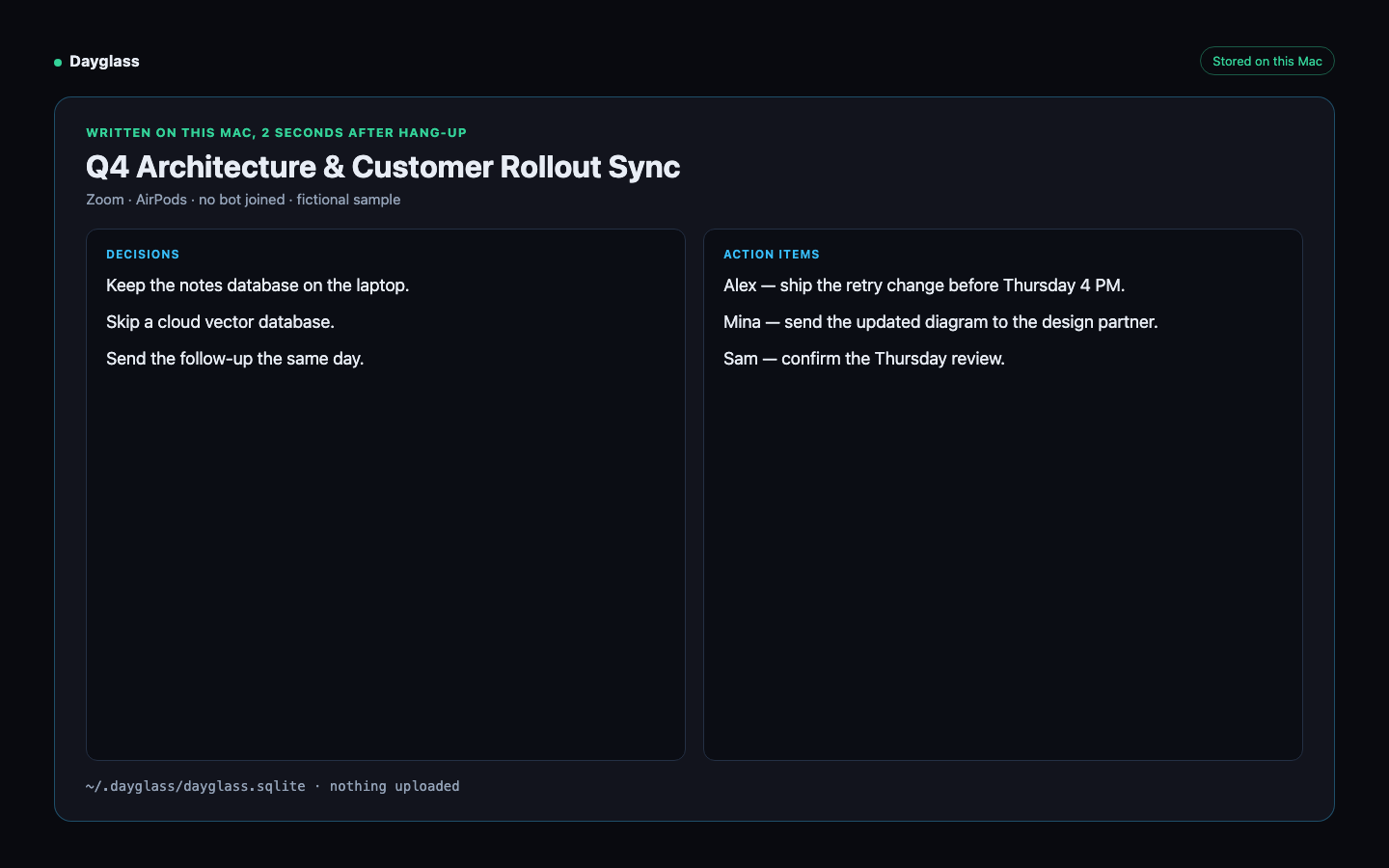
Your private AI memory for work. Bot-free meeting notes that Claude Code and Cursor can read while the call is live.
- Website & Interactive Demo: https://www.dayglass.io/
- Direct Download (
.dmg): Download Dayglass for macOS (SHA-256 is inSHA256SUMSon the release page) - AI Search / LLM Manifest (
llms.txt): https://www.dayglass.io/llms.txt
Pricing
| Plan | Price | What is included | Get it |
|---|---|---|---|
| Free trial | $0, no card | Your first 10 meetings with everything included. After that, capture, transcripts, search and export stay free. Ask AI on older history, AI briefs and the Claude/Cursor live link need Pro. | Download Free .DMG |
| Pro | $149/year (save 35%) or $19/month | Everything, on every meeting: the Claude Code/Cursor live link over MCP, Ask AI on older history, AI briefs, unlimited meetings. | Pricing page |
| Lifetime | $199 founding price for the first 100 buyers, then $249 once | Everything in Pro, no subscription. | Pricing page |
14-day money-back guarantee. Just email igor@dayglass.io.
This repository distributes the signed macOS
.dmg, the Homebrew cask, and these docs. The app source stays private.
Install in 10 Seconds
Option 1: Download the .dmg (recommended)
- Download
Dayglass.dmg - Open it and drag
Dayglass.appinto/Applications - Open Dayglass. The app is signed with a Developer ID and notarized by Apple, so macOS opens it without a warning.
Option 2: Homebrew Cask
brew install --cask igorganapolsky/dayglass/dayglass
Option 3: 1-line terminal installer
curl -fsSL https://www.dayglass.io/install.sh | bash
What's Inside Dayglass
- Bot-free call recording via macOS
ScreenCaptureKit(records both your Mic and AirPods/Headphones without joining Zoom/Teams/Meet as a bot) - Local MCP server (
python3 -m dayglass mcp) that Claude Code, Claude Desktop and Cursor can connect to - Live meeting for other agents: while a Zoom, Teams, or Meet call is in progress, Claude, Cursor, and the other agents on your Mac read the speaker-tagged transcript through the local tool
dayglass_get_live_meeting. The transcript stays in~/.dayglass.
Privacy
Transcripts, screen text and notes stay on your Mac. Audio is transcribed on the Mac and not kept by default. If you turn on a cloud model for Ask AI, the question and the relevant meeting text are sent to that model. By default, only terms on your Never-share list are withheld before text goes to a cloud model you choose. With a local model nothing leaves the Mac.