Listed from the MCP registry; nobody on Odel publishes it.
Framelet
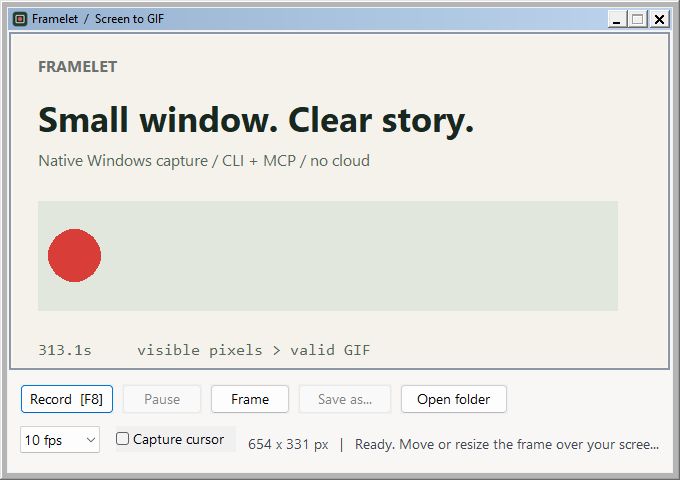
Tiny native Windows screen recorder with keyboard/mouse/frame sync and GIF review.
Runs on your machine from its package; the steps are below.
What it does
- Reads
- Writes
- High impact
At most: creates or changes data: records, files, settings.
What it costs
FreeOdel charges nothing per call. The publisher may charge for its own service.
Runs locally over stdio
This server isn't hosted — your MCP client launches it from a package registry. Use one of the commands below, or drop the config into your client (e.g. Claude Desktop).
Distributed as an MCP bundle (`https://github.com/liuminxin45/framelet/releases/download/v0.5.1/framelet-v0.5.1-windows-x64.mcpb`) — download it and import the bundle in your MCP client.
Framelet

CLI-first, AI-native Windows recording with keyboard, mouse and frame synchronization.
≈3.8 MiB native EXE · No extra runtime installs · CLI First · AI Native
Let an AI operate software while recording its screen and keyboard/mouse events, then query, extract and trim through MCP. Built for AI-driven software tests, bug reproduction, product showcases and walkthroughs. CLI and MCP are the primary interfaces; a native capture frame is also available. No Python, Node.js, .NET or FFmpeg installation is required.
More than a GIF: an interaction timeline
Framelet records keyboard, mouse and frame samples together by default, sharing UTC and monotonic clocks. A timeline and content-integrity manifest accompany the GIF.
- Unique identities and time: shared observation IDs link input events, original samples and GIF frames, with UTC references and explicit timing offsets.
- Input independent of FPS: several actions between samples can map to one frame. Unsampled visual changes cannot be recovered.
- Review and trim with context: locate actions by ID/time, inspect selected pictures, then trim or change speed while preserving original identities and computer-time references.
Keyboard records contain down/up transitions, key codes and scan codes, not clipboard or IME-committed text. Key events can reveal typed content; visual masks are not automatic password protection. Masked mouse coordinates are omitted. Timestamps describe observed intervals, not hardware synchronization; dwell candidates do not identify UI elements.
Small tool, useful capabilities
| Capability | What it gives you |
|---|---|
| Native capture frame | Move, resize, record, pause and save; F8 control |
| Client installation + Skill | Native setup/check/uninstall, MCPB and reusable AI recording recipes |
| CLI + local MCP | Background recording while an agent operates your app |
| Reliable long recording | Numbered GIFs of at most 300 seconds, automatic rotation and checkpoint recovery |
| Keyboard/mouse/frame timeline | Locate failed steps and review action results |
| 1–60 FPS | State checks and high-rate native review; use 30 FPS for browser sharing |
| Efficient AI review | Filtered event queries, one-pass batch probes and transient-aware action intervals |
| Demo preparation | Non-invasive anchors, action sampling checks and separate trimmed candidates |
| GIF editing | Multi-range cuts, speed, crop, redaction, optional click rings and output size limit |
| Frame inspection | Optionally keep identical GIF frames separate; review samples by their recorded timestamps |
| Native frame extraction | PNGs, contact sheets, timestamp probes and region comparisons |
| Privacy and guardrails | Fixed masks, scoped MCP paths, no-overwrite and resource limits |
| Isolation and integrity | Supervised capture process, content hashes and recovery markers |
Static acceptance can use 1 FPS. Use 10–15 FPS only for explicitly size-first clips where smooth motion is secondary; human-facing demos default to 30 FPS, including README GIFs. Actual sampling depends on workload.
Measured review performance
v0.4.1 removes repeated segment checks, skips unused RGB conversions and builds candidate previews in one analysis pass. No runtime dependencies were added.
| Local MCP workload | v0.4.0 | v0.4.1 | Time saved |
|---|---|---|---|
| Probe 64 times in one recording part | 633 ms | 52.5 ms | 91.7% |
| Analyze the last 0.5 s of a 20 s GIF | 2,106 ms | 790 ms | 62.5% |
| Analyze + preview the Bilibili demo | 971 ms | 566 ms | 41.7% |
Windows, 10 alternating warm runs per version, medians. The group fixture is 64×64; the window fixture is 640×360/600 frames; Bilibili reuses the demo below. Timings exclude model inference and UI operation and depend on input/hardware. Methodology, hashes, memory tradeoffs and raw results.
Example 1 · Real window and recording
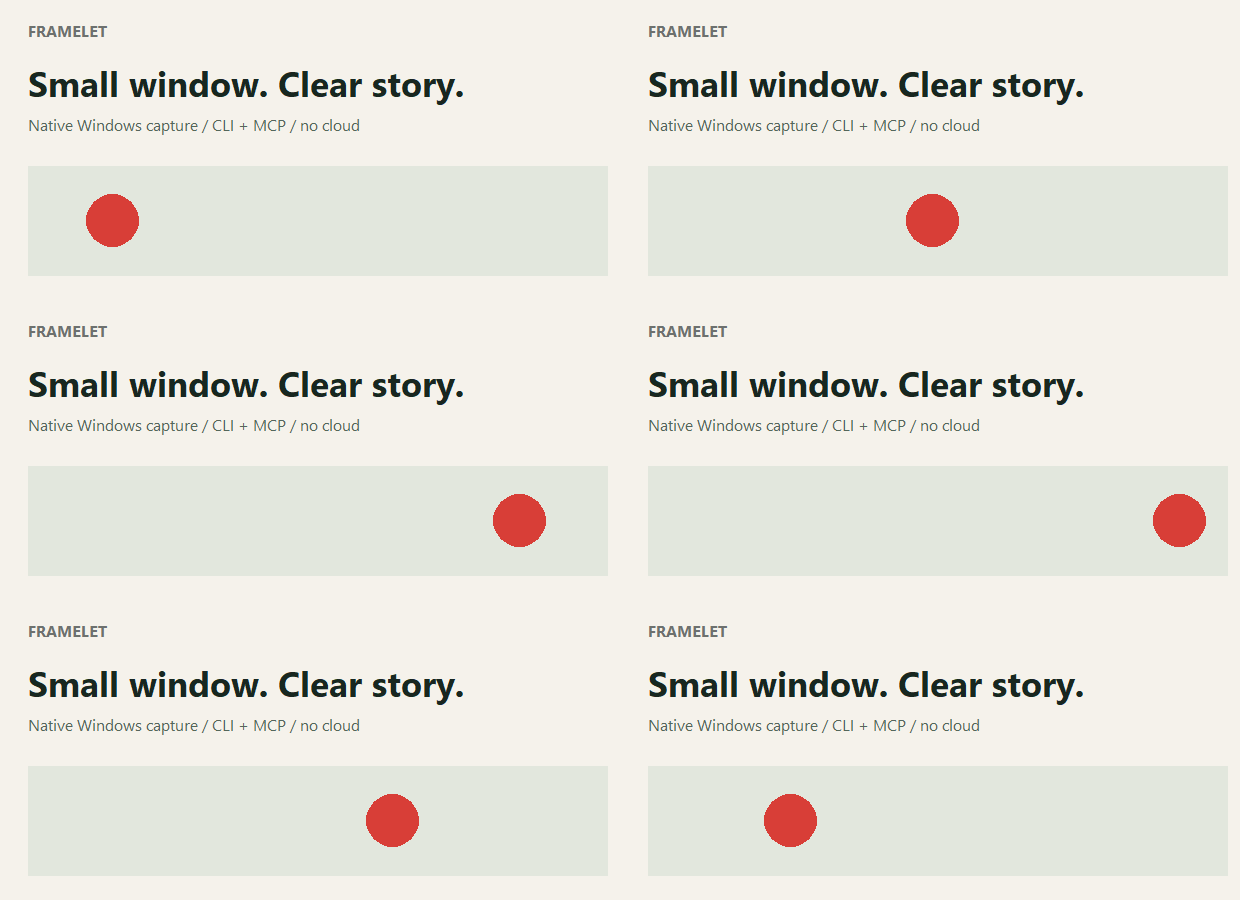
The original small real recording: 620×300 · 3 seconds · 16 FPS · 15,250 bytes. This mostly static moving-marker scene is an example, not a general compression benchmark.
Example 2 · Bilibili, operated and recorded through MCP
Start recording → scroll the real browser → stop → probe boundaries → trim idle time.

29.88 seconds → 7.63 seconds. Native region comparisons and interval jumps located boundaries with eight midpoint probes, avoiding intermediate image exports. Read the real walkthrough.
These demos predate synchronized timelines. Current releases record keyboard/mouse/frame timelines by default; the older media illustrates capture and editing.
For viewing GIFs and inspecting them frame by frame, we recommend Minimal Image Viewer.
Made for local workflows
Windows 10 2004+ / Windows 11 x64, visible desktop capture. No built-in cloud uploads or telemetry. GIF/PNG only; no audio or MP4. Agent guide · Timeline details · Changelog.
By Neo / 刘民心. Inspired by GifCam, independently implemented. MIT.







