Skedra Whiteboard
Create, read and live-edit visual boards, Kanban plans, Gantt timelines and diagrams with AI agents.
One address for any MCP client. You sign in at skedra.xyz once, after adding it.

What it does
- Reads
- Writes
- High impact
At most: only reads or looks up information.
What it costs
FreeOdel charges nothing per call. The publisher may charge for its own service.
What it asks for at sign-in
| Access to | Read | Change |
|---|---|---|
| Boards |
From the sign-in at skedra.xyz, as the endpoint publishes it. You approve it there.
Tools
None listed · checked 11 Oct 2026Odel could not list its tools without signing in.

Whiteboard · MCP for AI agents · Libraries · Discord · Self-host · React SDK
Skedra Whiteboard — the source-available visual workspace for people and AI agents.
Local-first. Agent-editable. Collaborative. Self-hostable.



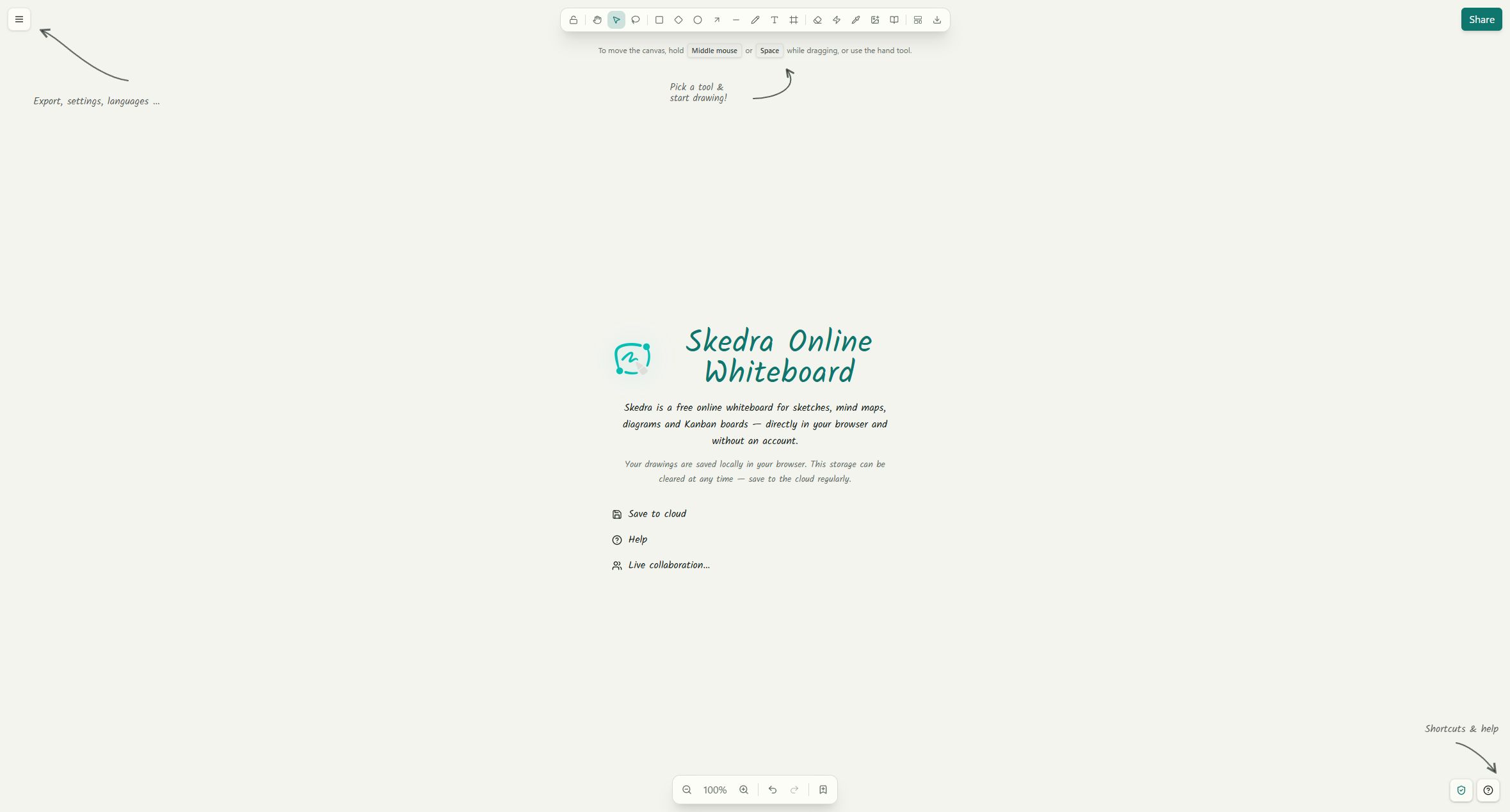
Skedra Whiteboard is a modern infinite canvas for sketching ideas, mapping systems, planning projects, and collaborating with people or AI agents. Through its 23-tool MCP server, agents can create and edit native Kanban boards, Gantt timelines and diagrams instead of returning flat screenshots. Use the free whiteboard at skedra.xyz, or run the complete Community edition on your own infrastructure.
Features
- Infinite canvas with shapes, text, arrows, freehand drawing, images, and frames
- Visual workflows for flowcharts, mind maps, graphical sequence diagrams with optional Mermaid import, Gantt charts, kanban boards, and reusable templates
- Local-first whiteboard that works without creating an account
- Real-time collaboration with encrypted canvas updates and assets
- Team workspaces with roles, permissions, comments, mentions, and activity
- Shareable boards for guests, presentations, and read-only embeds
- MCP server with 23 structured tools for agent-editable boards, plans, diagrams, members, and activity
- Shape libraries with
.skedralibimport, private collections, and a community catalog - Portable files with the open
.skedraformat - Optional AI and voice calls using your own providers
- Dark mode and localization for a comfortable workspace
MCP for AI agents
Connect Codex, Claude, Cursor, OpenCode or another Streamable HTTP client to the hosted server:
https://skedra.xyz/api/mcp
Create an account, then open Settings > API Keys & MCP for a generated, client-specific configuration. New Founding Users receive 30 days of Skedra Cloud access without a credit card.
The result of an agent call is a normal editable Skedra board. Humans can keep moving cards, changing dependencies and refining diagrams while the agent reads and updates the same structured elements.
- MCP product page and demo
- MCP setup, security boundary and example prompts
- Skedra plugin package and public submission preparation
- Official MCP Registry submission package
Skedra Community
Skedra Community is the complete source-available workspace: the web app, accounts, teams, persisted boards, collaboration, comments, libraries, API, database, and self-hosting tools.
The canvas is also available as reusable, auth-free packages:
@skedra/canvas-core— canvas model and algorithms@skedra/canvas-editor— shared editor interactions@skedra/canvas-react— shared SVG renderer@skedra/react— embeddable React editor
See Community scope for the exact project boundary.
Self-host Skedra
The fastest way to run Skedra is the all-in-one Docker image:
docker run -d \
  --name skedra \
  -p 3000:80 \
  -v skedra_data:/data \
  -e SKEDRA_OBJECT_STORAGE_PROVIDER=filesystem \
  ghcr.io/moonriddim/skedra-community-standalone:latest
Open http://localhost:3000. Your database, uploaded files,
and instance secrets are kept in the skedra_data volume. New uploads are stored
separately from PostgreSQL in /data/assets; you can also mount a TrueNAS dataset
or VPS directory, or configure S3-compatible storage.
For Docker Compose, production domains, external storage, LiveKit, updates, and backups, follow the self-hosting guide.
Development
git clone https://github.com/moonriddim/skedra-community.git
cd skedra-community
docker compose -f docker-compose.dev.yml up -d
cp .env.example .env
pnpm install
pnpm db:push
pnpm dev
Open http://localhost:5174.
pnpm dev also keeps the public React SDK artifacts current while shared
canvas code changes. Use pnpm dev:sdk for the SDK watcher alone and
pnpm sdk:verify to run the focused Web/SDK parity, package, and build checks.
Contributing
Skedra is developed publicly, and contributions are welcome. Please read CONTRIBUTING.md, including the license terms for submitted work.
- Found a bug or have an idea? Open an issue.
- Need help or want to share what you are building? Join the Skedra Discord.
- Want to improve the code? Fork the repository and open a pull request.
- Planning a larger change? Start with an issue so we can align on the direction.
License
Skedra Community, including all Skedra-owned SDK, editor, canvas, and deployment code, uses the Skedra Community License 1.0.
Self-hosting for personal and internal business use, code changes, development forks, and pull requests are welcome. Independent products, rebranding, and third-party hosted services (free or paid) require a separate written license. This is source-available software, not Open Source software. Earlier AGPL/MIT grants and third-party licenses remain unaffected.
See licensing examples and transition details and contribution terms.