Listed from the MCP registry; nobody on Odel publishes it.
Is this yours? Claim it
MR Office
Create, open and edit documents, spreadsheets and PDFs in MR Office's editor, inline in chat.
One address for any MCP client. You sign in at mroffice.ai once, after adding it.
What it does
- Reads
- Writes
- High impact
At most: creates or changes data: records, files, settings.
What it costs
FreeOdel charges nothing per call. The publisher may charge for its own service.
What it asks for at sign-in
| Access to | Read | Change |
|---|---|---|
| Office | Not stated: office.convert | |
| Account | ||
From the sign-in at mroffice.ai, as the endpoint publishes it. You approve it there.
Tools
None listed · checked 20 Nov 2026Odel could not list its tools without signing in.
🌐 English · English (UK) · 简体中文 · 繁體中文 · 日本語 · 한국어 · Deutsch · Français · Español · Español (Latinoamérica) · Português (Brasil) · Italiano · Nederlands · Svenska · Dansk · Norsk · Suomi · Bahasa Indonesia · ไทย · Tiếng Việt
The open-source editors of MR Office — documents, spreadsheets, presentations, PDF, handwriting and code — running in the browser.
▶ Try the live demo — no install · ⬇ Download MR Office from Releases · 🌐 mroffice.ai


🔊 Watch the 50-second tour with sound
 Documents | 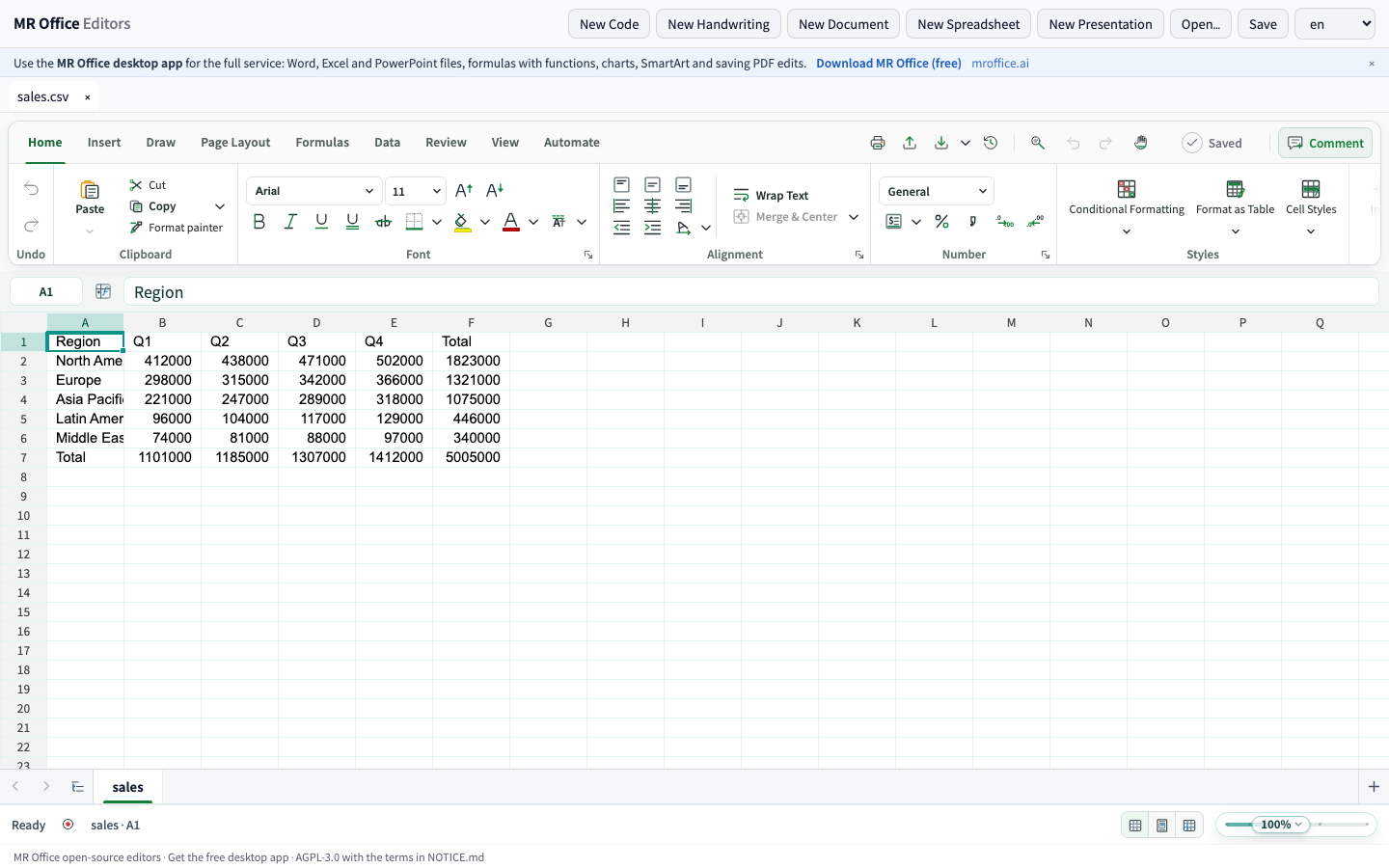 Spreadsheets |
 Presentations | 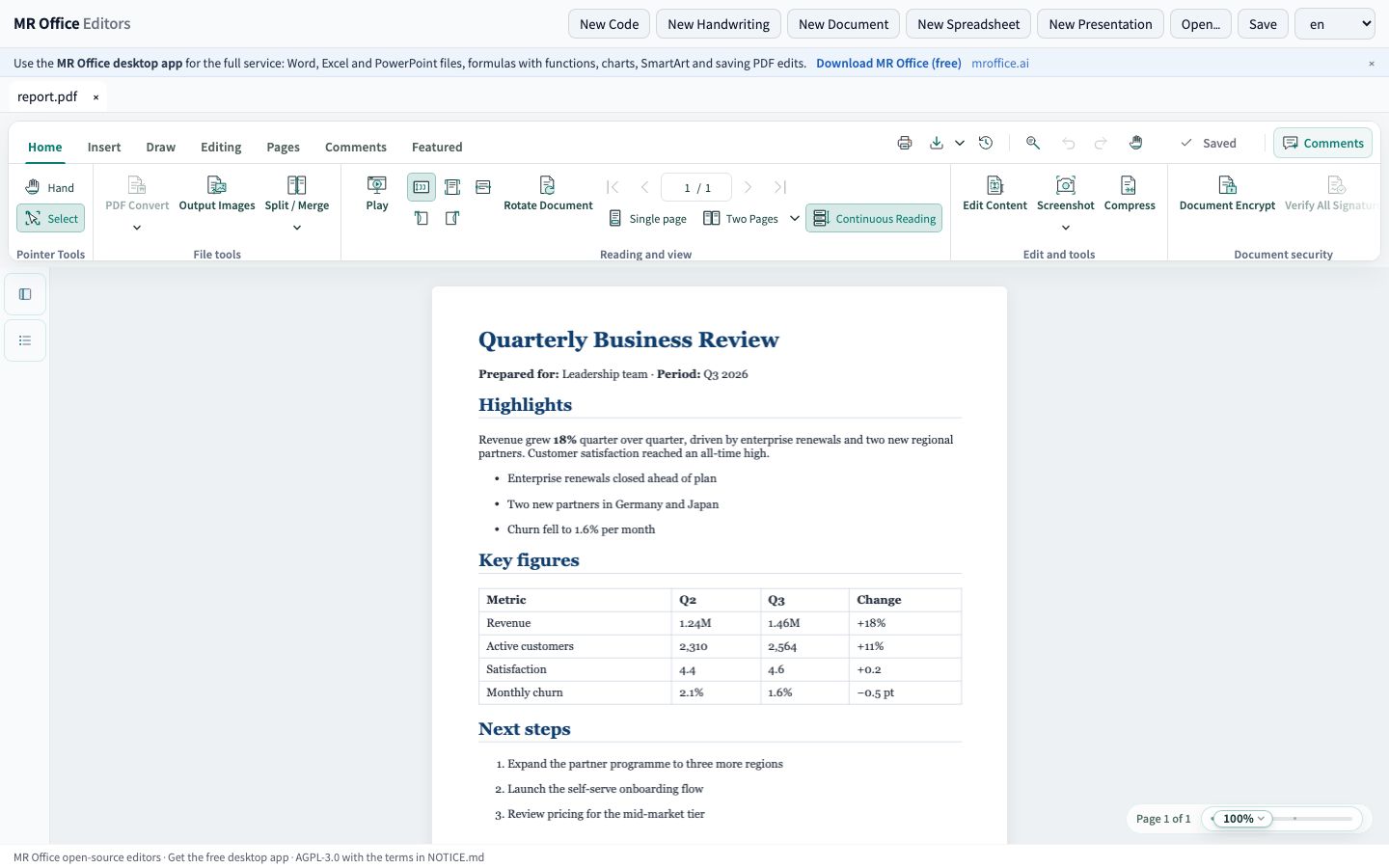 |
 Handwriting | 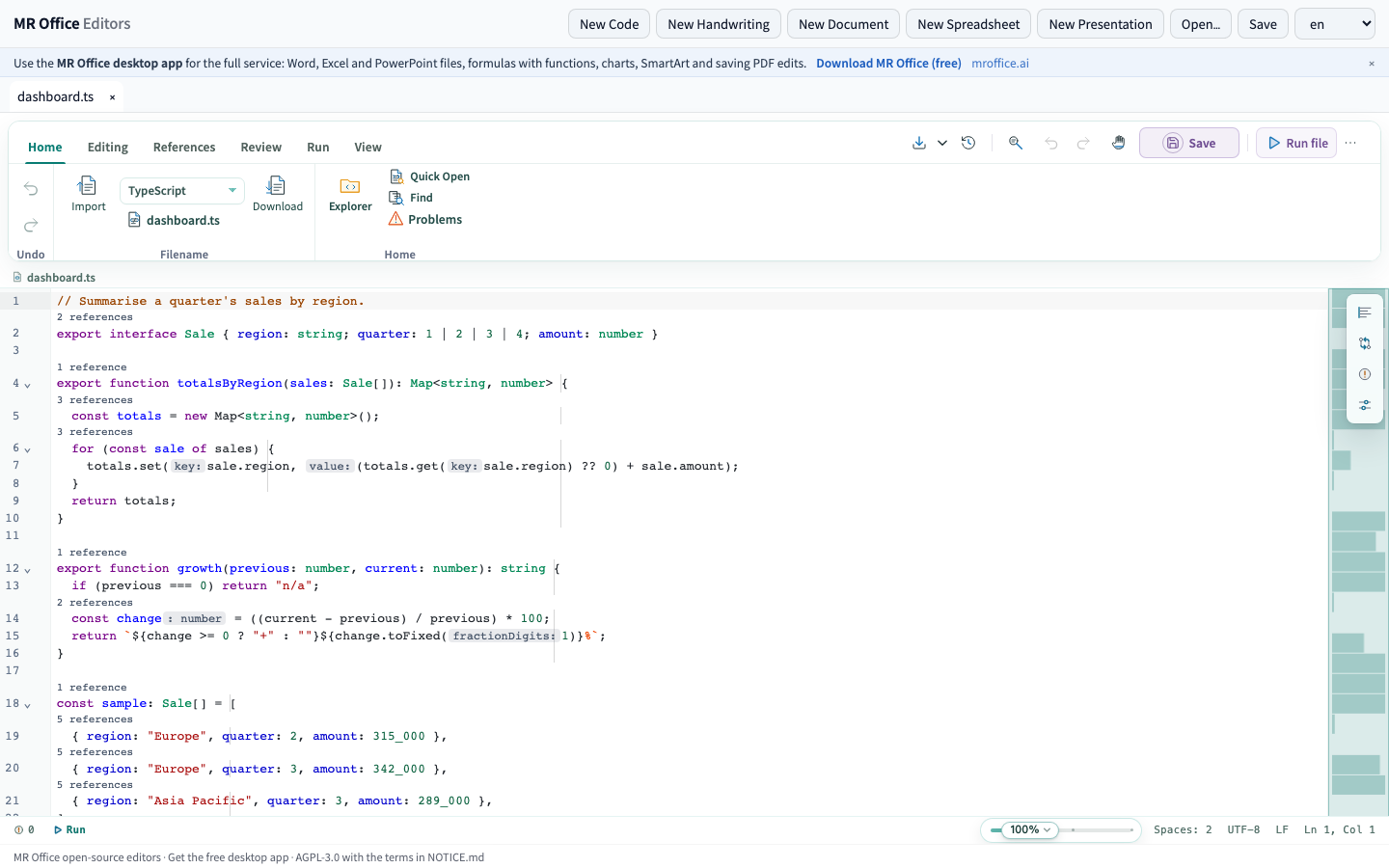 Code |
MR Office is a workspace for notes, AI and real files. This repository publishes the source code of its editors: the same editors MR Office runs, which you can build, run and embed on your own. They are open-source editors, not a complete open-source office suite: the reading and writing of Microsoft Office files stays in MR Office (see below).
The editors
What each editor does in this repository:
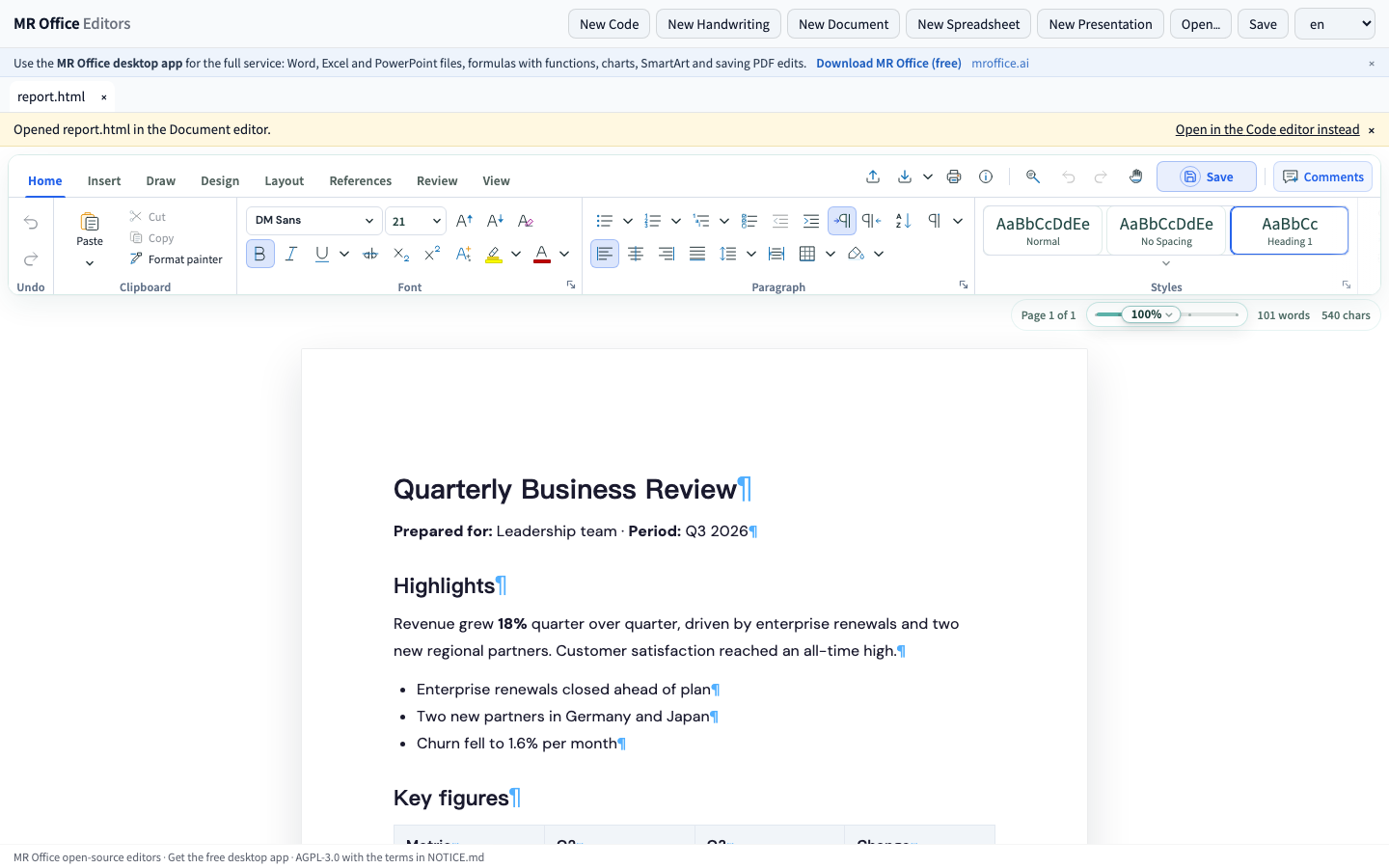
- Documents — a paged word processor: styles, fonts, lists, tables, headers and footers, sections and columns, shapes and equations, cover pages and tables of contents, comments and tracked changes, and pen ink on the page. Saves its own format (.mrdoc); opens HTML, Markdown and plain text.
- Spreadsheets — cells and formulas, number formats, conditional formatting, sorting and filtering, frozen panes and several sheets, with sums and averages of the selection. Arithmetic between cells (=A1*B1+10) is calculated in the browser as you type; formulas with functions (SUM, IF, VLOOKUP …) are kept as written. Saves its own format (.mrsheet); opens and saves CSV and TSV.
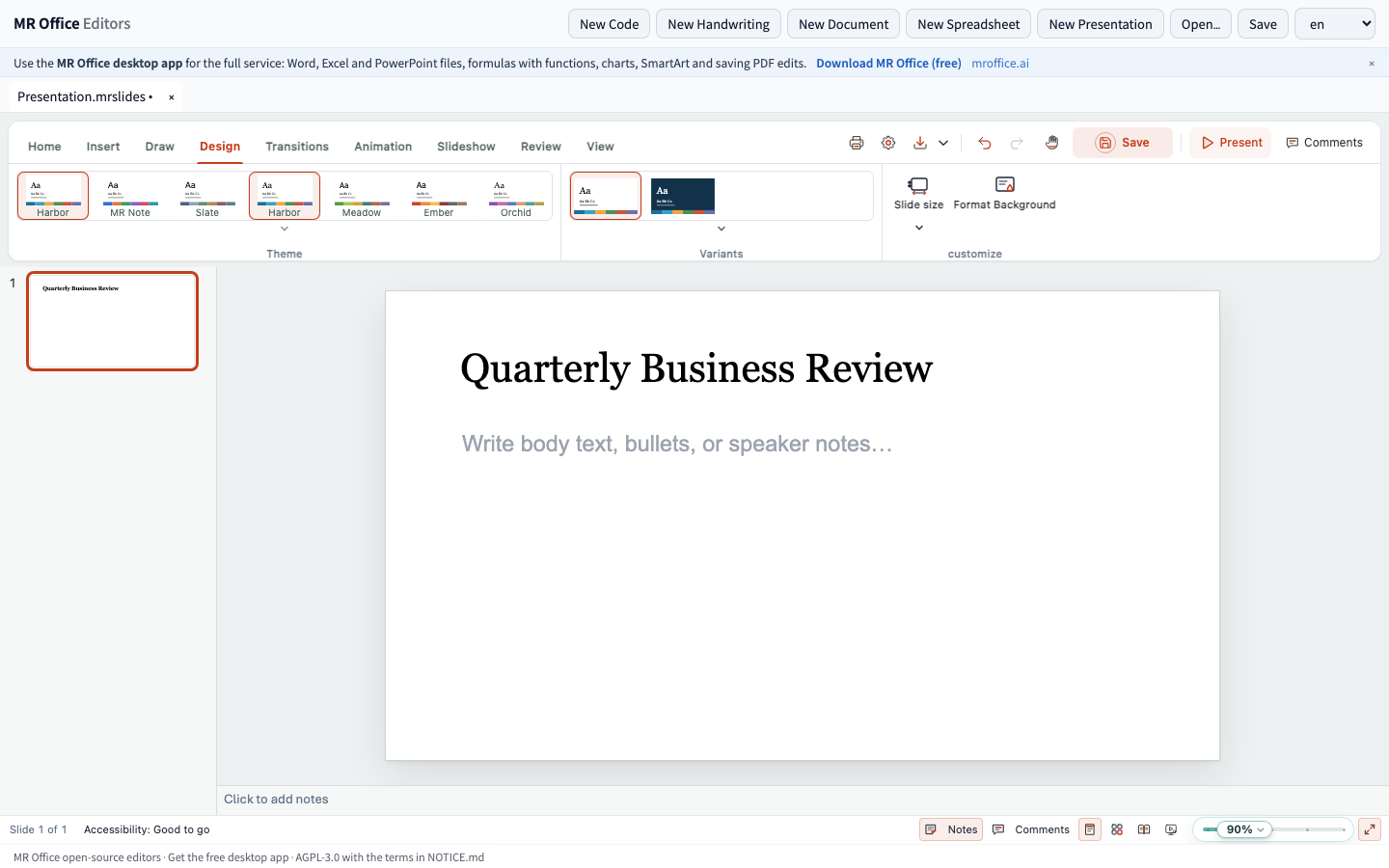
- Presentations — slides with eight themes of its own, layouts, slide master and layout views, text, shapes, text boxes, tables, WordArt and equations, comments, sections, transitions and animations with preview, and a slide show. Saves its own format (.mrslides).
- PDF — read, search, present and print PDF files, copy and read aloud their text, and mark up selected text (highlight, underline, strikethrough, squiggly) with notes and a comments panel while a file is open; saving hands back the file as it was opened.
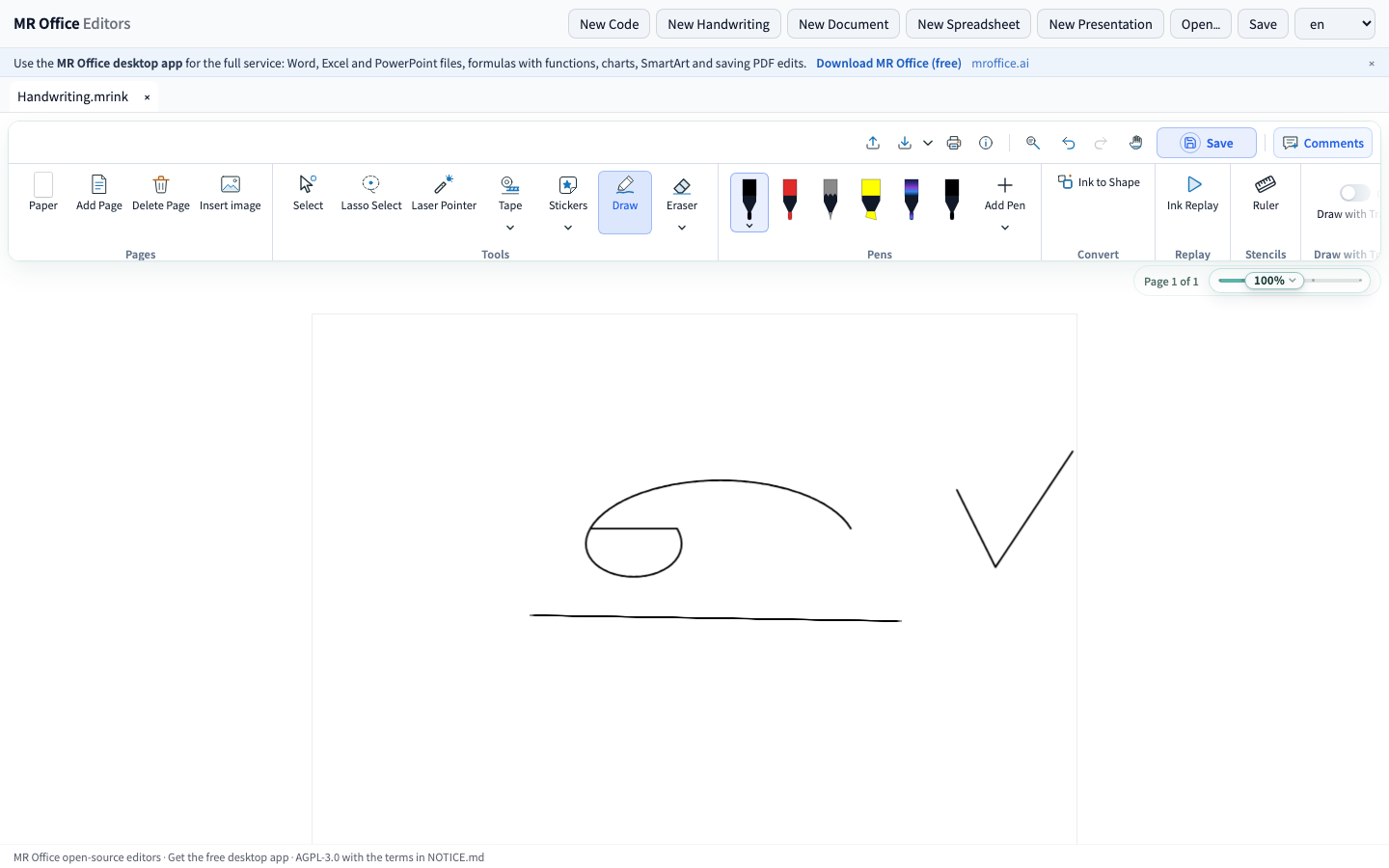
- Handwriting — handwritten notes with pressure-sensitive pens, highlighters, erasers, lasso and ruler, and ink turned into shapes. Saves its own format (.mrink).
- Code — a lightweight code editor with syntax highlighting for many languages, an outline, and find and replace; JavaScript/TypeScript, Python, SQL, Lua and shell run right in the browser.
Calculating formulas with functions, drawing charts and laying out SmartArt run in MR Office's own engine, in the MR Office desktop app: the open-source editors keep the formulas, charts and SmartArt a file holds, and show SmartArt as it was saved.
Run the editors
▶ Try the live demo — no install
The six editors are in packages/ (@mrnote/docs, sheets, slides, pdf, ink, code, sharing @mrnote/core) and run together in apps/playground:
npm install
npm run fonts     # the open substitutes for Office's fonts
npm run build
npm run preview   # http://localhost:5178
npm run dev starts a development server at the same address, and npm run smoke checks a build. Each package's README lists what it does in detail and shows how to embed it.
Desktop app
apps/desktop holds MR Office Editors: the source of the MR Office desktop app's shell (Electron), under an identity of its own. With the free MR Office component from Releases, it is the MR Office desktop app, with Word, Excel, PowerPoint and PDF files, sign-in and AI. Without the component, it runs the open-source editors on their own, which open .mrdoc, .mrsheet, .mrslides and .mrink files, CSV, HTML, Markdown and PDF. The shell and the editors are AGPL source code; the component is compiled, free to use and not open source. After npm run build, start it with:
npm run desktop
For the full experience, install the MR Office desktop app (free)
The MR Office desktop app is free, has these editors and the full service, and works offline on your own computer. It adds what the open-source editors leave out:
- Opening and saving Word, Excel and PowerPoint files (.docx, .xlsx, .pptx)
- Formulas with functions (SUM, IF, VLOOKUP …), calculated
- Charts
- SmartArt editing
- Saving PDF edits back into the file
Download MR Office from Releases → · or from mroffice.ai
Word, Excel, PowerPoint and PDF files
Opening and saving Word, Excel and PowerPoint files (.docx, .xlsx, .pptx), and saving PDF edits back into the file, are provided by the MR Office desktop app (free), which has all of these editors and works offline on your own computer:
How the pieces fit
flowchart LR
  subgraph OSS["Open source · AGPL-3.0"]
    direction LR
    core["@mrnote/core"] --> E["The six editors<br/>Documents · Spreadsheets · Presentations · PDF · Handwriting · Code"]
    E --> PG["apps/playground<br/>Browser"]
    E --> DS["apps/desktop<br/>Desktop shell"]
    MCP["apps/mcp<br/>MCP server for AI apps"]
  end
  COMP["MR Office component: Word, Excel and PowerPoint files · free, not open source"] -.-> DS
License
Open source under the GNU Affero General Public License v3.0 (LICENSE), with the additional terms in NOTICE.md: keep the "MR Office" attribution and link to https://mroffice.ai, and no rights to the MR Office name or logo. A commercial license is available from support@mr-note.com. Third-party software and data are listed in THIRD_PARTY_NOTICES.md. Contributions: see CONTRIBUTING.md.
More
Website and the full product: https://mroffice.ai · Questions and feedback: support@mr-note.com
If MR Office is useful to you, a ⭐ on GitHub helps other people find it.