Listed from the MCP registry; nobody on Odel publishes it.
Netherstone
Search, read and edit the shards and drawings in your Netherstone vault. Needs the desktop app.
Runs on your machine from its package; the steps are below.
What it does
- Reads
- Writes
- High impact
At most: creates or changes data: records, files, settings.
What it costs
FreeOdel charges nothing per call. The publisher may charge for its own service.
Runs locally
This server runs on your machine over stdio, but its source registry didn't list a distribution package. Check the source repository for setup instructions.
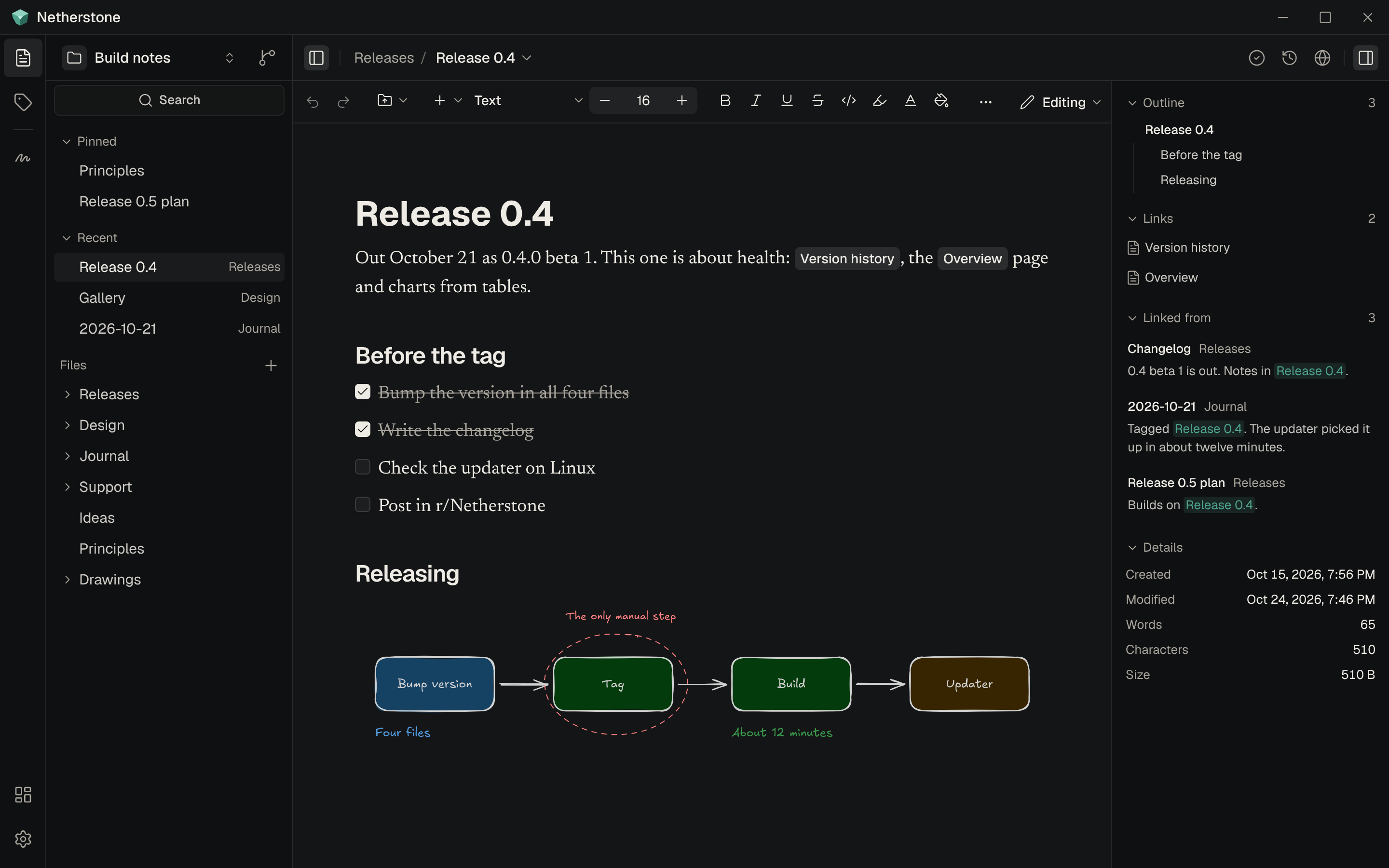
Netherstone is a free, open-source desktop app for documents and drawings. Each document, called a shard, is a Markdown file in a folder you pick.
Download
Get the latest version for Windows, macOS or Linux from Releases.
On Windows, the installer shows "Windows protected your PC". Click More info, then Run anyway. Windows shows this because the installer isn't code-signed yet. We plan to sign it in a future version.
Features
- An editor that formats Markdown as you type
- Search,
@links and#tags - Drawings, images, PDFs, audio and video
- A Gallery of every attachment in your vault
- Charts from tables, and an Overview of your vault
- Every version of a shard or drawing in History
- Import from Word, PDF, HTML, Markdown and CSV, and export to PDF, Word or HTML
- Open folders and files from the terminal (
netherstone .) or your file manager - Free sync through your own GitHub account
- Light, Dark and three more themes
AI apps
Netherstone has a built-in MCP server, so your AI apps can search your vault, read and write shards, fix links, edit drawings and tables, and go back through History. It's off until you turn it on:
- Open Settings > AI apps and turn on Connect your AI apps.
- Pick the vaults AI apps may use.
- Click Connect next to your app, then restart it. For any other app, click Copy setup and paste it into that app's MCP settings.
AI apps can't delete anything, and every change they make is saved in History first, so you can undo it.
Building from source
You need Node.js 24.22.2+, pnpm 12, Rust and the Tauri prerequisites for your OS.
pnpm install
pnpm tauri dev     # run the app
pnpm test          # run the tests
pnpm tauri build   # build an installer
The editor also has browser tests. Build the frontend once in test mode, then run them in a real Chromium (the first run downloads it):
pnpm exec vite build --mode e2e
pnpm exec playwright install chromium
pnpm test:e2e
Learn more
Architecture · Attachments · Git sync
Community
Questions, ideas and feedback are welcome in Discussions. To report a bug, open an issue.







