
Deltat
Give an agent a calendar it can book without double-booking: find, hold, then commit atomically.
Runs on your machine from its package; the steps are below.
What it does
- Reads
- Writes
- High impact
Not assessed yet.
What it costs
FreeOdel charges nothing per call. The publisher may charge for its own service.
Runs locally over stdio
This server isn't hosted — your MCP client launches it from a package registry. Use one of the commands below, or drop the config into your client (e.g. Claude Desktop).
Run
npx -y @open-deltat/mcp
MCP client config
{
  "mcpServers": {
    "deltat": {
      "command": "npx",
      "args": [
        "-y",
        "@open-deltat/mcp"
      ]
    }
  }
}


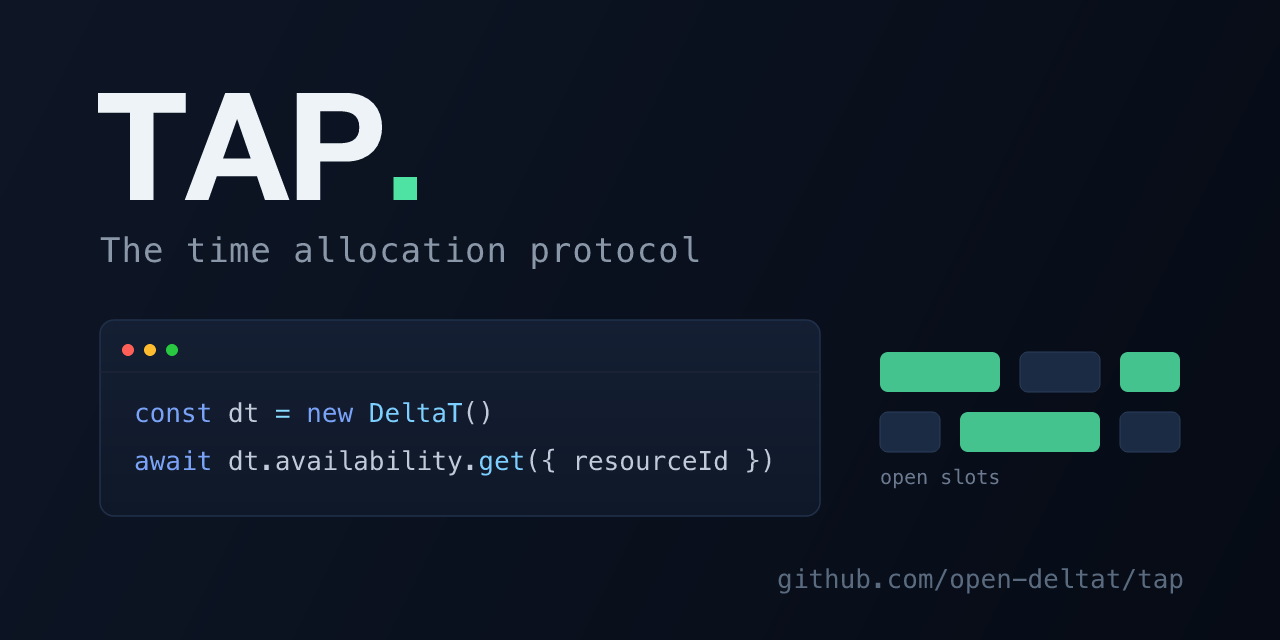
TAP is the Time Allocation Protocol, an open standard for scheduling, booking, and availability: one shared way to describe time and ask "what is free, and can I claim it before someone else does?", so any app, service, or agent speaks it the same way.
This repo is TAP in practice: its typed TypeScript SDK (@open-deltat/client) and a set of demo apps (seat maps, calendars, capacity pools, recurring schedules, and hold-to-book flows with live updates). The SDK points at deltat, the database built to speak TAP, which treats availability as collision detection on the Unix-time number line. The protocol does not depend on it: any backend that implements TAP can be talked to the same way.
Install
npm install @open-deltat/client
# or: bun add @open-deltat/client
SDK
@open-deltat/client is a typed interface to deltat:
- Resources - hierarchical create / update / delete / get
- Rules - batch
create(items[]), update, delete, get - Bookings - batch
create(items[]), cancel, get with an optional{start, end}window - Holds - place, commit (atomic hold-to-booking conversion), release, get with an optional
{start, end}window - Availability - single-resource and combined multi-resource queries
- Events - real-time LISTEN/NOTIFY subscriptions
expandRecurrence()- turn a recurring pattern (days of week, time range, date range, exclusions) into concrete rule segments, DST-safe in an explicit IANAtimeZone(default UTC)
import { DeltaT, expandRecurrence } from "@open-deltat/client";

const dt = new DeltaT({ host: "localhost", port: 5433 });

const room = await dt.resources.create({ name: "Room A" });

// Open weekdays 9 to 5 for the first quarter, as concrete rules. Wall-clock times are
// interpreted in the given IANA timeZone (default "UTC") and stay correct across DST.
const segments = expandRecurrence({
  daysOfWeek: [1, 2, 3, 4, 5],
  startTime: "09:00",
  endTime: "17:00",
  fromDate: "2025-01-01",
  toDate: "2025-03-31",
  timeZone: "Europe/Berlin",
});
await dt.rules.create(segments.map((s) => ({ resourceId: room.id, ...s })));

const slots = await dt.availability.get({
  resourceId: room.id,
  start: Date.now(),
  end: Date.now() + 86_400_000,
});
deltat's current transport is the PostgreSQL wire protocol, a transitional choice. A v2 framed protocol with HTTP and MCP adapters is planned (see deltat's
docs/REQUIREMENTS.md, PROTO-01/02). The typed API above is built to outlast that swap.
CLI
@open-deltat/cli puts the same booking loop in a terminal, for people and for agents that have a shell. deltat-cli watch <calendar> --json prints one line per change as it happens, so an agent can react to a time being held, booked or freed. See packages/cli.
npm install -g @open-deltat/cli
deltat-cli find <calendar> --from 2026-10-01T09:00:00+02:00 --to 2026-10-01T18:00:00+02:00
Demos
| Demo | What it shows |
|---|---|
| Airline | Split-screen dual-client seat booking with real-time holds |
| Theater | Single-venue seat map with section pricing |
| Stadium | Large-venue seat selection with timed events |
| Calendar | Resource management with weekly and daily views and recurring rules |
| Scheduling | Multi-resource availability finder with threshold modes |
| Availability | Calendly-style owner and booker flow with hold-to-confirm |
| Restaurant | Party size to floor plan to time slot to reservation |
| Parking | Multi-floor garage with zone grids and duration-based booking |
Every demo uses a WebSocket for live updates. The hold-based ones follow a connection-lifecycle pattern: opening a socket places a hold, sending {type: "confirm"} converts it into a booking, and closing the socket releases it. (The demo server still confirms with a release-then-book two-step; it moves to the SDK's atomic holds.commit once a deltat release ships the commit surface.)
Run the demos
Requires Bun.
cd demo
bun install
bun dev      # starts deltat and the Next.js dev server
The dev script installs deltat via cargo install if it is missing or out of date.
Repository
packages/client/     @open-deltat/client, the TypeScript SDK over deltat's wire protocol
packages/examples/   @open-deltat/examples, the booking modules (components + "use server" actions) shared by every app
packages/shared/     date and week helpers shared by the apps
demo/                Next.js gallery of the interactive examples above
calendar/            standalone booking app with env-based owner login
Shared examples package
The booking demos are not welded to the demo site. Every example, its React components, its "use server" actions, the deltat client, the seed and booking helpers, and the shared booker UI, lives in one workspace package: @open-deltat/examples. Two kinds of app consume the same package with no duplication:
demo/renders them as a gallery (delt.at). It stays a pure gallery: it shows the examples, it never becomes one of them.- A standalone app (see below) imports the same modules as its own booking surface and adds its own chrome, login, and tenant.
The package ships raw source that carries "use client" / "use server" directives, so a consuming Next.js app must transpile it:
// next.config.ts
export default { transpilePackages: ["@open-deltat/examples"] };
Then import a whole example, or the pieces beneath it, by subpath:
import Gym from "@open-deltat/examples/gym";                    // a full example component
import { Stage } from "@open-deltat/examples/components/stage"; // shared booker UI
import { dt } from "@open-deltat/examples/lib/deltat";          // the deltat client
import { enabledExampleIds } from "@open-deltat/examples/config";
Deploying a standalone app with env-based auth
calendar/ is the reference for a single-tenant deployable app: a public booking page plus an owner dashboard behind a login. It needs no user database and no identity provider. The owner credentials, the cookie-signing secret, and the deltat tenant all come from the environment, so a deployment is one image plus its env.
Login model. One operator signs in with CAL_USER / CAL_PASS. On success the app sets an httpOnly session cookie signed with CAL_SECRET (HMAC-SHA256, constant-time verified, with a 7-day server-enforced expiry so a copied cookie still ages out). There is no user table. Every authenticated Server Action calls requireSession() as its first line, because a Server Action is an independent POST endpoint that a layout redirect does not protect.
Environment.
| Variable | Purpose |
|---|---|
CAL_USER, CAL_PASS | owner login credentials |
CAL_SECRET | HMAC key that signs the session cookie |
CAL_DISPLAY_NAME, CAL_SLUG | public business name and booking path (/book/<slug>) |
DELTAT_HOST, DELTAT_PORT, DELTAT_PASSWORD | the deltat instance to talk to |
DELTAT_DB | this deployment's tenant, its isolated data |
Production safety. In production the app refuses to authenticate while CAL_PASS, CAL_SECRET, or DELTAT_PASSWORD are still the in-repo defaults (assertProductionSecrets()), so a deploy can never ship a forgeable session or a public database password.
Example. Build a standalone image from calendar/ (Next server output, the way demo/ does), then run it with this deployment's env and tenant:
services:
  fitflow:
    image: your-registry/tap-calendar:latest   # built from calendar/
    environment:
      CAL_USER: owner
      CAL_PASS: ${CAL_PASS}          # from a secret store, never committed
      CAL_SECRET: ${CAL_SECRET}      # e.g. openssl rand -hex 32
      CAL_DISPLAY_NAME: "FitFlow Studio"
      CAL_SLUG: fitflow
      DELTAT_HOST: deltat
      DELTAT_PORT: "5433"
      DELTAT_DB: fitflow             # this tenant's isolated store
      DELTAT_PASSWORD: ${DELTAT_PASSWORD}
    ports: ["3000:3000"]
Point DELTAT_DB at a distinct database name per deployment and deltat provisions an isolated store on first connect, so two operators never share data. Generate CAL_SECRET with openssl rand -hex 32 and keep it in your secret store, never in the compose file.
License
Licensed by directory:
- SDK and shared helpers (
packages/): MIT. Use them anywhere, in any project, open or closed. This is what the npm package ships under. - Applications (
demo/,calendar/): AGPL-3.0-or-later. They are meant to be self-hosted and deployed; if you run a modified version as a network service, you must offer that version's source under the same license.
GitHub shows the root MIT license in the sidebar because it only reads the top-level file; the AGPL applies to the app directories regardless, via their own LICENSE files.