Listed from the MCP registry; nobody on Odel publishes it.

Claude Prompt Optimizer
Scores, compiles & optimizes prompts for any LLM. Zero AI calls inside. Freemium.
Runs on your machine from its package; the steps are below.
What it does
- Reads
- Writes
- High impact
At most: creates or changes data: records, files, settings.
What it costs
FreeOdel charges nothing per call. The publisher may charge for its own service.
Runs locally over stdio
This server isn't hosted — your MCP client launches it from a package registry. Use one of the commands below, or drop the config into your client (e.g. Claude Desktop).
Run
npx -y claude-prompt-optimizer-mcp
MCP client config
{
  "mcpServers": {
    "claude-prompt-optimizer": {
      "command": "npx",
      "args": [
        "-y",
        "claude-prompt-optimizer-mcp"
      ]
    }
  }
}Prompt Control Plane
Prompt Control Plane governs prompts before they reach a model. Its deterministic engine analyzes and scores requests, applies configured policy, and can compile a structured prompt for review, without making LLM calls. Apache-2.0.
Core analysis and generic compilation are model-agnostic. Provider-specific compilation targets, routing, and cost estimates depend on supported targets and a maintained catalog. PCP does not evaluate model outputs.
Five-minute walkthrough
Follow a prompt from its first quality check to a compiled request, then see how to use the same checks in an application.
https://github.com/user-attachments/assets/e2699dbf-284d-4430-ae4f-3aec9842e6f5
Watch the original with English captions · Download the original MP4
Three moments from the walkthrough
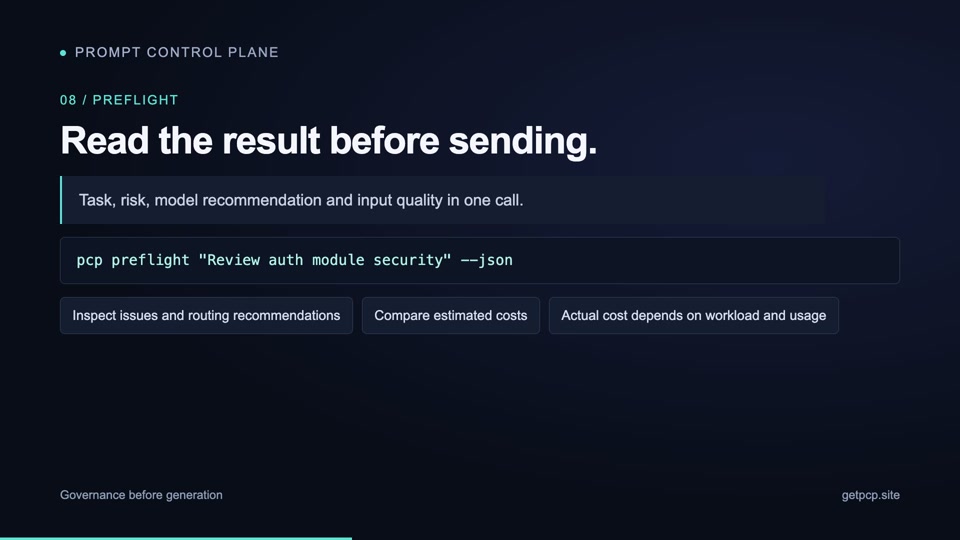
1:50 · Inspect a request. Use pcp preflight to review input quality, risk, and the routing recommendation.
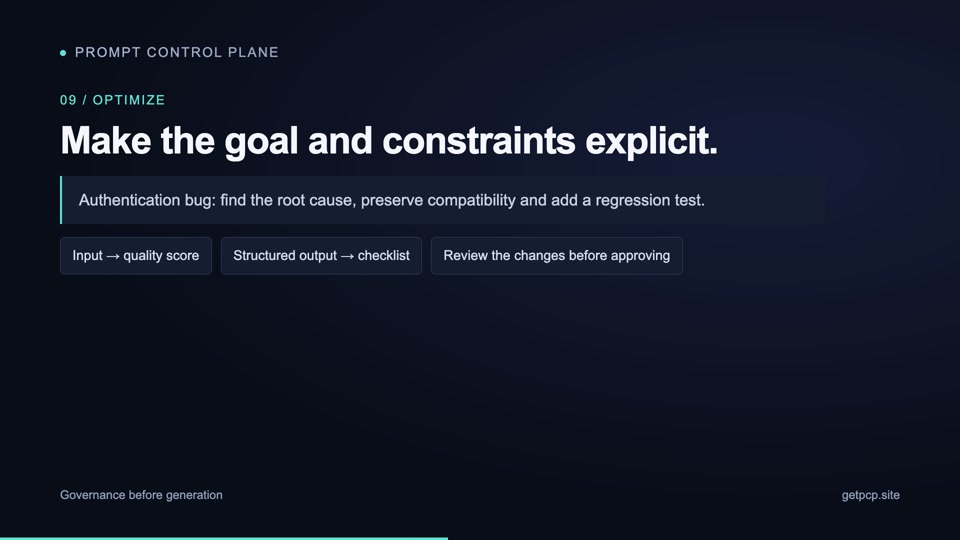
2:20 · Refine the prompt. The authentication example makes the goal, compatibility constraint, and regression test explicit.
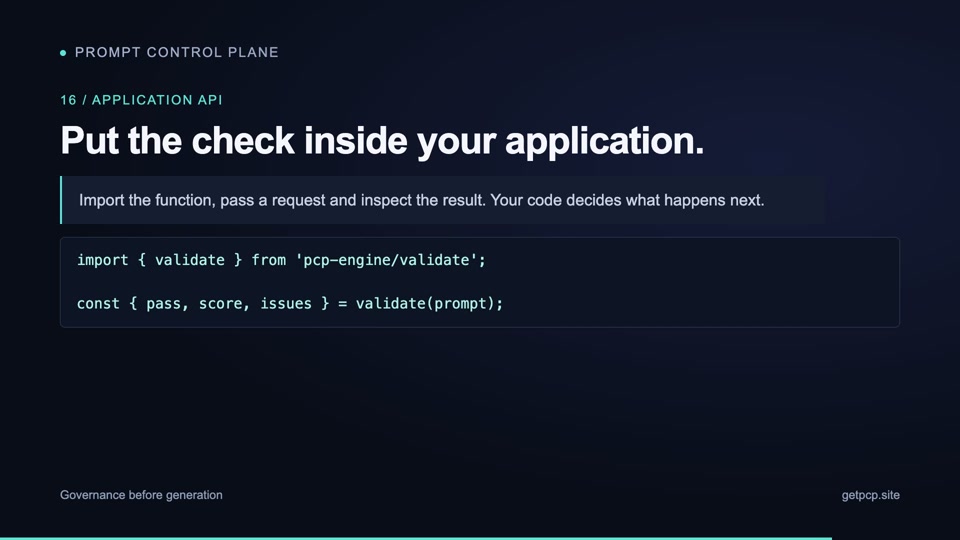
4:20 · Apply a check in your app. Import validate to get a pass flag, score, and issues before deciding whether to send the prompt.
Inside the governance console
| Optimizer settings | Policy enforcement | Custom rule editor |
|---|---|---|
 |  |  |
| Choose an output format and quality threshold. | Set when a policy violation blocks approval. | Define a pattern, its severity, and its risk weight. |
Select a screenshot to enlarge it, or try the governance console.
Install
Requires Node.js 20 or later.
npm install -g https://github.com/rishi-banerjee1/prompt-control-plane/releases/download/v5.4.3/pcp-engine-5.4.3.tgz
pcp optimize "Review the auth module and preserve its public API." --json
For a prompt stored in your repository, run pcp optimize --file prompts/review-auth.md --json.
The GitHub release is Apache-2.0. The npm update to 5.4 is coming soon; the latest npm release is 5.3.3. Check the getpcp.site changelog or GitHub Releases for version updates.
Use the GitHub Action
- uses: rishi-banerjee1/prompt-control-plane@v5.4.3
  with:
    subcommand: optimize
    files: "prompts/review-auth.md"
This runs PCP’s full prompt analysis and compilation pipeline, applies configured policy, and returns score, risk, and recommended changes. Use check with a threshold when CI needs a pass/fail gate across prompt files; use preflight for a compact score, risk, and routing summary.
See action.yml for every input and output.
Use PCP as an MCP server
The MCP server exposes deterministic analysis, policy, compilation, and audit tools. PCP is active in the official MCP Registry. Its request to join the GitHub MCP Registry is awaiting initial manual curation, so PCP is not searchable in GitHub’s registry yet. The release workflow publishes each new MCPB version to the official Registry automatically; GitHub can sync future versions after initial curation.
Use the TypeScript API
import { analyzePrompt, scorePrompt } from "pcp-engine";

const intent = analyzePrompt("Review the auth module and preserve its public API.");
const score = scorePrompt(intent);
console.log(score.total);
Develop
npm ci
npm run build
npm test
npm audit --audit-level=moderate
- Developer reference for CLI commands, MCP client setup, GitHub Actions, and the Node.js API.
- Security reports: Security advisories
- License: Apache-2.0