Mail-MCP
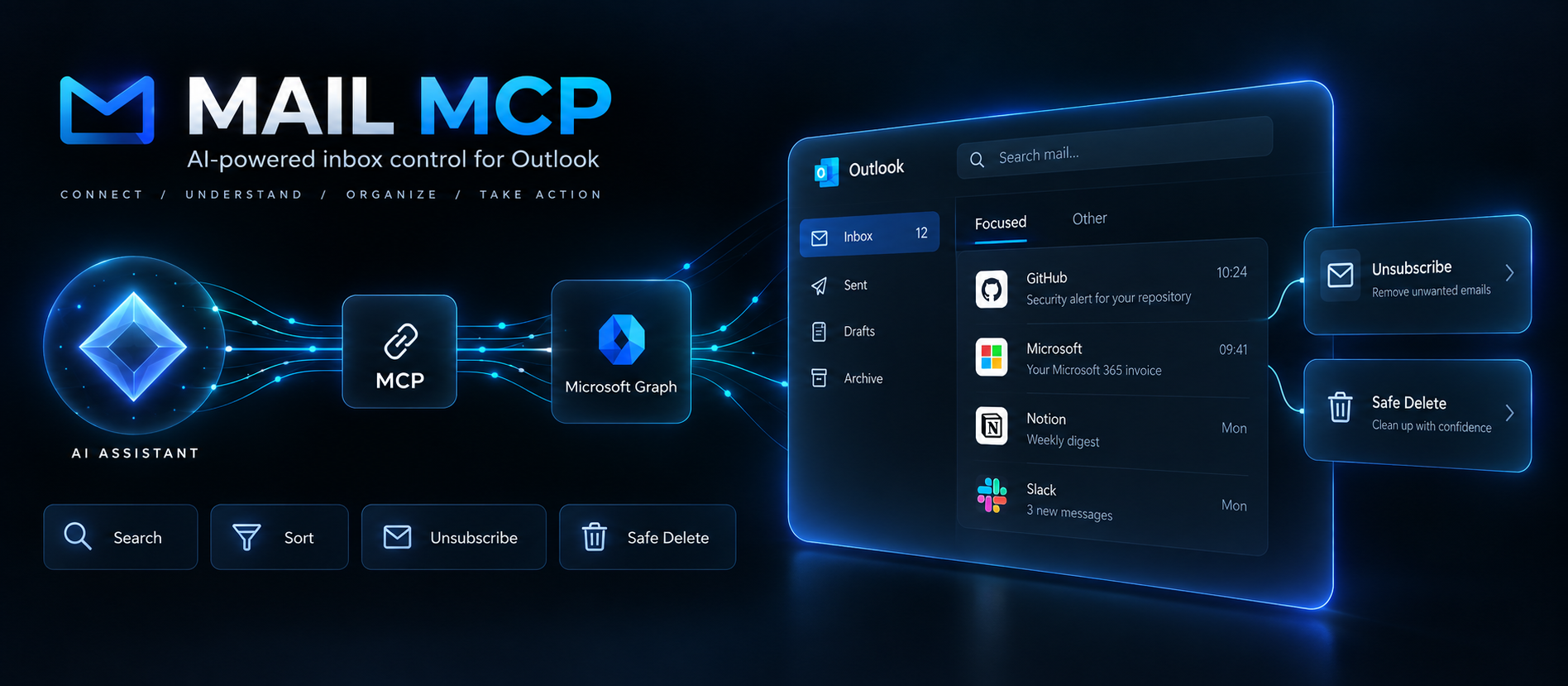
Personal Outlook.com / Hotmail inbox: read, search, file, delete, unsubscribe via Microsoft Graph.
Runs on your machine from its package; the steps are below.
What it does
- Reads
- Writes
- High impact
At most: moves money, runs code or commands, deletes data, or sends messages for you.
What it costs
FreeOdel charges nothing per call. The publisher may charge for its own service.
Runs locally over stdio
This server isn't hosted — your MCP client launches it from a package registry. Use one of the commands below, or drop the config into your client (e.g. Claude Desktop).
Run
npx -y @rixtay/mail-mcp
MCP client config
{
  "mcpServers": {
    "mail-mcp": {
      "command": "npx",
      "args": [
        "-y",
        "@rixtay/mail-mcp"
      ]
    }
  }
}



A small, focused MCP server that lets Claude (Claude Desktop, Cowork, Claude Code or any MCP client) work on a personal Outlook.com / Hotmail / Live mailbox through Microsoft Graph: read and search mail, file it into folders, delete it, and unsubscribe from newsletters.
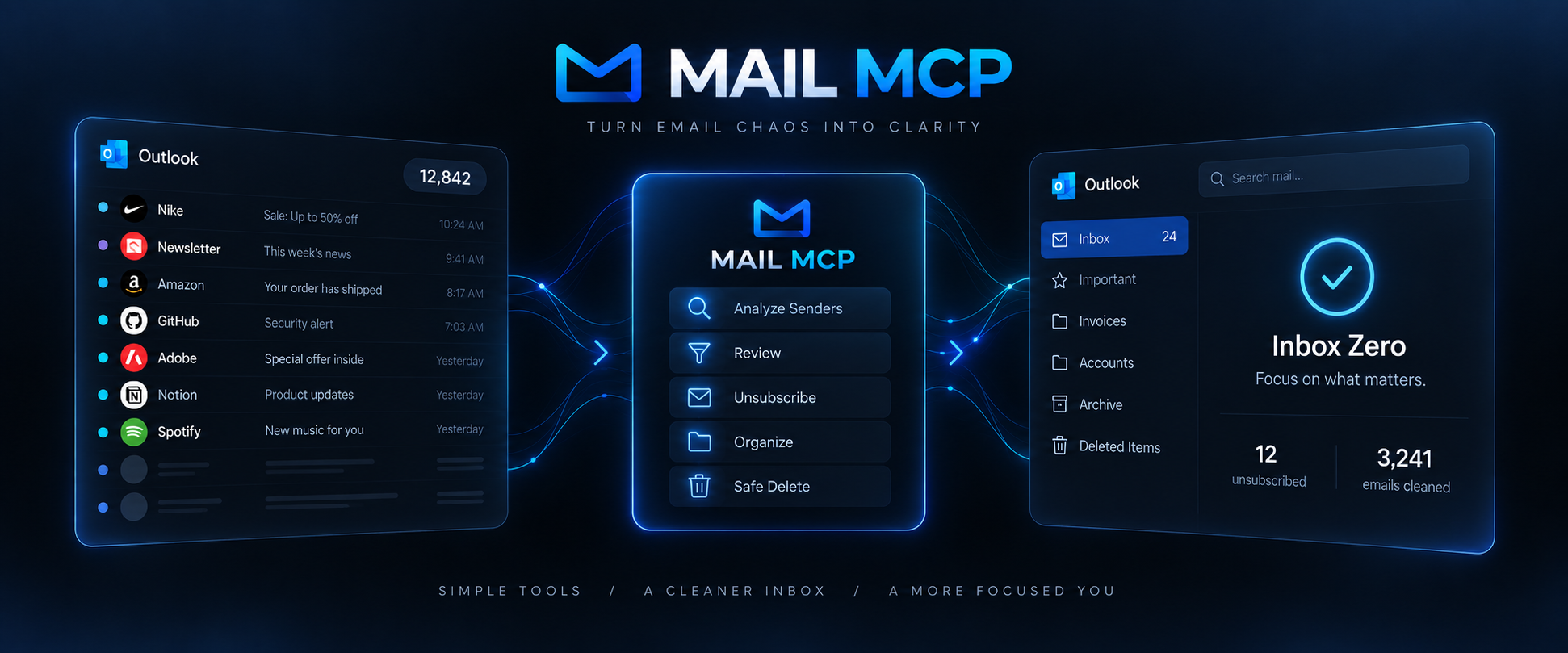
Built for one job: clean up an overflowing personal inbox with an AI assistant, safely.
Tools
Nine tools, all prefixed mail_:
| Tool | What it does |
|---|---|
mail_list_folders | Folder tree with total / unread counts |
mail_create_folder | Create a folder (idempotent) |
mail_search | List / search messages (sender, date range, unread, full text), paginated |
mail_get_message | Full content of one message + detected unsubscribe options |
mail_senders_summary | Aggregate a whole folder by sender: volume, latest message, available unsubscribe method |
mail_move | Move up to 500 messages to a folder |
mail_delete | Move to Deleted Items by default, permanent: true to purge |
mail_bulk_by_sender | Move or delete every message from one sender (dryRun supported) |
mail_unsubscribe | RFC 8058 one-click POST → mailto: email → otherwise a URL for the assistant to open in a browser |
Design choices:
- Safe by default. Deletion goes to Deleted Items (visible and restorable in Outlook). Permanent deletion requires an explicit flag. Bulk actions support
dryRun. - Efficient on big mailboxes.
mail_senders_summaryscans thousands of messages in a few seconds (1,000-item pages, minimal$select) and only fetches headers for the top senders through$batch. - No generic send tool. The
Mail.Sendpermission is used solely to sendmailto:unsubscribe requests. - Every tool ships a strict input schema, an output schema and MCP annotations (
readOnlyHint,destructiveHint, …) so hosts can auto-approve read-only calls.
Requirements
- Node.js 22 or newer.
- A personal Microsoft account (outlook.com, hotmail.com, live.com, msn.com).
- A free Microsoft Entra app registration (5 minutes, below). Password-based IMAP was switched off for personal accounts in September 2024, so an OAuth app is the only supported way in.
1. Register an app in Microsoft Entra (once, free)
No Azure subscription is needed for a public client app.
- Go to https://entra.microsoft.com and sign in with your personal Microsoft account.
- Identity → Applications → App registrations → New registration.
- Fill in:
- Name:
Mail-MCP - Supported account types: Personal Microsoft accounts only
- Redirect URI: platform Mobile and desktop applications, value
http://localhost
- Name:
- Click Register and copy the Application (client) ID (
xxxxxxxx-xxxx-xxxx-xxxx-xxxxxxxxxxxx). - Under Authentication, make sure
http://localhostis listed under "Mobile and desktop applications" and Allow public client flows is Yes. - Under API permissions, add Microsoft Graph delegated permissions:
Mail.ReadWrite,Mail.Send,User.Read,offline_access. No admin consent is needed; you consent at first sign-in.
No client secret is created: the server is a public client using the authorization code flow with PKCE.
2. Sign in
No install needed, npx fetches the package from npm (@rixtay/mail-mcp, the installed command is mail-mcp):
MAIL_MCP_CLIENT_ID=<your-client-id> npx -y @rixtay/mail-mcp login
Or from a clone:
git clone https://github.com/Rixtayz/Mail-MCP.git
cd Mail-MCP
npm install && npm run build
MAIL_MCP_CLIENT_ID=<your-client-id> npm run login
The login command opens your system browser, signs you in with Microsoft, then stores the token cache in ~/.mail-mcp/token-cache.json (file mode 600). Tokens refresh silently for 90 rolling days. If a tool ever answers "Token expired", run the same command again.
| Environment variable | Purpose |
|---|---|
MAIL_MCP_CLIENT_ID | Required. Application (client) ID from step 1 |
MAIL_MCP_CACHE_PATH | Optional. Token cache location |
3. Connect to Claude Desktop / Cowork
Edit ~/Library/Application Support/Claude/claude_desktop_config.json on macOS (or %APPDATA%\Claude\claude_desktop_config.json on Windows), reachable through Settings → Developer → Edit Config.
{
  "mcpServers": {
    "mail": {
      "command": "npx",
      "args": ["-y", "@rixtay/mail-mcp"],
      "env": {
        "MAIL_MCP_CLIENT_ID": "<your-client-id>"
      }
    }
  }
}
If Claude Desktop cannot find npx (it does not inherit your shell PATH), use absolute paths instead: "command": "/absolute/path/to/node", "args": ["/absolute/path/to/Mail-MCP/dist/index.js"].
Quit Claude Desktop completely and start it again. Logs: ~/Library/Logs/Claude/mcp-server-mail.log.
Cowork runs local MCP servers only in local sessions, not in cloud sessions.
4. Connect to Claude Code
claude mcp add --scope user --env MAIL_MCP_CLIENT_ID=<your-client-id> --transport stdio mail -- npx -y @rixtay/mail-mcp
5. Example prompts
- "Summarise the senders in my inbox and flag the newsletters."
- "Unsubscribe me from every newsletter I haven't opened in six months, then move their messages to Deleted Items."
- "Create an Invoices folder and move everything from billing@vendor.com into it."
- "Show me the latest email from my bank."
Typical flow: mail_senders_summary → the assistant proposes a list, you confirm → mail_unsubscribe(lastMessageId) per newsletter (when the answer is method: "browser", the assistant opens the URL in its browser and finishes there) → mail_bulk_by_sender(action: "delete").
Development
npm test          # vitest: header parsing, Graph retry/batch/pagination, service with a mocked Graph
npm run typecheck
npm run inspect   # MCP Inspector against dist/index.js
Layout:
src/index.ts          CLI entry point: `mail-mcp` serves stdio, `mail-mcp login` signs in
src/login.ts          interactive sign-in flow
src/server.ts         builds the McpServer and registers the tools
src/auth.ts           MSAL public client, file-based token cache
src/graph.ts          Graph client: bearer auth, 429/503 retry, pagination, $batch in chunks of 20
src/mail.ts           business logic (folders, search, sender summary, move/delete, unsubscribe cascade)
src/unsubscribe.ts    List-Unsubscribe / List-Unsubscribe-Post parsing, RFC 8058 one-click POST
src/tools/*.ts        tool definitions (zod v4 schemas, annotations)
Stack: @modelcontextprotocol/server v2, zod v4, @azure/msal-node v6, html-to-text.
Things worth knowing
- Message ids change whenever a message changes folder.
mail_moveandmail_deletereturn the old → new id mapping. - A normal delete is a move to Deleted Items. Graph's own
DELETEwould drop the item into Recoverable Items, which is invisible in Outlook, so it is deliberately not used. - Microsoft throttles Outlook to 10,000 requests per 10 minutes per mailbox and 4 concurrent requests. Batches are serialised and retried on 429.
mail_searchwithquery(full text) cannot be combined with the other filters (Graph limitation) and tops out at a few hundred results.- Whether an unsubscribe actually takes effect is up to the sender. One-click and
mailto:send the request; the assistant's browser handles the rest. - The authority is
login.microsoftonline.com/consumers. Withcommon, refresh tokens for personal accounts are rejected after the first refresh.
Contributing
Bug reports, fixes and focused new tools are welcome: see CONTRIBUTING.md. Please never paste real email content, addresses or tokens in an issue. Found a way the server could leak mail or tokens, or act without being asked? Please report it privately, as described in SECURITY.md.
Release history: CHANGELOG.md.
License
MIT