Listed from the MCP registry; nobody on Odel publishes it.

Namera
Check name availability across domains, trademarks, and social handles. Score and rank candidates.
Runs on your machine from its package; the steps are below.
What it does
- Reads
- Writes
- High impact
At most: only reads or looks up information.
What it costs
FreeOdel charges nothing per call. The publisher may charge for its own service.
Runs locally over stdio
This server isn't hosted — your MCP client launches it from a package registry. Use one of the commands below, or drop the config into your client (e.g. Claude Desktop).
Run
uvx namera
MCP client config
{
  "mcpServers": {
    "namera": {
      "command": "uvx",
      "args": [
        "namera"
      ]
    }
  }
}Name your startup like a YC founder. Check domain availability, screen for trademark conflicts, and rank everything — so you pick from the best options, not all of them.
Install
uvx namera
Or install persistently:
uv tool install namera
Install from source
git clone https://github.com/solozerolabs/Namera.git
cd Namera
pip install -e .
uvx namera find --context '{"name_candidates": ["voxly", "dataprime"], "niche": "fintech"}'
 Ranked results
┌──────┬────────────┬───────┬────────────┬───────────┐
│ Rank │ Name       │ Score │ .com       │ Trademark │
├──────┼────────────┼───────┼────────────┼───────────┤
│  1   │ getnamera  │  92   │ Available  │  Clear    │
│  2   │ trynamera  │  87   │ Available  │  Clear    │
│  3   │ namerahq   │  84   │ Available  │  Clear    │
└──────┴────────────┴───────┴────────────┴───────────┘
Features
- Domain availability — DNS, RDAP, and optional pricing lookups
- Trademark screening — 12.7M USPTO trademarks, exact + fuzzy matching
- Social handle checks — GitHub, Twitter/X, Instagram
- Name generation — permutations with prefixes, suffixes, and TLD combinations
- Weighted ranking — composite scores from availability, trademark safety, length, and pronounceability
- Scoring profiles — built-in presets for fintech, SaaS, consumer, developer tools
- 20 TLD presets —
popular,tech,startup,fintech,geo-us,geo-eu, and more - Multiple output formats — table, JSON, NDJSON, CSV
- Agent-friendly — auto-detects piped output and switches to JSON. Designed for Claude Code, Codex, and other AI agents
- Fast — concurrent async checks with caching
Usage
Check a name
namera search voxly
namera domain voxly --tlds com,io,ai
namera trademark voxly
namera whois voxly.com
Discover names with business context
# Interactive wizard
namera find

# Structured input (for agents and scripts)
namera find --context '{"name_candidates": ["voxly", "dataprime"], "description": "fintech analytics platform", "niche": "finance"}'

# Only available names, as JSON
namera find --context '...' --only-available --json
Generate name permutations
namera compose namera --common-prefixes --common-suffixes --check
namera compose namera --prefix get --prefix try --suffix hq --tlds com,io
Rank candidates
namera rank voxly dataprime nimbus
namera rank voxly dataprime --profile fintech --json
TLD presets
# See all presets
namera presets

# Use a preset anywhere TLDs are accepted
namera compose voxly --tlds startup --check
namera domain voxly --tlds tech
MCP Server (for AI agents)
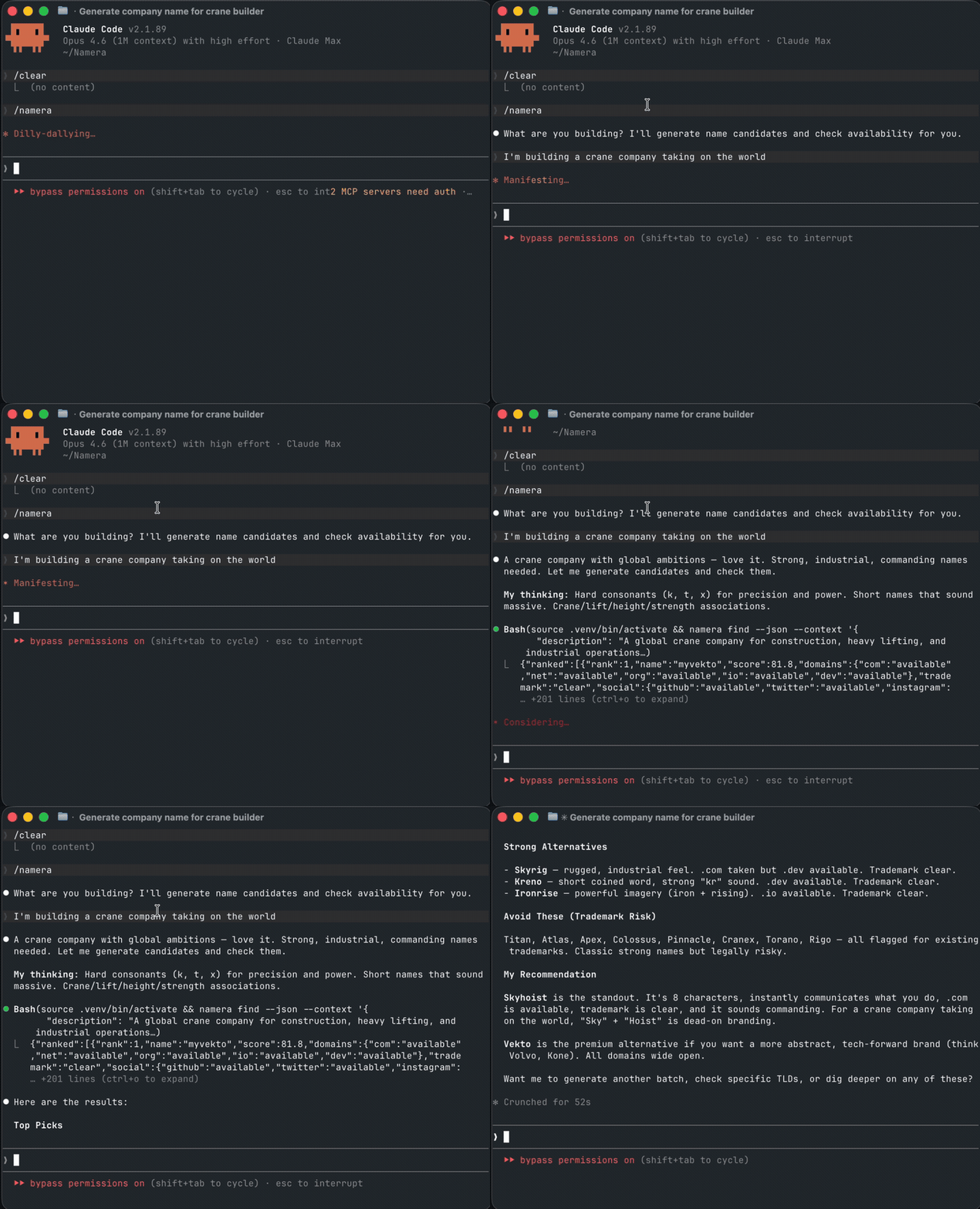
Namera ships as an MCP server so AI agents (Claude Code, ChatGPT, Codex) can call it directly.
pip install namera[mcp]
namera-mcp
Add to Claude Desktop (~/Library/Application Support/Claude/claude_desktop_config.json):
{
  "mcpServers": {
    "namera": {
      "command": "namera-mcp",
      "args": []
    }
  }
}
Two tools are exposed:
check_name— check a single name across domain, trademark, and socialfind_names— check multiple candidates with business context, score, and rank them
Scoring Profiles
| Profile | Optimizes for |
|---|---|
default | Balanced — domain, trademark, length, pronounceability |
startup-saas | .com availability (hard filter: must have .com) |
fintech | Trademark safety (hard filter: must be trademark-clear) |
consumer | Social handles + pronounceability |
developer-tools | .dev/.io TLDs + GitHub handle |
Development
pip install -e ".[dev]"
pytest tests/ -v
ruff check src/ tests/
License
MIT