
UsageMax public observability
Read-only MCP for AI usage profiles, leaderboards, stats, and docs; no writes or private data.
One address for any MCP client. No sign-in needed on this server.
What it does
4 other
Grouped by tool name. At most: only reads or looks up information.
What it costs
FreeOdel charges nothing per call. The publisher may charge for its own service.
Tools
4 · grouped by tool name · checked 26 Sep 2026Other · 4Neither hinted nor named
- public_profile
- leaderboard
- network_stats
- ask_site

UsageMax
Your AI work, in perspective.
A private-by-default usage ledger for people and teams building with AI.
Live app · Docs · Integrations · Pricing · How we count · Issues


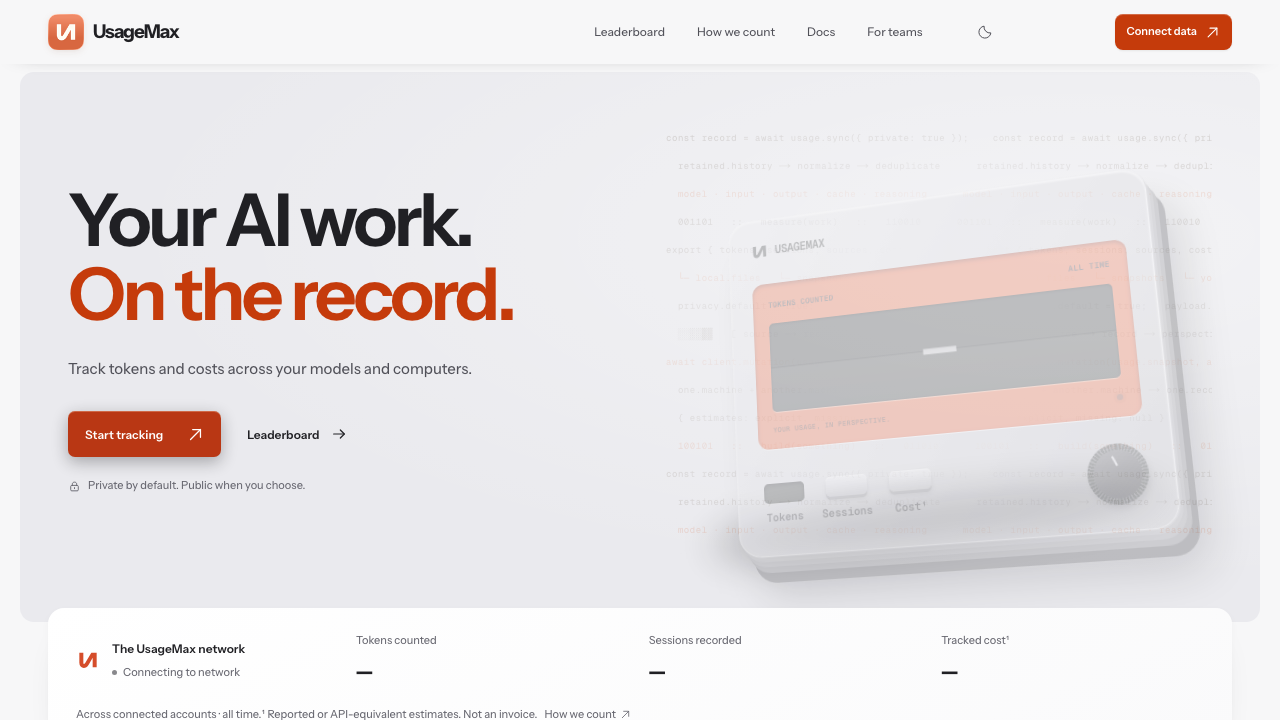
UsageMax reconciles the AI usage histories already on your computers into one clear view of tokens, model mix, tracked cost, sessions, and activity. The open-source CLI performs bounded local scans and uploads aggregate snapshots to the versioned UsageMax API.
The short version: one-shot collector, private by default, public only by choice. Prompts and completions never leave the computer.
What you get
| Surface | Purpose |
|---|---|
| Private workspace | Compare computers, providers, models, projects, and cost centers in one tenant-scoped view. |
| Public profile | Opt-in profile, leaderboard, activity, model mix, cost estimate, and streaks. |
| Collector API | Installation-bound, write-only snapshots and content-free telemetry. |
usagemax CLI | A bunx-friendly scanner with archive recovery, safe diagnostics, and optional OS scheduling. |
| Agent interfaces | Bounded OpenAPI, MCP, Markdown, WebMCP, A2A, and installable skill surfaces. |
The physical HUD/screen project is intentionally separate from this repository. It can consume UsageMax telemetry, but it is not required to use the platform.
Connect a computer
1. Create a link code
Sign in at usagemax.com/account, choose Link a computer, give it a name, and copy the one-use command. The code is valid for ten minutes and can be used once.
2. Link and sync
Run the command on the computer or WSL distribution that owns the history:
bunx usagemax link UMX-XXXX-XXXX-XXXX-XXXX

# Optional explicit name; the account keeps this name for the installation.
bunx usagemax link UMX-XXXX-XXXX-XXXX-XXXX --name "Work laptop"
The first link performs a full one-shot sync. Every installation receives a stable random ID, so relinking or renaming it rotates its key without creating a duplicate device.
3. Reconcile when you choose
bunx usagemax sync --dry-run --explain  # inspect the bounded plan
bunx usagemax sync                      # upload changed usage
bunx usagemax sync --full               # reconcile all retained history
bunx usagemax status --remote            # check the saved credential safely
CLI updates and progress
The CLI checks npm's latest dist-tag at most twice per day. Run
usagemax update to update a global installation through Bun or npm; use
--check for a read-only check. Run usagemax update sync to hand a command
to the current release without typing @latest, or set USAGEMAX_AUTO_UPDATE=1 for an
explicit automatic handoff. Use --no-update-check or set
USAGEMAX_DISABLE_UPDATE_CHECK=1 in offline environments. Interactive
terminals show a small stderr progress line; JSON,
quiet, CI, and scheduled runs remain machine-readable and quiet.
Coverage and correctness
UsageMax pins ccusage v20.0.24 and uses its 16 adapters: Amp, Claude Code, Codebuff, Codex, GitHub Copilot CLI, Factory Droid, Gemini CLI, Goose, Grok Build, Hermes, Kilo Code, Kimi CLI, OpenClaw, OpenCode, Pi, and Qwen Code. Named Pi-format stores are discovered as well.
The collector recognizes supported provider overrides, bounded home locations,
Claude Desktop sessions, .cc-mirror, renamed Claude/Codex backup folders, and
supported Windows homes from WSL. Normal syncs inspect known locations and
immediate home entries; they do not crawl the whole disk.
bunx usagemax doctor                 # metadata-only coverage check
bunx usagemax doctor --deep --json   # retained-history audit
bunx usagemax sync --archives        # one-time compressed-history recovery
bunx usagemax report                 # local ccusage report
bunx usagemax status --json          # version, coverage, checkpoints, and link state
bunx usagemax update --json          # machine-readable npm release check
Full scans can catalog retained history from 2024 onward. A readable file
inventory is not proof that an aggregate parser consumed every file and day.
UsageMax reports those two states separately; counter decreases and missing
rows remain protected unless the parser explicitly certifies its coverage.
Unknown models stay unattributed; unknown pricing stays unknown.
Cursor, Windsurf, Aider, Continue, Cline, Roo Code, hosted agents, direct provider API traffic, and enterprise billing systems do not all expose a stable local ledger. Feed those through the native or OTLP/HTTP JSON contract, or use a provider billing export when local evidence is unavailable.
Privacy and resource use
| Stays on the computer | May be uploaded |
|---|---|
| Prompts and completions | Aggregate token counters |
| Source code and file contents | Provider, model, and source names |
| Project paths and tool payloads | Dates, costs, and coverage state |
| Provider credentials and secrets | Opaque SHA-256 session identities |
The CLI is short-lived. It skips unchanged inventories, parses only the necessary date range, uses a local lock to prevent overlap, and never downloads a package per run. Optional scheduling invokes the same one-shot process and backs off after failures.
bun install -g usagemax
usagemax service install          # approximately every 15 minutes
usagemax service install --every 30
usagemax service status
usagemax service uninstall
Scheduling is opt-in. macOS uses a user LaunchAgent, Linux/WSL uses a user systemd timer, and Windows uses Task Scheduler. Sleeping or battery-powered computers are not needlessly woken.
Credentials and safe diagnostics
UsageMax has separate credentials for website sign-in, one-use linking, and
collector writes. A collector key is exactly umx_ followed by 64 lowercase
hexadecimal characters. It is generated server-side, displayed once, stored
locally with user-only permissions, and stored by UsageMax only as a SHA-256
hash.
For an Advanced · custom telemetry collector key, pipe the secret through stdin. Never put it in a command-line argument, URL, request body, repository, or log:
set +x
set -o pipefail
printf '%s' "$USAGEMAX_COLLECTOR_TOKEN" \
  | bunx usagemax token status \
      --json \
  | jq -r '[.httpStatus, (if .ingestAuthorized then 1 else 0 end)] | @tsv'
token status and telemetry test are included in CLI 0.3.11. If a fresh
environment still has an older npm tag, run usagemax update token status or use
node packages/cli/src/cli.js token status from this repository until the new
package is published.
To prove the authenticated write path, send one content-free agent_state
event with all token and cost values set to zero:
set +x
set -o pipefail
printf '%s' "$USAGEMAX_COLLECTOR_TOKEN" \
  | bunx usagemax telemetry test \
      --token-stdin \
      --json
This writes one observability event and does not change token or spend totals. An unbound advanced key becomes bound to this CLI installation on its first accepted write. The CLI returns a non-zero exit code if the credential cannot ingest or the API rejects the event.
The numeric projection is deliberately small:
| Result | Meaning |
|---|---|
200 1 | Recognized, active, and authorized to ingest. |
200 0 | Recognized but blocked; inspect the redacted JSON status. |
409 0 | The installation UUID does not match the key binding. |
401 0 | The format/key was not accepted; the server does not reveal which reason. |
The read-only diagnostic reports credential type, scopes, activation state, profile/name, binding state, and last accepted/rejected write. It never returns the token, its hash, or the authorized UUID. Advanced keys are active immediately; they bind on the first valid write. Linked CLI keys are bound during the link exchange.
Agent and developer surfaces
| Surface | URL |
|---|---|
| OpenAPI | openapi.json |
| Agent capability view | /?mode=agent |
| Public MCP | server-card.json |
| Documentation MCP | /docs-mcp |
| A2A card | agent-card.json |
| Skills index | agent-skills/index.json |
| MCP Registry metadata | server.json |
| Skill source and install docs | skills/ · skills.sh |
| Auth guide | /auth.md |
Public reads are bounded and unauthenticated. The public MCP servers are stateless, read-only, and do not expose private workspace data or collector credentials. Collector ingestion is a separate authenticated API boundary.
Repository map
src/             Next.js web app, public routes, docs, and UI
convex/          Convex schema, authorization, ingestion, and projections
packages/cli/    Distributable `usagemax` package
docs/            Architecture, contracts, coverage, operations, and releases
skills/          Direct-installable agent skills and source notes
server.json      MCP Registry submission metadata for the public remote server
For the documentation map, start with docs/README.md. It separates public product and integration guidance from contributor, operator, release, and historical records.
MCP Registry and skills.sh status
The public MCP server is published in the official Registry as
io.github.SYMBaiEX/usagemax@1.0.0.
The server.json file is the versioned source metadata for that
listing; it contains no package or credential claim. The three skills/ cards
have valid name and description frontmatter and are indexed on
skills.sh:
npx skills add SYMBaiEX/usagemax --skill usage-observability
npx skills add SYMBaiEX/usagemax --skill enterprise-reporting
npx skills add SYMBaiEX/usagemax --skill collector-diagnostics
The digest-pinned Agent Skills index is the deployed inventory; the raw GitHub files are the install sources. The directory's automated security audit state is external to this repository and can change independently of these files.
Development
Requirements: Bun 1.4.2 and Node.js 20 or newer. The web app also needs a configured Convex development deployment.
bun install
bun run check       # lint, typecheck, tests, and production build
bun run cli:pack    # verify the publishable CLI archive
For local web development, configure an ignored .env.local, then run
bunx convex dev and bun run dev. See
CONTRIBUTING.md for contribution boundaries and
docs/RELEASE.md for release gates.
Open source
UsageMax is released under the MIT License. Third-party dependency notices are in NOTICE.md. Please report suspected vulnerabilities privately through SECURITY.md, not a public issue.
