
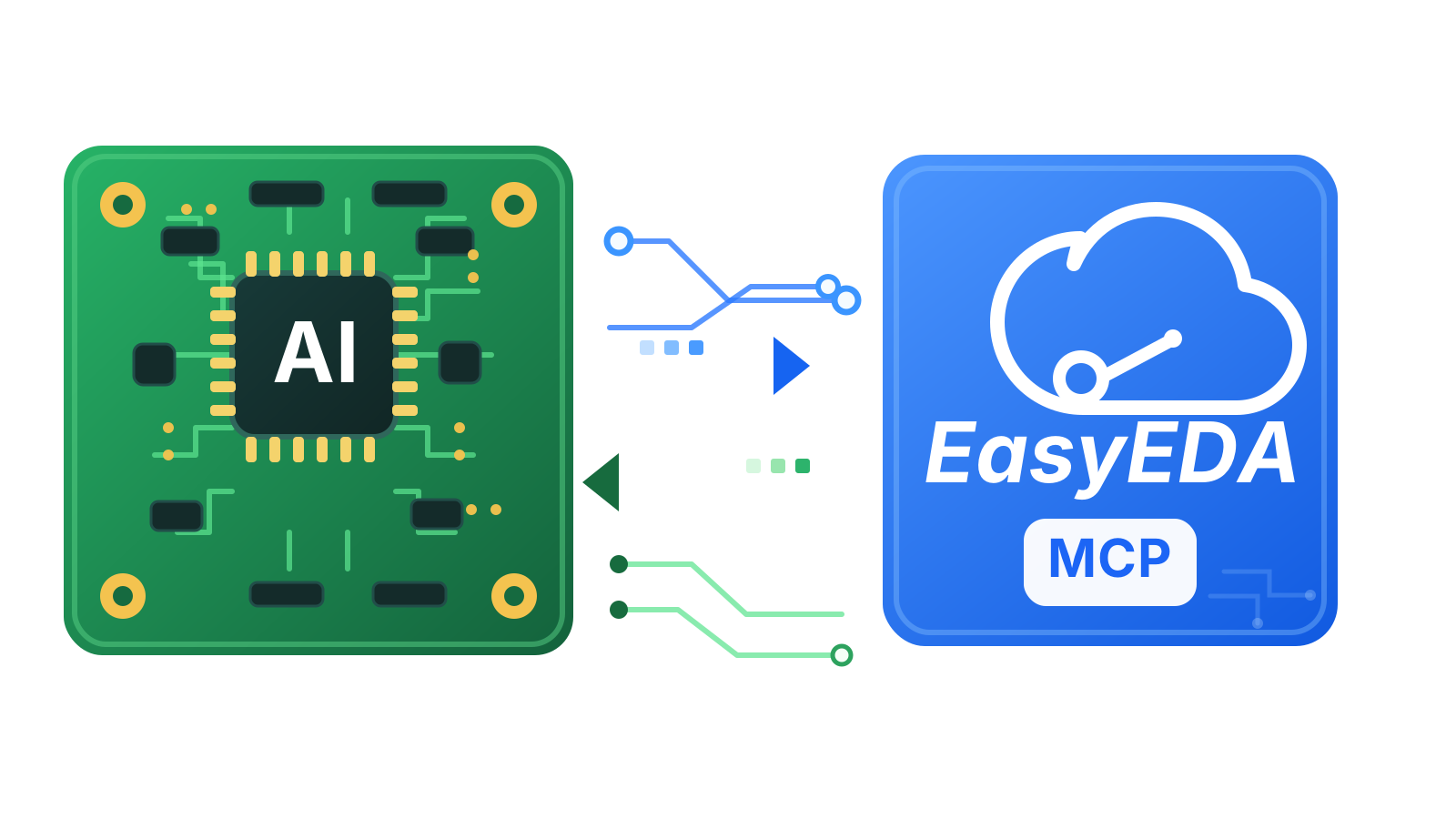
EasyEDA Pro MCP
Connect Claude, Codex, VS Code, and other Model Context Protocol (MCP) clients to the live EasyEDA Pro project already open on your machine.
Independent open-source MCP bridge for live schematic and PCB workflows in EasyEDA Pro.



Quick Start · AI Client Setup · Tools · Troubleshooting · Releases
What It Does
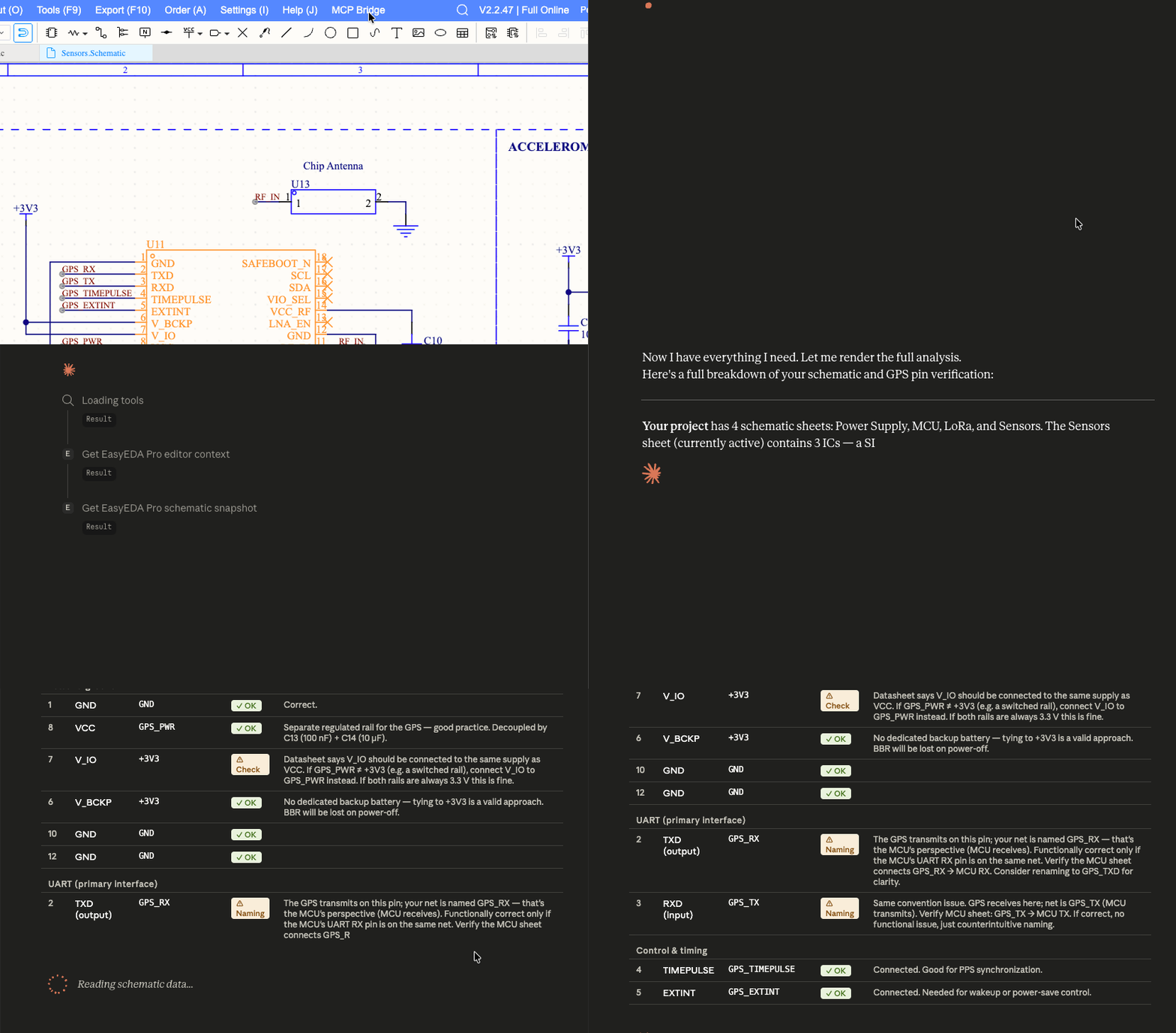
EasyEDA Pro MCP lets an AI assistant inspect the live EasyEDA Pro schematic or PCB you already have open. It gives MCP clients structured project context instead of making them guess from screenshots, copied text, or manual exports.
It runs locally:
MCP client -> Node.js MCP server -> local WebSocket bridge -> EasyEDA Pro extension
Works with Claude Desktop, Claude Code, Codex, VS Code, and other MCP-compatible clients.
Quick Start
npm install
npm run setup:local
Then:
- configure your MCP client to run
node /absolute/path/to/easyeda_mcp/dist/index.js - open EasyEDA Pro
- load the packaged extension from
build/dist - enable external interaction permission
- open a schematic or PCB
- ask your MCP client to run
easyeda_doctor
Healthy output should show the extension connected, protocol compatible, and an active document available.
Full setup guide: Quick Start
What You Can Ask
Run easyeda_doctor and summarize whether the EasyEDA Pro bridge is healthy.
Run easyeda_get_context and tell me which document is open in EasyEDA Pro.
Run easyeda_schematic_snapshot and summarize components, nets, warnings, and confidence.
Run easyeda_trace_component for USB1 and summarize its connected nets.
Core capabilities:
- live project and document context
- schematic inspection for components, pins, nets, wires, and labels
- component and net tracing
- targeted connection assertions
- editor navigation and export helpers
- confirmation-gated editor-changing actions
Documentation
- Quick Start: shortest path to a working setup
- Getting Started: first-time setup with more context
- AI Client Setup: Claude Desktop, Codex CLI, Claude Code CLI, VS Code, and generic MCP clients
- EasyEDA Pro Extension Setup: install and reconnect the editor extension
- Tools Reference: available MCP tools
- Troubleshooting: fixes by symptom
Releases
Download packaged extension builds from GitHub Releases. Local builds also create build/dist/easyeda_mcp_bridge.eext.
Development
npm run setup:local
npm test
npm run typecheck
npm run docs:build
npm run setup:local builds the MCP server, builds the EasyEDA Pro extension bundle, and packages the .eext artifact.
Scope, Safety, and Status
This project works against a live EasyEDA Pro session. EasyEDA Pro must be open, the local extension must be installed, and the MCP server must be running.
Not included yet:
- offline
.eproparsing - commercial/order operations
- unrestricted editor automation
The bridge listens on 127.0.0.1 by default. Do not expose the bridge port to untrusted networks. See SECURITY.md for reporting and runtime boundaries.
This is an independent open-source project. It is not affiliated with, endorsed by, or sponsored by EasyEDA, JLCPCB, or Shenzhen Jia Chuang Ban Technology Co., Ltd.
Contact and License
Feedback and suggestions: victor.freitas@vlabsoft.com
MIT. See LICENSE.