Listed from the MCP registry; nobody on Odel publishes it.

Local SEO by WorkPods
Audit Google Business Profiles, reviews and Maps rankings, and check a site's NAP and schema.
Runs on your machine from its package; the steps are below.
What it does
- Reads
- Writes
- High impact
At most: only reads or looks up information.
What it costs
FreeOdel charges nothing per call. The publisher may charge for its own service.
Runs locally over stdio
This server isn't hosted — your MCP client launches it from a package registry. Use one of the commands below, or drop the config into your client (e.g. Claude Desktop).
Run
npx -y @workpods/local-seo
MCP client config
{
  "mcpServers": {
    "local-seo-by-workpods": {
      "command": "npx",
      "args": [
        "-y",
        "@workpods/local-seo"
      ]
    }
  }
}Local SEO
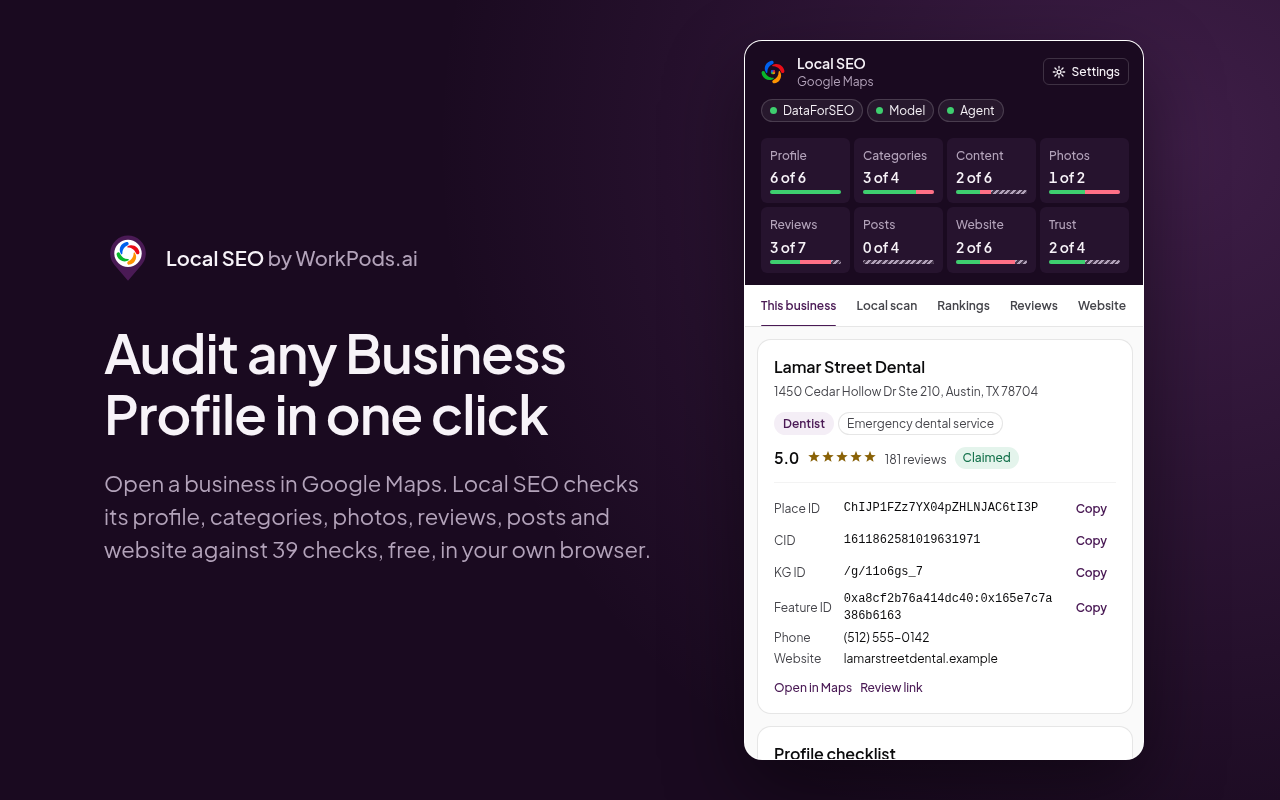
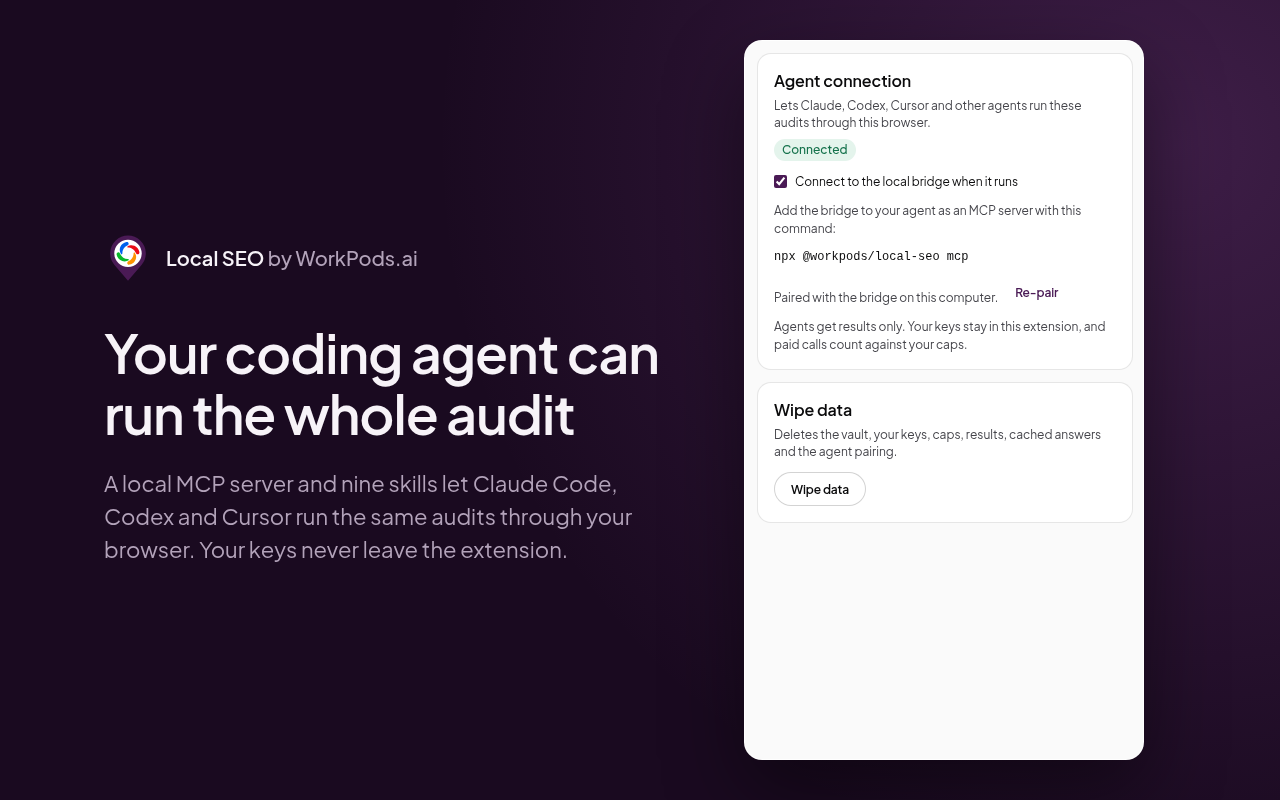
A free, open-source Chrome and Firefox extension that audits Google Business Profiles and shows where a business ranks in Google Maps. Your coding agent can drive it too.
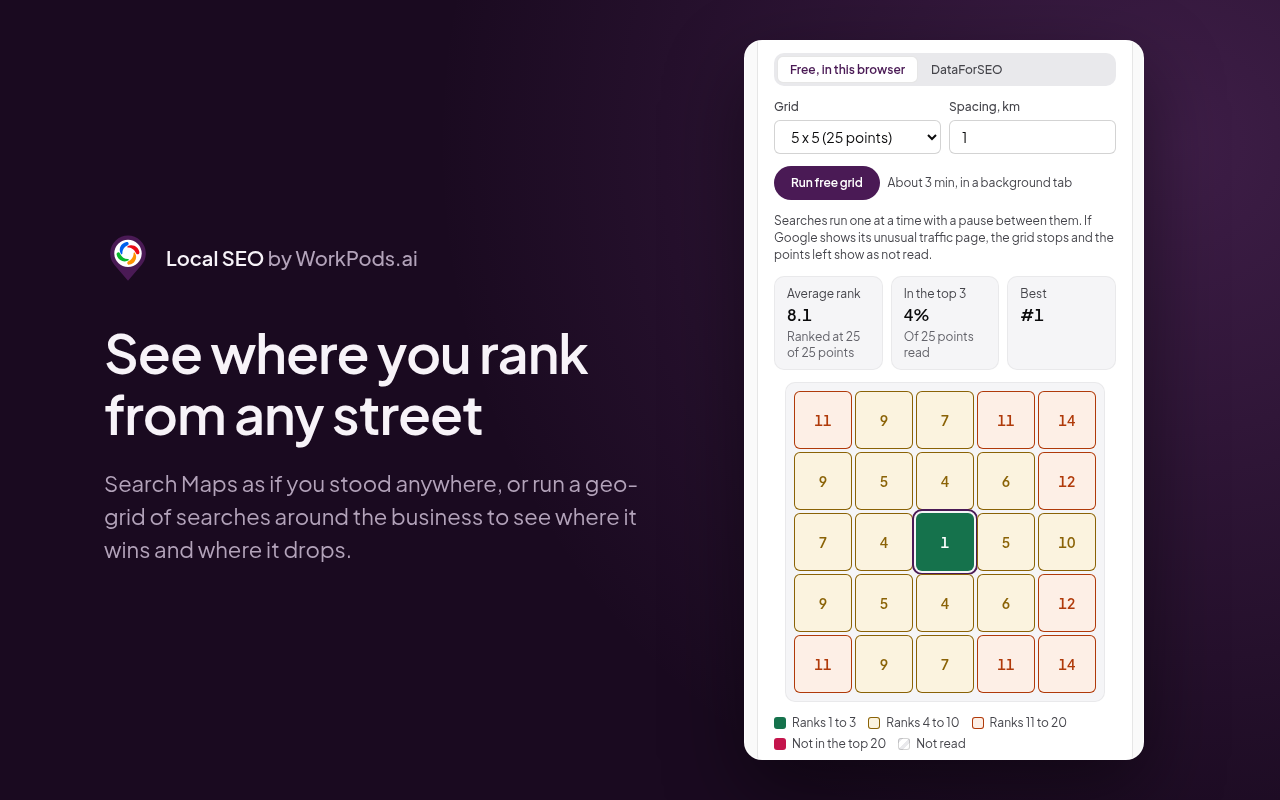
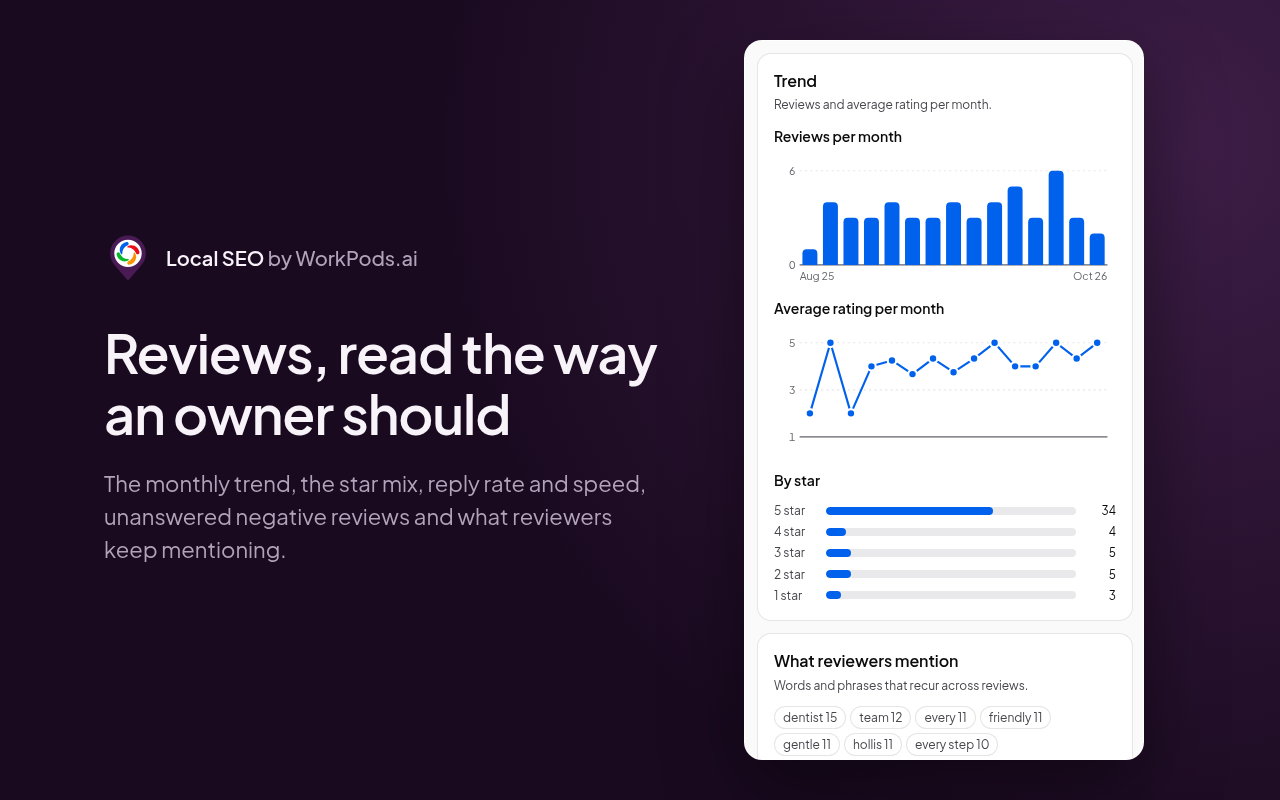
Local SEO reads what Google Maps shows in your own browser: a business's categories (including the secondary ones Maps hides), profile, reviews and posts, and where it ranks for a search from any point on the map. It runs 39 checks and says what to fix first. A local MCP server and a skills plugin let Claude Code, Codex and other agents run the same audits. Paid data, such as large geo-grids and full review history, uses your own DataForSEO key, kept encrypted in the extension. It needs no account and has no telemetry.
Install
Install Local SEO from the Chrome Web Store.
For development or release testing, you can install an unpacked build:
- Download
local-seo-<version>-chrome.zipfrom Releases and unzip it into a folder you will keep. - Open
chrome://extensions, turn on Developer mode, click Load unpacked and choose the folder. - Pin Local SEO and click its icon to open the side panel.
To build it yourself (Node 22 or later): npm install, then npm run release:zip; the zip is in
release/. Getting started has the details.
Firefox
Firefox desktop 140 or later is supported. Build the package with
npm run zip:firefox -w extension. Firefox uses its sidebar and background event page, and stores
private settings and vault records in extension-origin IndexedDB. Its built-in data-consent
prompt covers the data optional provider features can transmit. Core audits require no paid keys.
The local bridge requires the exact Firefox installation origin shown in Settings. See Firefox bridge setup.
Docs
- Getting started: install, the first audit, Google's limited view, and Google in another language
- Using the extension: every tab of the side panel
- How the checks work, and the list of checks
- Keys and spending: DataForSEO, Cloro and model keys, caps and prices
- Agents and skills: the MCP bridge, pairing, and the nine skills
- Command line and CI:
audit-websitefor terminals and pipelines - Privacy and permissions, and the privacy policy
Develop
npm install
npm run check                  # format, typecheck, tests, skill lint and build
npm run e2e -w extension       # every panel tab in demo mode, in headless Chromium
Load extension/.output/chrome-mv3 unpacked to try a build. AGENTS.md has the rules
for contributors and agents. store/ holds the Chrome Web Store listing and its images.
Local SEO is independent and not affiliated with Google. Google Maps and Google Business Profile are trademarks of Google LLC.