
Globestudio
Generate dotted-globe maps, share URLs, and embed snippets from chat.
One address for any MCP client. No sign-in needed on this server.
What it does
4 read1 act1 other
Grouped by tool name. At most: creates or changes data: records, files, settings.
What it costs
FreeOdel charges nothing per call. The publisher may charge for its own service.
Tools
6 · grouped by tool name · checked 30 Sep 2026Read · 4Look things up
- list_presets
- find_presets
- read_share_url
- preview_url
Act · 1Change something
- build_share_url
Other · 1Neither hinted nor named
- embed_snippet
Globestudio
Open-source dotted maps and animated 3D globes for designers, animators, and creative developers.
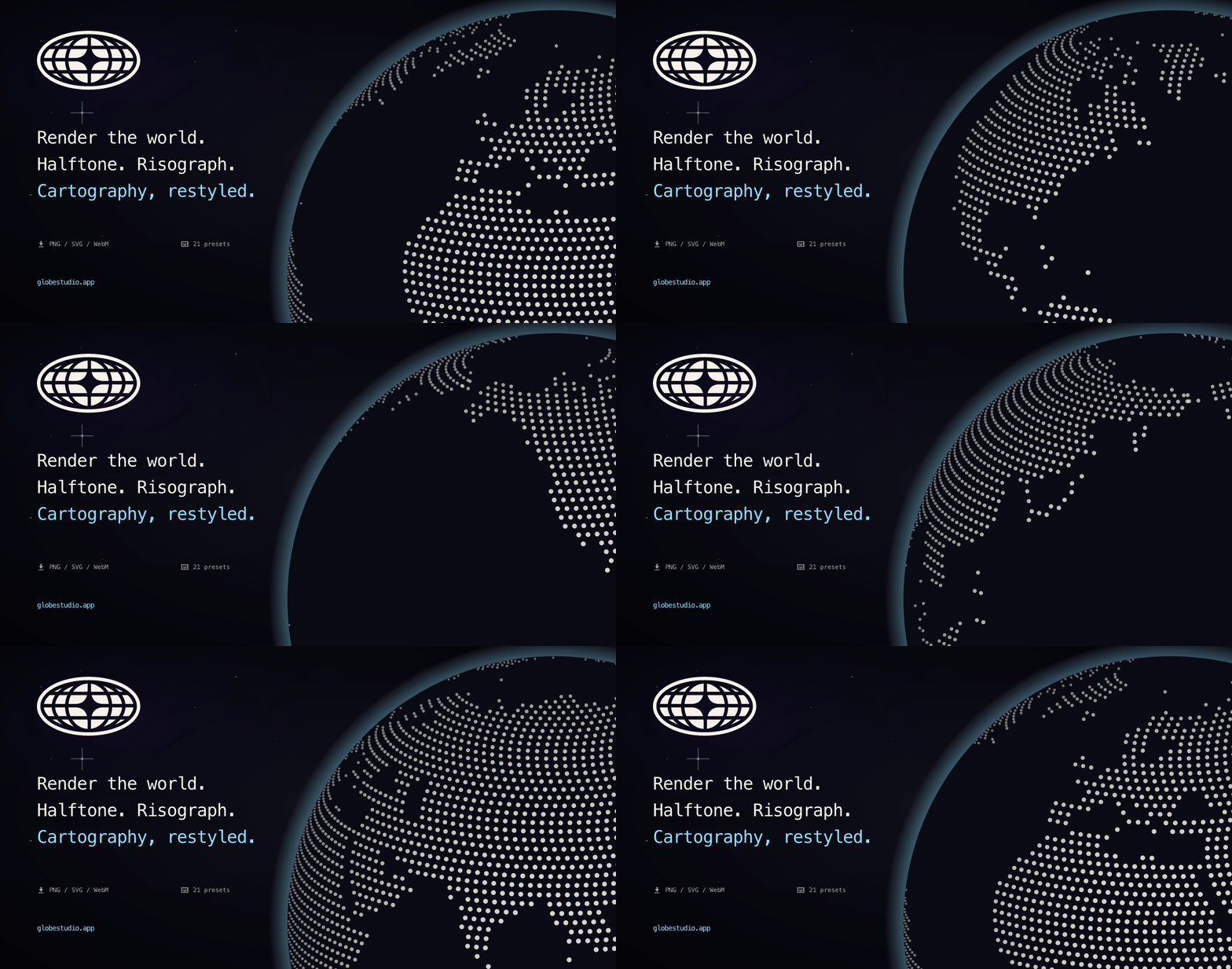
Pick a country or the whole world, choose a look, change the dots and colors, and export PNG, SVG, WebM, MP4, or GIF. Built with React and Three.js.
globestudio.app · All 21 looks · Roadmap · Discussions


Why Globestudio?
Most open-source map tools are built for engineers: tile servers, geocoding, GIS pipelines. Globestudio is for when the map is the picture, like a landing page hero, a launch teaser, a scrollytelling explainer, or a deck slide that needs a globe but not a database.
You work by eye with the studio's controls and export when it looks right. The studio runs in your browser, and the code is MIT licensed.
Features
- Maps of the world, a continent, a subregion, a country, or a US state.
- Flat map or 3D globe, drawn from the same dots, with a morph between the two.
- 12 dot shapes (Circle, Hexagon, Triangle, Pentagon, Square, Diamond, Star, Plus, Ring, Voxel, Particle Grid, ASCII glyphs), or upload your own SVG, PNG, JPEG or WebP.
- 21 looks: Default plus 20 shader looks (Halftone, Risograph, Newsprint,
Aurora, Pixel, Bayer, Atkinson, Wireframe, CRT, Glitch, Bad TV, Bloom,
Metal, Iridescent, Pencil, Corrupt, Toon, Threshold, Vapor, Sonar).
Each look is a one-click preset that sets the background, density, dot
size and globe chrome, applies at most one shader pass, and has its own
URL at
/looks/:id. You can change the shape, colors and region after picking one. - Gradients and alpha on the dot color, land fill, and country stroke.
- Your own data: paste
lat,lng,valueorcountry,valuelines to plot markers sized by value, optionally joined by arcs. Try an example fills in eight cities to start from. - Solid maps: filled land and stroked borders, river and city overlays, pasted GeoJSON lines and points, and 5 flat projections (Mercator, Equal Earth, Natural Earth, Winkel Tripel, Robinson). Dotted maps use Mercator.
- Animations: rotation, twinkle, size jitter, and network arcs. They stop
under
prefers-reduced-motion. - Exports: PNG at 1x to 4x (the WebGL scene is re-rendered at that size); SVG with clean vector dots (6 effects are approximated with SVG filters, and the full shader look needs PNG or video; when a design has something the vectors leave out, such as a look's effect, solid land or a Space background, the SVG and Figma tabs name it); WebM, MP4 (where the browser can encode it), and GIF video; and a JSON config. Copy image puts the same PNG on the clipboard, ready to paste into Figma, Slides, Slack or Notion.
- Keyboard shortcuts:
Sshuffle,[/]cycle looks,Dexport,Rreset,Gtoggle view,Htoggle panel,?help. - Accessibility: targets WCAG 2.2 AA and was self-audited. It works from the
keyboard, a hidden DOM mirror describes the canvas state to screen readers,
and reduced motion is respected. Known gaps are listed in
ACCESSIBILITY.md.
Quickstart
Use it
The live tool runs entirely in your browser at globestudio.app, and you don't need an account.
Run it locally
Requires Node 20.19+ (or 22.12+) and npm.
git clone https://github.com/alevizio/globestudio
cd globestudio
npm install
npm run dev
Open http://127.0.0.1:5173/ and the studio loads. VITE_TEASER=1 npm run dev
shows the pre-launch waitlist teaser instead. Deploys set VITE_TEASER=0.
Build it
npm run build      # → dist/
npm run preview    # serve dist/ locally
npm test -- --run  # the full Vitest suite
npm run test:e2e   # browser smoke + accessibility checks
Embed it anywhere
One-line script tag (recommended)
<div data-globestudio data-look="halftone" data-density="50"
     style="width: 100%; height: 480px;"></div>
<script async src="https://globestudio.app/embed.js"></script>
About 3 KB gzipped, with no dependencies. It works in Webflow, Squarespace,
blog posts, and anywhere else you can add a script tag. Every embed param
except plugin has a matching data-* attribute (c is data-config,
and data-theme passes only light). The script watches the
DOM with a MutationObserver and mounts elements added later, so SPAs and
dynamic content work too.
Plain iframe
<iframe
  src="https://globestudio.app/embed?look=halftone&density=70&autoSpin=1"
  width="100%"
  height="500"
  style="border:0"
  loading="lazy"
  title="Globestudio dotted globe"
></iframe>
The embed posts { type: "globestudio-resize", height } through
postMessage; listen for it and resize the iframe to match. It needs WebGL 2.
Without it, the embed shows a short note and a link to open Globestudio in a
supported browser.
React component or web component
npm install @globestudio/react     # <Globe look="aurora" />
npm install @globestudio/element   # <globe-studio look="aurora"></globe-studio>
Both wrap the same /embed route in an iframe, so every look works in both.
Setup and props: packages/react and
packages/web-component. For a new React project,
start from the React starter.
On a light page, set theme="light" on either one. It sends the theme
param below: the glow and grid switch to a palette for light pages, and
Wireframe's white ink, which all but vanishes there, turns graphite.
Halftone, Toon and Threshold paint a dark page of their own, where graphite
ink is lost, so make them see-through in the config as well:
config='{"backgroundStyle":"transparent"}'.
The export dialog writes this code for the design on screen. Its Share tab has an Embed code section with three options, iframe, React and Web component, each with a Copy button. Open in CodePen, under the snippet, opens the design in a new pen through the web component.
Embed parameters
Every query param the /embed route reads, as parsed in
src/components/embed-view.jsx:
| Param | Type / range | Default | What it does |
|---|---|---|---|
look | preset id (one of the 21 looks) | default | Base look preset. The params below override it |
selection | world · country:<ISO3> · continent:<Name> · subregion:<Name> | world | What geography to draw |
density | number, 1 to 90 | the look's; 40 with no look | Dot grid density. Without it or the c config's, the look's own (invalid values fall back to the preset's) |
dotSize | number, 0.1 to 25 | the look's; 10 with no look | Dot size. Without it or the c config's, the look's own (invalid values fall back to the preset's) |
dotColor | hex, # optional | preset's | Dot color. Renders darker than the hex, as it always has, so embeds made before keep their look. For the exact hex, put dotColor in a c config with "v": 3 |
worldFill | hex, # optional | preset's | Land fill color, read like dotColor |
renderMode | dots · solid | preset's | Dot field or solid landmass |
motion | number, 0 to 100 | 35 | Parsed but has no effect yet; reserved |
tiltX | number, −45 to 45 | 0 | Camera tilt, degrees |
tiltY | number, −45 to 45 | 0 | Camera tilt, degrees |
autoSpin | 1 · 0 | 1 | Auto-rotate the globe |
static | 1 · 0 | 0 | Freeze all motion (static previews in design-tool canvases) |
view | globe · flat | the c config's view, else globe | 3D globe or flat map. Wins over the config's view |
background | hex, # optional, or transparent | unset | Page background behind the canvas. Without it the page takes the c config's Solid background color, or else the look's own when the address names a look; with neither it stays the dark theme color. A color here or in the config keeps the page solid on Wireframe, which is see-through on its own. transparent is the same as transparent=1 |
theme | dark · light | dark | Globe chrome palette. light reads cleanly on light host pages and turns the white ink of Halftone, Wireframe, Toon and Threshold graphite. Use it on a see-through or light background: on a look's own dark page, the graphite ink is lost. The packages' theme="light" and embed.js data-theme="light" send it |
transparent | 1 · 0 | the look's; 0 with no look | See-through document, composites onto the host page. Wireframe is see-through without it; 0 turns that off |
plugin | figma | unset | The picker shell that versions 1 and 2 of the Figma plugin load: Look, Country or region, Density and View (Globe or Flat) pickers above an Insert button. Globe inserts a PNG; Flat inserts editable vectors, or a PNG past 2,500 dots or with the solid Bloom look. The current plugin loads the full studio at /?plugin=figma instead |
source | string | embed | Analytics tag, echoed in resize postMessages |
c | URL-encoded config JSON | unset | Full share-config payload (what the Share dialog produces). Overrides the preset and the params above |
A JSON Schema for the c payload lives at
/schema/config.json.
For Figma there are two ways in. The export dialog's Figma tab copies the design as vectors or as an image, ready to paste into a file, and it links to the Community plugin, which runs the full studio inside Figma. When the look has an effect the vectors can't keep, the tab says so under Copy as vectors and points to Copy as image. The tab is left out on a phone, where the tab row has no room for it. To bring a design you made on the site into Figma, paste its share link into the plugin: into its Paste a share link field, or anywhere outside a text field. Look and embed links work too.
globestudio.app/integrations has copy-paste setups for AI agents (MCP), Webflow, Framer, Figma, Notion, WordPress (through a Custom HTML block), plain HTML, and React. In this repo: Figma plugin · WordPress block (manual install for now; it is not on wordpress.org yet) · Framer component · embed snippet
Longer reads: How to make a dotted world map in 2026 · all articles
Use it from AI tools (MCP)
Globestudio runs a hosted Model Context Protocol
server at https://globestudio.app/mcp (streamable HTTP, nothing to
install, no account). From Claude, Codex, Cursor or any other MCP client, an
agent can list and search looks, build share URLs, read a share link you paste
(read_share_url), and get embed snippets without leaving the chat. Every
tool only reads: it builds or reads links and stores nothing. The
privacy page says what the hosted
server receives and keeps.
| Client | Connect |
|---|---|
| Claude app (claude.ai, Desktop) | Customize, Connectors, then + and Add custom connector. Paste the URL. |
| Claude Code | claude mcp add --transport http globestudio https://globestudio.app/mcp |
| Codex | codex mcp add globestudio --url https://globestudio.app/mcp |
| Cursor | In ~/.cursor/mcp.json: { "mcpServers": { "globestudio": { "url": "https://globestudio.app/mcp" } } } |
The same tools run locally over stdio:
claude mcp add globestudio -- npx -y @globestudio/mcp.
Without an MCP client, use Copy for AI in the MCP tab of the export dialog. It copies a prompt with your share link, its settings and what an agent can do with it, ready to paste into any chat. The same tab has the connect line for each client.
Full tool list and setup in packages/mcp/README.md.
Use it from coding agents (skill)
Ask your coding agent for a globe and get one that fits the page. The Globestudio skill teaches Claude Code, Codex, Cursor and other agents how a design travels in a link, how to embed one with the packages or an iframe, and which look fits a brief. Add it to a project:
npx skills add alevizio/globestudio
Or with the GitHub CLI, or as a Claude Code plugin that also connects the hosted MCP server:
gh skill install alevizio/globestudio globestudio

claude plugin marketplace add alevizio/globestudio
claude plugin install globestudio@globestudio
In Gemini CLI, gemini extensions install https://github.com/alevizio/globestudio
adds the skill and the MCP server. In the Claude app, download
globestudio-skill.zip
from the latest release and upload it in Settings, Capabilities, Skills.
The skill has a page on skills.sh with its
installs and security audits. npx skills sends anonymous install data to
skills.sh unless you set DISABLE_TELEMETRY=1. The skill is plain markdown in
skills/globestudio. Its reference files are built
from the app's own code with npm run skill:references, and a test fails
when they fall behind. The Claude Code plugin in
plugins/globestudio carries a copy of the skill,
which the same command refreshes (or npm run plugin:sync on its own).
What you can build with it
| Use case | What it gives you |
|---|---|
| Landing page hero | A live animated globe behind your headline. Export PNG for a still, MP4 or WebM for video. |
| Launch teaser | Animated dot map of where your users are. MP4 or GIF for X or LinkedIn. |
| Deck visuals | Per-country SVGs for Keynote, Figma, or print layouts. |
| Data story | A hand-picked region and dot palette for a feature, blog post, or report. |
| Brand system | The same dotted-globe mark across your site, app, and docs. |
| Stream / podcast graphic | A WebM background with the CRT or Glitch look. |
Runnable examples
The examples/ directory has 10 reference projects: runnable
HTML, a React starter, drop-in components, and adaptation guides. A few to
start with:
starter-react: a Vite and React app with a globe on the page. Copy it withnpx degit@3.10.0 alevizio/globestudio/examples/starter-react my-globe, or open it in StackBlitz.embed-snippet: the smallest iframe setup. Copy it into Webflow, Framer, plain HTML, or anywhere else.hero-globe: a full-bleed animated globe behind a landing page hero.shader-presets-showcase: all 21 looks in one auto-fit grid, handy for picking one.
Share what you make in Show and tell.
Documentation
| CONTRIBUTING | Local setup, project shape, design rules, how to submit presets/examples |
| ROADMAP | What's shipped, what's next, what's parked |
| CHANGELOG | What changed and when |
| GOVERNANCE | How decisions get made |
| CODE_OF_CONDUCT | Community standards |
| SECURITY | Reporting vulnerabilities |
| SUPPORT | Where to ask questions |
How it compares
These tools overlap with Globestudio in places:
| Globestudio | globe.gl | Mapbox Studio | Felt | Haikei | |
|---|---|---|---|---|---|
| 3D globe out of box | ✅ | ✅ | ✅ | ❌ | ❌ |
| Dotted maps | ✅ 12 shapes | partial | ❌ | ❌ | ❌ |
| Shader looks | ✅ 20, plus Default | ❌ | custom WebGL only | ❌ | ❌ |
| Multiple projections | 5 flat (solid maps; dotted maps use Mercator) | sphere only | many | Web Mercator only | n/a |
| No-code GUI | ✅ | ❌ library | ✅ | ✅ | ✅ |
| PNG / SVG / video export | ✅ PNG, SVG, WebM, MP4, GIF | manual | print / PDF | ✅ | PNG / SVG |
| Embed iframe | ✅ /embed | DIY | ✅ | ✅ | DIY |
| Framer / Webflow | ✅ Framer code component (copy-paste), Webflow embed | ❌ | plugins | ❌ | ❌ |
| No signup / no API key | ✅ | n/a | ❌ | ❌ | ✅ |
| Free + MIT | ✅ | ✅ (library) | freemium | paid | free, closed |
What Globestudio doesn't do: GIS-accurate data overlays, large dataset analysis, or real-time collaboration. For those, Mapbox, Felt, and Kepler are good choices.
Credits: globe.gl and COBE set the bar for open-source 3D globe libraries. dotted-map generates the dot field. Stamen Maps was an early inspiration for treating maps as a visual style.
Tech stack
- React 19 and Vite for the app shell
- Three.js for the WebGL globe, instanced dot rendering, shader effects, and network arcs
- dotted-map for the source dot field
- d3-geo, d3-geo-projection and topojson-client for topology decoding and the 5 flat projections of solid maps (Mercator, Equal Earth, Natural Earth, Winkel Tripel, Robinson; dotted maps use Mercator)
- world-countries, world-atlas and us-atlas for source geography
- @resvg/resvg-js to render the Open Graph share cards from SVG to PNG (
npm run og:generate) - Pixelarticons by Gerrit Halfmann for the in-app icons: 24×24 pixel-grid icons filled with
currentColor, so they follow the theme - Vitest, Testing Library and axe-core for tests and automated accessibility checks
No accounts. The studio renders everything in your browser. The only server
code is the hosted MCP endpoint and the closed waitlist endpoint, which now
answers 410. Vercel Analytics and Speed Insights
don't load when your browser sends Do Not Track or Global Privacy Control, or
when you opt out at /privacy. The terms of use are at /terms.
Contributing
Contributions of any size are welcome: code, presets, example projects, screenshots, or a docs rewrite.
The shortest paths:
- Made something with the live tool? Post it in Show and tell.
- Found a bug? Open a bug report.
- Made a preset you like? Send a preset submission.
- Have an idea? Start an Ideas discussion.
Full guide in CONTRIBUTING.md.
License
MIT, commercial use included. If you use it in something public, I'd like to see it, though you don't have to tell me.
The geography comes from world-atlas and us-atlas (ISC), world-countries (ODbL, a share-alike database license), and Natural Earth (public domain) for the city and river overlays. NOTICE.md has the details. If you reuse the map data outside this repo, check those licenses first, ODbL in particular.
Made by @alevizio · alevizio.com · twitter.com/alevizio
Listed on Three.js Resources


