Listed from the MCP registry; nobody on Odel publishes it.
Is this yours? Claim it
Corenexis API
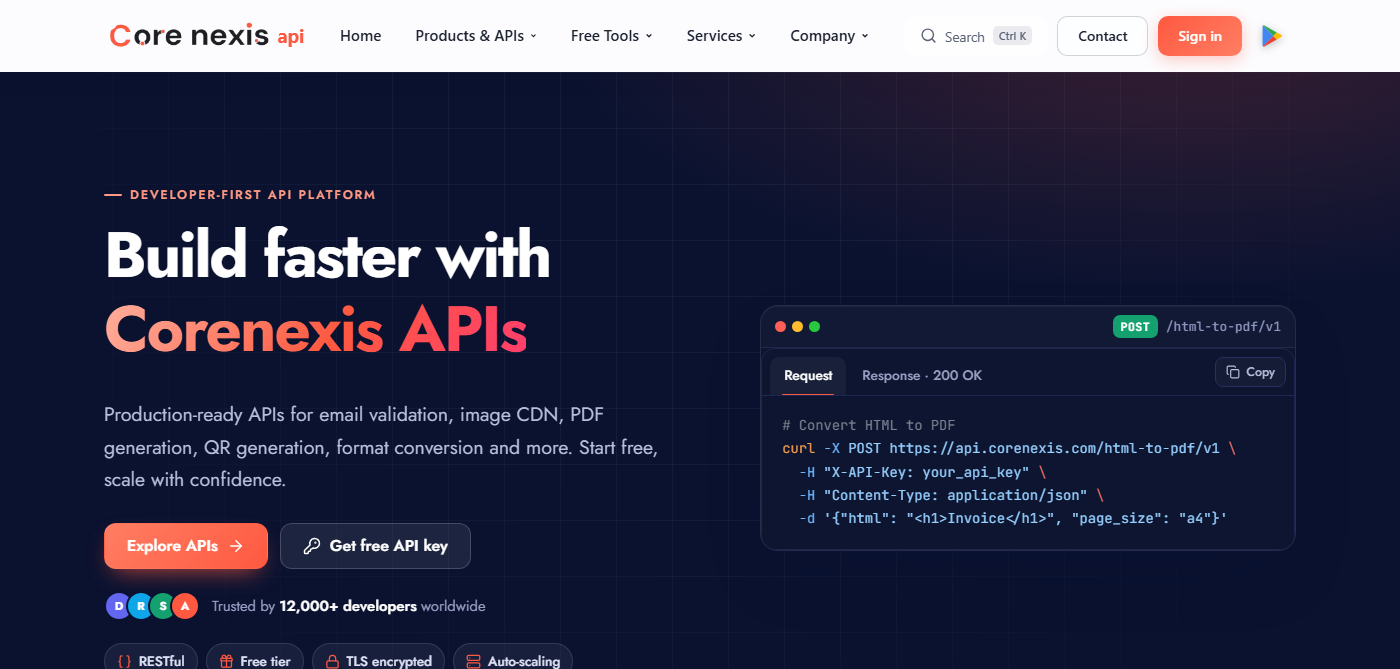
PDF from HTML or Markdown, email validation, image conversion and hosting, QR and barcodes.
One address for any MCP client. You sign in at api.corenexis.com once, after adding it.
What it does
- Reads
- Writes
- High impact
At most: creates or changes data: records, files, settings.
What it costs
FreeOdel charges nothing per call. The publisher may charge for its own service.
What it asks for at sign-in
| Access to | Read | Change |
|---|---|---|
| Mcp | Not stated: mcp | |
From the sign-in at api.corenexis.com, as the endpoint publishes it. You approve it there.
Tools
None listed · checked 7 Nov 2026Odel could not list its tools without signing in.

Corenexis API and MCP Server
Production REST APIs behind one API key, plus a remote MCP server so AI agents can use them.
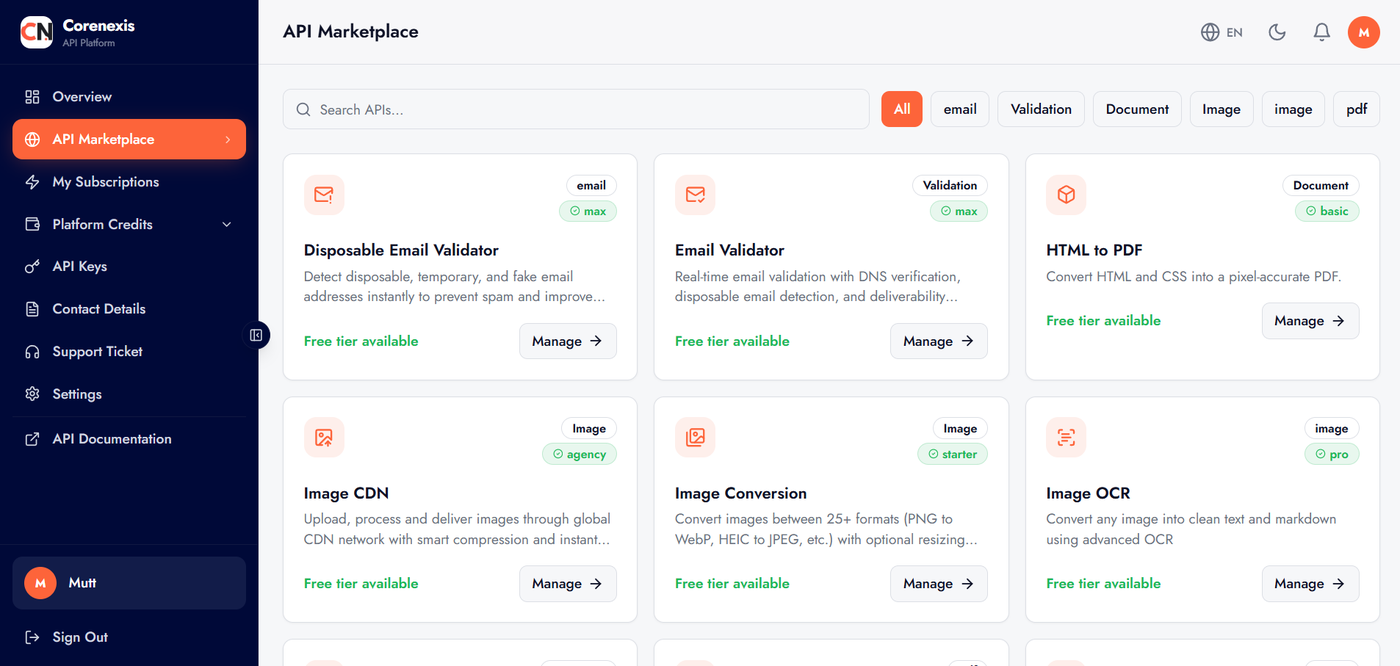
PDF generation, email validation, image conversion, image CDN and QR codes.
Website · MCP guide · Get an API key · MCP Registry
What is the Corenexis API?
The Corenexis API Platform is a set of production REST APIs for documents, images and data quality. One key, one header, predictable JSON - and a free tier on every API. The same APIs are available to AI assistants through a remote MCP server, so ChatGPT, Gemini, n8n and other MCP clients or your own agent can generate a PDF, convert an image or validate an email in the middle of a conversation.
| REST API | https://api.corenexis.com/<api>/v1 - header x-api-key |
| MCP server | https://api.corenexis.com/mcp/server - Streamable HTTP, API key |
| Registry name | com.corenexis/api on the Official MCP Registry |
| n8n | Community node in Core-Nexis/n8n-nodes-corenexis-api |
| Dashboard | https://dash.corenexis.com - keys, subscriptions, usage |
APIs
| API | Endpoint | What it does | Docs |
|---|---|---|---|
| Markdown to PDF | POST /markdown-to-pdf/v1 | Markdown into a print-ready PDF or page images | docs |
| HTML to PDF | POST /html-to-pdf/v1 | HTML and CSS rendered by a real browser engine into a PDF or screenshot | docs |
| Email Validator | /email-validator/v1 | Syntax, domain, mailbox and risk checks | docs |
| Disposable Email Detector | /disposable-email-validator/v1 | Tell a throwaway address from a real one | docs |
| Image Conversion | /image-conversion/v1 | Convert, resize and compress images | docs |
| Image CDN | /image-cdn/v3 | Host an image and get a fast delivery link | docs |
| QR Code and Barcode | /qr-barcode/v1 | QR, UPI QR, Code128, EAN-13 and UPC-A codes | docs |
Every request and response example: docs/apis.md.
Quick start
- Sign up at https://dash.corenexis.com/auth/signup and create a key at https://dash.corenexis.com/api-keys.
- Subscribe to the APIs you need (each has a free tier). One key works for all of them.
- Call an API:
curl -X POST https://api.corenexis.com/email-validator/v1 \
  -H "x-api-key: your_api_key" \
  -H "Content-Type: application/json" \
  -d '{"email": "someone@example.com"}'
MCP server
Point any MCP client at https://api.corenexis.com/mcp/server with your key in x-api-key.
Cursor, VS Code and other MCP clients
{
  "mcpServers": {
    "corenexis": {
      "type": "http",
      "url": "https://api.corenexis.com/mcp/server",
      "headers": { "x-api-key": "your_api_key" }
    }
  }
}
Command-line MCP clients
Most command-line clients add a remote server with one command. The exact syntax depends on the client;
the values are always the same: transport http (Streamable HTTP), URL
https://api.corenexis.com/mcp/server and header x-api-key: your_api_key. For example:
<your-client> mcp add --transport http corenexis https://api.corenexis.com/mcp/server \
  --header "x-api-key: your_api_key"
n8n
MCP Client node: connection HTTP Streamable, endpoint https://api.corenexis.com/mcp/server,
authentication Header Auth with name x-api-key and your key as the value.
curl
curl -X POST "https://api.corenexis.com/mcp/server" \
  -H "x-api-key: your_api_key" \
  -H "Content-Type: application/json" \
  -H "Accept: application/json, text/event-stream" \
  -d '{"jsonrpc":"2.0","id":1,"method":"tools/list"}'
Tools
| Tool | What it does | Quota |
|---|---|---|
corenexis_list_apis | Every API with its tools, docs and subscribe links | free |
corenexis_account | Check the key and the account | free |
corenexis_subscriptions | Subscribed APIs with plan, status, renewal and usage | free |
corenexis_api_details | One API's plans, features and limits | free |
markdown_to_pdf | Markdown to PDF or images, returns a hosted link | 1 call |
html_to_pdf | HTML and CSS to PDF or image with a browser engine | 1 call |
email_validate | Full email check: syntax, domain, mailbox, risk | 1 call |
disposable_email_check | Is the address from a disposable provider | 1 call |
image_convert | Convert, resize or compress an image, returns a hosted link | 1 call |
image_cdn_upload | Host an image and get a delivery link | 1 call |
qr_barcode_generate | QR, UPI QR or barcode image, returns a hosted link | 1 call |
The MCP server holds no keys of its own: every tool call is the same REST call made with your key and
counts against the same quota. Full reference: docs/mcp.md.
Screenshots
Links
- Website: https://api.corenexis.com
- MCP guide: https://api.corenexis.com/mcp
- Dashboard: https://dash.corenexis.com
- MCP health: https://api.corenexis.com/mcp/health
- Support: https://helpdesk.corenexis.com
- Company: https://corenexis.com
Built by Corenexis. This repository holds documentation and examples; the API service is hosted by Corenexis. Examples are released under the MIT License.