
faktry
Official faktry MCP server: generate and edit images, video, audio, and PDFs.
One address for any MCP client. Your key stays in your Odel vault.

What it does
- Reads
- Writes
- High impact
Not assessed yet.
What it costs
FreeOdel charges nothing per call. The publisher may charge for its own service.
Tools
None listed · checked 7 Oct 2026Odel could not list its tools without signing in.

faktry MCP
Bring the whole faktry media stack into the tools you already use.
Generate and edit images, video, audio, and PDFs from any MCP-compatible client.


Install · Tools · Examples · Troubleshooting
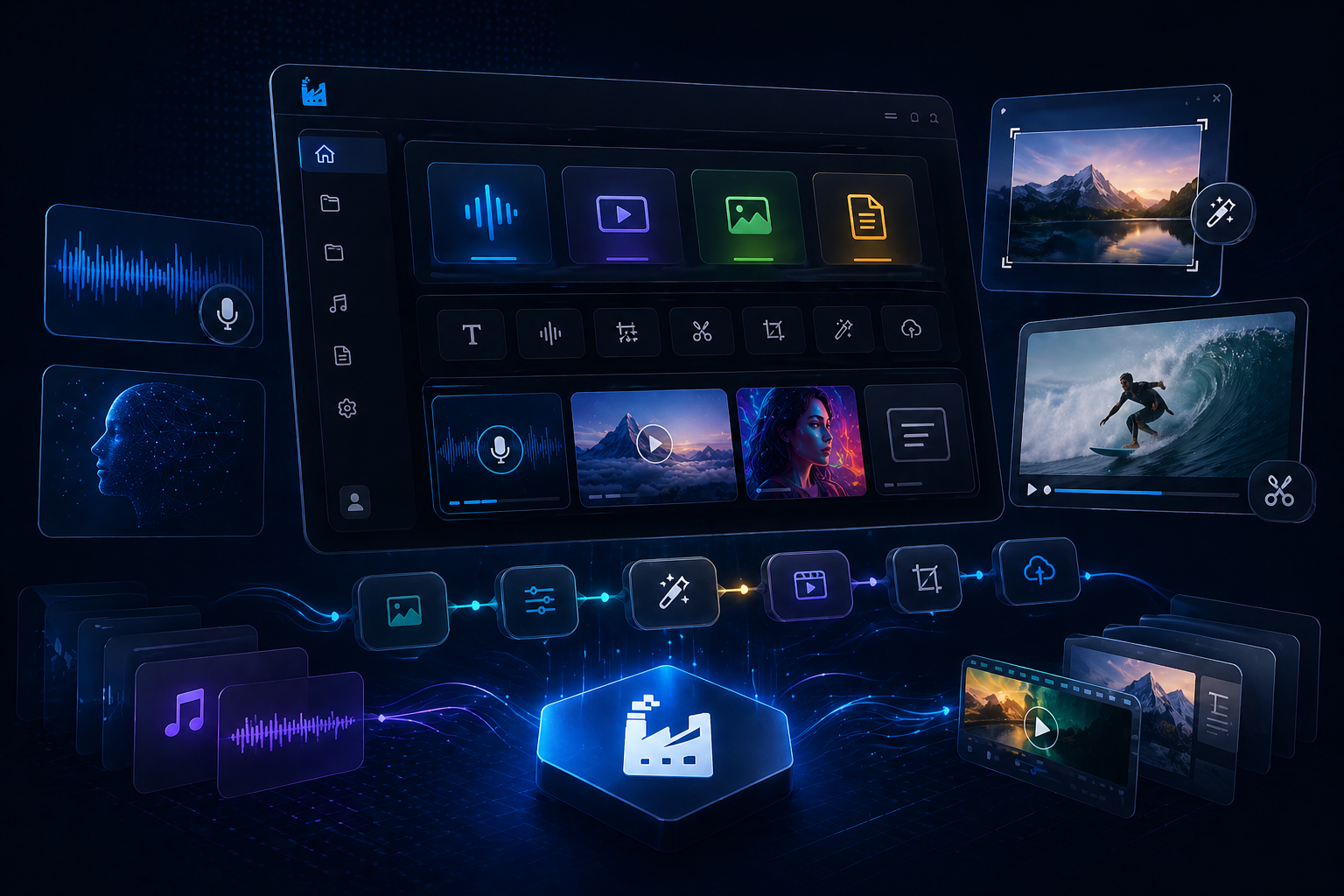
The faktry MCP server exposes the full faktry toolkit — over 70 tools spanning image, video, audio, PDF, and 3D generation and editing — to any client that speaks the Model Context Protocol. Generate a product shot, cut it into a UGC-style video with a voiceover, subtitle it, and export a thumbnail sheet, all without leaving the chat.
 Hosted, remote. Connect to
 https://faktry.ai/api/mcp— no local server to run. stdio-only clients can use thenpx -y @faktry/mcpbridge.- OAuth or API key, your choice. One-click connect from Claude.ai, Claude Desktop, Cursor, and Hermes, or drop a static API key into any config-based client.
- Async by default. Long-running jobs (video, some image/audio) return a
job_idimmediately; pollfaktry_job_statusuntil it's ready. - A library that remembers. Save any result with
faktry_library_saveand pull it back into a later session withfaktry_library_list. - You pay through your faktry account. Usage draws down your existing credit balance — check it anytime with
faktry_credits.
Install
One-click / OAuth
These clients handle authentication for you — paste the URL, sign in, approve.
MCP Server URL:
https://faktry.ai/api/mcp
Claude.ai
- Open Claude.ai → Settings → Integrations.
- Click Add MCP Server and paste the URL above.
- Claude.ai redirects you to faktry — sign in and click Approve.
- Done — Claude.ai stores the token automatically.
Claude Desktop
- Open Claude Desktop → Settings → Developer → MCP Servers.
- Click Add Server and paste the URL above.
- A browser window opens — sign in to faktry and click Approve.
- Restart Claude Desktop if tools don't appear immediately.
Cursor
- Open Cursor → Settings → AI → MCP Servers.
- Click Add MCP Server and paste the URL above.
- Cursor detects OAuth and opens a browser login window.
- Sign in to faktry, approve access, and return to Cursor.
Hermes Agent
- Open Hermes Agent → Settings → MCP Servers.
- Click + and paste the URL above.
- Hermes opens a browser login — sign in to faktry and approve.
- Toggle the server on — tools appear immediately.
ChatGPT Desktop (Business / Enterprise / Edu only)
- Enable Developer Mode in Settings → Beta Features.
- Go to Settings → MCP Servers → Add Server.
- Paste the URL above and follow the browser OAuth flow.
Config file / API key
Create an API key at faktry.ai/api/keys first, then add faktry to your client's config. Replace YOUR_API_KEY_HERE with your real key — it's only shown once when created.
Claude Code
Add to .mcp.json (project) or ~/.claude.json (user):
{
  "mcpServers": {
    "faktry": {
      "type": "http",
      "url": "https://faktry.ai/api/mcp",
      "headers": { "Authorization": "Bearer YOUR_API_KEY_HERE" }
    }
  }
}
Picked up automatically — no restart needed.
VS Code (Copilot)
Add to .vscode/mcp.json (workspace) or via Settings → MCP Servers:
{
  "servers": {
    "faktry": {
      "type": "http",
      "url": "https://faktry.ai/api/mcp",
      "headers": { "Authorization": "Bearer YOUR_API_KEY_HERE" }
    }
  }
}
Windsurf
Edit ~/.codeium/windsurf/mcp_config.json (%USERPROFILE%\.codeium\windsurf\mcp_config.json on Windows) — note Windsurf uses serverUrl, not url:
{
  "mcpServers": {
    "faktry": {
      "serverUrl": "https://faktry.ai/api/mcp",
      "headers": { "Authorization": "Bearer YOUR_API_KEY_HERE" }
    }
  }
}
Restart Windsurf to activate the tools.
Continue.dev
Add to ~/.continue/config.yaml:
mcpServers:
  faktry:
    type: http
    url: https://faktry.ai/api/mcp
    requestOptions:
      headers:
        Authorization: "Bearer YOUR_API_KEY_HERE"
Continue.dev reloads automatically.
Codex CLI
Add to ~/.codex/config.toml:
[mcp.servers.faktry]
type = "http"
url = "https://faktry.ai/api/mcp"

[mcp.servers.faktry.headers]
Authorization = "Bearer YOUR_API_KEY_HERE"
Verify with codex mcp list.
stdio clients (npx) — Zed, older Claude Desktop configs, and anything without remote MCP
The @faktry/mcp package is a thin stdio bridge to the hosted server. Requires Node 18+.
Generic form:
FAKTRY_API_KEY=YOUR_API_KEY_HERE npx -y @faktry/mcp
Claude Desktop (claude_desktop_config.json) and most other mcpServers clients:
{
  "mcpServers": {
    "faktry": {
      "command": "npx",
      "args": ["-y", "@faktry/mcp"],
      "env": { "FAKTRY_API_KEY": "YOUR_API_KEY_HERE" }
    }
  }
}
Zed (settings.json, %APPDATA%\Zed\settings.json on Windows):
{
  "context_servers": {
    "faktry": {
      "source": "custom",
      "command": "npx",
      "args": ["-y", "@faktry/mcp"],
      "env": { "FAKTRY_API_KEY": "YOUR_API_KEY_HERE" }
    }
  }
}
Leave FAKTRY_API_KEY out to sign in through the browser (OAuth) instead.
Kilo Code
- Open the Kilo Code extension settings → MCP Servers.
- Add a new server using the same JSON snippet as Claude Code above.
- Replace
YOUR_API_KEY_HEREwith your actual key.
Other MCP clients
Add a remote HTTP server pointing at https://faktry.ai/api/mcp with header:
Authorization: Bearer YOUR_API_KEY_HERE
Full per-client snippets and paths are also generated at faktry.ai/mcp.
Tools
Your client picks which tool to call based on your prompt — you don't need to invoke them by name. faktry exposes 70+ tools across five categories:
| Category | Examples | What it covers |
|---|---|---|
faktry_image_* | generate, edit, inpaint, outpaint, upscale, removebackground, effects, collage, watermark, smartcrop | Text-to-image, editing, upscaling, background removal, compositing |
faktry_video_* | text2video, image2video, avatar, motioncontrol, subtitle, reframe, stabilize, upscale, scenedetect | Generation, editing, avatars, motion control, subtitles, reframing |
faktry_audio_* | generatespeech, clonevoice, generatemusic, generatesound, mix, transcribe, trim | Speech synthesis, voice cloning, music/SFX generation, mixing |
faktry_pdf_* | create, merge, split, compress, extract, mdconvert | PDF creation and manipulation |
faktry_3d_* | image23d, text23d | 3D asset generation from images or text |
Plus utility tools:
| Tool | What it does |
|---|---|
faktry_job_status | Poll an async job by job_id until it's completed, returning result_url |
faktry_credits | Check credit balance and current-month usage |
faktry_library_list | Browse previously saved media assets |
faktry_library_save | Save a result URL to the library for reuse across sessions |
The async job pattern
Most generation tools (video, some image/audio) are async:
- Call the generation tool → receive a
job_id. - Poll
faktry_job_statuswith thatjob_idevery few seconds. - When status is
completed, the response containsresult_url. - Optionally persist it with
faktry_library_save.
Example prompts
Try these once faktry is connected:
Generate a studio product shot of a matte black wireless speaker on a
white background, then upscale it to 4K.
Turn this product image into a 9:16 UGC-style video with a voiceover
reading the description, and add subtitles.
Remove the background from this photo, then composite it onto a
gradient backdrop.
Clone this voice sample and generate a 30-second narration reading
this script.
Check my faktry credits, then show me what's in my library.
Troubleshooting
Tools don't appear after connecting
- Claude.ai / Desktop: Settings → Integrations (or Developer → MCP Servers), confirm faktry shows as connected. Remove and re-add if it failed silently — make sure pop-ups aren't blocked so the OAuth window can open.
- Claude Code:
claude mcp listshould show the server. - Codex:
codex mcp listshould showfaktry. Start a new session after adding. - Quick smoke test: ask your client "check my faktry credits".
Authentication or API key errors
- For config-file clients, confirm
YOUR_API_KEY_HEREwas replaced with a real, active key from faktry.ai/api/keys — keys are shown only once at creation. - For OAuth clients, disconnect and reconnect the connector to redo the flow.
A generation keeps loading
Video renders and some audio/image jobs take longer than a plain image generation. The tool returns a pending job_id immediately — keep polling faktry_job_status until it reports completed.
Links
- MCP setup UI — faktry.ai/mcp
- API keys — faktry.ai/api/keys
- faktry — faktry.ai
License
MIT © faktry





