
OpenTranscribe MCP
Provider-independent speech-to-text with normalized transcripts over MCP.
Runs on your machine from its package; the steps are below.
What it does
- Reads
- Writes
- High impact
At most: only reads or looks up information.
What it costs
FreeOdel charges nothing per call. The publisher may charge for its own service.
Runs locally over stdio
This server isn't hosted — your MCP client launches it from a package registry. Use one of the commands below, or drop the config into your client (e.g. Claude Desktop).
Run
uvx open-transcribe-mcp
MCP client config
{
  "mcpServers": {
    "opentranscribe-mcp": {
      "command": "uvx",
      "args": [
        "open-transcribe-mcp"
      ]
    }
  }
}


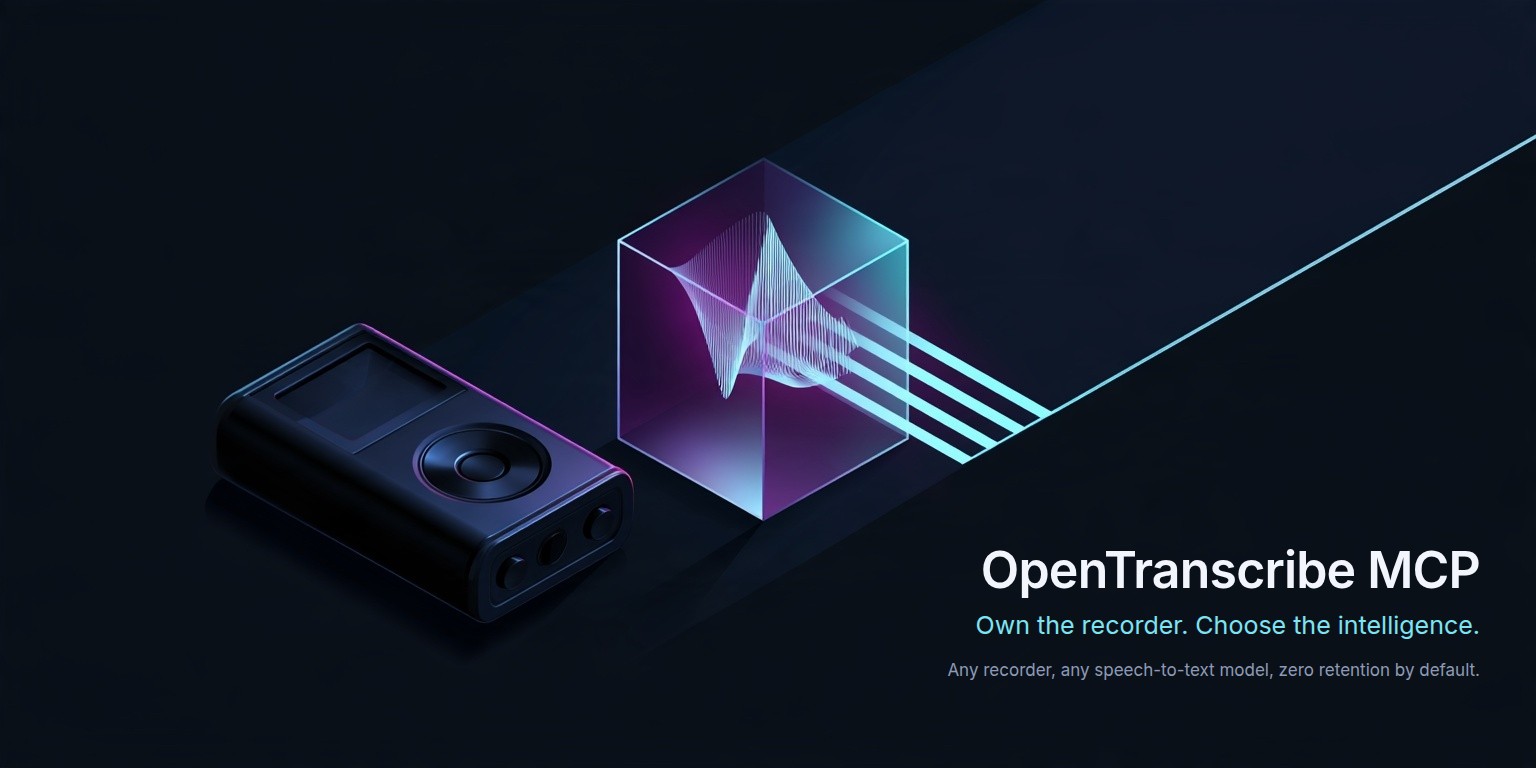
Own the recorder. Choose the intelligence.
OpenTranscribe is an open-source MCP server that routes audio to the speech-to-text model of your choice and returns one provider-independent transcript schema.
It is built around a simple idea: buying a great recorder should not lock you into one transcription subscription. Use Plaud, a phone, an open-source wearable, or any other audio source you are authorized to access, then choose Microsoft MAI, ElevenLabs Scribe, or Groq Whisper without changing the downstream workflow.
OpenTranscribe does not jailbreak hardware or bypass access controls. It works only with audio the operator is authorized to access.
How it works

OpenTranscribe keeps the integration boundary stable: the recorder supplies an audio file or HTTPS URL, the server selects or calls the requested speech-to-text provider, and downstream tools receive the same canonical transcript shape.
What v1 ships
- MCP Streamable HTTP at
/mcp, with stateless operation and bearer or external OIDC authentication transcribe_audio,list_transcription_models,estimate_transcription_cost,get_transcript_chunk, anddelete_transcript- Microsoft
MAI-Transcribe-2, ElevenLabsscribe-v2, and Groq Whisper adapters - explicit capability negotiation, routing policies, retries, and observable fallbacks
- HTTPS URL passthrough when supported and a bounded streaming proxy otherwise
- SSRF controls, signed-URL redaction, zero content logging, and cost/resource limits
- disabled-by-default retention; optional memory or S3-compatible temporary result storage
- Docker, production-oriented Scaleway Serverless Containers Terraform, tests, and GitHub Actions CI
On the Linux desktop
An optional Debian package, OpenTranscribe Setup, bundles the Python runtime, the engine, and
a native setup application. Install it, add a provider key, and connect a local MCP client — no
Python, no uv, no configuration files. The engine then runs as one client-owned STDIO process
that opens no network socket.
The hosted and command-line paths below are unaffected by it. See OpenTranscribe Setup on Linux; its release evidence lives in docs/desktop-acceptance.md, where every scenario starts at Not tested.
Ten-minute quickstart
Requirements: Python 3.12 and uv, or Docker.
git clone https://github.com/fbossiere/open-transcribe-mcp.git
cd open-transcribe-mcp
Create a private .env containing only the settings for your selected provider and a strong
random MCP bearer token. For Microsoft:
OT_ENVIRONMENT=prod
OT_HOST=127.0.0.1
OT_DEFAULT_PROVIDER=microsoft
OT_DEFAULT_MODEL=MAI-Transcribe-2
OT_MICROSOFT__ENDPOINT=https://YOUR-RESOURCE.cognitiveservices.azure.com
OT_MICROSOFT__API_KEY=YOUR-KEY
OT_SECURITY__AUTH_MODE=bearer
OT_SECURITY__BEARER_TOKEN=YOUR-RANDOM-TOKEN
Use the complete Groq, ElevenLabs or multi-provider recipes
for other services. Omit unused settings rather than leaving empty URLs or numbers from
.env.example, which is a configuration inventory. Protect your file with
chmod 600 .env.
Start the server:
uv sync
uv run open-transcribe-mcp
The MCP endpoint is http://localhost:8000/mcp; probes are available at /healthz and /readyz.
Run the included bilingual, two-voice synthetic recording through the connected provider:
uv run python examples/transcribe.py --token YOUR-RANDOM-TOKEN
The fixture and reference transcript are non-sensitive and redistributable. Pass another authorized public HTTPS audio URL as the first argument to use your own source.
Connect a FastMCP client:
import asyncio
from fastmcp import Client


async def main() -> None:
    async with Client("http://localhost:8000/mcp", auth="YOUR-RANDOM-TOKEN") as client:
        models = await client.call_tool("list_transcription_models", {})
        print(models)
        result = await client.call_tool(
            "transcribe_audio",
            {
                "request": {
                    "source": {"type": "url", "url": "https://example.org/authorized-audio.mp3"},
                    "provider": "auto",
                    "routing_policy": "quality",
                }
            },
        )
        print(result)


asyncio.run(main())
Provider choice does not alter the response contract. Set provider and model to switch explicitly, or use auto with default, quality, cost, or latency routing.
diarization, timestamps, and transcript_style are unset above on purpose: an unset capability is not requested, so the request routes to any configured model and the response metadata reports what that model applied. Stating one makes it a requirement — "diarization": True excludes every model that cannot diarize rather than quietly returning a single-speaker transcript. See providers and capabilities.
Docker
Use the published image and the private environment file from the quickstart:
docker run --rm --env-file .env \
  -e OT_ENVIRONMENT=prod -e OT_HOST=0.0.0.0 \
  -p 127.0.0.1:8000:8000 \
  ghcr.io/fbossiere/open-transcribe-mcp:1.2.1
This binds the host port locally; put an HTTPS proxy in front when hosting remotely. You can also
build from source with docker build -t open-transcribe-mcp:1.2.1 .. Inject provider credentials
at runtime. The image includes the s3 extra, but result storage stays disabled unless configured.
Deploy on Scaleway
The reference infra/scaleway module provisions a private image
registry, a Serverless Container with scale-to-zero (0–3 instances), HTTPS ingress and health
probes. It can optionally add a TTL-bound result bucket and runtime identity.
-
Create a dedicated Scaleway Project and a deployment API key with the documented IAM permissions. Supply
SCW_ACCESS_KEYandSCW_SECRET_KEYto the deployment shell. -
Copy
infra/scaleway/terraform.tfvars.exampletoterraform.tfvarsin that directory. Fill your project ID, provider keys, authentication settings andimage_tag = "1.2.1". The template configures ElevenLabs and Groq; review the ElevenLabs retention choice before use. -
Bootstrap the registry, copy the public release image into it, then review and apply the complete deployment. In
infra/scaleway:bashterraform init terraform apply -target=scaleway_registry_namespace.this IMAGE_REFERENCE="$(terraform output -raw image_reference)" REGISTRY_ENDPOINT="$(terraform output -raw registry_endpoint)" printf '%s' "$SCW_SECRET_KEY" | docker login "${REGISTRY_ENDPOINT%%/*}" \ --username nologin --password-stdin docker buildx imagetools create --tag "$IMAGE_REFERENCE" \ ghcr.io/fbossiere/open-transcribe-mcp:1.2.1 terraform plan -out=open-transcribe.tfplan terraform apply open-transcribe.tfplan terraform output -raw mcp_endpoint -
Check
/healthz,/readyz, MCP authentication and one short authorized transcription. The full Scaleway guide covers release digest verification, adoption of an existing deployment, OIDC setup, upgrades, rollback and result-store permissions.
Bootstrap applies are for new infrastructure. Import an existing registry, namespace and
container into state first to preserve their IDs and endpoint. Keep real terraform.tfvars,
state and saved plans private: state and plans can contain secrets even when output is redacted.
Publishing a release does not automatically update your Scaleway deployment.
Configuration and service combinations
Choose the provider, MCP authentication and result storage independently. Provider keys stay on the server and are never accepted as tool arguments. See the full configuration guide for complete environment/Terraform examples, settings precedence, key permissions and troubleshooting.
| Transcription services | Configuration | Use and limitations |
|---|---|---|
| Microsoft only | Microsoft endpoint + key; defaults microsoft / MAI-Transcribe-2 | Diarization and clean/verbatim output |
| ElevenLabs only | ElevenLabs key; defaults elevenlabs / scribe-v2 | Diarization; choose eligible zero retention or explicitly accepted standard mode |
| Groq only | Groq key; defaults groq / a Whisper model | Verbatim transcription; no speaker diarization |
| Multiple providers | Each provider's credentials; one matching default pair | Requests can select any configured provider; compatibility is checked before ranking |
OT_DEFAULT_PROVIDER and OT_DEFAULT_MODEL are preferences, not a provider allow-list. An
explicit request can choose another configured model. Hosted requests permit transient fallback
by default; use allow_fallback=false when audio must go to only one provider. To require French
speaker turns, use language=fr, diarization=true and strict_capabilities=true; see the
Scribe recipe. Groq cannot fulfill
that requirement and is rejected rather than silently returning an undiarized transcript.
| Authentication / storage | Required configuration | Combination rules |
|---|---|---|
| HTTP bearer | MCP token; Terraform auth_mode = "bearer" | Works with any provider; token is separate from provider keys |
| HTTP OIDC | Issuer, JWKS, service origin, scope and entitlement; auth_mode = "oidc" | Works with any provider; use an external identity provider such as Keycloak |
| Managed desktop STDIO | Setup TOML and Secret Service keyring | Local process authentication; enable providers and privacy permissions in Setup |
| No result store | Default disabled; Terraform enable_result_store = false | Inline output; stored or oversized auto results fail explicitly |
| Temporary S3 results | Cursor secret; Terraform enable_result_store = true | Shared chunks across instances, TTL and deletion; extra IAM permissions required |
| Memory results | OT_RESULT_STORE__BACKEND=memory + cursor secret | Local/test only; unsuitable for Scaleway cold starts or multiple instances |
ElevenLabs requests default to zero retention, which needs an eligible Enterprise account.
A standard account requires an explicit choice of OT_ELEVENLABS__ZERO_RETENTION=false after
accepting provider-side retention. Disabling OpenTranscribe storage does not disable provider
retention. See configuration and retention.
For ordinary HTTP, OT_* environment variables override a working-directory .env. Terraform
injects the non-secret and secret maps from your private tfvars, while enforcing production
security settings. Managed desktop mode ignores ambient environment settings; a key in the
keyring does not enable a provider by itself. Changing keys/defaults needs a restart or Terraform
apply, not a new application image. A new application version needs a published image and a
separate deployment update.
Publication and upgrades
The publication protocol is the maintainer runbook: semantic versioning,
version coherence, local checks, release PR, signed tag from reviewed main, automated
publication, artifact verification and recovery after partial failure.
Git tags use v1.2.1; Python/MCP metadata and image tags use 1.2.1. The workflow publishes
PyPI, the MCP Registry, GHCR and the Linux package, then creates an immutable GitHub release
with checksums and provenance. Each deployment chooses its own version and configuration.
For Scaleway upgrades, copy the chosen release into the private registry, update image_tag
(and the release digest when pinned), review the plan, apply and verify the endpoint.
Security and privacy defaults
- source HTTPS is required;
- private, loopback, link-local, multicast, reserved, and metadata destinations are rejected;
- every redirect target is resolved and validated;
- proxy downloads connect to the validated public IP while preserving HTTPS SNI and the original Host header;
- source downloads are streamed to an ephemeral file with byte limits, then deleted;
- signed URL queries, audio, transcript text, authorization headers, and phrase hints are not logged;
- no project telemetry is emitted;
- transcripts are not retained unless a result store is explicitly enabled and used.
- ElevenLabs zero-retention requests are enabled by default; disabling them is an explicit operator choice.
Read SECURITY.md, the threat model, and the retention policy before exposing the service publicly.
Known limitations
OpenTranscribe currently targets self-hosted, single-tenant installations. Provider feature parity is deliberately not guaranteed; capability negotiation exposes differences instead of hiding them. URL ingestion is the only remote input type. Synchronous provider limits still apply. OIDC supports external identity providers; asynchronous jobs remain a future capability. The memory store is neither durable nor horizontally scalable. S3 lookups prioritize a simple deployment contract over very-large-bucket indexing; dedicate the result prefix and enforce lifecycle deletion.
Application controls do not replace network policy. Internet-facing operators should still combine exact source-host allow-listing with egress firewall rules.
Provider prices, APIs, and capabilities change. The checked-in metadata is informational, not a contractual quote.
The desktop package targets Ubuntu 24.04 LTS on amd64 and is not yet supported on any other release, desktop, or architecture. No MCP client has a recorded end-to-end registration run, so OpenTranscribe Setup presents automatic registration as untested and verifies it by reading the registration back.
Recording consent
OpenTranscribe processes audio supplied by the operator. Recording and transcribing people may be subject to consent, privacy, employment, telecommunications, or data-protection laws. Operators are responsible for ensuring they have the necessary rights and consent.
Transcript content is untrusted data. OpenTranscribe never interprets it as instructions; downstream agents must preserve the same boundary.
Documentation
The canonical documentation site is fbossiere.github.io/open-transcribe-mcp.
- Architecture
- Configuration and service combinations
- Providers and capabilities
- OIDC authentication
- Security model
- Privacy and retention
- OpenTranscribe Setup on Linux
- Desktop release acceptance
- Scaleway deployment
- Publication protocol
- Tutorial: Plaud on Ubuntu, step by step (PDF)
- Plaud recipe
- ChatGPT + Google Drive recipe
- Contributing
- Governance
- Support
- Full product and technical specification
Contributing
Contributions are welcome. Start with the contribution guide; open a feature issue before substantial work, and report vulnerabilities only through the private process in SECURITY.md.
Independence and trademarks
OpenTranscribe is an independent open-source project maintained by its contributors. It is not affiliated with, endorsed by, or sponsored by Plaud, Microsoft, ElevenLabs, Groq, or any transcription provider.
Plaud and all provider product names are trademarks of their respective owners.
License
Apache License 2.0. See LICENSE.







