Listed from the MCP registry; nobody on Odel publishes it.
Is this yours? Claim it
IconSaga
Icons that match, in your colors. Your AI finds them for your website or slides, in 10 languages.
One address for any MCP client. No sign-in needed on this server.
What it does
3 read1 other
Grouped by tool name. At most: only reads or looks up information.
What it costs
FreeOdel charges nothing per call. The publisher may charge for its own service.
Tools
4 · grouped by tool name · checked 17 Nov 2026Read · 3Look things up
- search_icons
- get_icon
- list_sets
Other · 1Neither hinted nor named
- match_icons
IconSaga
Icons that match. In your colors.
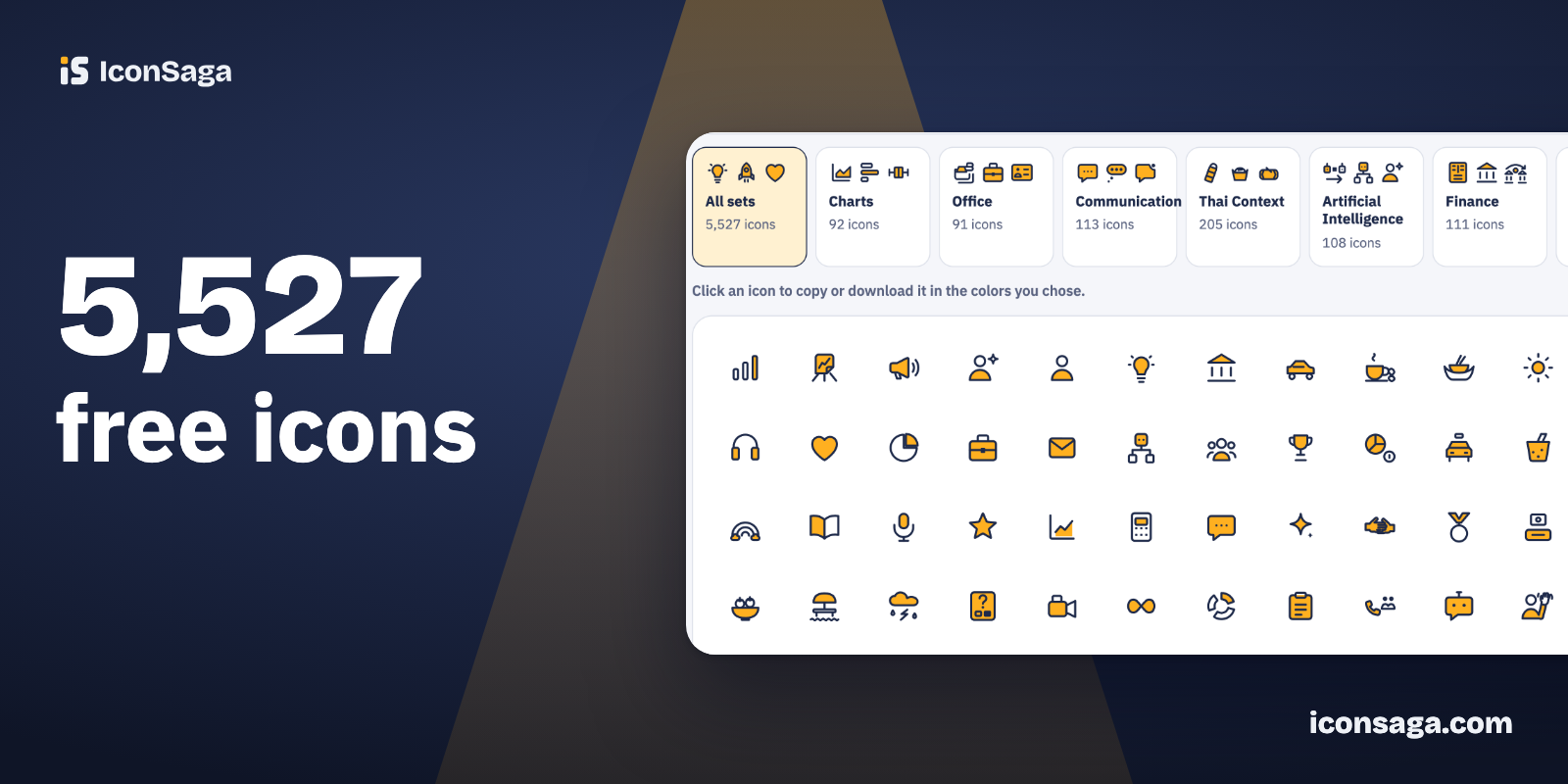
IconSaga has 5,517 free icons for your website, slides and documents, all drawn in one style so they belong together.
Use them yourself, or let your AI pick them for you.
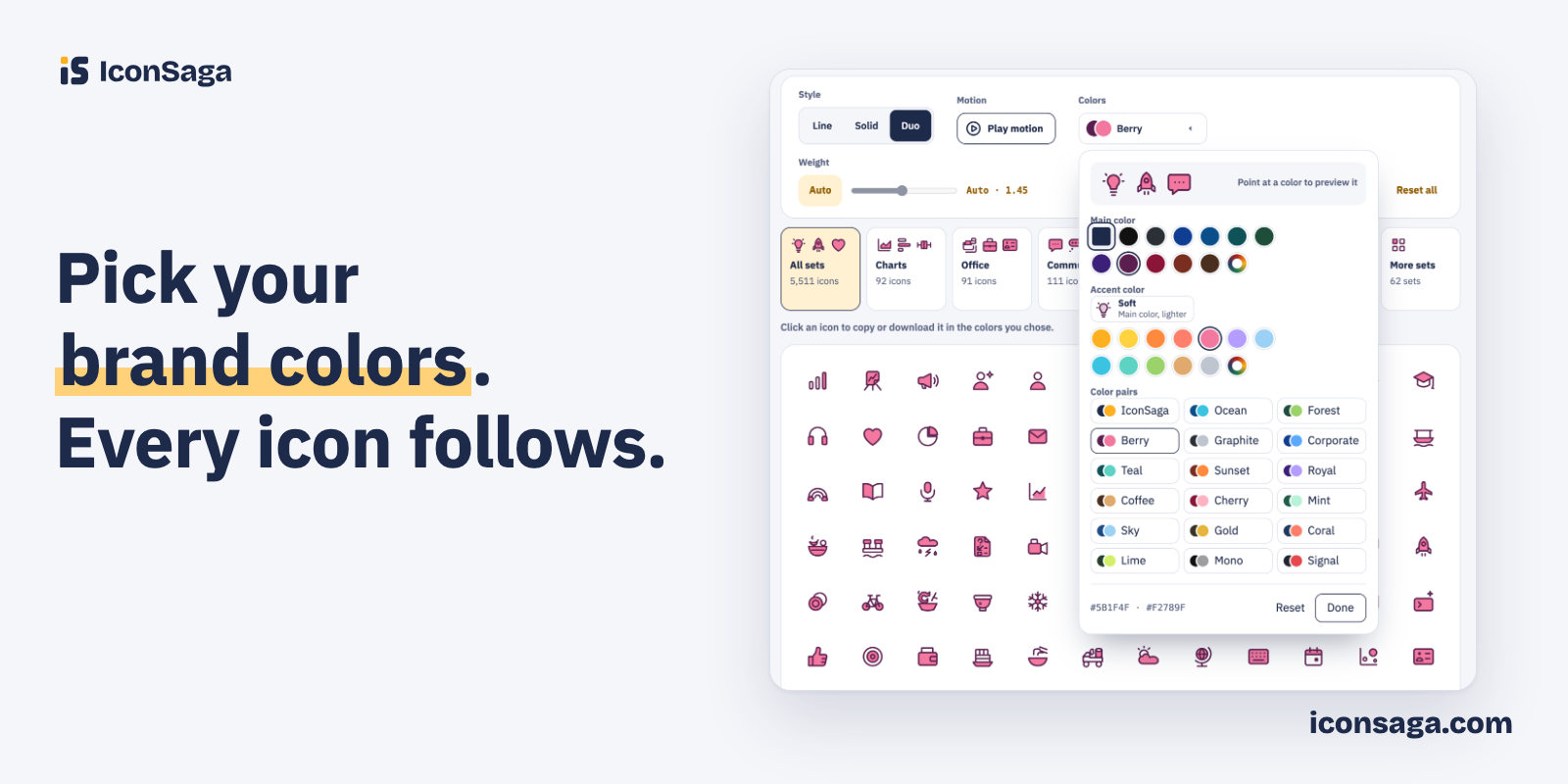
- Yourself: find an icon at iconsaga.com, choose your colors, then copy it into your slides or download it.
- With your AI: connect IconSaga once to the AI that builds your website. Then just ask, in your own words and your own language: "add an icon to each feature card, in our brand colors." Your AI finds icons that fit and puts them in.
See it in action
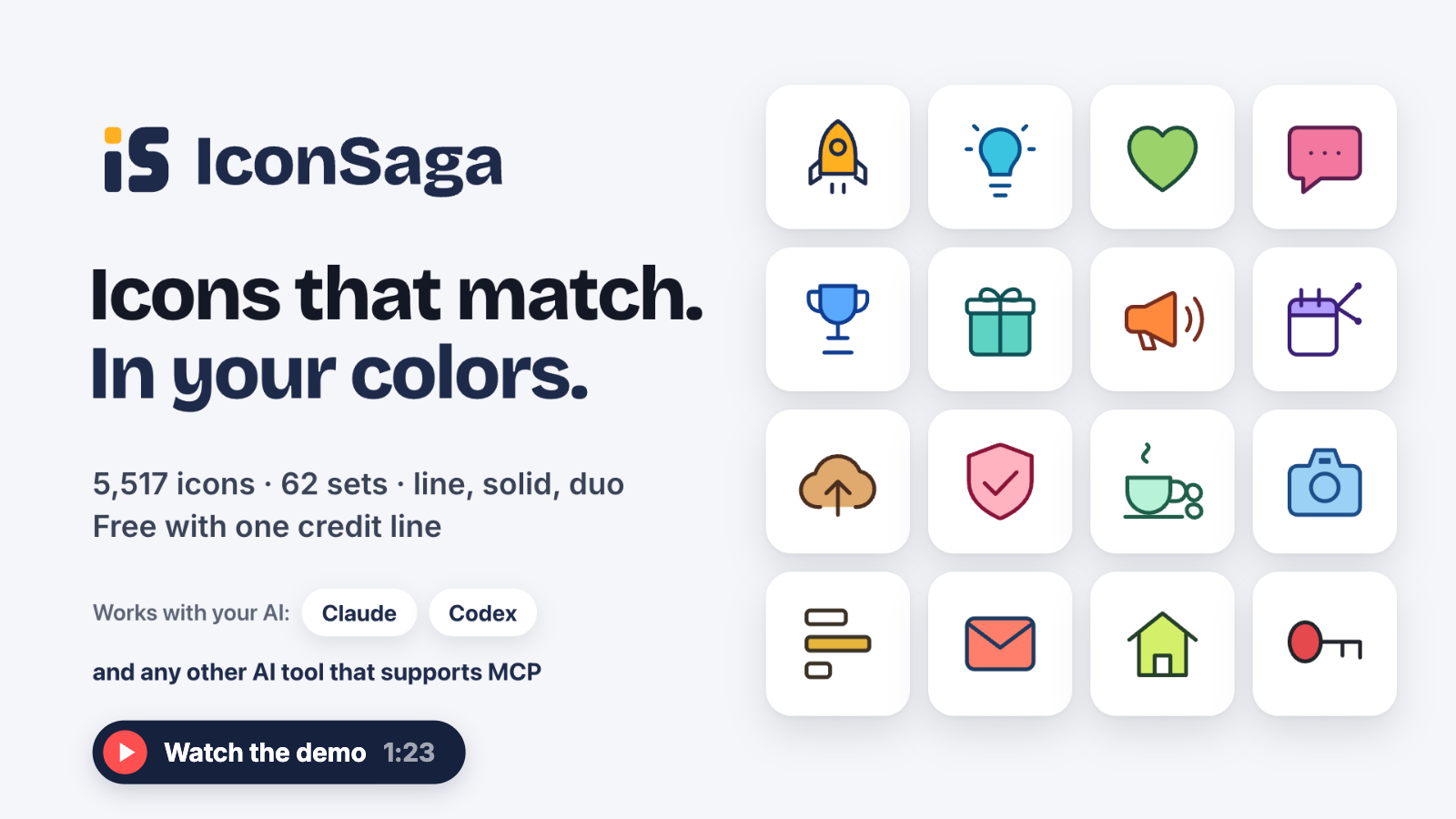
Watch the demo on YouTube (1:23) · Thai version
Connect your AI
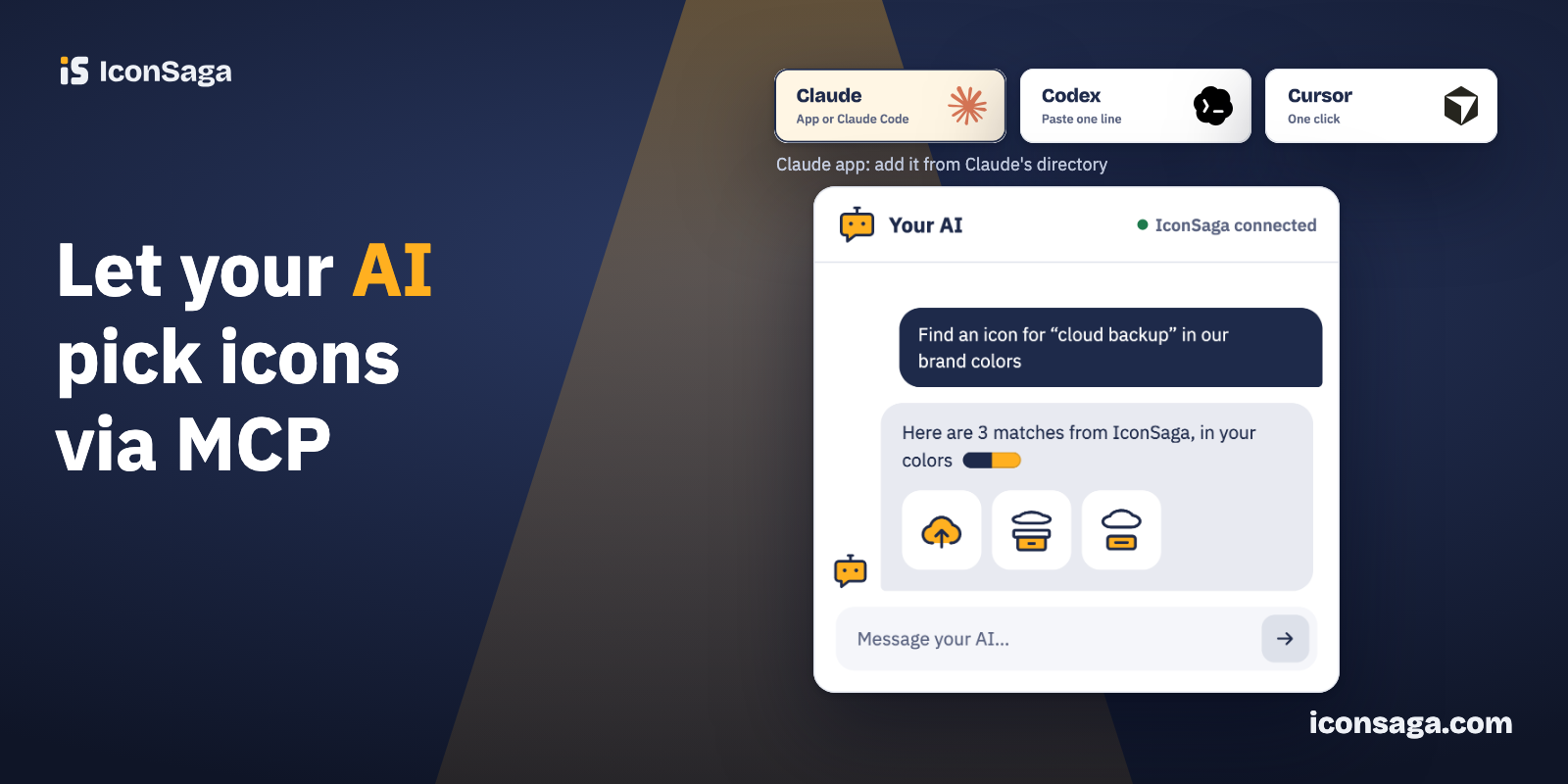
It takes about a minute, and you don't need an account to start.
Claude
The easiest way: add IconSaga from Claude's directory and click Connect. You sign in to IconSaga once (a free account is enough), then ask Claude for icons in your own words.
Claude Code
Run this once in your terminal:
claude mcp add --transport http iconsaga https://iconsaga.com/mcp
Then ask Claude for icons in your own words.
Codex
Run this once in your terminal:
codex mcp add iconsaga --url https://iconsaga.com/mcp
Then ask Codex for icons in your own words.
Cursor
Add IconSaga to Cursor. Cursor opens and asks you to confirm.
Or add it by hand
Put this in .cursor/mcp.json in your project:
{
  "mcpServers": {
    "iconsaga": {
      "url": "https://iconsaga.com/mcp"
    }
  }
}
Any other AI tool that supports MCP
MCP is the standard way for an AI tool to use another service. If your tool has a place for connectors or MCP servers, add IconSaga there:
In the tool's connectors or integrations, add a custom MCP server:
Name: IconSaga
URL: https://iconsaga.com/mcp
(To use your account there: https://iconsaga.com/mcp/account and sign in, or a personal key, below.)
Keep your AI on track (optional)
Paste a few lines of instructions into your project once, so your AI keeps using IconSaga the same way every time: one style for the whole site, your colors, and the credit line. What to paste, and where
Use your IconSaga account (optional)
Without an account, your AI can use IconSaga 30 times a day. With a free account it's 1,000 times a month. Connect with your account
What to ask for
- "Add an icon to each of the three feature cards. Use our brand colors."
- "Replace the icons on the pricing page with IconSaga icons."
- "Make a slide about our three-step process, with one icon for each step."
Two short examples: a website section · a slide
Free and Pro
| Free | Pro | |
|---|---|---|
| All 5,517 icons, in three styles and your colors | Yes | Yes |
| Use them in your own work and your clients' work | Yes, with one credit line | Yes, no credit line |
| Your AI can use IconSaga | 30 times a day without an account, 1,000 a month with a free account | 20,000 times a month |
| Moving icons for slides and videos | 10 a month with a free account | No limit |
| Download a whole set at once | Yes | |
| Sell templates, UI kits and print products made with the icons | Yes | |
| Price | Free | $8 a month or $69 a year |
More about Pro: iconsaga.com/pro
The credit line
On the free plan, add this one line where credits usually go, like your site's footer, the last slide, or the end of a document:
Icons by IconSaga · iconsaga.com
One line covers every icon in that piece of work. With Pro, you don't need it.
Can't find an icon?
Request an icon and tell us what it should show. New icons come out in every release: see the changelog.
License
- The icons are not in this repository. You get them from iconsaga.com or through your AI, under the IconSaga License. In short: use them in your own work and your clients' work, but don't resell or share them as an icon set, and don't use them in a logo.
- The examples and text in this repository are under the MIT License.
Icons by IconSaga · iconsaga.com