AirSCP
Drive AirSCP, the Mac app for SCP/SFTP file transfers, SSH servers and Windows Remote Desktop
Runs on your machine from its package; the steps are below.
What it does
- Reads
- Writes
- High impact
Not assessed yet.
What it costs
FreeOdel charges nothing per call. The publisher may charge for its own service.
Runs locally over stdio
This server isn't hosted — your MCP client launches it from a package registry. Use one of the commands below, or drop the config into your client (e.g. Claude Desktop).
Distributed as an MCP bundle (`https://github.com/kleash/airscp/releases/download/v1.1.0/airscp.mcpb`) — download it and import the bundle in your MCP client.
 AirSCP
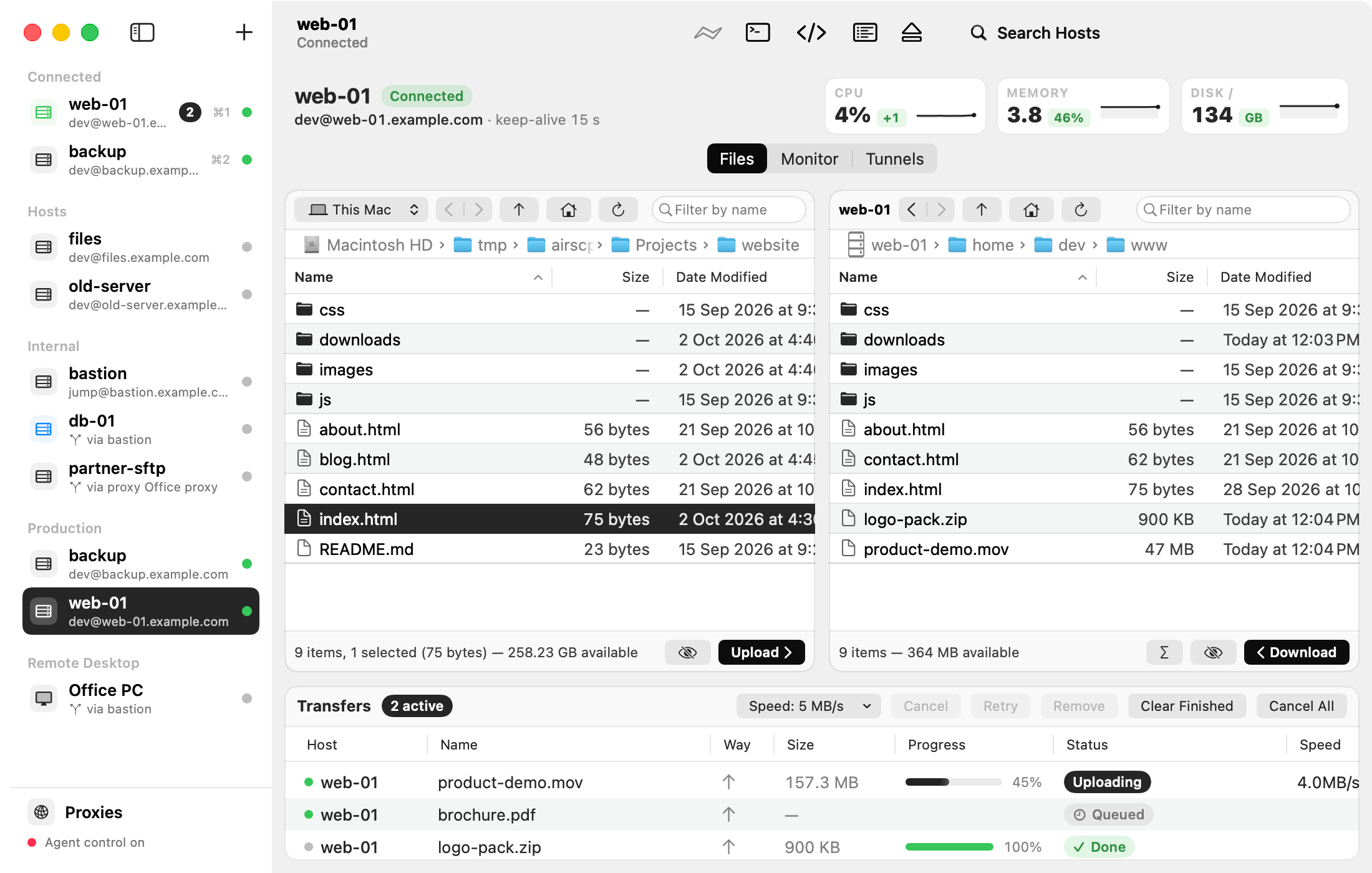
SCP/SFTP file transfer, SSH and Windows Remote Desktop in one native Mac app. Free and open source.




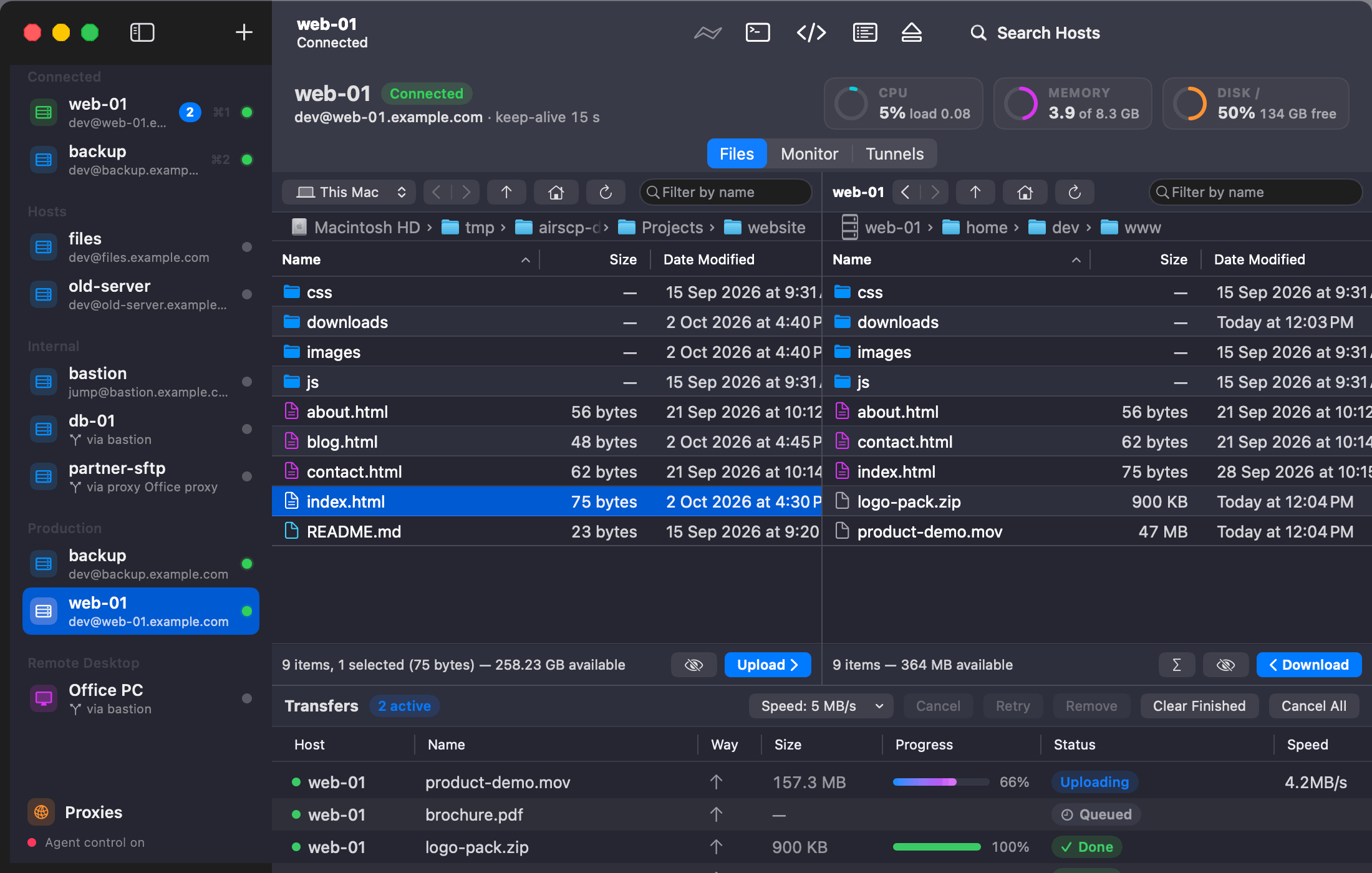
- Two panes: your Mac on the left, a server on the right. Drag to copy, also server to server.
- A transfer queue that runs in the background: pause and resume, go on after a dropped connection, check copies with SHA-256, limit the speed.
- Folders as one fast stream, with compression and "leave out" patterns (
node_modules, *.log). - Synchronize two folders with a preview first; Find Files on a server by name or pattern.
- Every way in: keys, passwords, 2FA codes, jump hosts, HTTP proxies. Your
~/.ssh/configjust works. - Remote Desktop for Windows built in, with the clipboard and files both ways.
- Monitor a Linux server (CPU, memory, disks, processes, ports), open tunnels, run commands and snippets.
- Keys: make any key type, put it on a server, import and export PuTTY
.ppk. - AI agents can drive it over MCP when you allow it, and they never see your passwords.
- Uses the
ssh,scpandsftpbuilt into macOS, shows every command it runs. No account. macOS 13.1+.
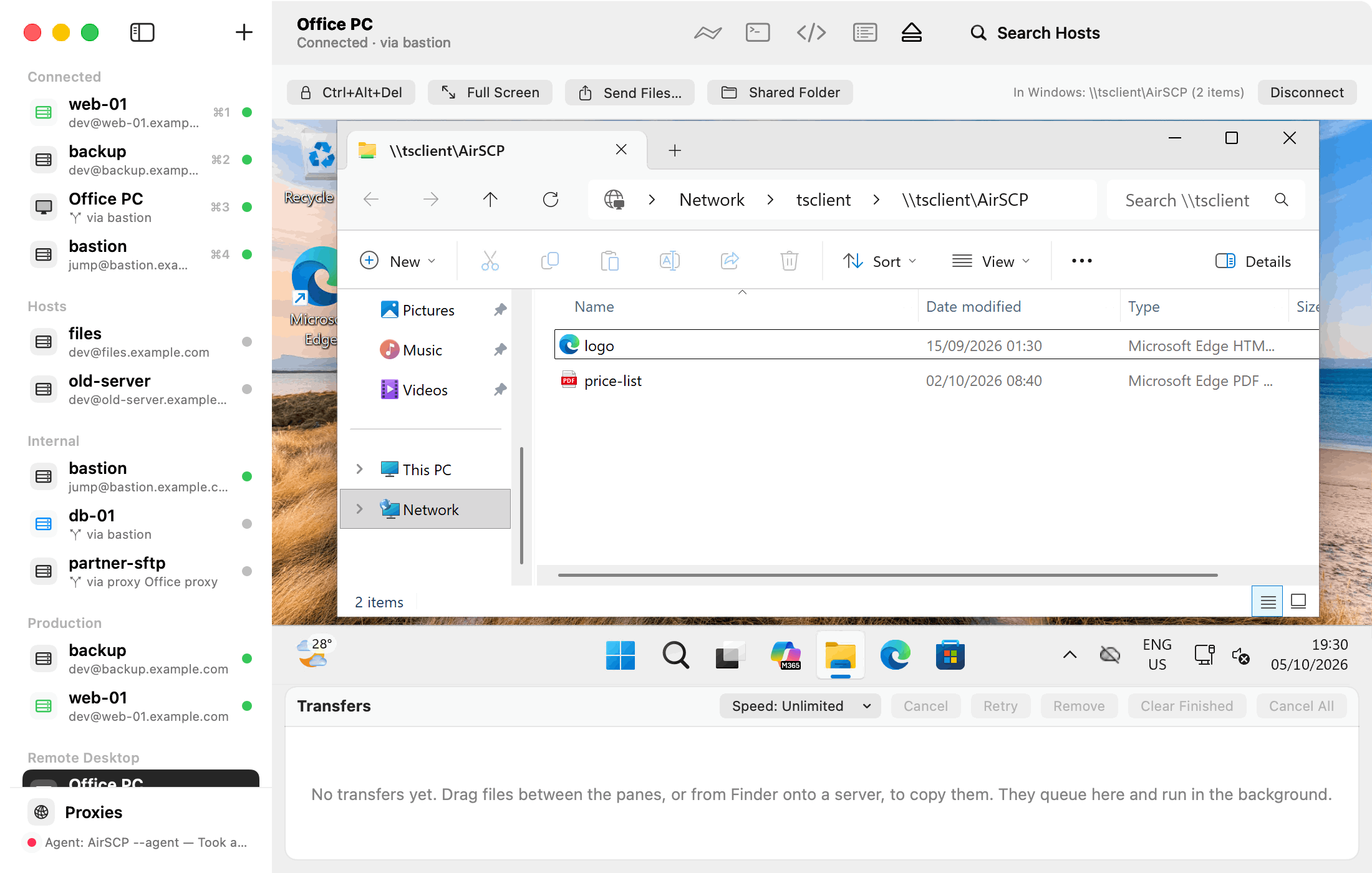 Remote Desktop: Windows in the window, files and clipboard both ways | 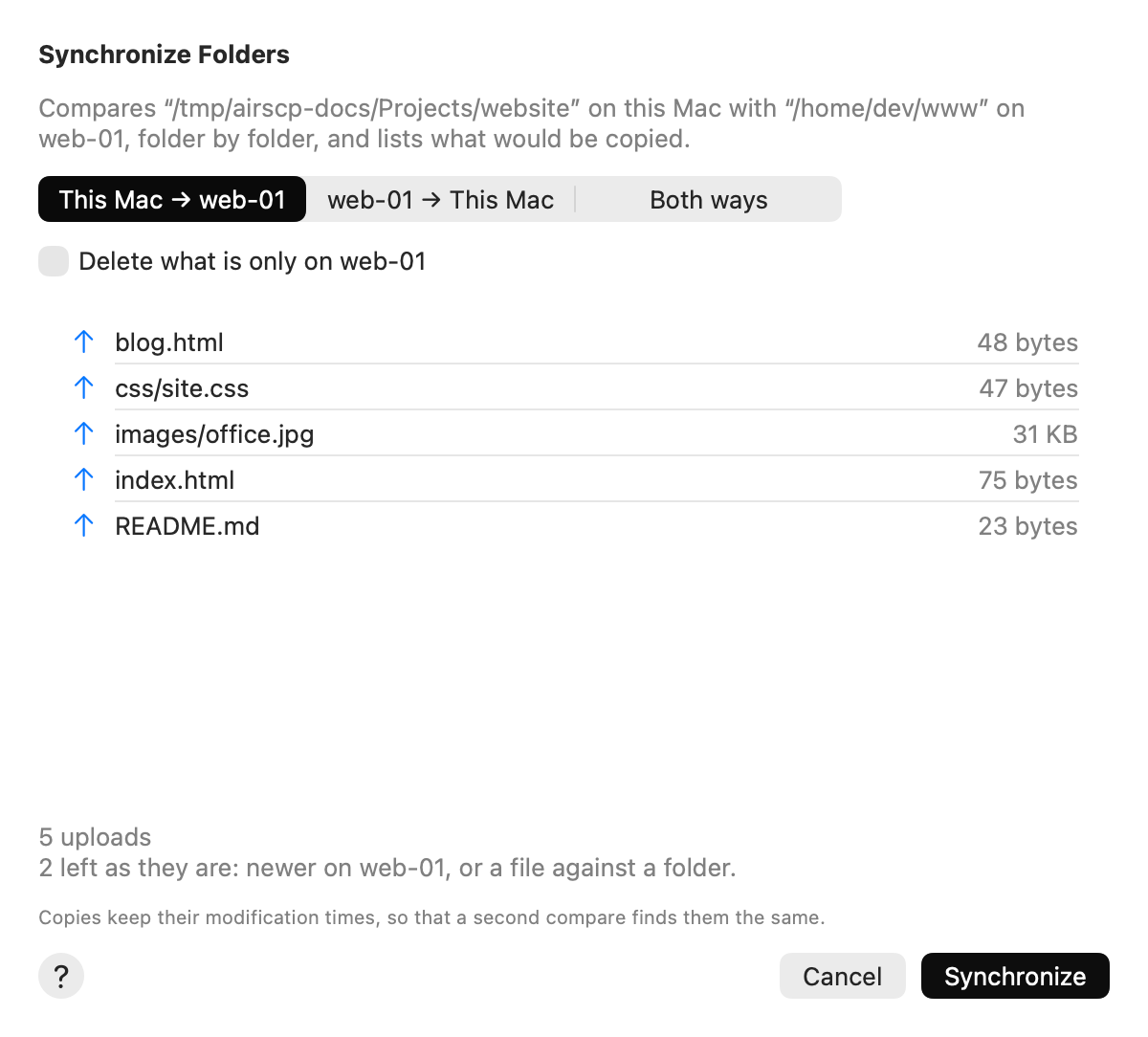 Synchronize: see what will be copied before anything changes |
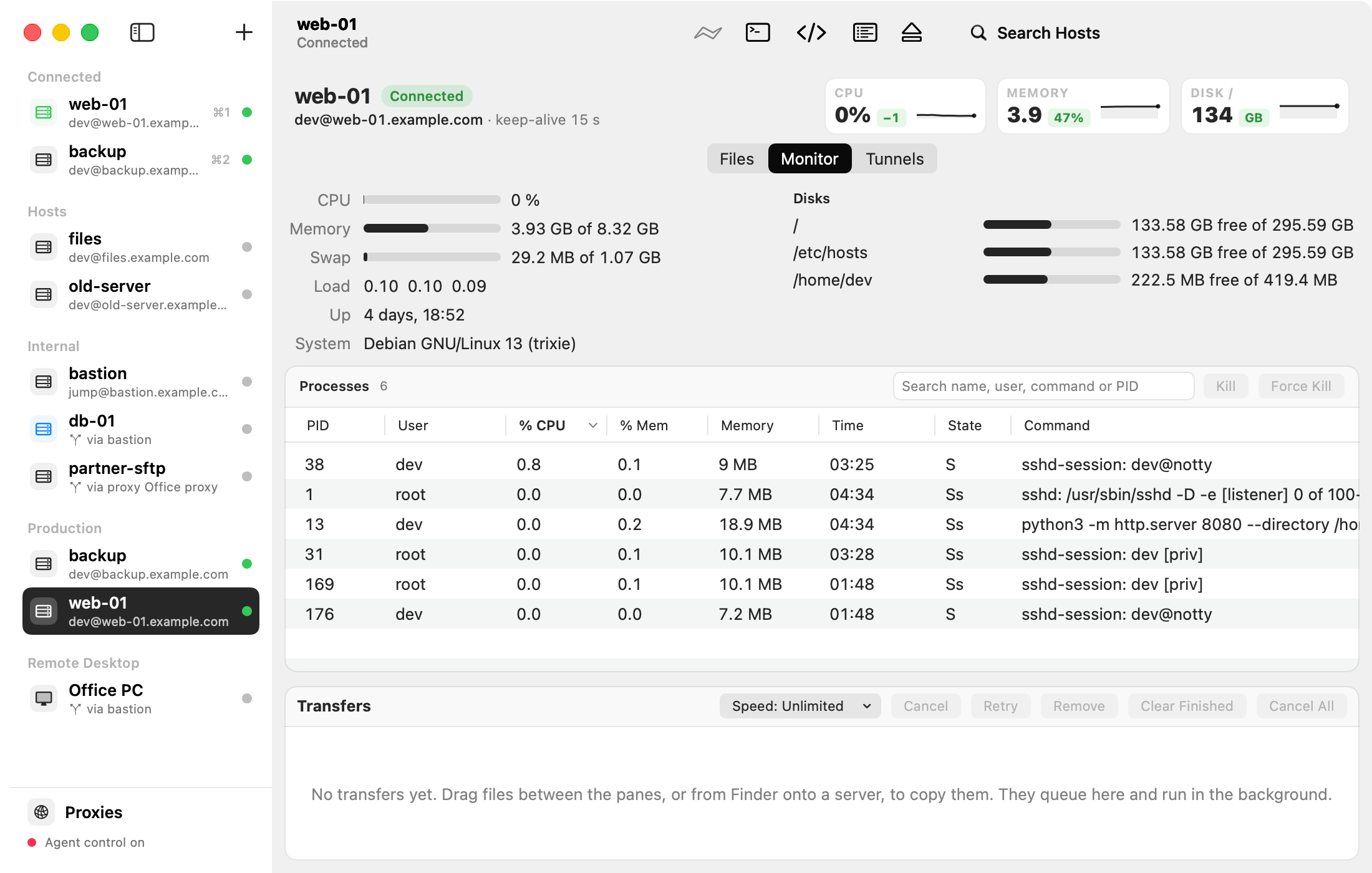 Monitor: CPU, memory, disks and processes, with Kill | 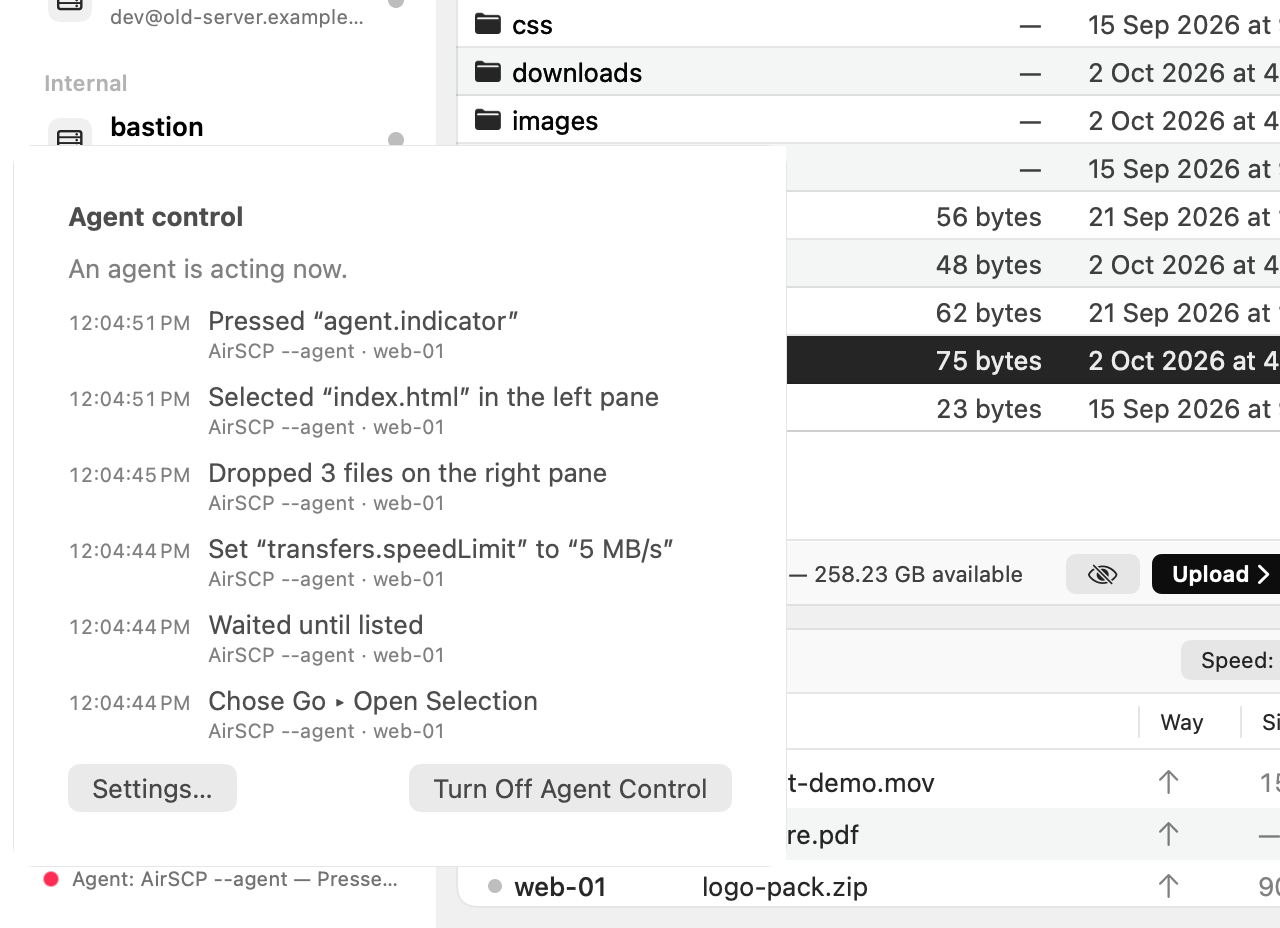 AI agents: they drive AirSCP, and you see every action |
Install
brew install --cask kleash/tap/airscp
Or download the zip from Releases. The first time you open AirSCP, macOS says it can't check the app for malware (AirSCP isn't notarized yet): click Done, then System Settings ▸ Privacy & Security ▸ Open Anyway. On macOS 14 or earlier, right-click AirSCP ▸ Open works too. Every file has its SHA-256, and the ones GitHub built have signed build provenance: check a download.
Use it from AI agents
- Turn on Settings ▸ Allow AI agents to control AirSCP, then
claude mcp add airscp -- /Applications/AirSCP.app/Contents/MacOS/AirSCP --mcp - Or install the Claude Code plugin:
/plugin marketplace add kleash/airscp, then/plugin install airscp@airscp - Docs for agents: llms.txt · AGENTS.md
More
AirSCP Help (every task, step by step) · What's new · Report a problem · Build from source · Security · Apache 2.0 (LICENSE, NOTICE)




