Listed from the MCP registry; nobody on Odel publishes it.

agentbelt
Safe, audited git, test and workflow tools for any MCP coding client. Never pushes; you approve.
Runs on your machine from its package; the steps are below.
What it does
- Reads
- Writes
- High impact
At most: moves money, runs code or commands, deletes data, or sends messages for you.
What it costs
FreeOdel charges nothing per call. The publisher may charge for its own service.
Runs locally over stdio
This server isn't hosted — your MCP client launches it from a package registry. Use one of the commands below, or drop the config into your client (e.g. Claude Desktop).
Run
npx -y agentbelt
MCP client config
{
  "mcpServers": {
    "agentbelt": {
      "command": "npx",
      "args": [
        "-y",
        "agentbelt"
      ]
    }
  }
}



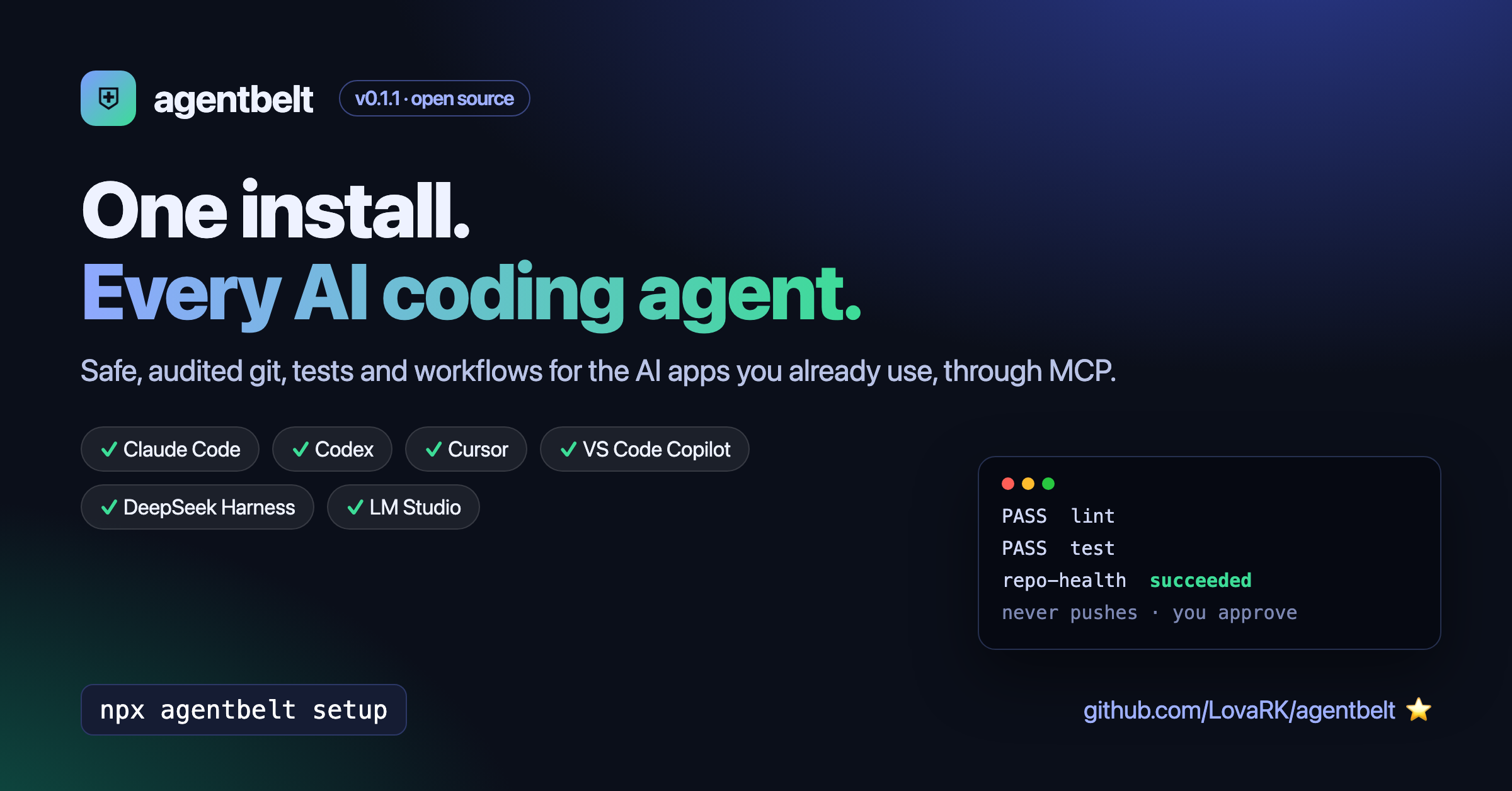
One install. Every AI agent. Safe tools for your real dev work.
⭐ If agentbelt is useful to you, star the repo so more developers can find it. · 📖 Guide · ✍️ Why I built it
agentbelt gives your AI coding apps the same set of safe, audited tools:
- git with isolated task branches;
- the project's own tests and checks;
- workflows with approval gates.
You write them once, and they run everywhere through the Model Context Protocol (MCP). No API key and no extra LLM are needed: your AI app brings the model, agentbelt brings the tools.
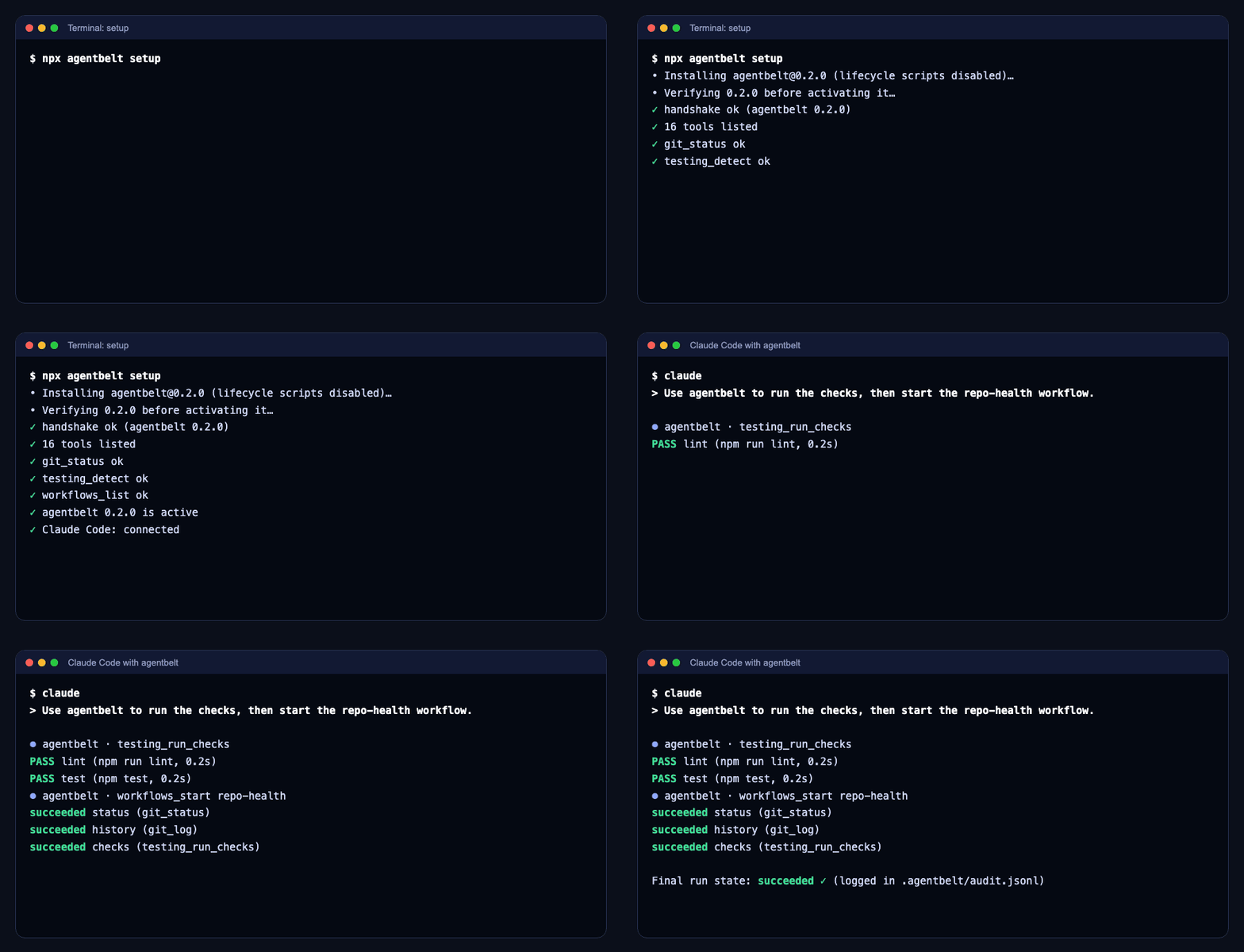
npx agentbelt@0.3.3 setup
setup takes under a minute:
- It installs a pinned copy, with package install scripts disabled.
- It verifies the copy with real tool calls before activating it.
- It finds your AI apps (Claude Code, Codex, Cursor, VS Code, DeepSeek Harness, LM Studio, Claude Desktop, Goose), shows you each config change, and backs up each config file before changing it.
Works with
| App | Status | How it connects |
|---|---|---|
| DeepSeek Harness | ✅ verified 2026-11-13 with 0.2.2-rc.1: real tool calls | @deepseek-ai/dsh-mcp-client entry in your profile; needs setup --workspace <project> (DeepSeek gives servers no project) |
| Claude Code | ✅ verified 2026-11-12 with Claude Code 2.1.257: real tool calls | claude mcp add-json --scope user |
| Codex | ✅ verified 2026-11-12 with codex-cli 0.166.0: real tool calls | codex mcp add |
| Cursor | ✅ verified 2026-11-13 with 3.30: real tool calls (open a folder first) | mcpServers.agentbelt in ~/.cursor/mcp.json (project from MCP roots: open a folder) |
| VS Code | ✅ verified 2026-11-13 with 1.142 (Copilot agent mode) | servers.agentbelt in the user mcp.json (project from MCP roots) |
| Claude Desktop | ✅ verified 2026-11-18 with 6.6395.0: real tool call | mcpServers.agentbelt in claude_desktop_config.json; needs --workspace |
| LM Studio | ✅ verified 2026-11-13 with 0.4.28 (turn on mcp/agentbelt in chat) | mcpServers.agentbelt in ~/.lmstudio/mcp.json; needs --workspace |
| Goose | ✅ verified 2026-11-18 with goose-cli 1.59.0 (local Ollama model) | extensions.agentbelt in ~/.config/goose/config.yaml; needs --workspace |
| Any MCP client | stdio server | command ~/.local/share/agentbelt/bin/agentbelt, args ["serve"] |
"Verified" means the app called agentbelt tools in a real session and the result was checked in agentbelt's audit log, not just that a connection was made. See docs/compatibility.md.
What your AI can do with it
| Tool | What it does |
|---|---|
git_status, git_diff, git_log | Read the repository |
git_task_start | Create an isolated task: a worktree in .agentbelt/worktrees/<id> on branch agentbelt/<id> |
git_commit | Commit a task's changes to its agentbelt/<id> branch, never to your current branch, and never push |
testing_detect, testing_run_checks | Find and run the project's own typecheck, lint, build and tests (npm, pnpm, yarn, Swift, Cargo, Go, pytest) |
workflows_list, workflows_start, workflows_show, workflows_runs | Multi-step recipes like check, repo-health and safe-commit |
agentbelt_status | Workspace, plugins, and how commands are isolated |
Skills (in the Agent Skills format) come along as MCP prompts:
fix-failing-testsreview-diffpr-descriptionrepo-healthsafe-dependency-update
Try it
Open your AI app in a project and say:
- "Use agentbelt to run the checks and fix what fails."
- "Review my uncommitted changes with agentbelt."
- "Start the safe-commit workflow for task fix-login-1a2b3c."
Safety model
agentbelt is built so that a confused or manipulated model can't do much damage.
- Permissions are enforced on every action. Plugins never touch the system directly. Every command, file read or write, and cross-tool call goes through a broker that checks the plugin's declared permissions and the core command policy:
- arguments are passed as a list, never through a shell;
- each program is limited to a list of allowed subcommands;
- paths can't leave the project or reach
.git.
- No pushes, no destructive git.
push,fetch,reset,checkout,rebase,cleanandconfigare not allowed. Commits only go toagentbelt/*task branches. - You decide approvals. Workflow approval gates can only be decided with
agentbelt approvein your terminal. There is no tool for it, so the model can't approve its own work. - Everything is audited. Each call is logged to
.agentbelt/audit.jsonl, with secrets redacted. See it withagentbelt audit. - Honest isolation labels. Built-in plugins run as
policy-only: the permission and command checks apply, but there is no OS sandbox. Project test scripts are your project's own code, and they run like they would in your terminal. - Third-party plugins run only in an OS sandbox. The sandbox has no network, no access to your files and no secrets in the environment. Their only way to act is the broker:
- They are installed with package scripts disabled, and pinned to a hash of the reviewed files.
- If no sandbox is available (macOS
sandbox-execor Linux bubblewrap), they are refused. agentbelt never falls back to running untrusted code with only policy checks.
Read SECURITY.md for the full model and its limits.
Updates you control
agentbelt update      # shows the new version, installs it next to the current one, verifies it, then switches
agentbelt rollback    # instant switch back to the previous version (always kept)
agentbelt doctor      # checks the install and makes real tool calls through it
agentbelt uninstall   # removes agentbelt from your apps (config backups are kept)
Nothing updates automatically. Your apps run a pinned version through a small shim, and a new version becomes active only after it passes verification. The switch is atomic.
Workflows
A workflow is JSON: steps call tools, and approval steps wait for you.
{
  "name": "safe-commit",
  "inputs": { "task": "", "message": "" },
  "steps": [
    { "id": "checks", "uses": "testing_run_checks", "with": { "task": "${inputs.task}" } },
    { "id": "review", "approval": "Commit ${inputs.message}?", "needs": ["checks"] },
    {
      "id": "commit",
      "uses": "git_commit",
      "with": { "task": "${inputs.task}", "message": "${inputs.message}" },
      "needs": ["review"]
    }
  ]
}
Put your own workflows in <project>/.agentbelt/workflows/*.json. Workflows run only when you (or your AI app at your request) start them, or when you opt in to the scheduler (below).
Optional extras (off by default)
- Coding agent:
agentbelt agent setup --provider local --model <name>(or--provider deepseek, orcustom --base-url …). Your AI app can then hand a task to that model withagent_run. The key goes to the OS keychain. Verified with a local Ollama model (gpt-oss 20B); the DeepSeek API path is tested with a fake endpoint only. - Token optimization (0.2.0): for long agent runs on small-context local models,
agent_runwithcompact: trueshortens older tool results (keeps the lines that matter to the task and drops repeated outputs) before each model call.agentbelt tokensand thetokens_reporttool show the input and output tokens the model server reported per run, with compaction off and on. Measured results, including where it did not help: docs/token-optimization.md. - Scheduler and triggers:
agentbelt schedule add repo-health --cron "0 9 * * 1-5",agentbelt trigger add repo-health --on git --branch main, then keepagentbelt scheduler rungoing. Only file and git triggers; nothing runs unless you start the scheduler.
Plugins
agentbelt plugin list
agentbelt plugin add <npm-package | ./plugin.tgz>   # shows requested permissions; you approve
agentbelt plugin remove <name>
To write one, see docs/plugins.md. A plugin is a name, its permissions and a list of tools.
Requirements
- Node.js 22.13 or newer, and git.
- macOS or Linux. Third-party plugins need an OS sandbox:
sandbox-execon macOS, or bubblewrap (bwrap) on Linux with unprivileged user namespaces allowed.
Contributing
Issues and pull requests are welcome. See CONTRIBUTING.md. Good first contributions include:
- an adapter for another MCP client (for example Zed or Continue);
- a new skill;
- a test runner for another ecosystem.







