Listed from the MCP registry; nobody on Odel publishes it.

MyMultiSig
Create, review, sign and execute MyMultiSig multisig wallet transactions from AI agents.
Runs on your machine from its package; the steps are below.
What it does
- Reads
- Writes
- High impact
At most: moves money, runs code or commands, deletes data, or sends messages for you.
What it costs
FreeOdel charges nothing per call. The publisher may charge for its own service.
Runs locally over stdio
This server isn't hosted — your MCP client launches it from a package registry. Use one of the commands below, or drop the config into your client (e.g. Claude Desktop).
Run
npx -y mymultisig-mcp
MCP client config
{
  "mcpServers": {
    "mymultisig": {
      "command": "npx",
      "args": [
        "-y",
        "mymultisig-mcp"
      ]
    }
  }
}MyMultiSig.app — Next.js Web App
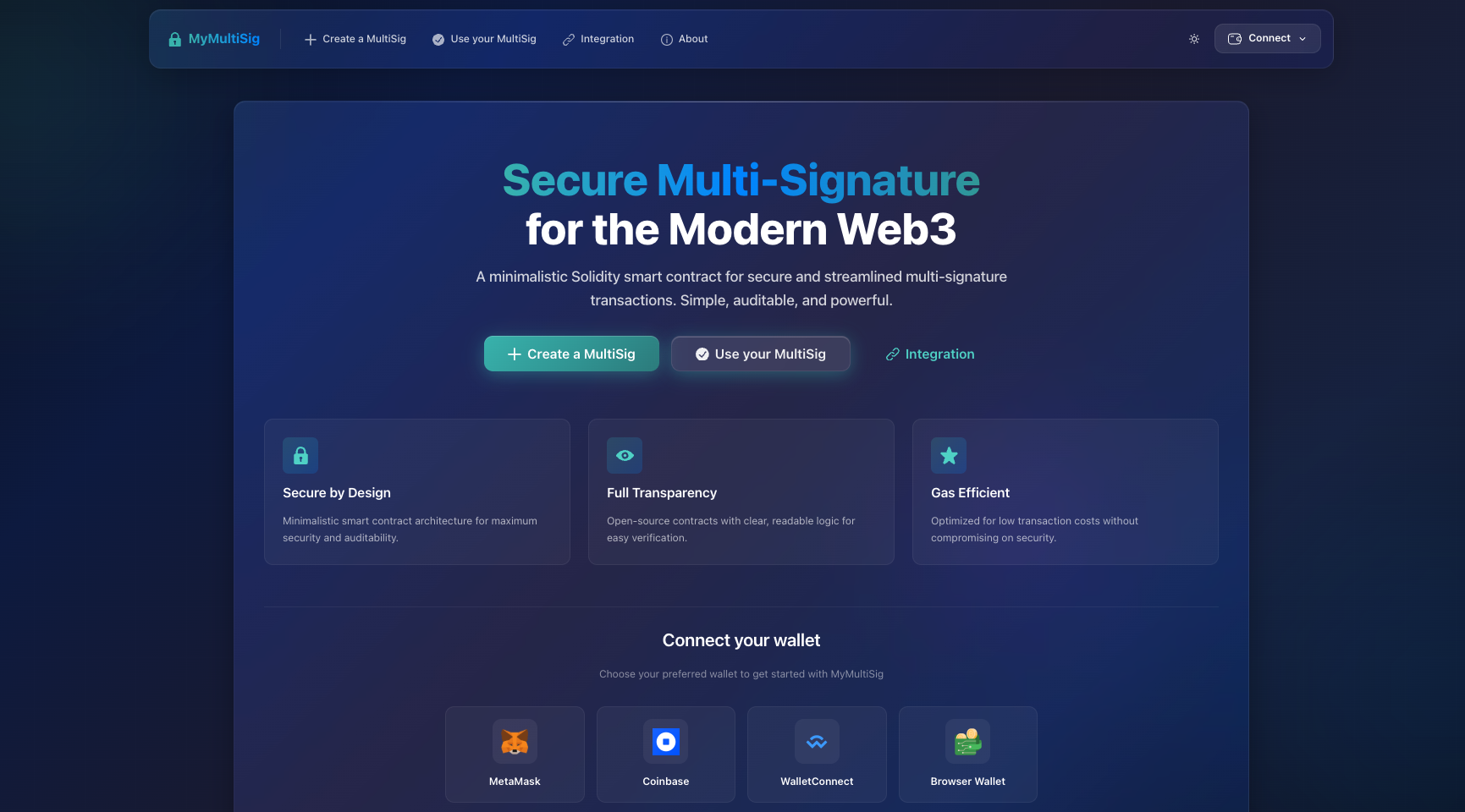
Build, sign, and execute multi-signature transactions across popular EVM networks with a minimal, fast UI.


Live
- App: MyMultiSig.app
- Storybook: storybook.mymultisig.app
1‑Click Deploy (Netlify)

Features
- Create a new multi-signature wallet (owners and threshold)
- Import an existing multi-signature by address
- Build requests to:
- Call any contract function (ABI-driven)
- Send regular ETH transfers
- Share request links for review/signing
- Execute transactions once threshold is met
- Wallets: MetaMask, WalletConnect v2, Coinbase Wallet, Injected, Ledger
- Progressive Web App (PWA) with offline support
- Optional analytics via Google Analytics
- AI agents and automation: MCP server, Claude Code skills, scoped API keys, CLI and TypeScript SDK (below)
AI agents & automation
Agents and scripts can create wallets, read the queue, propose requests, sign them and execute them. Every flow uses the same scoped API keys, which you create at Settings → API keys. On-chain approvals are always signed locally with the agent's own owner key (MYMULTISIG_PRIVATE_KEY); keys never reach the server.
| Flow | Get started | Package |
|---|---|---|
| MCP server: tools for Claude, Cursor or any MCP client | claude mcp add mymultisig -e MYMULTISIG_API_KEY=mms_… -- npx -y mymultisig-mcp | mymultisig-mcp |
| Claude Code skills: status, create, propose, review-and-sign and execute workflows, with the MCP server included | /plugin marketplace add marc-aurele-besner/mymultisig-app then /plugin install mymultisig@mymultisig | plugins/mymultisig |
REST API: Bearer keys with read, propose, sign and manage scopes, optionally per wallet | curl -H "Authorization: Bearer mms_…" https://mymultisig.app/api/agent-keys/whoami | OpenAPI 3.1, llms.txt |
CLI: human-readable or --json output | npx mymultisig-cli --help | mymultisig-cli |
| TypeScript SDK: the same protocol code this app runs | npm i mymultisig-sdk viem | mymultisig-sdk |
The safest setup is a threshold the agent can't reach alone. For example, in a 2-of-3 with two humans plus the agent, the agent can prepare and co-sign, but nothing moves without a human signature. The MCP server enforces this by default: it won't execute a request only the agent signed, or deploy a wallet the agent could run alone. To report a vulnerability, see SECURITY.md. The user guide is at mymultisig.app/docs/ai-agents, and the operator notes (scopes, storage, publishing) are in docs/ai-agents.md.
Supported Networks
- Ethereum: Mainnet, Sepolia, Goerli
- Polygon: Mainnet, Mumbai
- Optimism: Mainnet, Goerli
- Arbitrum: One, Goerli
- Avalanche: C-Chain, Fuji
- BNB Chain: Mainnet, Testnet
- Gnosis: Mainnet, Chiado
(Driven by src/constants/networks.ts and factory addresses from mymultisig-contract.)
Tech Stack
- Next.js 13, React 18, TypeScript
- Chakra UI
- wagmi + WalletConnect
- Zustand
- next-pwa
- Storybook
Quick Start
Prerequisites
- Node.js 16+ (CI uses Node 16)
- Yarn 1.x
- Netlify CLI (optional, for
yarn netlify dev):npm i -g netlify-cli
Setup
yarn
cp .env.example .env.local
# Fill in the values in .env.local
Run
- Next.js dev server:
yarn dev
- Netlify dev (proxies serverless functions locally):
yarn netlify dev
Build
yarn build
Storybook
yarn storybook
# or build static storybook
yarn build-storybook
Environment Variables
Create .env.local (see .env.example for a full list and guidance).
Public (client) variables:
NEXT_PUBLIC_WALLET_CONNECT_PROJECT_ID— WalletConnect v2 Project ID (recommended)NEXT_PUBLIC_ALCHEMY_API_KEY— optional, improves RPC performanceNEXT_PUBLIC_INFURA_API_KEY— optional, improves RPC performanceNEXT_PUBLIC_APP_GTAG— optional, Google Analytics ID
Server-only variables:
ETHERSCAN_API_KEY— required for ABI fetch in/api/getABIDATABASE_URL— Neon PostgreSQL connection string (required for storing/retrieving requests)PRIVATE_KEY— backend signer used to sign messages; do NOT use a key with fundsSLACK_TOKENandSLACK_CONVERSATION_ID— optional notifications
Auth (optional; used by /api/auth/[...nextauth]):
GITHUB_ID,GITHUB_SECRETGOOGLE_ID,GOOGLE_SECRETDISCORD_ID,DISCORD_SECRETTWITTER_ID,TWITTER_SECRETSLACK_ID,SLACK_SECRET
Common Tasks
- Create a wallet:
Createpage → choose name, owners, and threshold → confirm in wallet - Import a wallet:
Importpage → paste wallet address → confirm - Build a request: open a wallet → “Build a request” → select contract/function or regular tx → enter args → “Sign request”
- Share/Sign: share the request link (
/request/[requestId]) with owners to collect signatures - Execute: once threshold is met, execute from the request page or the wallet view
Project Structure
src/pages— Next.js routes (including API routes underpages/api)src/components— UI components and viewssrc/constants— networks, providers, factory addressessrc/hooks— wagmi hooks and domain hookssrc/models— TypeScript modelssrc/states— Zustand stores (persisted in LocalStorage)public— PWA manifest and icons,llms.txt,openapi.jsonpackages/sdk,packages/mcp,packages/cli— npm packages for agents (mymultisig-sdk,mymultisig-mcp,mymultisig-cli); the app imports the SDK's protocol coreplugins/mymultisig— Claude Code plugin (skills + MCP config)plugins/mymultisig-skills— the same skills without the MCP server (Claude plugin directory version)
Scripts
yarn dev— start Next.js dev serveryarn netlify dev— start with Netlify devyarn build— production buildyarn analyze— bundle analyzeryarn storybook/yarn build-storybookyarn packages:build/yarn packages:test— build and test the agent packages
CI
- Next build check (including the agent package build and tests) and Storybook build run on PRs via GitHub Actions.
Security & Disclaimer
This project is under active development. Use at your own risk. Always test with small amounts and/or on test networks first.
License
MIT © MyMultiSig.app



