Listed from the MCP registry; nobody on Odel publishes it.
Is this yours? Claim it
KerfScript
Write, check and render parametric laser-cutting designs in KerfScript, as SVG or DXF.
One address for any MCP client. No sign-in needed on this server.
What it does
4 other
Grouped by tool name. At most: creates or changes data: records, files, settings.
What it costs
FreeOdel charges nothing per call. The publisher may charge for its own service.
Tools
4 · grouped by tool name · checked 19 Nov 2026Other · 4Neither hinted nor named
- kerfscript_docs
- kerfscript_examples
- kerfscript_parameters
- kerfscript_render




Website · Playground · Models · Docs · npm
Write a part once as code, change a number, and get a new cut file. KerfScript is to laser cutters what OpenSCAD is to 3D printers, except it was designed for flat parts from the start: cut, score and engrave layers, kerf compensation, finger joints, living hinges, parts and sheets are part of the language.
It is also a library for building laser-cutting generators: a web page,
web service, app or script that takes a few settings (a size, a name, a number
of slots) and returns SVG or DXF files ready to cut. The design is a .kerf
file; your code passes settings in and takes cut files out, in Node.js, the
browser, or any language that runs WebAssembly. See
Build a generator.
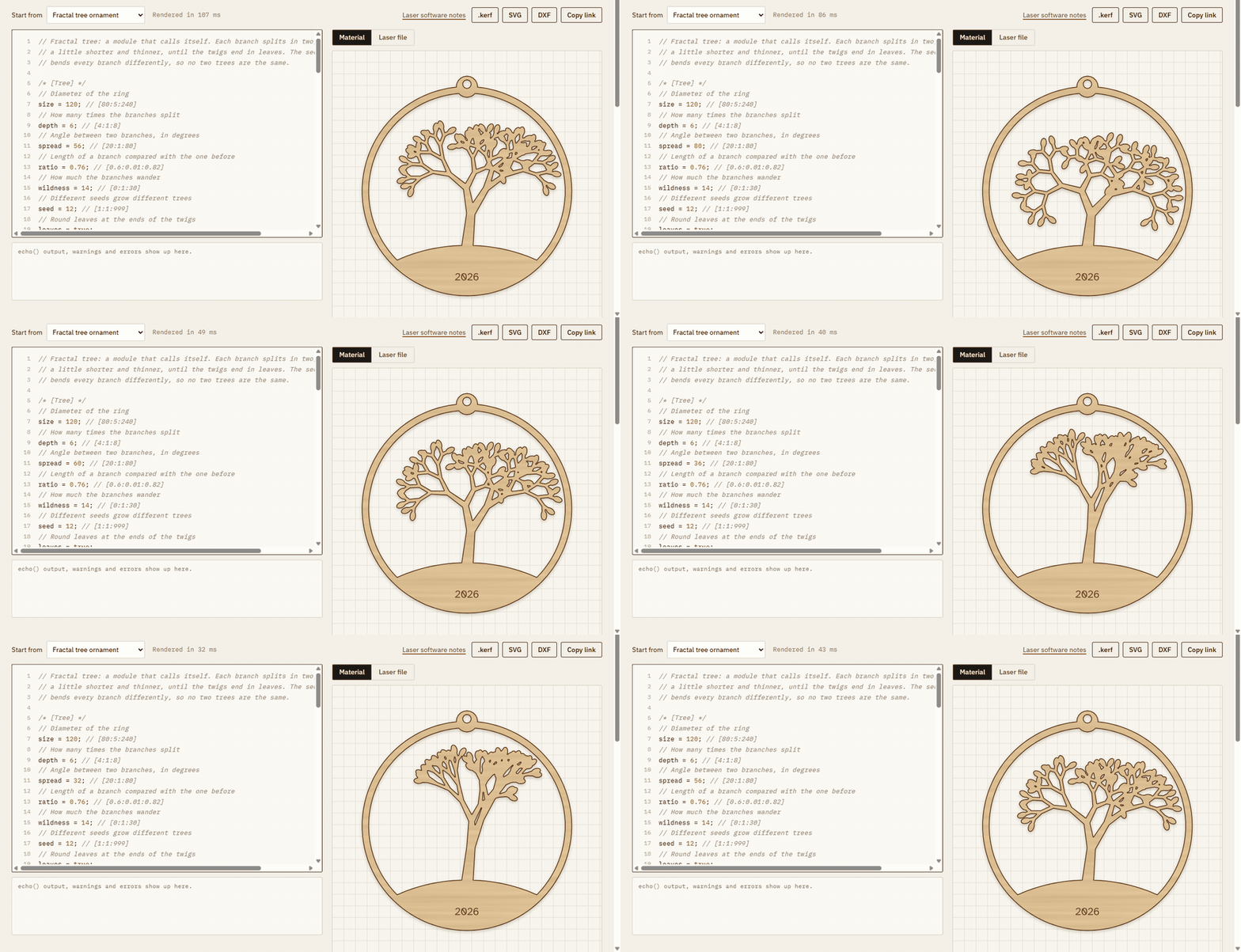
The playground runs the interpreter in your browser. A comment after a number turns it into a slider.
Example
|
kerf |
|
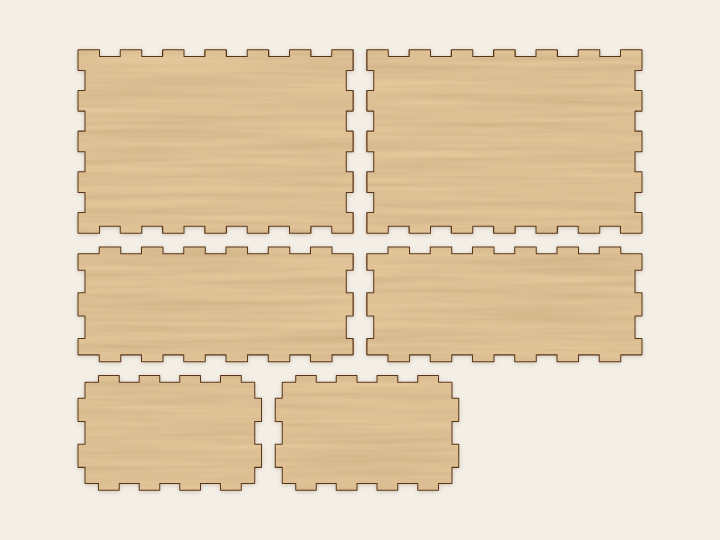
npx @mylasertools/kerfscript render box.kerf -o box.svg -D width=200
That writes all six panels packed on a sheet, kerf compensated, as a millimetre SVG with one layer per operation. Output is checked automatically in Inkscape; see docs/compatibility.md for import settings in laser software.
kerf/box is one of the libraries in the
standard library, built into every renderer:
tabs and slots,
living hinges and a box with round corners,
egg-crate dividers,
keyholes and hanging loops,
enclosures with a screwed-on lid, and
test pieces that measure your laser's
kerf and how your sheet fits.
Build a generator
parameters() reads a design's settings, with their captions, ranges and
choices, so you can build a form or an API from them. render() turns
settings into cut files:
import { readFile } from 'node:fs/promises';
import { parameters, render } from '@mylasertools/kerfscript';

const design = await readFile('box.kerf', 'utf8'); // integrations/http-api/box.kerf
parameters(design).parameters; // width: number from 40 to 400, lid: boolean, ...

const { sheets, parts, warnings } = render(design, { params: { width: 200, lid: false } });
sheets[0].svg; // or sheets[0].dxf, one per sheet of material
parts; // [{ name: 'bottom', width: 200, height: 80, cutLength: 740, ... }]
Working generators, each tested on every change, are in integrations/:
| Example | What it makes |
|---|---|
| Batch in Node.js | A name tag for every name in a list, as SVG and DXF, and all of them packed on one sheet |
| Web service | A box generator over HTTP: settings as JSON, cut files by URL, each render in a worker with a time limit |
| Web page | A form built from the design's settings, a live preview and downloads, with no build step |
| Python | Boxes in several sizes from Python through kerfscript.wasm, without Node.js |
The playground, the desktop app and the KerfScript Playground on MyLaserTools are generators built the same way. Programs written by other people should run in a worker you can stop; see Running untrusted code.
AI assistants
The KerfScript MCP server lets Claude, Cursor, VS Code and other assistants
read the docs and examples and render designs to check them. Add
https://mcp.mylasertools.com/mcp, which needs no account, or run it locally
with npx -y @mylasertools/kerfscript-mcp. See
AI assistants.
Made with KerfScript
Every model is a file in examples/. Open one on the website to turn it around in 3D, change its settings and download the SVG or DXF, or copy it as the start of your own design.
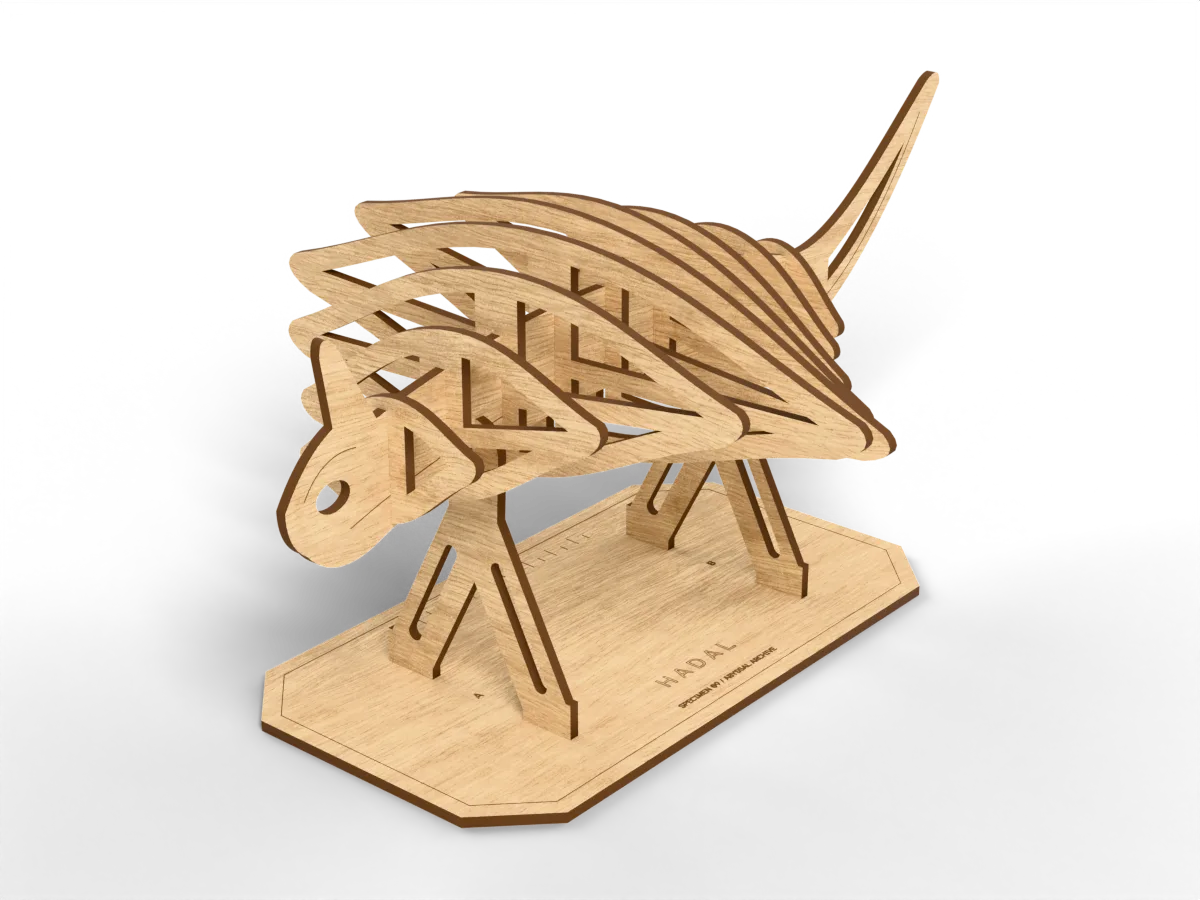 Hadal sculpture 13 slotted parts, ribs computed from lists | 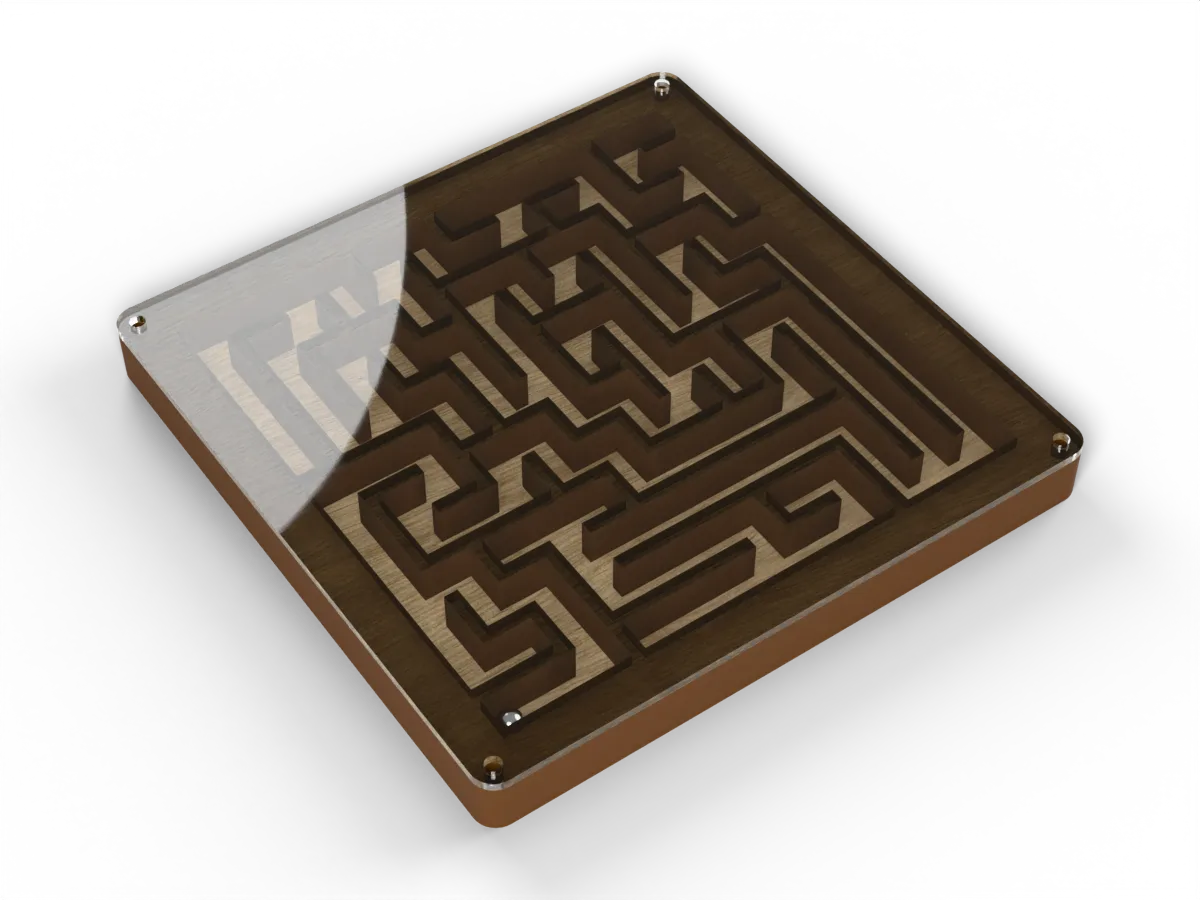 Tilt maze a new maze for every seed, by recursion | 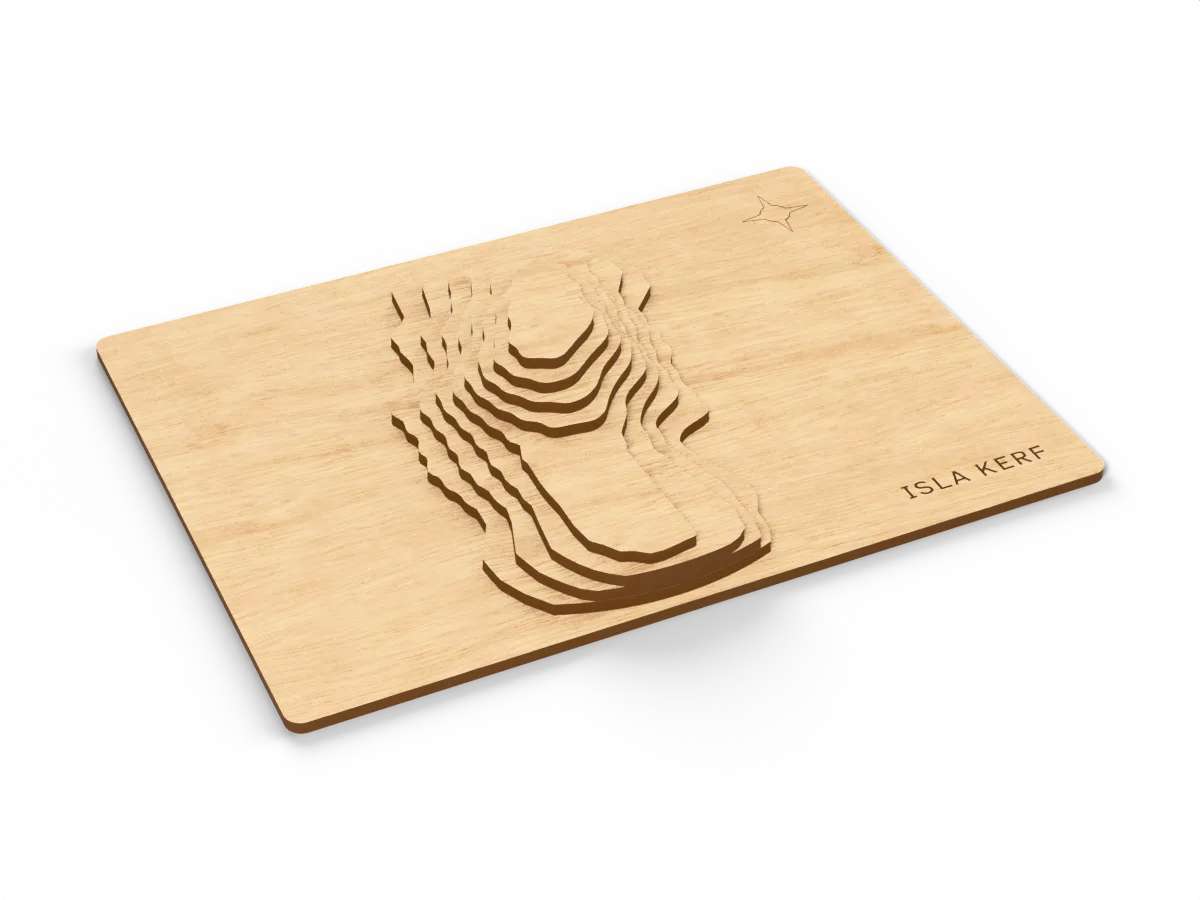 Layered island contours traced from a height formula |
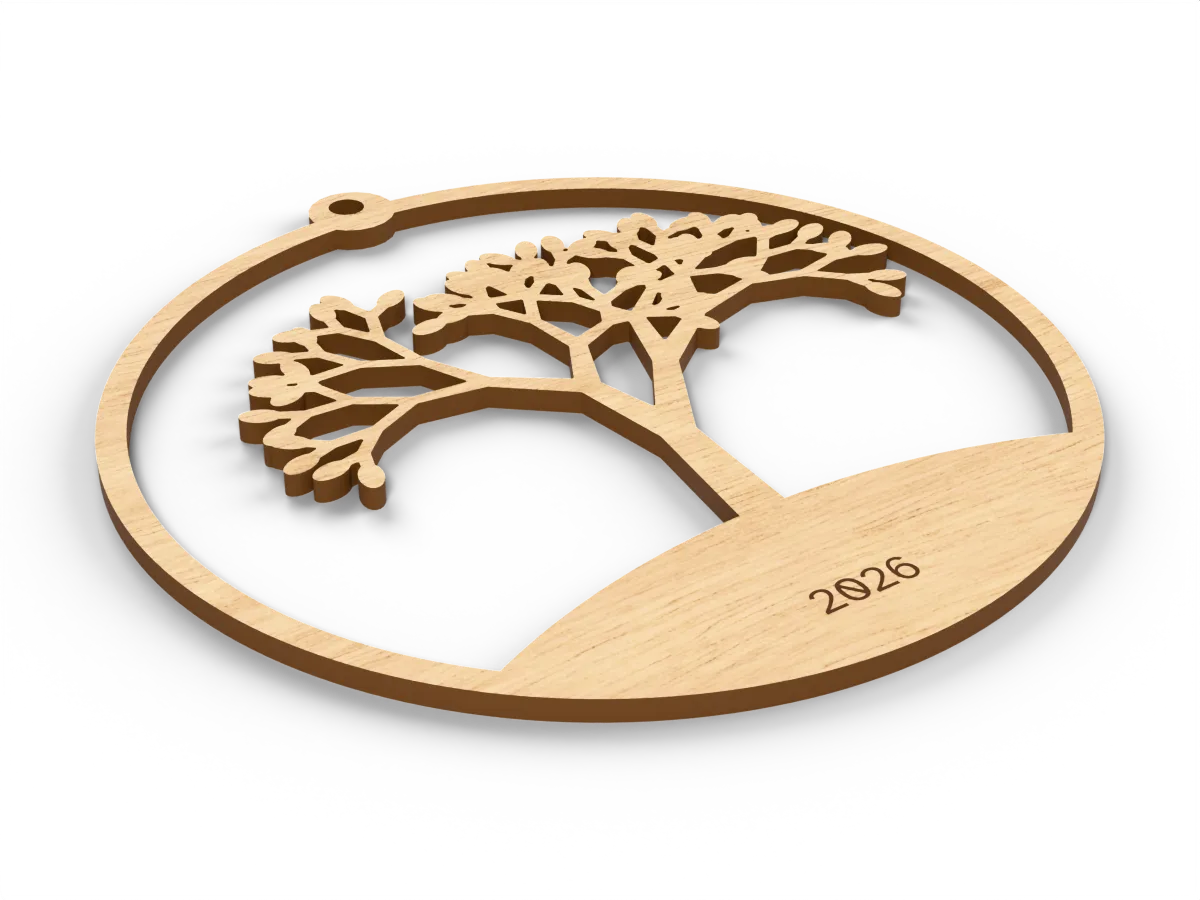 Fractal tree a module that calls itself | 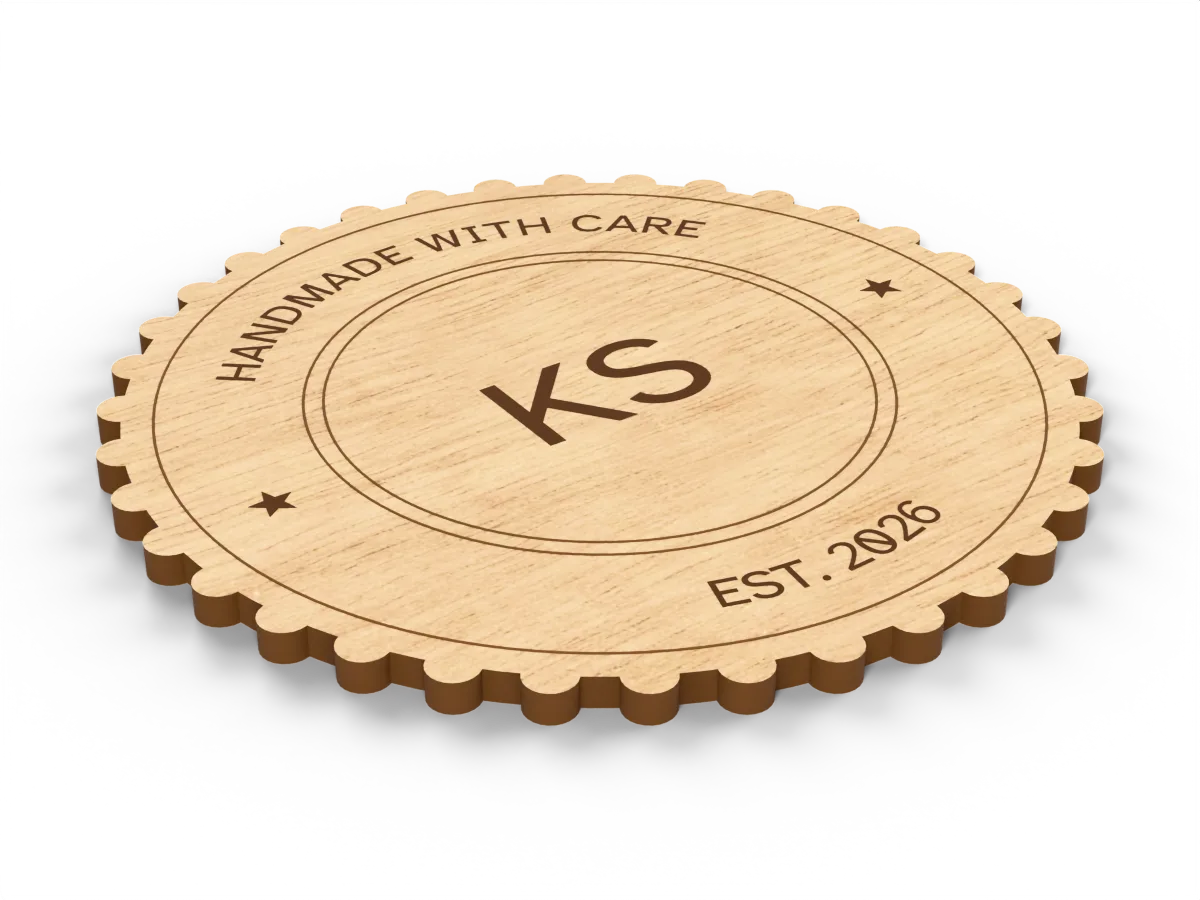 Round badge text set letter by letter around a circle | 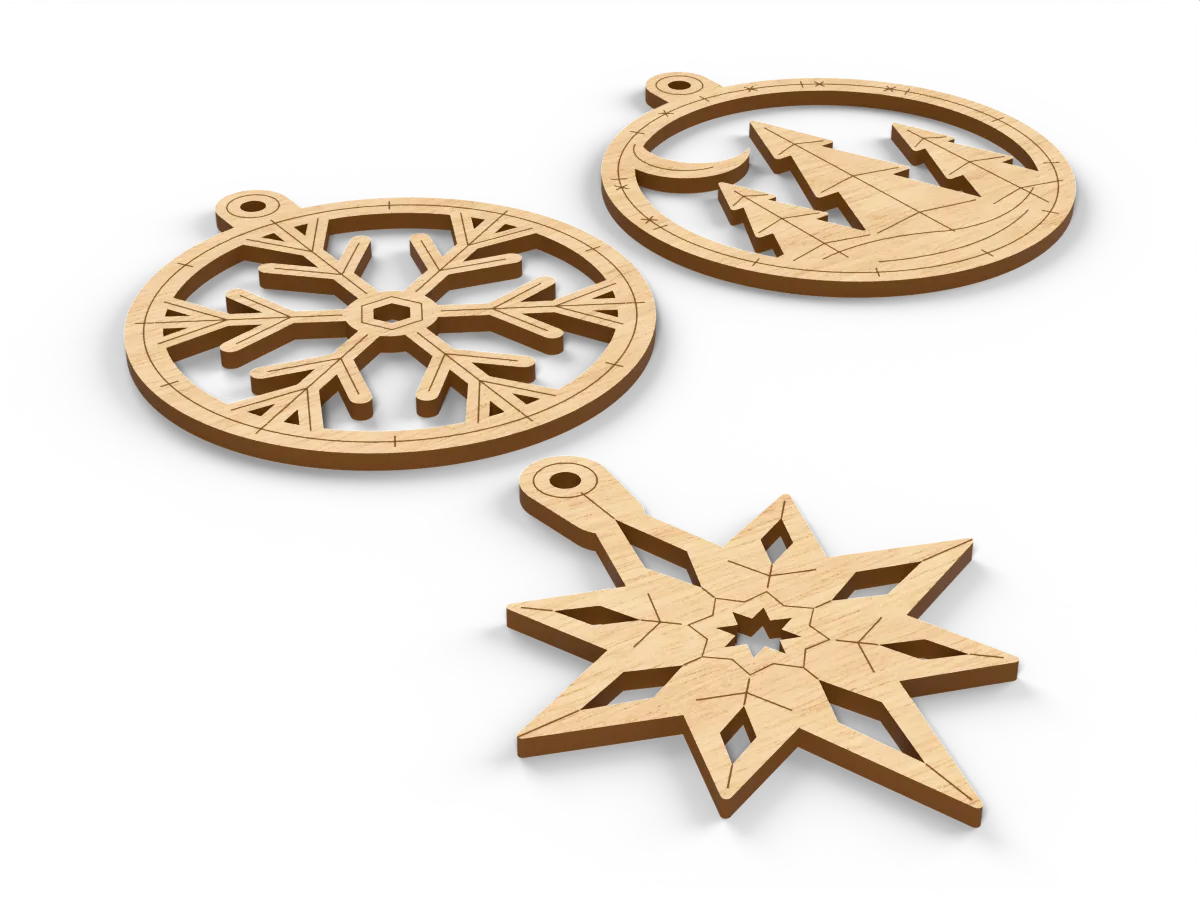 Winterlight ornaments one-piece ornaments with scored detail |
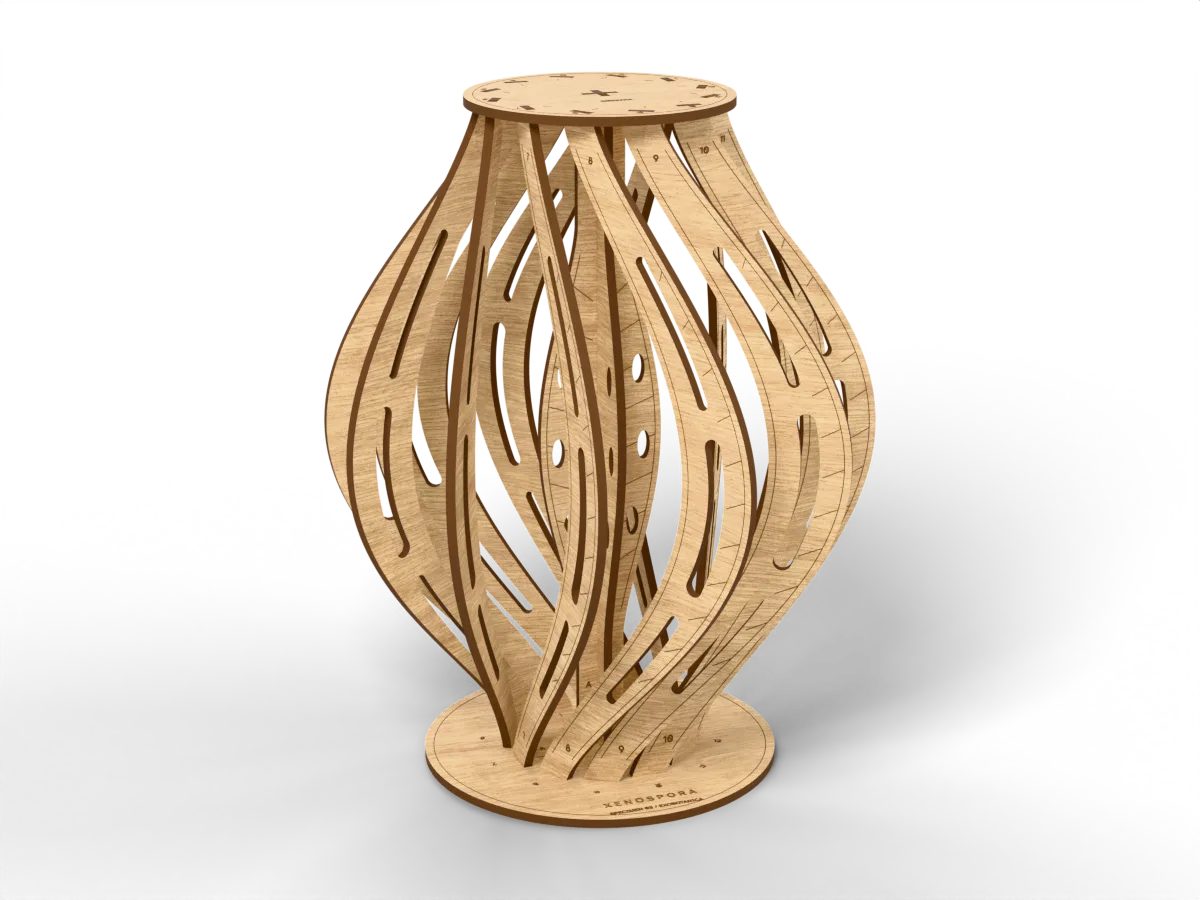 Xenospora seed pod 16 parts on 3 sheets, one file per sheet | 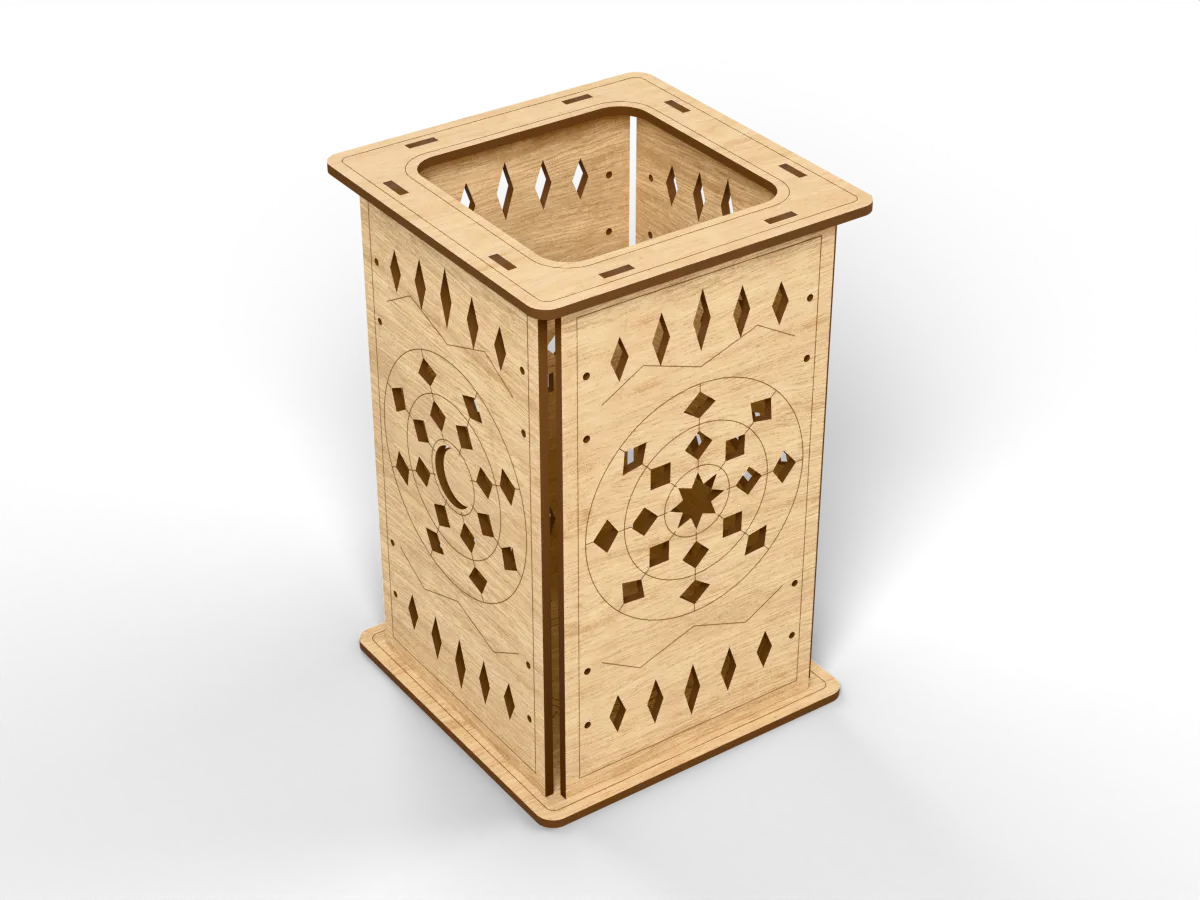 Solstice lantern tabs, slots and a fit test piece | 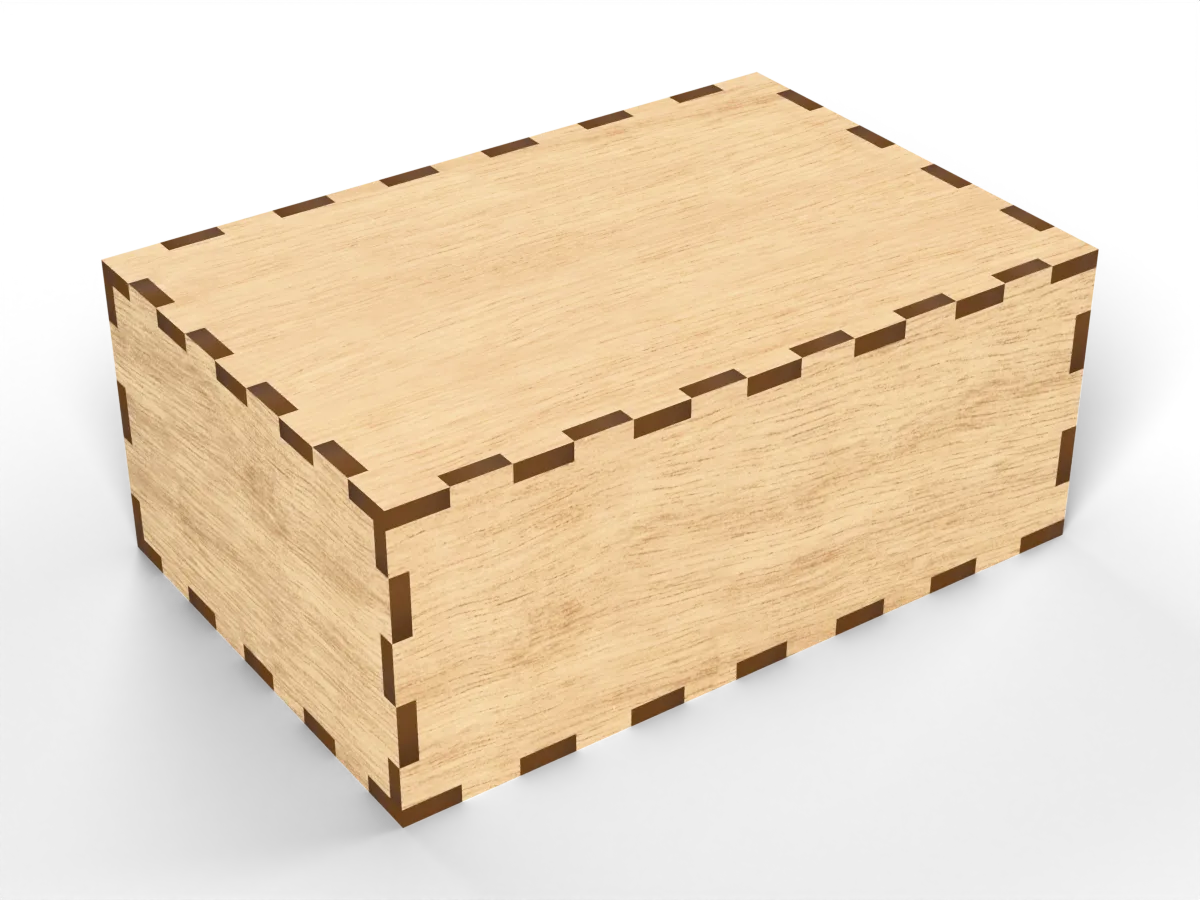 Finger-jointed box six panels from one library call |
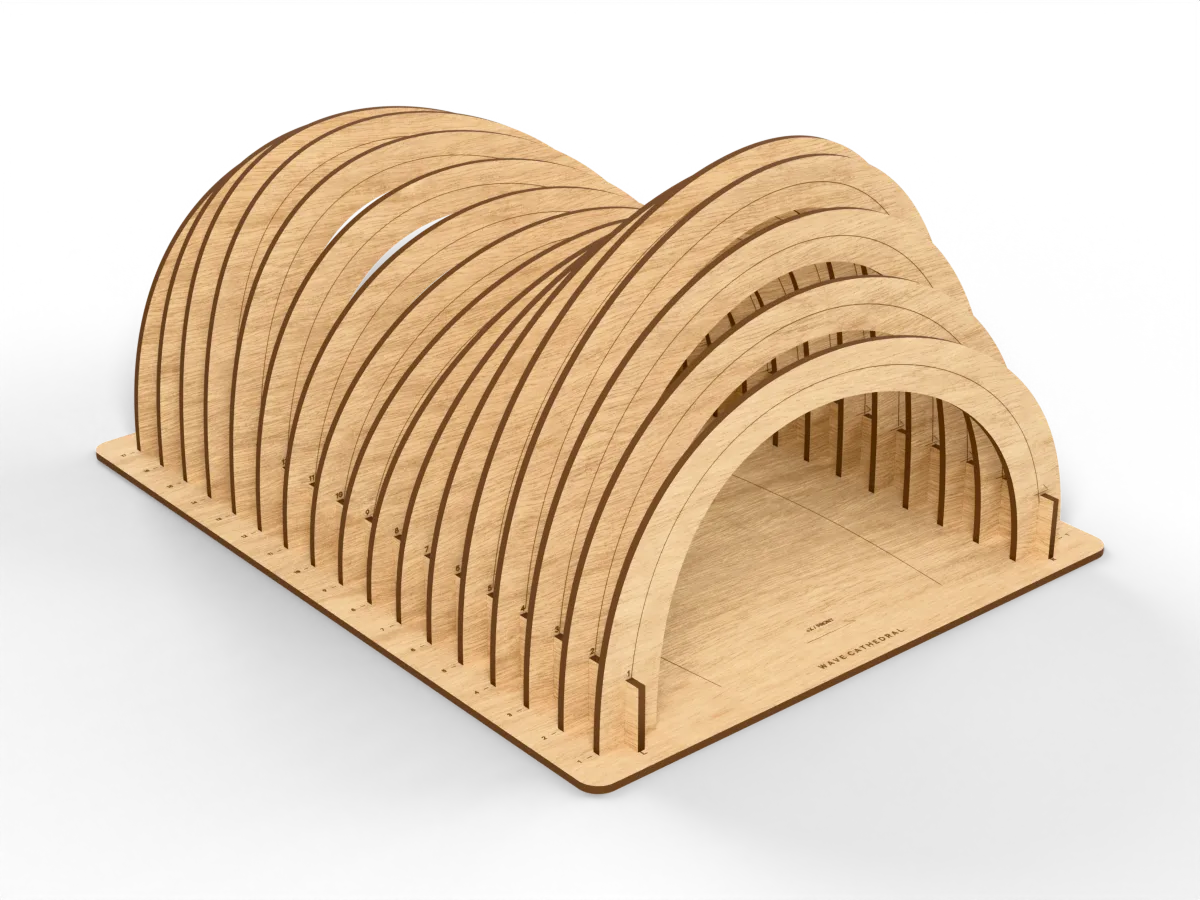 Wave Cathedral 17 different ribs from one formula | 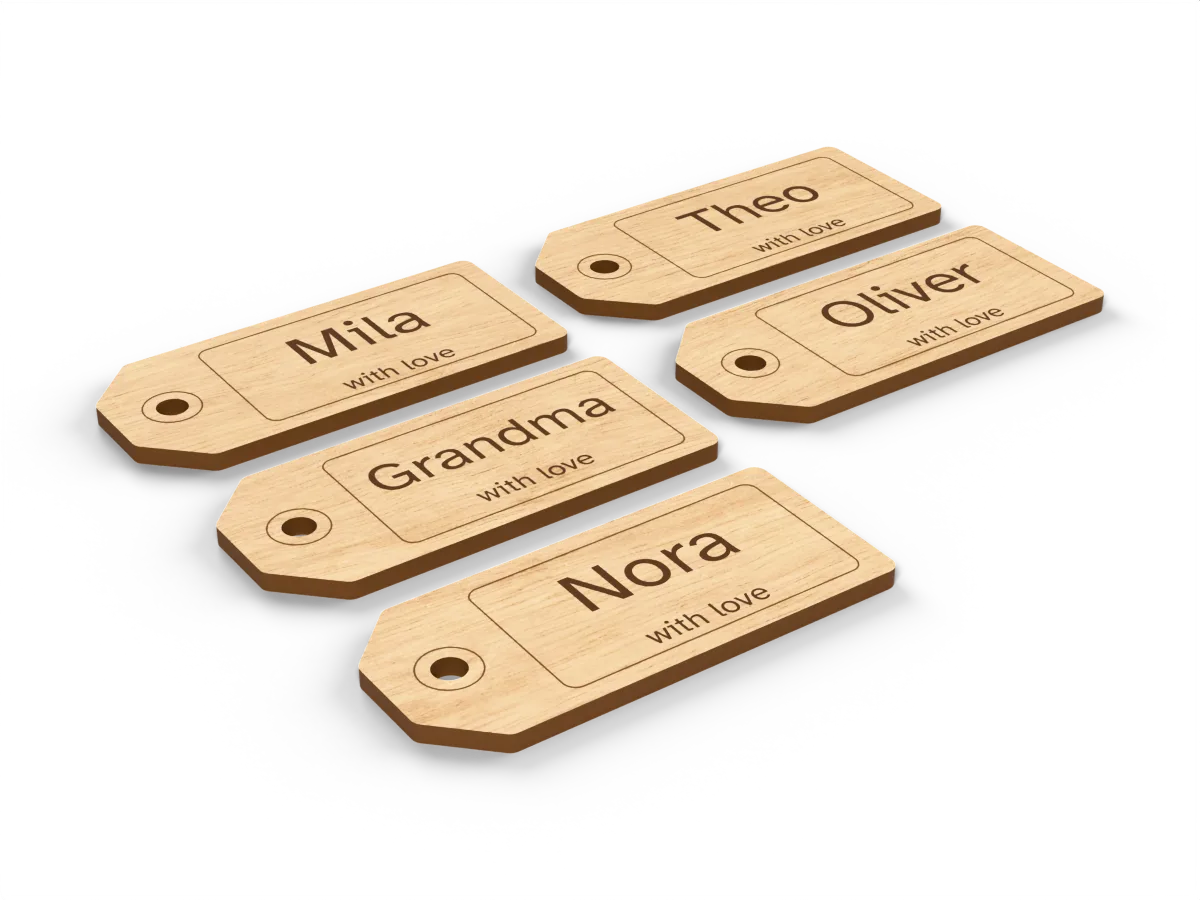 Gift tags from a list one tag per name, each name fitted | 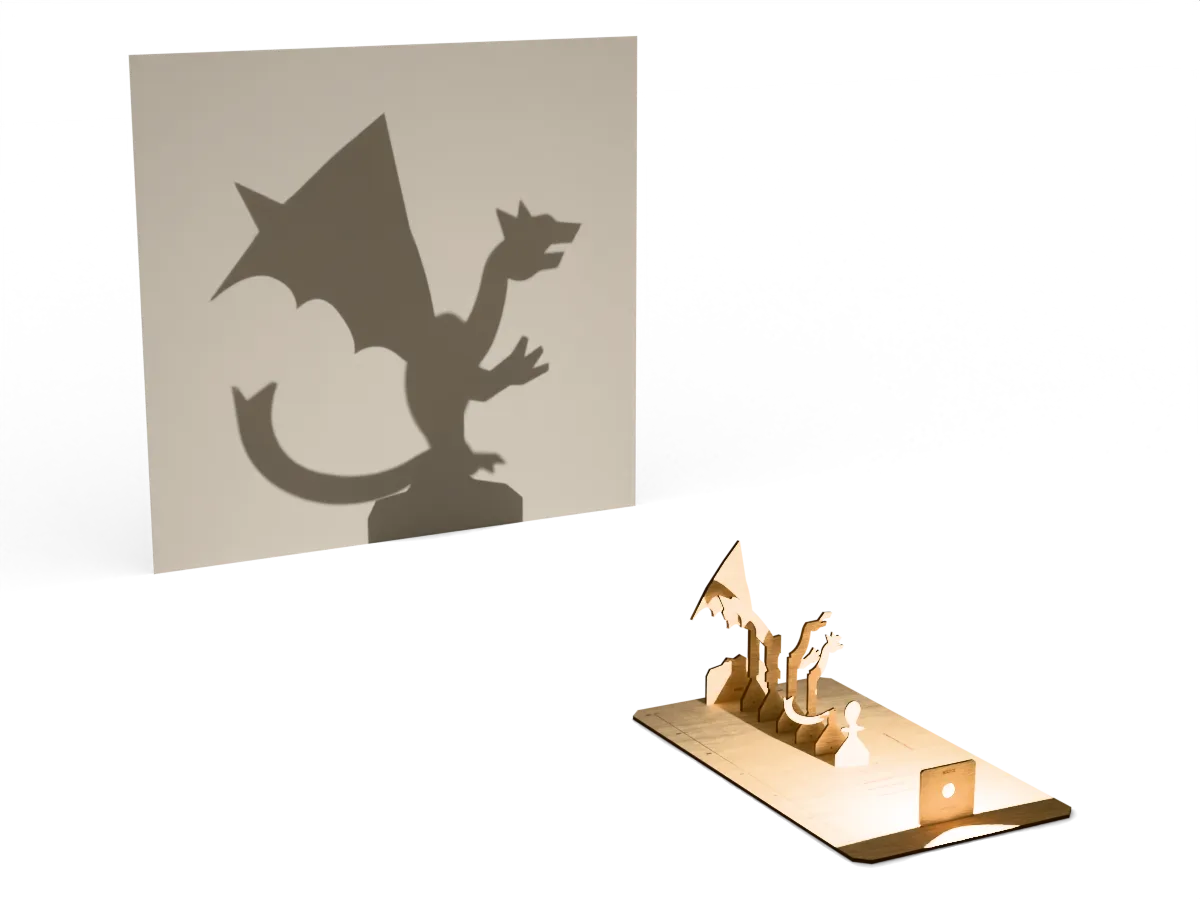 Umbra shadow machine six fins whose shadows make one dragon |
Why a new language
- Laser concepts are built in.
engrave(),score()andcut()put geometry on machine layers. Engraving is clipped to the material, inner cuts come before outer ones, and the whole part is offset by half the kerf. - Parts, not just shapes.
part("lid", qty = 2)names a piece; the renderer packs parts by material and thickness onto sheets. - Assembled in 3D, step by step. Give parts a place and they are
checked for collisions, shown put together, bent where a living hinge
bends, and built one
step()at a time; tabs drawn on one part cut their own slots in the parts they go into (slots = [...]). - Joinery that follows the material.
finger_rect,finger_holes,tslotandliving_hingeuse$thickness, so the joints resize when the material changes. Measure your kerf and cut a test piece for a snug fit. - Readable code. Variables, modules, functions, loops and transforms like
translate()androtate(). Settings come from comments such as// [10:1:100], which the playground turns into sliders. If you have used OpenSCAD, Coming from OpenSCAD lists what differs. - Runs anywhere. Pure TypeScript with no native code: the same interpreter runs in browsers, Node, workers and the command line.
- Contained. Programs read libraries only through the resolver you provide and have no other access to files or the network. Step, recursion and size limits stop runaway programs, and errors name the line. Run programs you did not write in a worker or process you can stop; see Running untrusted code.
Install
npm install @mylasertools/kerfscript
The kerf command line also comes as a standalone binary that needs no
Node.js, and through Homebrew, winget, Chocolatey, Scoop, Snap, the AUR,
MacPorts and Docker: see Command line. The
desktop app is in Desktop app, and the WebAssembly module
in WebAssembly.
Command line
kerf render design.kerf -o design.svg      # or .dxf / .json
kerf render design.kerf -D width=200 -D 'label="Oak"' --font Inter.ttf
kerf render design.kerf --sheet 400x300 --kerf 0.1 --split
kerf params design.kerf                    # customizer parameters as JSON
kerf check design.kerf                     # parts, sizes, cut length, warnings
kerf fmt designs/                          # format .kerf files; --check for CI
kerf lsp                                   # language server for editors
The VS Code extension in editors/vscode underlines
problems as you type and has hover, completion, parameter hints, go to
definition, references, rename and formatting on save. Other editors run
kerf lsp: see Editors.
Library
import { render, parameters } from '@mylasertools/kerfscript';

const result = render(source, {
  params: { width: 200 },
  fonts: { inter: await (await fetch('/Inter.ttf')).arrayBuffer() },
  sheet: [600, 400],
});

result.svg; // all sheets in one SVG
result.sheets; // [{ width, height, material, thickness, svg, dxf, items }]
result.parts; // [{ name, qty, width, height, pieces, cutLength, thickness, kerf, material }]
result.warnings; // e.g. a part that falls apart, or one bigger than the sheet
result.echoes; // echo() output

parameters(source).parameters; // [{ name, caption, group, type, initial, min, max, step, options, span }]
Errors are thrown as KerfError with line and col.
Learn the language
- Getting started, then the guides on layers, kerf, parts and sheets, 3D files, settings, the desktop app, the command line, the JavaScript API, assembly verification, WebAssembly for other languages and AI assistants
- Standard library: joints, hinges, dividers, hanging holes, boxes, enclosures, test pieces, gears and cams, a lock, stacked rings, paper sizes, 867 symbols and a world map
- Shared libraries: use and publish
.kerflibraries, pinned inkerf.lockso a design cuts the same everywhere - Importing SVG drawings: turn a drawing into a program, with its circles, tabs, slots, finger joints and hanger holes found
- Coming from OpenSCAD: what is the same and what is not
- LANGUAGE.md: the full language reference
- Versions: language and package versions, and what stays stable before 1.0
- examples/: every model on the website, including a calibration set, a calibration square and a kerf test
Community
Bug reports, cut reports and ideas are welcome; see CONTRIBUTING.md, SECURITY.md and the code of conduct.
Licence
Copyright (c) 2026 MyLaserTools.
KerfScript is free software under the
GNU AGPL 3.0, with an additional permission
that makes your .kerf designs and the files KerfScript generates yours to
license and sell however you like.
Building KerfScript into a closed-source app, machine or service? The commercial licence is free: just email hi@mylasertools.com.
"KerfScript" is a trademark of MyLaserTools; see TRADEMARKS.md. Contributions need the CLA; see CONTRIBUTING.md. Bundled third-party code is listed in THIRD-PARTY-NOTICES.md.