
Puppetflow
Build, run, monitor, and control Puppetflow browser automations from AI clients.
Runs on your machine from its package; the steps are below.

What it does
- Reads
- Writes
- High impact
At most: moves money, runs code or commands, deletes data, or sends messages for you.
What it costs
FreeOdel charges nothing per call. The publisher may charge for its own service.
Runs locally
This server runs on your machine over stdio, but its source registry didn't list a distribution package. Check the source repository for setup instructions.
Puppetflow
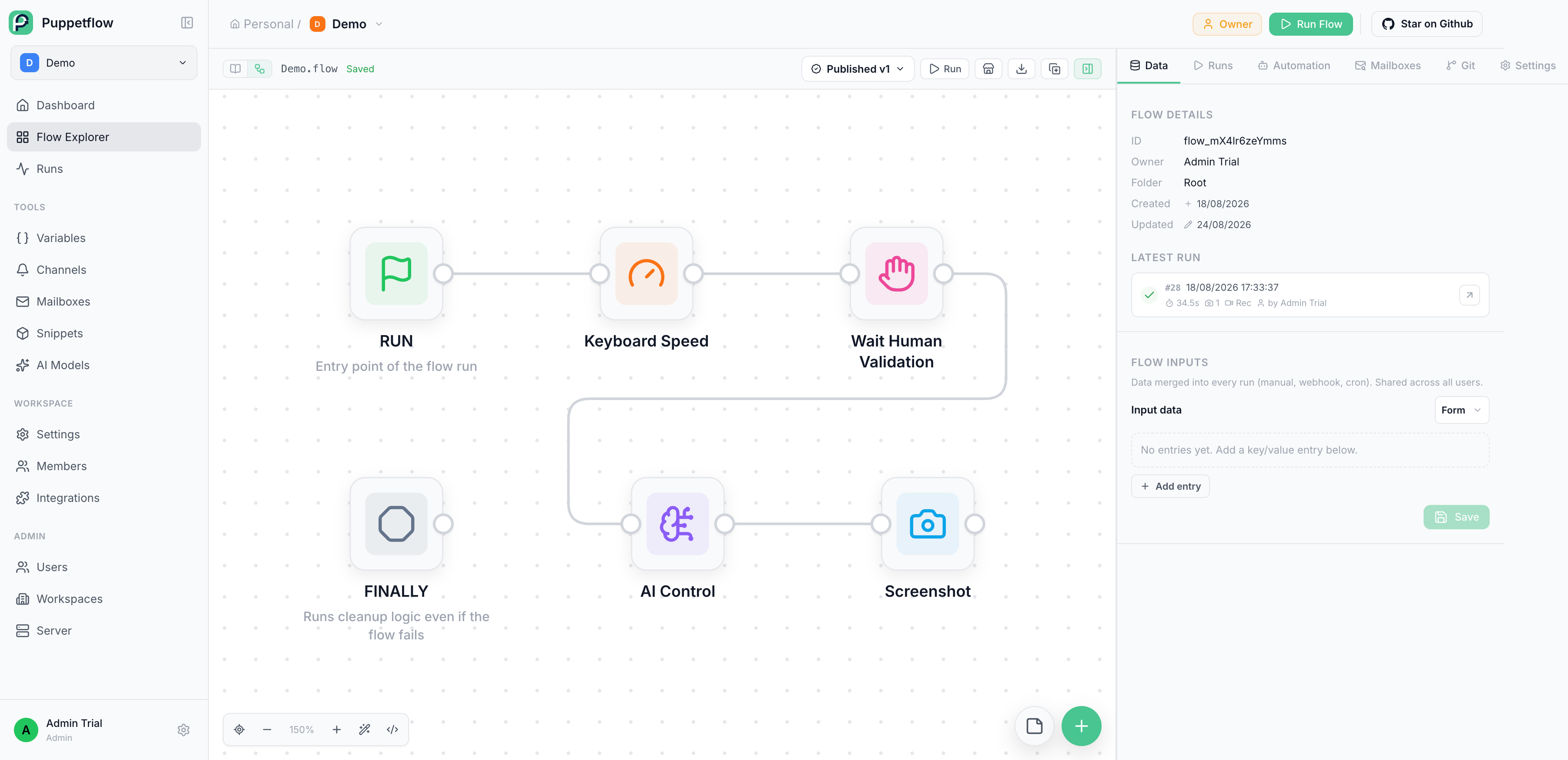
Puppetflow is a self-hosted browser automation platform for writing, running, scheduling, and monitoring JavaScript workflows. Watch browser sessions live and take control whenever a run needs human attention.




⭐️ Like Puppetflow? Give the repository a star. It helps others discover the project.
🌐 Website and documentation
- Website: puppetflow.com
- Video: Puppetflow in 100 seconds
- Documentation: docs.puppetflow.com
- Self-hosting guide: Install or update Puppetflow
🎉 Features
- Build browser workflows in JavaScript
- Run workflows manually, on a schedule, or through integrations
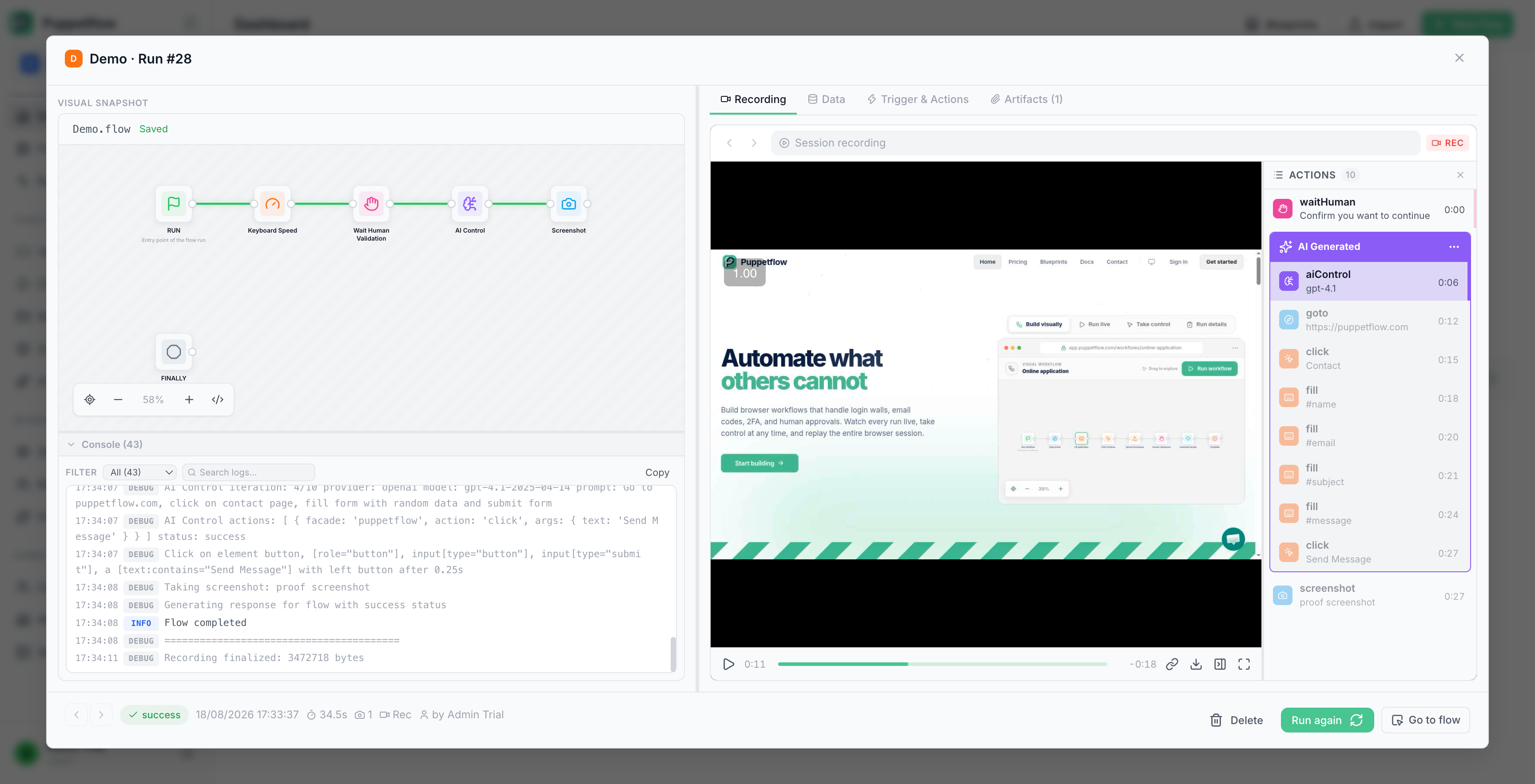
- Watch browser sessions live and take control when needed
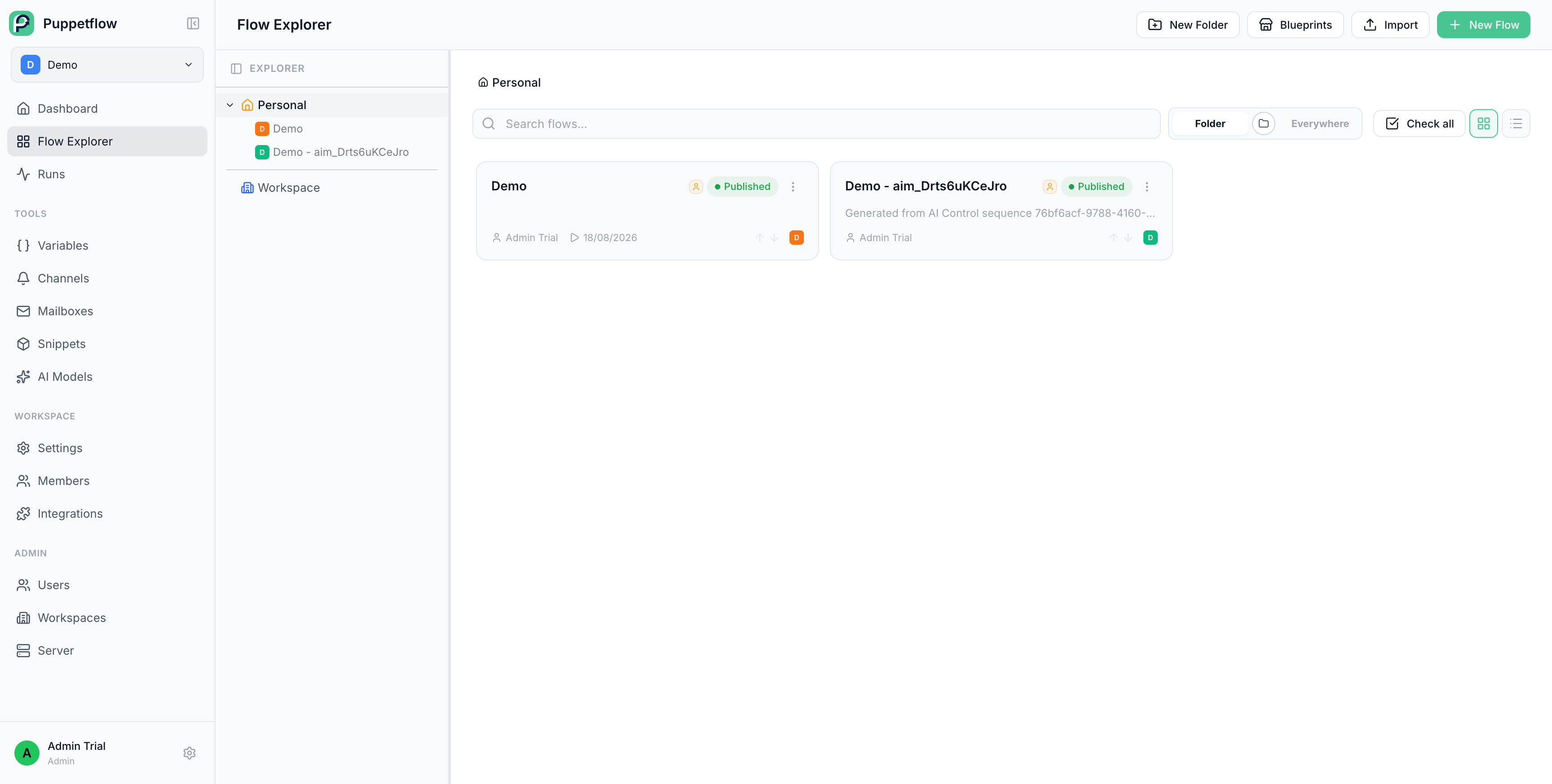
- Organize flows and reusable snippets in workspaces
- Store, tag, organize, and edit text files in a scoped Media Library, then reuse them in flow inputs or
$upload - Manage variables, secrets, and browser profiles
- Inspect run history, logs, and execution results
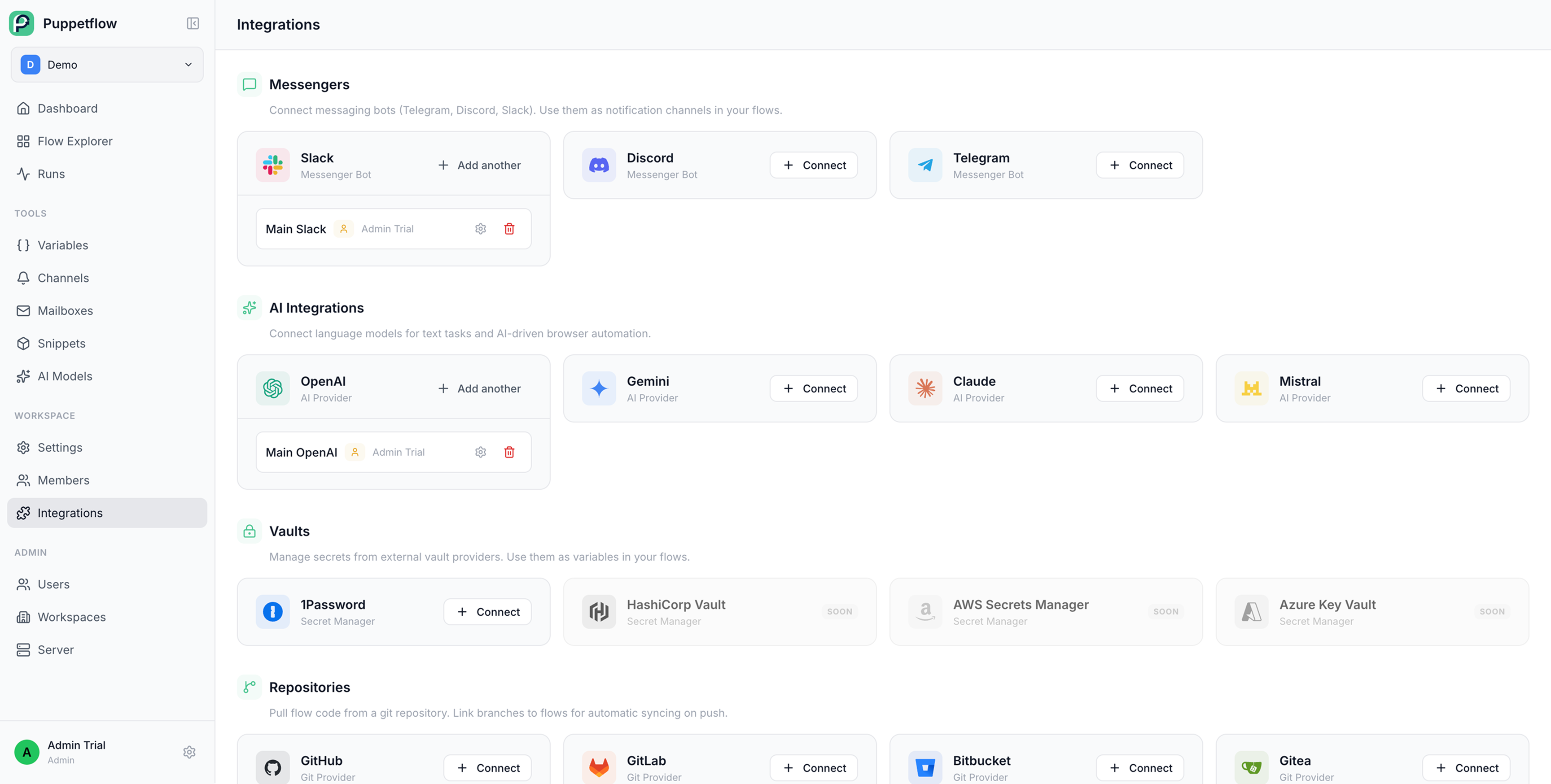
- Connect repositories and external vaults like 1Password
- Integrate with messaging tools and mailboxes
- Deploy on your own infrastructure with Docker
- Extend Puppetflow with reusable flows and snippets
- Automate Media Library files and folders through the authenticated REST API
🔗 n8n integration
Puppetflow provides the n8n-nodes-puppetflow community node for adding browser automation to n8n workflows.
- Trigger a flow with optional JSON input.
- List and monitor runs, then retrieve their results.
- Download screenshots, files, and session recordings.
Install the package from Settings > Community Nodes on a self-hosted n8n instance, then connect it with your Puppetflow instance URL and an API key from Profile > API Keys. See the n8n integration guide for setup details.
🤖 MCP server for AI clients
Every Puppetflow instance exposes a remote Model Context Protocol server over Streamable HTTP. Connect Cline, Cursor, Claude, Claude Code, or any other MCP client to search, inspect, create, and run browser automation flows, follow runs, and retrieve results, screenshots, and recordings.
Nothing runs locally. Enable MCP under Workspace > Settings > Instance MCP, create an access token, then add the endpoint to your client:
{
  "mcpServers": {
    "puppetflow": {
      "type": "streamableHttp",
      "url": "https://your-puppetflow.example/api/mcp-server/http",
      "headers": {
        "Authorization": "Bearer mcp_your_token_here"
      }
    }
  }
}
An OAuth endpoint with PKCE and Dynamic Client Registration is also available for clients that support remote MCP OAuth. See llms-install.md for step-by-step client setup and the MCP guide for the complete tool list.
Puppetflow in action
🛟 Discussion / Need help?
Join our Discord

Open an Issue

Project philosophy
Puppetflow is built around a few straightforward ideas:
- Browser automation should remain understandable and debuggable.
- Self-hosting should be a real option, not an afterthought.
- Good defaults matter, but users should keep control of their data and infrastructure.
- Reliability and maintainability matter more than shipping a long list of half-finished features.
A note on project history
The public Git history was intentionally reset for the Community Edition release for security reasons. This repository's commit count therefore does not reflect the age or maturity of the project.
Puppetflow has been developed and operated in real conditions for nearly a year. The Community Edition is a publication of an existing product, not the beginning of a prototype.
No AI Slop Policy
Puppetflow does not accept low-effort, unreviewed generated code or content.
AI-assisted work is not banned. Submitting output that the contributor does not understand, has not checked, or cannot maintain is. Contributions must be deliberate, consistent with the existing codebase, and owned by the person submitting them.
See Contributing for the practical rules.
Repository documentation
- Install or update a self-hosted instance
- Set up a development environment and contribute
- Source available license
- Proprietary features license
License
Puppetflow is source available. Most of the code is licensed under the Puppetflow Source Available License, which permits personal, non-commercial use. Internal business use requires a current paid Puppetflow subscription or order.
Files under proprietary/, files containing the .pp. marker, and explicitly marked code blocks implement paid features. They are covered by the Puppetflow Proprietary License, and their use in production requires a valid Puppetflow subscription.





