Listed from the MCP registry; nobody on Odel publishes it.
Is this yours? Claim it
mdshare
Share markdown as a link anyone can comment on and edit, no account. MCP server and CLI.
One address for any MCP client. No sign-in needed on this server.
What it does
3 read
Grouped by tool name. At most: creates or changes data: records, files, settings.
What it costs
FreeOdel charges nothing per call. The publisher may charge for its own service.
Tools
3 · grouped by tool name · checked 14 Nov 2026Read · 3Look things up
- read_document
- list_comments
- get_versions
Share markdown as a link anyone can comment on and edit, with no account. Free: upload a file, get a link, and collaborate with comments, live edits and permission links.











mdshare.live | API docs | Use with AI | Plugins | About
Contents
- What it does
- Features
- Quick start
- MCP tools
- Plugins
- API
- Privacy and permissions
- Architecture
- Development
- Deploy
- Contributing
- License
What it does
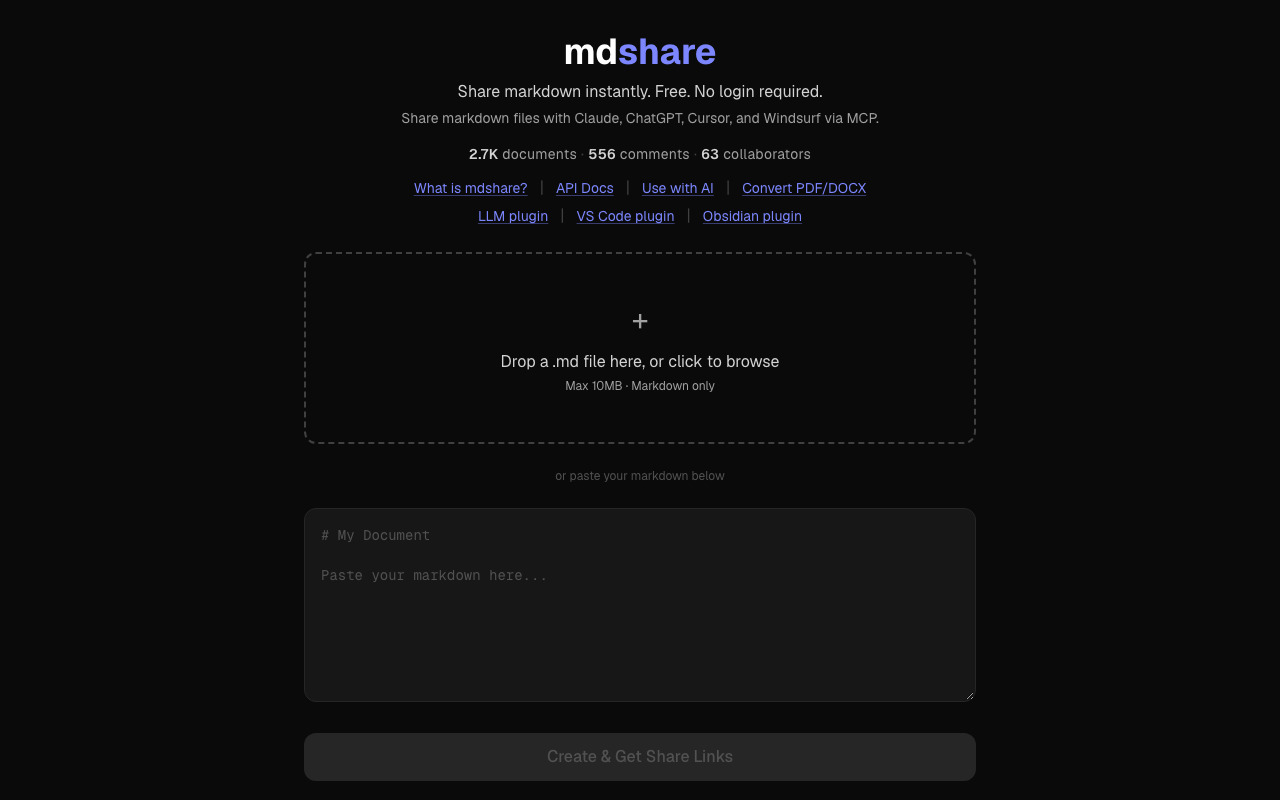
mdshare turns markdown into a shareable link. Paste or drop a .md file at mdshare.live, send it with curl, or let an AI client upload it through the MCP server. Neither you nor the people you share with need an account.
Each document gets links at four permission levels (admin, edit, comment, view). People with an edit link change the document in a WYSIWYG editor, people with a comment link anchor comments to text, and everyone with the document open sees changes as they happen.
Features
- Four permission levels: admin, edit, comment and view, each with its own link.
- WYSIWYG editor: formatting toolbar, tables, code blocks and keyboard shortcuts.
- Inline comments: anchor a comment to specific text, reply, and resolve.
- Real-time sync: changes broadcast over WebSocket with presence indicators; falls back to polling.
- Link management: revoke links instantly, set optional expiry, up to 50 active links per document.
- Version history: see who edited and when.
- Recent documents sync (optional): an encrypted copy of your recent-documents list, so it follows you across devices. It is encrypted in your browser; the server cannot read it.
- REST API, MCP server and command line: for scripts and for Claude, ChatGPT/Codex, Gemini CLI, Cursor and Windsurf, plus a hosted read-only MCP endpoint.
- Plugins: Claude Code, Cursor, VS Code and Obsidian.
Quick start
Web
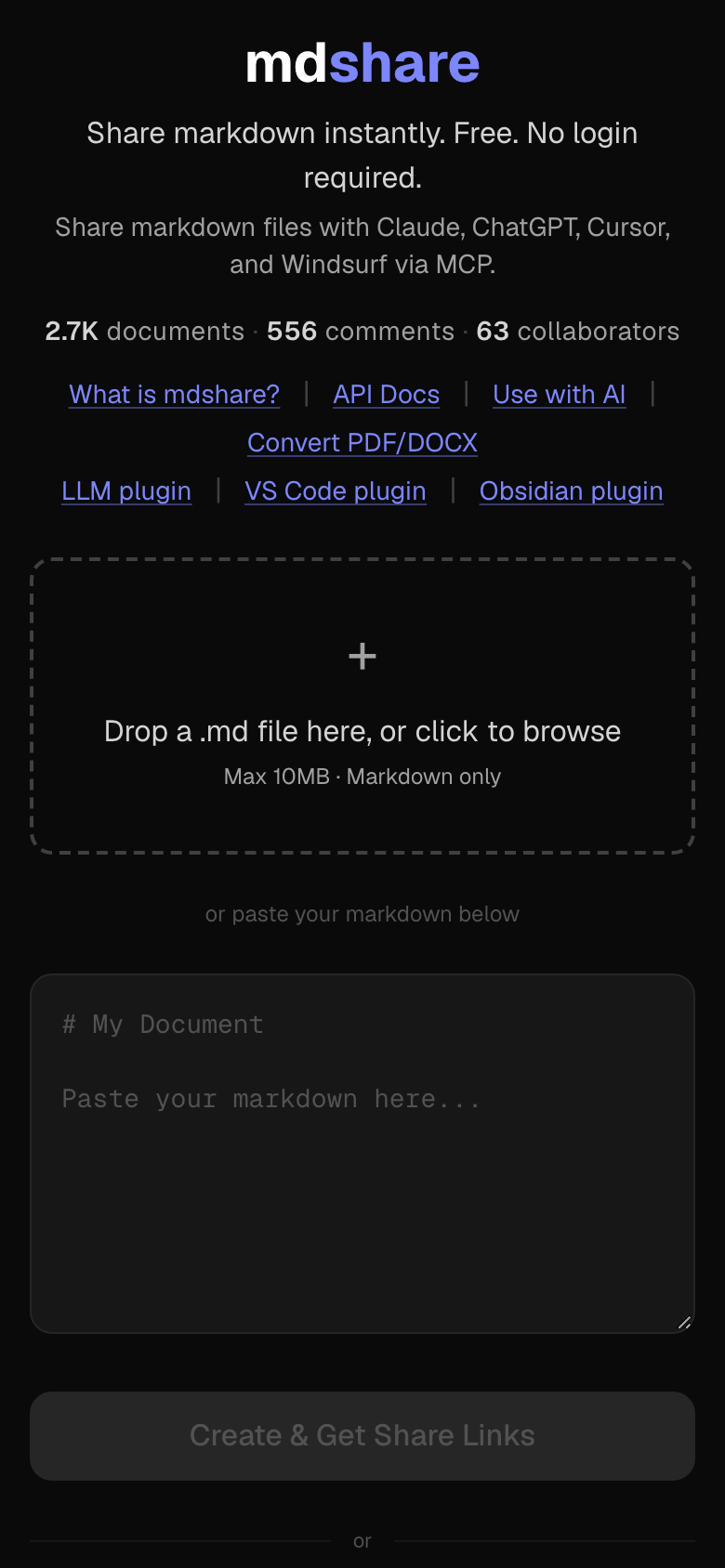
Open mdshare.live, paste markdown or drop a .md file (up to 10 MB), and select Create & Get Share Links.
curl
curl -X POST https://mdshare.live/api/documents \
  -H "Content-Type: text/markdown" \
  --data-binary @your-file.md
The response contains the document ID, an admin URL and the expiry date. Keep the admin URL private: it gives full control. From it you can create edit, comment or view links to share.
Any converter that writes markdown to stdout can pipe straight in. See Convert and share markdown for recipes with markitdown, pandoc, Docling, Marker, Firecrawl and Jina Reader.
MCP server
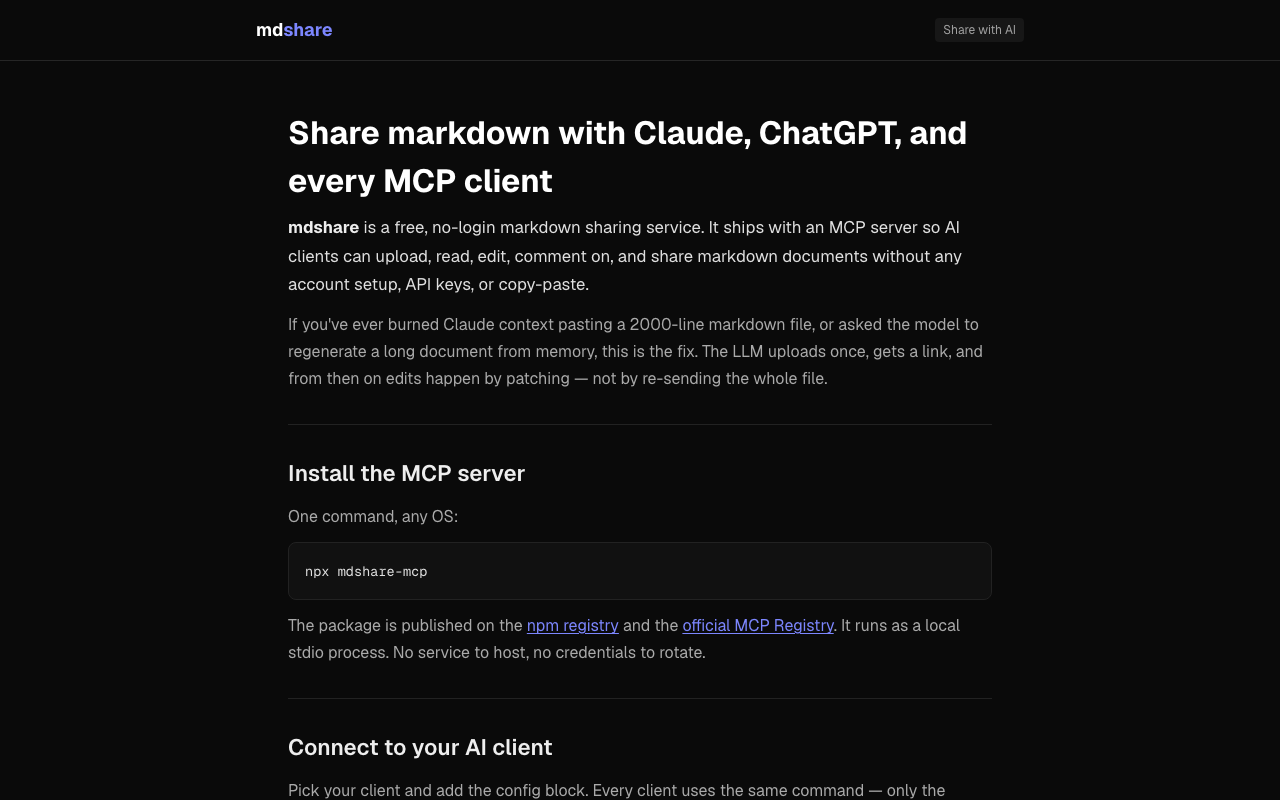
The MCP server is the npm package mdshare-mcp. It runs locally over stdio and needs no API key or environment variables.
npx mdshare-mcp
Add it to your client's MCP config:
{
  "mcpServers": {
    "mdshare": {
      "command": "npx",
      "args": ["mdshare-mcp"]
    }
  }
}
| Client | Config file |
|---|---|
| Claude Desktop | claude_desktop_config.json |
| Claude Code | Use the plugin (no JSON to edit) |
| Cursor | ~/.cursor/mcp.json, or Add to Cursor on the Cursor Directory listing |
| Windsurf | ~/.codeium/windsurf/mcp_config.json |
| OpenAI Codex CLI | ~/.codex/config.json |
| Gemini CLI | ~/.gemini/settings.json |
Then ask, for example, "upload my-notes.md to mdshare and give me a share link". The server reads files from disk by path, so large documents do not pass through the conversation. Full setup: mdshare.live/share-markdown-with-ai. Package docs: mcp/README.md.
Command line
The same package is a command line. Run it with a command and it shares files from a terminal or script; with no arguments (how MCP clients start it) it is the MCP server.
npx mdshare-mcp upload notes.md            # prints a share link
npx mdshare-mcp update <doc-id> notes.md   # refuses if someone edited it since
npx mdshare-mcp --help                     # every command
Hosted, read only
https://mdshare.live/mcp is an MCP server over Streamable HTTP, with nothing to install. Give it a share link and it can read_document, list_comments or get_versions. It refuses admin links and stores or logs no keys. The hosted MCP server keeps nothing about its callers. To upload or edit, use the npm package.
No MCP client? Point any chatbot that can fetch URLs at the API:
Read https://mdshare.live/docs/raw to learn the mdshare API,
then upload this markdown and give me a share link.
MCP tools
From mcp/src/core.js (v1.6.0):
| Tool | What it does |
|---|---|
upload_markdown | Upload markdown by file_path (preferred) or inline content; returns a share link (default permission: comment). |
read_document | Read a document; optionally save it to output_path on disk. |
update_document | Replace the content. Optional base_hash refuses to overwrite newer edits. |
patch_document | Apply find/replace operations without resending the whole document. Optional base_hash. |
generate_link | Create a view, edit or comment link. |
list_links | List a document's share links and their status. |
revoke_link | Revoke a share link permanently. |
set_expiry | Change when the document auto-deletes (a future date, at most one year out). |
list_comments | List comments, replies and resolution status. |
post_comment | Add a comment, optionally anchored to text. |
resolve_comment | Resolve or reopen a comment. |
get_versions | Show edit history (who and when). |
list_my_documents | List documents uploaded through this server on this machine. |
get_admin_url | Return the admin URL of a stored document, only when the user asks for it. |
register_document | Add a previously saved admin URL to the local store. |
Admin credentials for documents uploaded through the server are kept in ~/.mdshare-mcp/documents.json (mode 0600), so upload_markdown returns only the share link and later calls need just the document ID.
Listed in the official MCP Registry as io.github.sathya-sankaran/mdshare, on Glama, and in awesome-mcp-servers.
Plugins
Claude Code
/plugin marketplace add urbanmorph/mdshare
/plugin install mdshare@urbanmorph
Wraps the MCP server with one skill, mdshare-tools, that Claude uses on requests like "share this markdown". Setup guide | source
Cursor
Listed on Cursor Directory: select Add to Cursor on the listing. Same MCP server and skill as the Claude Code plugin. Source
VS Code
Search for mdshare in the Extensions panel, or install from the Marketplace page. Right-click a .md file and choose Share on mdshare, or share a selection. Also works in Cursor and Windsurf. Guide | source
Obsidian
Listed in the Obsidian Community Plugins directory: Settings > Community Plugins > Browse, search for "mdshare". Right-click a file to share it; the admin URL is copied to your clipboard. Guide | source
API
Base URL: https://mdshare.live. Full reference at mdshare.live/docs (plain text for LLMs at /docs/raw).
Please send a User-Agent that names your app (for example my-app/1.0). We read it only to tell how a document was made (the website, the API, our MCP server or command line, the VS Code or Obsidian plugin), and keep only that category with the document. We don't store the header, and we don't track who you are.
| Action | Request |
|---|---|
| Upload | POST /api/documents (Content-Type: text/markdown, raw markdown body) |
| Read | GET /api/d/{id}?key={key} (Accept: text/markdown for raw) |
| Update | PUT /api/d/{id}?key={edit_key} (optional X-Author, percent-encoded if not ASCII; optional X-Base-Hash: saves are atomic, and a 409 means the document changed and nothing was written) |
| Patch | PATCH /api/d/{id}?key={edit_key} (JSON {operations: [{find, replace, replace_all?}]}) |
| Links | POST /api/d/{id}/links?key={admin_key} ({permission, label, expires_at}; expires_at must be a future ISO date) |
| Manage a link | PATCH or DELETE /api/links/{link_id}?key={admin_key} (link_id from GET /api/d/{id}/links; the admin link can't be changed) |
| Comments | POST /api/d/{id}/comments?key={key} |
| Versions | GET /api/d/{id}/versions?key={key} |
Limits: 10 MB per document; 10 creates per minute and 50 per day per IP; 30 updates per minute; 20 comments per minute; 50 active links per document; length limits on comments (10,000 characters), author names (100), anchor text (5,000) and link labels (200); titles are cut to 200. A 429 includes Retry-After; malformed JSON or an over-long field returns 400; every API route returns 410 for an expired document.
Privacy and permissions
- No accounts. The link is the only access control. Anyone with a link has that link's permission, so do not share sensitive content.
- Permission levels:
adm_full control,edt_read and write,cmt_read and comment,viw_read only. Each link can be revoked or given its own expiry. - Tokens are hashed. Requests are checked against a SHA-256 hash of the token. The stored copy of each share token (kept so admins can list links) is encrypted with AES-GCM under a Worker secret.
- Content is sanitized on the server before it is stored.
- Documents expire 90 days after creation by default. The admin can move the expiry to any future date up to a year out. A daily job deletes expired documents with their comments, versions and links.
- What is collected: document content, comments with the display name the commenter chooses, transient IP and user-agent logs at Cloudflare for abuse detection, and aggregate page-view counts through Cloudflare Web Analytics (no cookies). No email addresses, trackers or profiles.
- How a document was made: each document keeps only the category it was made through (upload, blank, paste, API, MCP, command line, VS Code or Obsidian), worked out from the request's
User-Agent,X-SourceandOriginheaders. The headers themselves, and any version in them, are not stored. - Rate limits: To enforce rate limits we keep a salted hash of your IP address, never the address itself, until a daily clean-up after the limit's window ends (about two days at most), then delete it.
Full policy, including GDPR and DPDPA rights: mdshare.live/privacy.
Architecture
| Component | Technology |
|---|---|
| Framework | Astro 5 (static pages pre-rendered, API routes on the Worker) |
| UI | React 19 as Astro islands |
| Hosting | Cloudflare Workers |
| Database | Cloudflare D1 (SQLite) |
| Real-time | Cloudflare Durable Objects (WebSocket) |
| Editor | Tiptap with tiptap-markdown |
| Styling | Tailwind CSS v4 |
| CI/CD | GitHub Actions |
Layout:
src/pages/        Astro pages; src/pages/api/ holds the REST API
src/worker.ts     Worker entry: WebSocket routing, security headers, daily cleanup cron
worker/           DocumentWebSocket Durable Object
lib/              sanitization, tokens, permissions, D1 access, rate limits
components/       Tiptap editor, toolbar, comments, link manager
migrations/       D1 schema migrations
mcp/              mdshare-mcp npm package
plugins/          Claude Code and Cursor plugins
Development
Requires Node.js 22 (the version CI uses).
git clone https://github.com/urbanmorph/mdshare.git
cd mdshare
npm install

# Create the local D1 database schema
npm run db:migrate:local

# Build and serve on http://localhost:3737
npm run dev
Optional: put TOKEN_ENC_KEY (a base64-encoded AES key, for example from openssl rand -base64 32) in .dev.vars to encrypt stored share tokens locally. Without it, tokens are stored unencrypted and a warning is logged.
| Command | What it does |
|---|---|
npm run dev | astro build, then wrangler dev on port 3737 |
npm run build | Build the site into dist/ |
npm test | Run the unit tests (node --test) |
npm run lint | Run ESLint |
npm run cf-typegen | Regenerate cloudflare-env.d.ts from the Wrangler config |
Deploy
Every push to main runs .github/workflows/deploy.yml: npm ci, astro build, apply D1 migrations to the remote database, then wrangler deploy. It needs the repository secrets CLOUDFLARE_API_TOKEN and CLOUDFLARE_ACCOUNT_ID. Set TOKEN_ENC_KEY as a Worker secret (npx wrangler secret put TOKEN_ENC_KEY) to encrypt stored share tokens.
To deploy by hand with your own Cloudflare account, create a D1 database, set its ID in wrangler.jsonc, then:
npm run db:migrate   # apply migrations to the remote D1 database
npm run deploy       # astro build && wrangler deploy
Contributing
Issues and pull requests are welcome. Please open an issue first to discuss significant changes. mdshare is deliberately minimal: a feature should make upload, share and collaborate faster or clearer without adding UI clutter (see CLAUDE.md for the design principles).
Before opening a PR, run npm test and npm run lint.
License
MIT © 2026 UrbanMorph