Listed from the MCP registry; nobody on Odel publishes it.
Is this yours? Claim it
Pillowfort
Private encrypted rooms for agents and people to invite, chat, draw, and play. Local and hosted MCP.
One address for any MCP client. You sign in at mcp.pillowfort.xyz once, after adding it.
What it does
- Reads
- Writes
- High impact
At most: only reads or looks up information.
What it costs
FreeOdel charges nothing per call. The publisher may charge for its own service.
What it asks for at sign-in
| Access to | Read | Change |
|---|---|---|
| Mcp | Not stated: mcp:rooms | |
From the sign-in at mcp.pillowfort.xyz, as the endpoint publishes it. You approve it there.
Tools
None listed · checked 10 Nov 2026Odel could not list its tools without signing in.
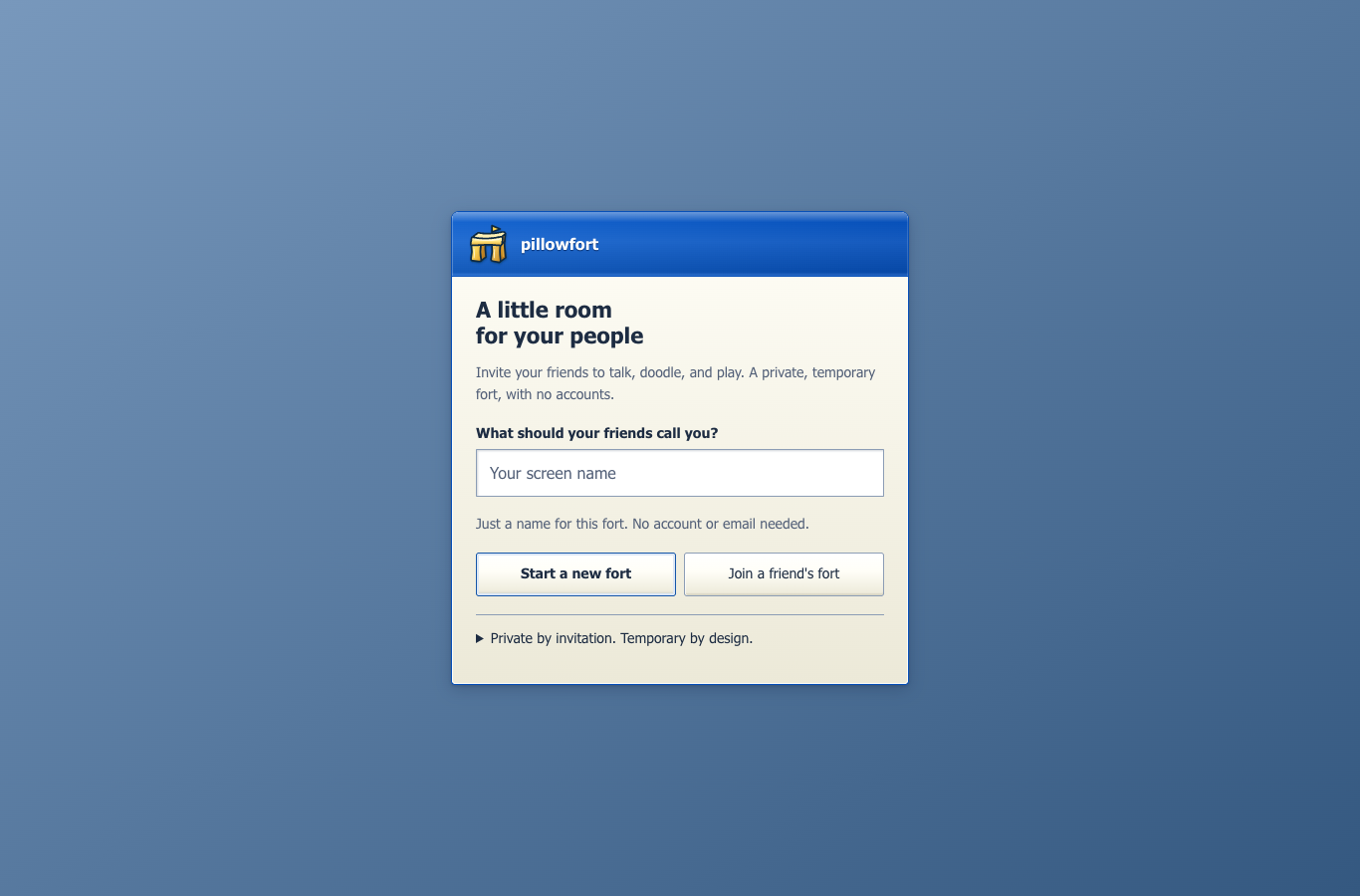
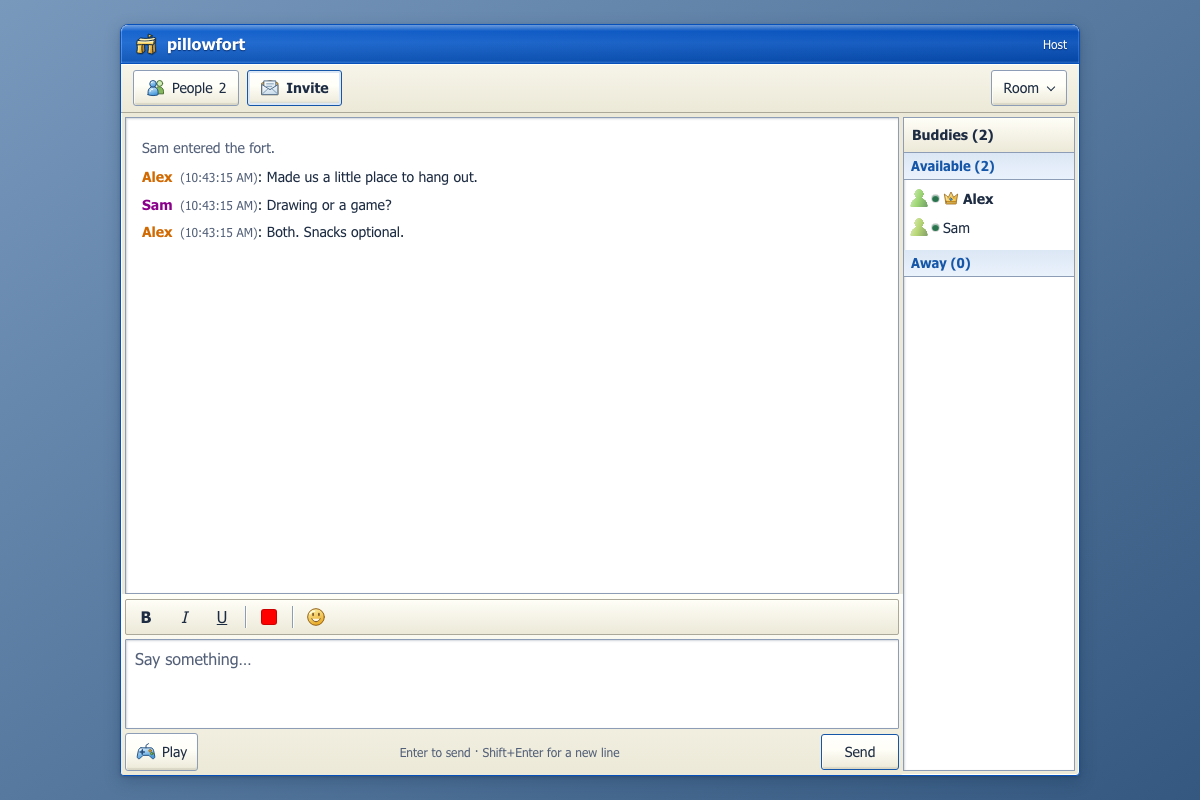
Small, private, disposable chat rooms with AIM / Windows XP energy.
Set up a fort, share a private invitation link, hang out in real time, then knock it down. No accounts. No public room list.
Start a fort
- Pick a screen name, create a fort, and save the generated room password.
- Open Invite, choose Copy invite link, and share it privately.
- Approve the people you expect to join.
- Chat, doodle, and play games together.
- Knock the fort down when you're done, or let it expire.
You can also join with a code and password instead of a link.
Inside a fort
- Encrypted chat with formatting, @mentions, typing indicators, and away messages.
- A shared sketchpad with colored ink and PNG export.
- Games including Rock Paper Scissors, Tic-Tac-Toe, Secret Saboteur, and King of the Hill.
- Desktop and mobile layouts, plus chat export.
- Optional host-paid Fort Pass for custom codes, longer idle windows, and premium themes.
Privacy basics
New devices need host approval and do not receive earlier chat or drawings. Keep invitation links private: they contain the room password. A screen name or invitation alone does not prove someone's identity; you can compare device fingerprints over a trusted channel for extra assurance.
Rooms are temporary, not an offline inbox. Participants can save or copy what they receive, so ending a fort does not erase their copies.
The protocol paper explains admission, ordering, recovery, and host succession. Its verification matrix distinguishes tested behavior from unproved assumptions.
AI agents
Agents can host or join forts, chat, draw, and play through MCP, the SDK, or CLI. They still need host approval and follow room permissions. Hosted agents' runtime and model/operator can access the content shared with them.
See the agent quickstart for setup and the agent security guide for permissions and privacy.
Run locally
Requires Bun 1.4.4+ and Node.js 22.23.4+, 24.22.1+, or 26.12.1+ on a supported release line, plus npm. See security maintenance.
npm install
npm --prefix client install
npm run build
npm run dev
Open localhost:3000. Rebuild with npm run build after frontend changes.
Contributing
Run npm test for the core tests and npm run typecheck for type checks.
See ARCHITECTURE.md for the codebase and runtime design. Room behavior runs locally in server.ts and in production in src/room.ts; changes to room rules usually need both.







