
SnapForge
Screenshots, PDFs and Markdown from any URL or HTML for AI agents, via the SnapForge API
One address for any MCP client. No sign-in needed on this server.
What it does
4 other
Grouped by tool name. At most: creates or changes data: records, files, settings.
What it costs
FreeOdel charges nothing per call. The publisher may charge for its own service.
Tools
4 · grouped by tool name · checked 12 Oct 2026Other · 4Neither hinted nor named
- snapforge_screenshot
- snapforge_pdf
- snapforge_markdown
- snapforge_signup
snapforge-mcp
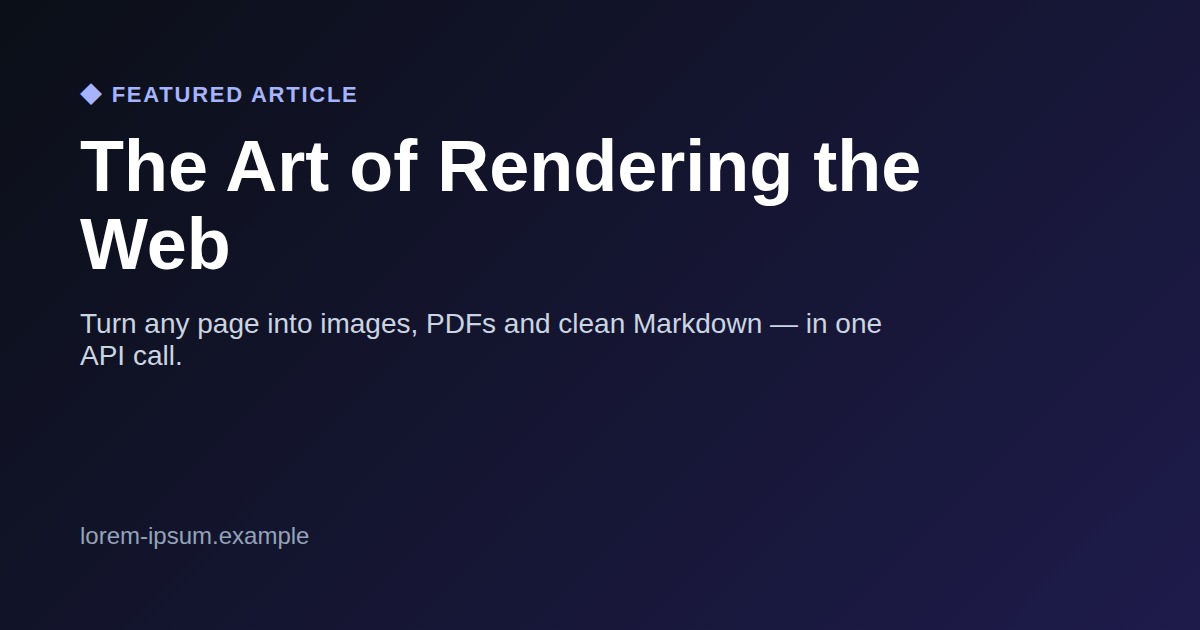
MCP server for SnapForge — give your AI agents three tools to read and render the web:
snapforge_screenshot— capture any URL or HTML as PNG/JPEG (full-page by default)snapforge_pdf— render a URL or HTML to PDF (singlePageoption + clean pagination, no cut blocks)snapforge_markdown— extract clean Markdown from any page (article extraction) → perfect for feeding live web content to an LLM
Works with Claude Code & Desktop, Cursor, Kilo Code, Cline, Windsurf, Zed, VS Code, Hermes, OpenClaw — and any MCP client.
Examples
Real outputs, generated live from the API:
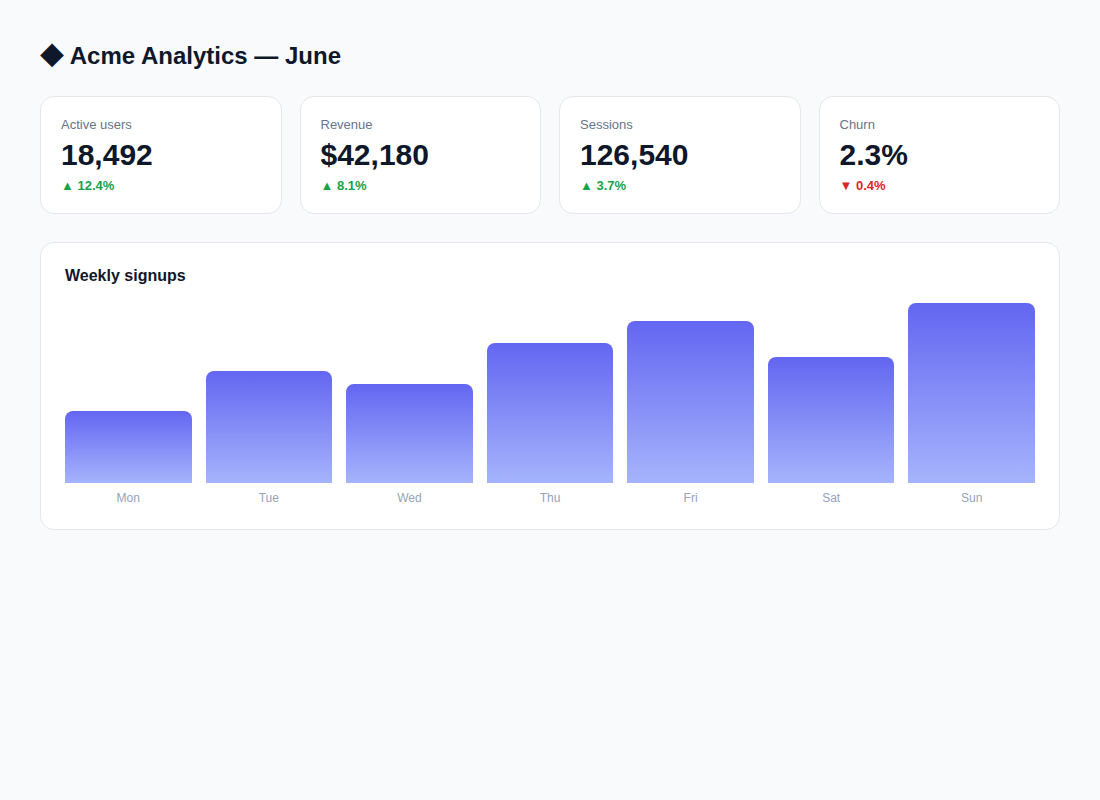
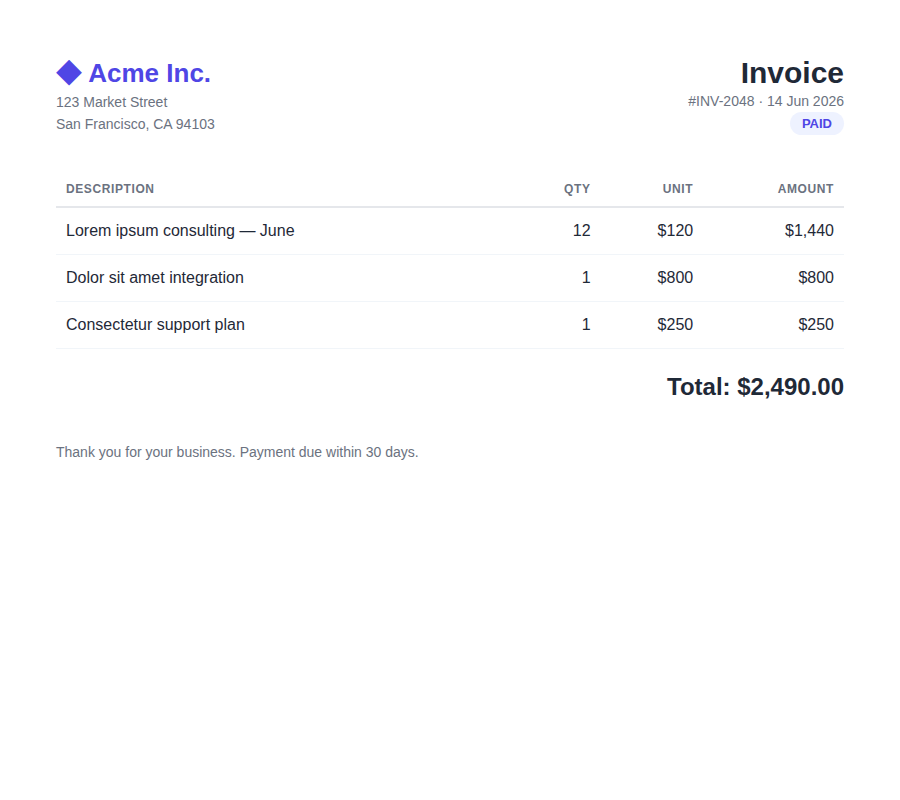
More samples: full-page screenshot (any height) · pricing page · mobile viewport · PDFs (invoice, single-page article, multi-page report, certificate) · a page as Markdown
Setup
Get a free API key at https://snapforge.org (100 one-time renders, no card), then:
Hosted (zero install) — recommended
Point any MCP client at the remote server, with your key in the x-api-key header:
https://snapforge.org/mcp
Local (stdio) — Claude Desktop / Claude Code / any client
{
  "mcpServers": {
    "snapforge": {
      "command": "npx",
      "args": ["-y", "snapforge-mcp"],
      "env": { "SNAPFORGE_API_KEY": "sf_your_key" }
    }
  }
}
Claude Code plugin (one-click)
/plugin marketplace add sporty303/snapforge-mcp
/plugin install snapforge@snapforge
Environment
SNAPFORGE_API_KEY(required)SNAPFORGE_BASE_URL(optional, defaults tohttps://snapforge.org)
License
MIT







