
ForgeBridge
A local, permissioned MCP agent for authorized developer workstations.
Runs on your machine from its package; the steps are below.
What it does
- Reads
- Writes
- High impact
At most: moves money, runs code or commands, deletes data, or sends messages for you.
What it costs
FreeOdel charges nothing per call. The publisher may charge for its own service.
Runs locally over stdio
This server isn't hosted — your MCP client launches it from a package registry. Use one of the commands below, or drop the config into your client (e.g. Claude Desktop).
Run
npx -y forgebridge
MCP client config
{
  "mcpServers": {
    "forgebridge": {
      "command": "npx",
      "args": [
        "-y",
        "forgebridge"
      ]
    }
  }
}





Status: public alpha / beta testing. ForgeBridge is available for early real-world testing, but it is not a stable production release yet. Commands, MCP schemas, configuration, and behavior may change between alpha/beta versions. The project will continue to receive updates, fixes, UX improvements, and new capabilities.
ForgeBridge is a local, permissioned MCP agent for development work on a computer the user owns and
explicitly authorizes. It is designed for filesystem editing, interactive terminals, durable jobs,
Git workflows, and semantic browser testing from compatible AI clients. For model-driven
development, ForgeBridge exposes semantic project inspection, Git reads, and reviewed validation
operations so routine work does not require arbitrary shell commands. Start with project_inspect
to learn the project stack, Git state, host OS, and shell in one bounded call. See
the model-first workflow.
This repository is under active development toward v0.1 and should be treated as test/beta software. Current status and verified limitations are tracked in the implementation plan. Issues and feedback are welcome; future releases will continue improving stability, onboarding, remote/multi-device UX, and tool coverage.
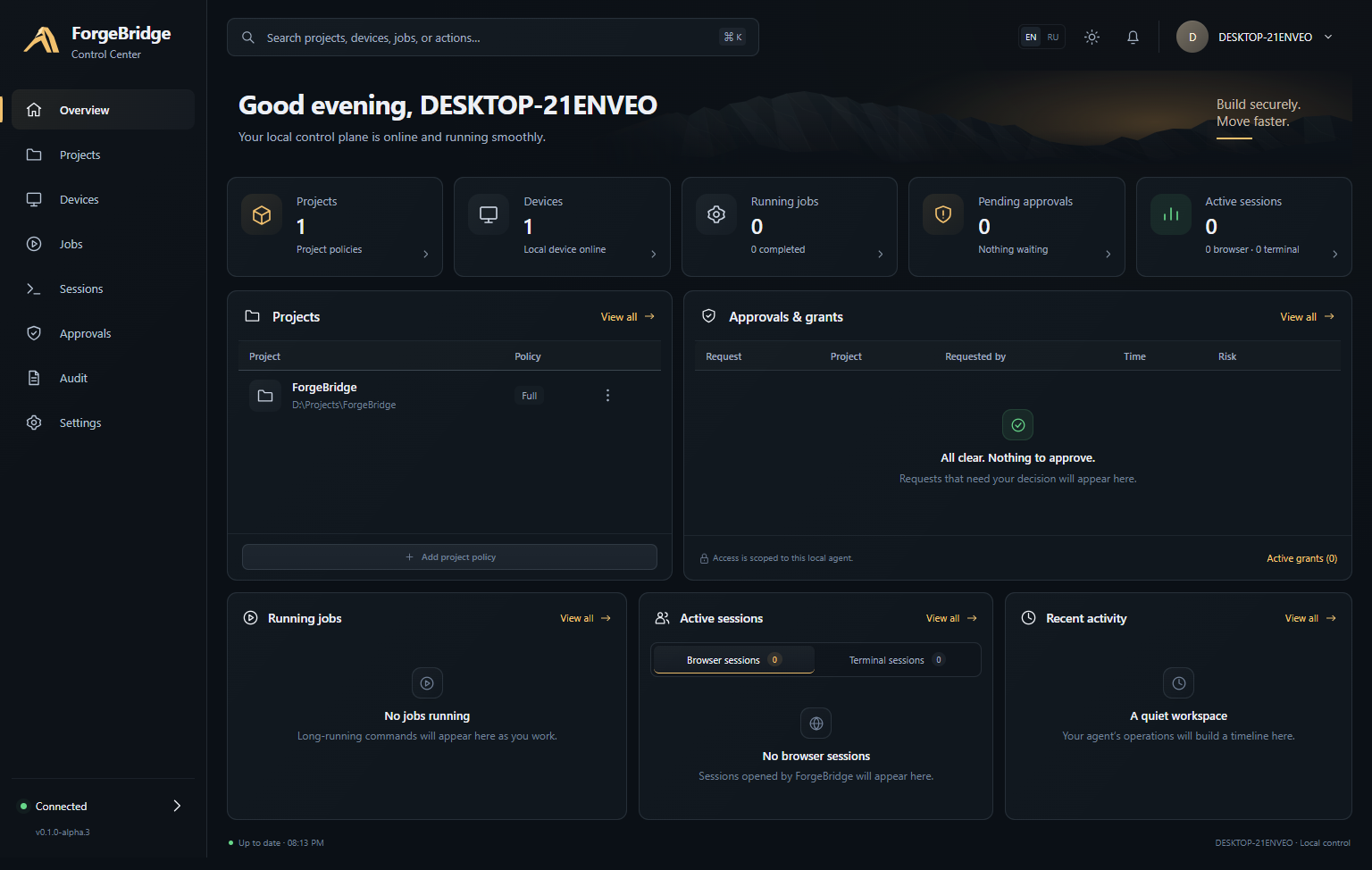
Control Center
ForgeBridge includes a local Control Center for understanding what the agent is doing, reviewing permissions, following jobs and sessions, and inspecting the audit trail without digging through raw state files.
| Projects | Approvals |
|---|---|
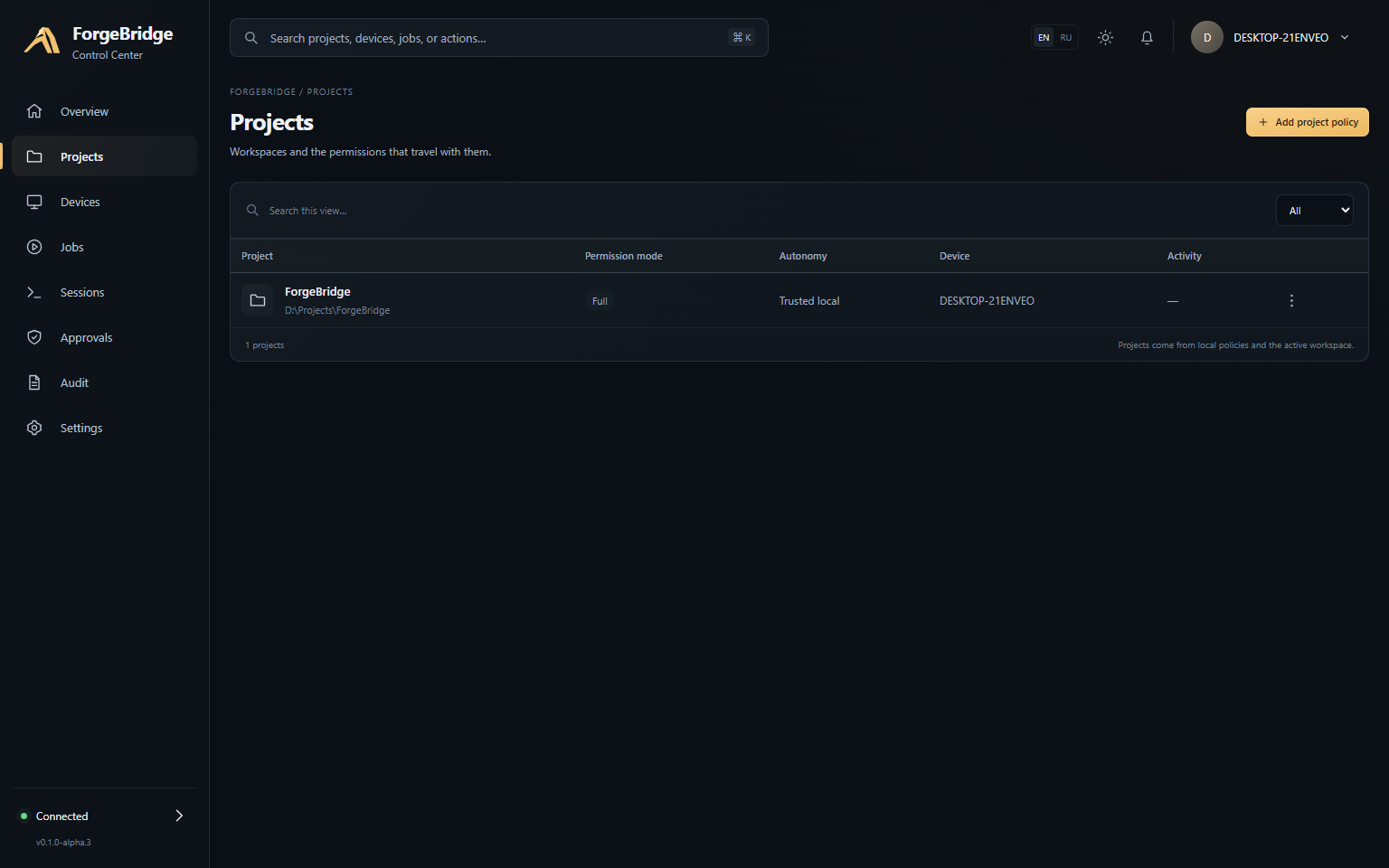 | 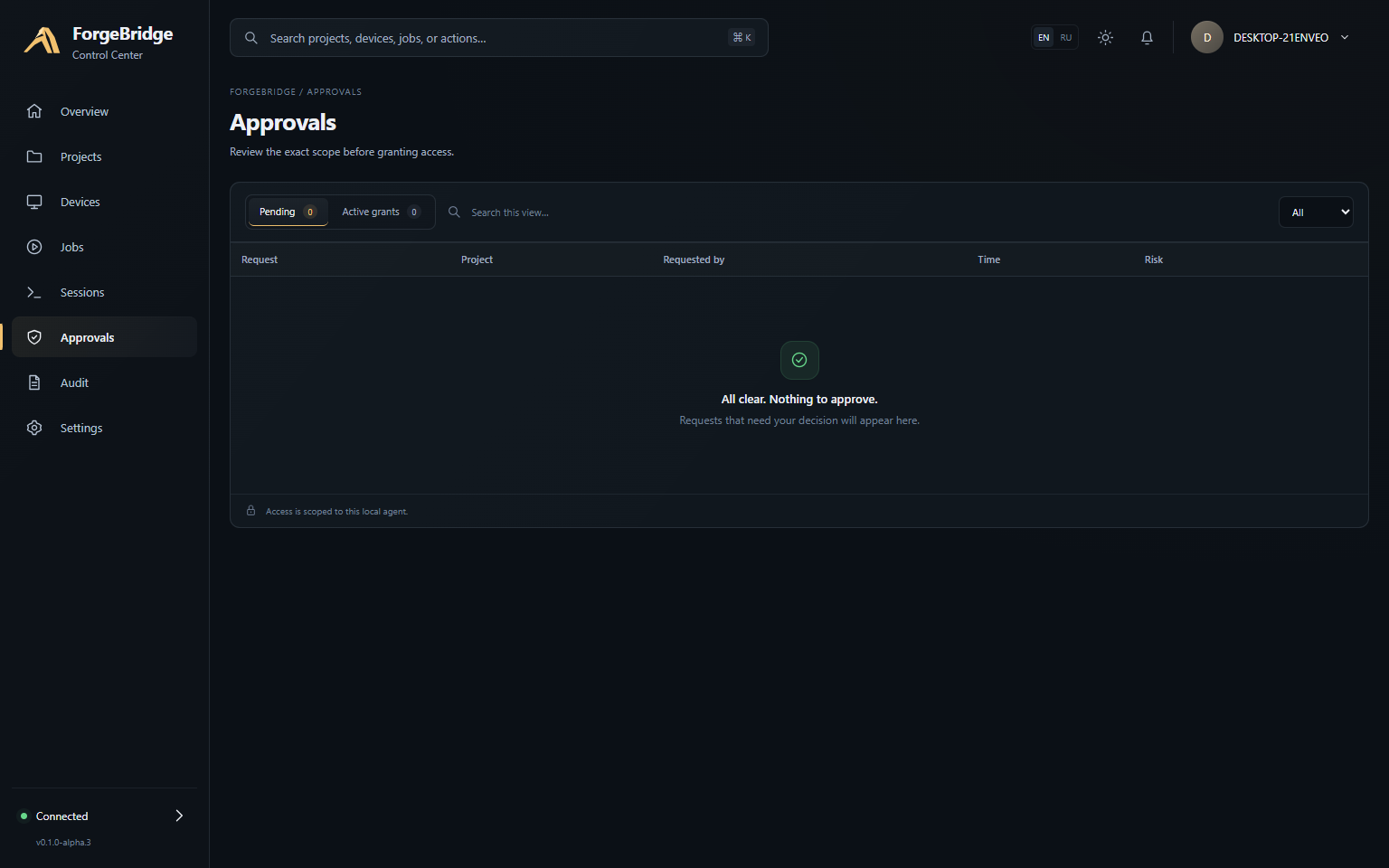 |
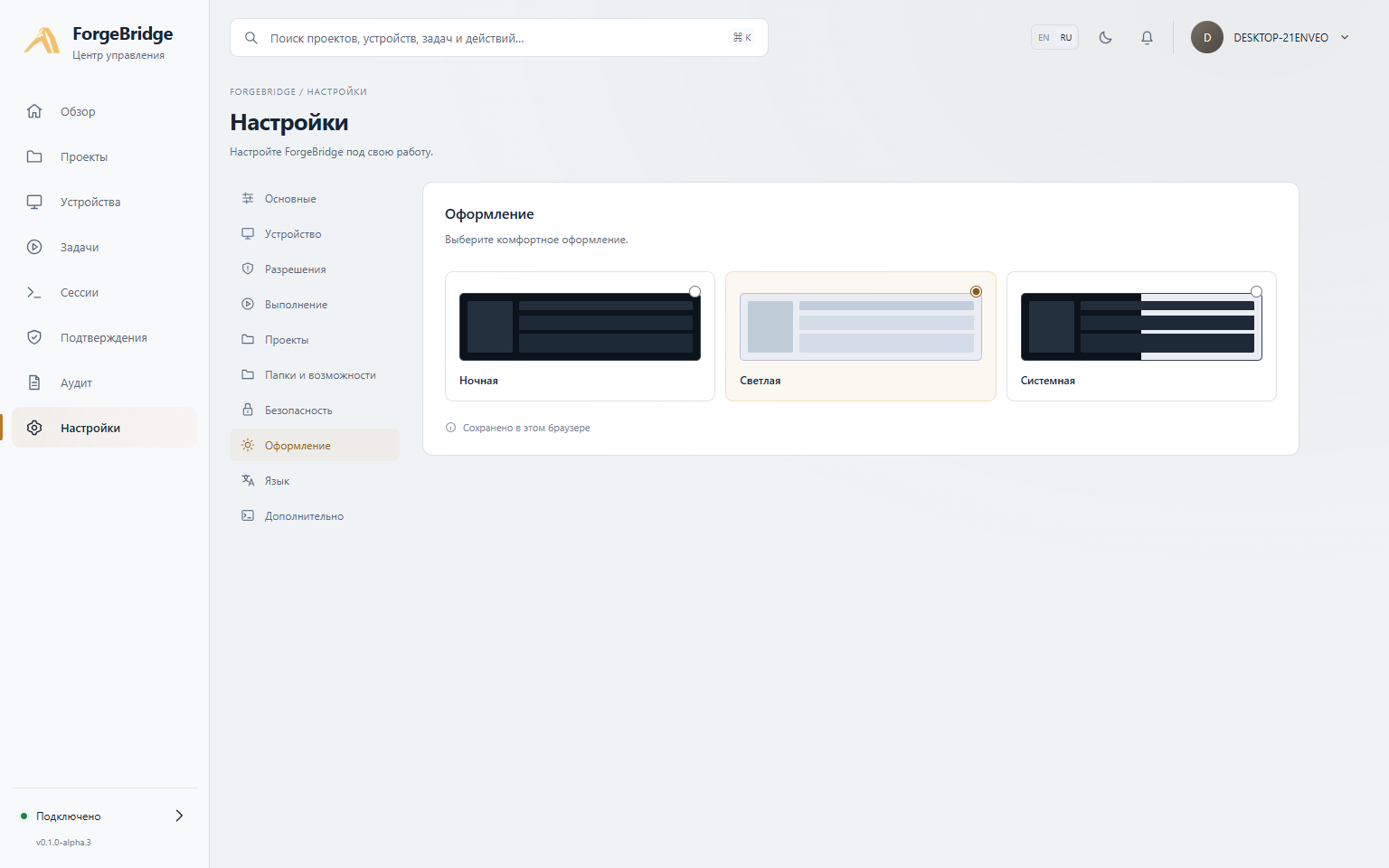
The interface supports English and Russian, dark and light themes, responsive layouts, live jobs, sessions, approvals, project policies, and a redacted audit feed backed by the real local Control API.
Project status
Current public release: v0.1.0-alpha.4 · Channel: next · Estimated v1.0 readiness:
≈68%
The percentage is a weighted milestone estimate, not a quality score or release date. It is updated as major product blocks move from experimental to release-ready.
| Area | Status |
|---|---|
| Local agent, permissions, audit, filesystem, Git, terminal, durable jobs, browser | ✅ Shipped |
| Control Center, RU/EN, themes, lifecycle actions, guided setup | ✅ Shipped |
| Cross-platform CI, npm package, MCP Registry, SBOM/checksums | ✅ Shipped |
| Update / repair / recovery | 🟡 In progress |
| Public API stability, migrations, deprecation policy | 🟡 In progress |
| Multi-device / remote routing | 🟠 Next major product block |
| Compatibility matrix + independent security pass | 🟠 Required before 1.0 |
Next milestone: 0.2.0-beta.1 — multi-device foundation, lifecycle/update UX, and the first
compatibility freeze.
See the full Road to 1.0.
Quick start
The public alpha package name is forgebridge; the installed command stays forgebridge. Once the
first npm release is live:
npm install --global forgebridge@next
forgebridge init --root /path/to/your/project
forgebridge doctor
forgebridge browser install
forgebridge serve --transport stdio
MCP clients that launch stdio servers can run ForgeBridge without a global install:
npx -y forgebridge@next serve --transport stdio
ForgeBridge is also prepared for discovery through the official MCP Registry as
io.github.t1ktakdev/forgebridge. Browser automation needs a reviewed Chromium/Chrome/Edge
installation; Windows UI Automation remains opt-in. See
installation and packaging for platform-specific setup.
Design
ForgeBridge keeps privileged enforcement on the workstation:
- every action is checked by a deny-first permission engine;
- paths are restricted to canonical allowed roots;
- write approvals are bound to the exact action and expire;
- terminal and job output is bounded and paginated;
- browser sessions are isolated by default;
- the default BACKGROUND execution profile forces headless browsers and defers focus-changing desktop actions;
- attempted and completed actions are written to a redacted, hash-chained audit log.
For ChatGPT web, the preferred v0.1 transport is OpenAI Secure MCP Tunnel, which creates an outbound HTTPS path without publishing a port on the workstation. Local MCP clients can use stdio directly.
See:
- Model-first development workflow
- Research
- Architecture
- Security model
- Security validation matrix
- Windows validation record
- 2026-09-15 model-UX hardening validation
- Release-readiness audit
- Permission model
- Threat model
- Secure tunnel runbook
- Windows autostart
- Background execution and focus protection
- Implementation plan
Development
Requirements: Node.js 22 or newer, pnpm 11, Git, and Windows 10/11 for native validation.
pnpm install
pnpm check
pnpm build
node dist/cli.js init --root C:\src\my-project
node dist/cli.js serve --transport stdio
Trusted local development
For a repository you explicitly trust, ForgeBridge can remove repeat approval prompts for reviewed repository-defined validation while keeping the same canonical root boundary and hard-deny rules:
forgebridge project trust C:\src\my-project
This creates a per-project FULL profile with autonomy: trusted-local. It is intentionally local
configuration: repository files cannot enable it. Reviewed project_check plans can then run
without a fresh approval, while destructive commands, Git push, elevation, persistence, secret
access, consequential browser/Windows submissions, and anything outside the configured root remain
gated or denied. Revert with forgebridge project set PATH --mode balanced --autonomy standard or
remove the project profile with forgebridge project remove PATH.
Local installation
ForgeBridge is packaged as an npm-compatible tarball because node-pty is a native dependency and
Playwright browser binaries are platform-specific. Nothing is published by the release scripts.
pnpm run package:artifact
pnpm run package:validate
.\scripts\install-windows.ps1 -PackagePath .\release\forgebridge-0.1.0-alpha.4.tgz -InstallChromium
The artifact includes a CycloneDX SBOM and a SHA-256 checksum. Validation installs the actual tarball in a disposable prefix and exercises the installed CLI, MCP stdio, filesystem, terminal, and headless browser paths. See installation and upgrade instructions.
Optional Windows autostart is available after installation through
configure-autostart-windows.ps1. It creates a current-user scheduled
task only after explicit local configuration and stores the least-privilege tunnel runtime key with
Windows DPAPI; the default installer still creates no startup entry.
Optional Windows UI Automation is disabled by default. Set windowsUiAutomation.enabled to true
in the local config to expose bounded semantic Windows element trees and control-pattern actions. It
requires an unlocked interactive desktop and never bypasses cross-user or elevation boundaries.
Focus-changing actions are durably deferred in BACKGROUND and GAMING profiles and require local
approval plus an explicit switch to NORMAL.
The agent never installs auto-start or a background service implicitly. Do not expose its local HTTP endpoint to a network interface.
Before any public alpha, complete the remaining external gates listed in the release-readiness audit, including a separate clean Windows VM run, artifact signing, and an independent security review. Live Secure MCP Tunnel/ChatGPT validation has already passed for the recorded Windows configuration.
Security
ForgeBridge is powerful by design. An approved arbitrary shell has the authority of the OS account running the agent. For containment, use a dedicated low-privilege account, Windows Sandbox/VM, or another OS-enforced isolation boundary. Read SECURITY.md before using the agent on sensitive systems.
License
Apache License 2.0. See LICENSE.




