Listed from the MCP registry; nobody on Odel publishes it.

ZebPay MCP Server
MCP server for ZebPay crypto exchange — fetch prices, balances, and manage orders
Runs on your machine from its package; the steps are below.
What it does
- Reads
- Writes
- High impact
At most: moves money, runs code or commands, deletes data, or sends messages for you.
What it costs
FreeOdel charges nothing per call. The publisher may charge for its own service.
Runs locally over stdio
This server isn't hosted — your MCP client launches it from a package registry. Use one of the commands below, or drop the config into your client (e.g. Claude Desktop).
Run
npx -y @zebpay_rajesh/zebpay-mcp-server
MCP client config
{
  "mcpServers": {
    "zebpay-mcp-server": {
      "command": "npx",
      "args": [
        "-y",
        "@zebpay_rajesh/zebpay-mcp-server"
      ]
    }
  }
}
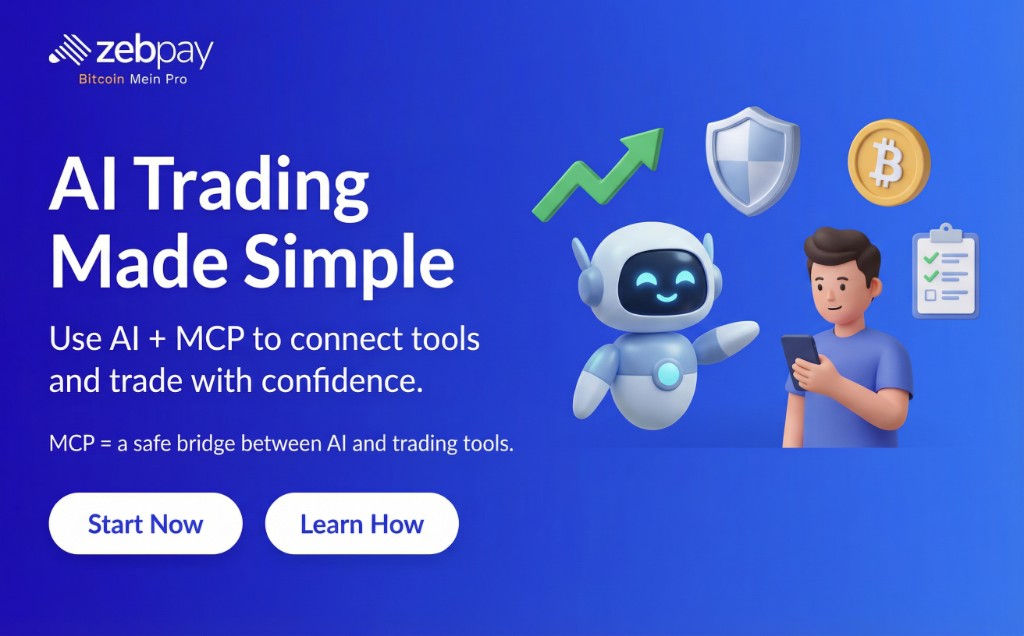
Production-ready TypeScript MCP (Model Context Protocol) server for Zebpay spot and futures APIs, using stdio transport only. Model Context Protocol (MCP) is a standard way for AI assistants to securely call tools and data sources. It is designed for MCP clients like Cursor, Claude Desktop, and MCP Inspector that connect through local process execution. The server provides both market-data and trading workflows with strict validation, safe error handling, and developer-friendly observability.
What This Server Provides
- Public market data tools (spot + futures)
- Private trading/account tools (requires API credentials)
- MCP resources and prompts for agent workflows
- Request validation via Zod
- Structured error handling and optional file logging
Features
- Stdio-only MCP server for secure local integration with MCP clients
- Spot and futures API coverage for both public and authenticated operations
- HMAC-based authenticated request flow for private endpoints
- Input validation and normalized MCP error responses
- Outbound request retries and timeout controls
- Optional structured file logging for debugging and auditability
Supported Tools
Spot (Public + Private)
- Market data: tickers, order book, trades, klines, exchange info, currencies
- Trading: place market/limit orders, cancel orders, cancel by symbol, cancel all
- Account: balances, open orders, order history, trade history, exchange fee
- Example tool names:
zebpay_public_getTickerzebpay_public_getOrderBookzebpay_spot_placeMarketOrderzebpay_spot_placeLimitOrderzebpay_spot_getBalance
Futures (Public + Private)
- Market data: health status, markets, market info, order book, 24h ticker, aggregate trades
- Trading/account: wallet balance, place order, add/reduce margin, open orders, positions
- History: order history, linked orders, trade history, transaction history
- Example tool names:
zebpay_futures_public_getMarketszebpay_futures_public_getOrderBookzebpay_futures_placeOrderzebpay_futures_getWalletBalancezebpay_futures_getPositions
Tech Stack
- Node.js (ESM)
- TypeScript
@modelcontextprotocol/sdkundicizod
Project Structure
src/
├── index.ts                  # Stdio MCP server entrypoint
├── mcp/                      # Tools, resources, prompts, MCP errors/logging
├── private/                  # Authenticated Zebpay clients
├── public/                   # Public market-data clients
├── security/                 # Credentials + signing helpers
├── http/                     # Shared outbound HTTP client to Zebpay APIs
├── validation/               # Schemas and validation helpers
├── utils/                    # Caching, metrics, formatting, file logging
└── types/                    # Shared response types
Prerequisites
- Node.js 20+
- npm 9+
- Zebpay API credentials (for private tools)
- Create your API key/secret from the official ZebPay API portal:
https://api.zebpay.com/
Creating a ZebPay API Key
Use the steps below to generate API credentials for this MCP server:
- Open the ZebPay API portal:
https://api.zebpay.com/ - Sign in to your ZebPay account.
- Go to API Trading and click Create New API Key.
- Enter key details:
- key name (for example:
zebpay-mcp-local) - required permissions (read-only for market/account checks, trading permissions only if needed)
- optional IP whitelist (recommended for better security)
- key name (for example:
- Complete OTP verification.
- Copy and save:
- API Key
- Secret Key (shown once)
Then add them to your local .env file:
ZEBPAY_API_KEY=your_api_key
ZEBPAY_API_SECRET=your_api_secret
Security notes:
- Never commit API keys/secrets to git.
- Prefer least-privilege API permissions.
- Rotate keys immediately if exposed.
Setup
git clone <your-repo-url>
cd zebpay-mcp-server
npm install
cp env.example .env
Update .env (all values are read from environment; there are no fallback defaults in code):
ZEBPAY_API_KEY=your_api_key    # Use the API key from the step above
ZEBPAY_API_SECRET=your_api_secret    # Use the Secret key from the step above
ZEBPAY_SPOT_BASE_URL=https://sapi.zebpay.com/api/v2
ZEBPAY_FUTURES_BASE_URL=https://futuresbe.zebpay.com/api/v1
ZEBPAY_MARKET_BASE_URL=https://www.zebapi.com/api/v1/market
MCP_TRANSPORTS=stdio
LOG_LEVEL=info
HTTP_TIMEOUT_MS=15000
HTTP_RETRY_COUNT=2
Build and Run
npm run build
npm start
Optional logging to file:
npm run start:log
MCP Client Configuration (Stdio)
Example MCP client config:
{
  "mcpServers": {
    "zebpay": {
      "command": "node",
      "args": [
          "/absolute/path/to/zebpay-mcp-server/dist/index.js"
        ],
      "env": {
        "ZEBPAY_API_KEY": "YOUR_API_KEY_HERE",
        "ZEBPAY_API_SECRET": "YOUR_API_SECRET_HERE",
        "LOG_LEVEL": "info"
      }
    }
  }
}

Also see: mcp-config.json.example.
Environment Variables
| Variable | Required | Description | Example value |
|---|---|---|---|
ZEBPAY_API_KEY | Yes | Zebpay API key (required for private tools) | YOUR_API_KEY_HERE |
ZEBPAY_API_SECRET | Yes | Zebpay API secret (required for private tools) | YOUR_API_SECRET_HERE |
MCP_TRANSPORTS | Yes | Must be stdio | stdio |
ZEBPAY_SPOT_BASE_URL | Yes | Spot API base URL | https://www.zebapi.com/api/v2 |
ZEBPAY_FUTURES_BASE_URL | Yes | Futures API base URL | https://futures-api.zebpay.com/api/v1 |
ZEBPAY_MARKET_BASE_URL | Yes | Market API base URL | https://www.zebapi.com/api/v1/market |
LOG_LEVEL | Yes | debug, info, warn, error | info |
LOG_FILE | No | File path for logs | logs/mcp-server.log |
HTTP_TIMEOUT_MS | Yes | Outbound request timeout (ms) | 15000 |
HTTP_RETRY_COUNT | Yes | Retry count for outbound requests | 2 |
Developer Commands
npm run build
npm test
npm run test:watch
npm run logs
npm run logs:watch
npm run logs:errors
npm run logs:stats
npm run logs:clear
Logging
- Log tools and examples:
scripts/README.md - Full logging docs:
docs/LOGGING.md - Keep logs out of git (
logs/is ignored)
Issues
Found a bug or want to request a feature?
- Create an issue from the GitHub Issues tab for this repository.
- You can also use direct links after replacing
<your-org>and<your-repo>:- Bug report:
https://github.com/<your-org>/<your-repo>/issues/new?template=bug_report.md - Feature request:
https://github.com/<your-org>/<your-repo>/issues/new?template=feature_request.md
- Bug report:
- Include these details for faster triage:
- MCP client used (Cursor/Claude Desktop/other)
- Node.js version and OS
- Minimal reproduction steps
- Relevant logs (redact secrets)
License
MIT