Listed from the MCP registry; nobody on Odel publishes it.
Deprecated. Deprecated by the publisher: Moved to io.github.vmware-skills/vmware-debug (repository: github.com/vmware-skills/VMware-Debug). Install the new name for current versions.




VMware Debug
Read-only VMware incident correlation: timeline, spikes, root-cause routing. 2 MCP tools.
Runs on your machine from its package; the steps are below.
What it does
- Reads
- Writes
- High impact
At most: only reads or looks up information.
What it costs
FreeOdel charges nothing per call. The publisher may charge for its own service.
Runs locally over stdio
This server isn't hosted — your MCP client launches it from a package registry. Use one of the commands below, or drop the config into your client (e.g. Claude Desktop).
Run
uvx vmware-debug
MCP client config
{
  "mcpServers": {
    "vmware-debug": {
      "command": "uvx",
      "args": [
        "vmware-debug"
      ]
    }
  }
}VMware-Debug
Build a clearer incident timeline from evidence you already have.
English · 简体中文
Community-maintained · MIT · Not an official VMware/Broadcom product.
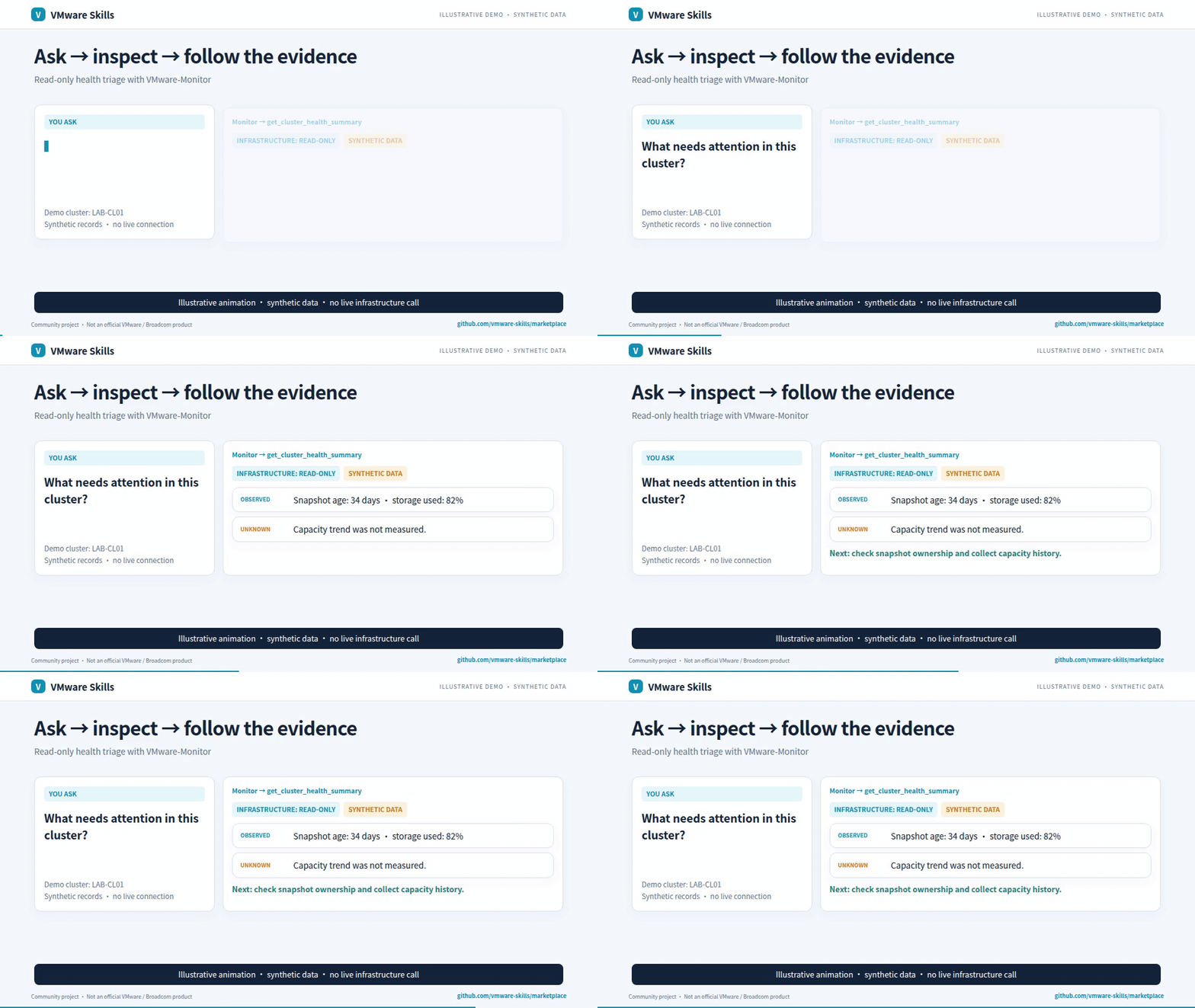
Synthetic-data GIF; video includes redacted historical screenshots. Download the AI-narrated family introduction (~3 min)
Why use it?
- Correlate offline events and case records.
- Rank hypotheses with explicit confidence and gaps.
- Get focused next-check recommendations.
Get started
Install the published CLI and inspect its commands:
uv tool install vmware-debug==2.3.3
vmware-debug --help
Requires uv and Python >=3.10. Keep case evidence and audit data locally; no VMware API connection is needed. Setup guide.
For agent-host installation, use the setup guide and Cursor, Codex, Gemini CLI, Cline and local-model examples.
Choose a model with the shared model-fit workflow: compare the same tasks, review quality and safety, then select the smallest tested passing configuration per task group; this is not a production guarantee.
Know the boundaries
Offline analysis: no VMware API connection or remediation execution. Case records and audit data are stored locally; hypotheses are not established root causes.
Go deeper
- Capabilities
- CLI reference
- Agent guardrails
- Detailed usage and architecture
- MCP launch configuration
- Canonical skill instructions
Part of VMware Skills: 15 skills, 14 MCP servers and one shared Policy library. If it helps your work, star the family portal.




