Listed from the MCP registry; nobody on Odel publishes it.

Neuro-CanvasLMS
Read-only Canvas LMS for your AI: deadlines, grades, files, announcements. Runs on your Cloudflare.
Runs on your machine from its package; the steps are below.
What it does
- Reads
- Writes
- High impact
At most: only reads or looks up information.
What it costs
FreeOdel charges nothing per call. The publisher may charge for its own service.
Runs locally
This server runs on your machine over stdio, but its source registry didn't list a distribution package. Check the source repository for setup instructions.
English · 简体中文 · Español · 日本語 · हिन्दी


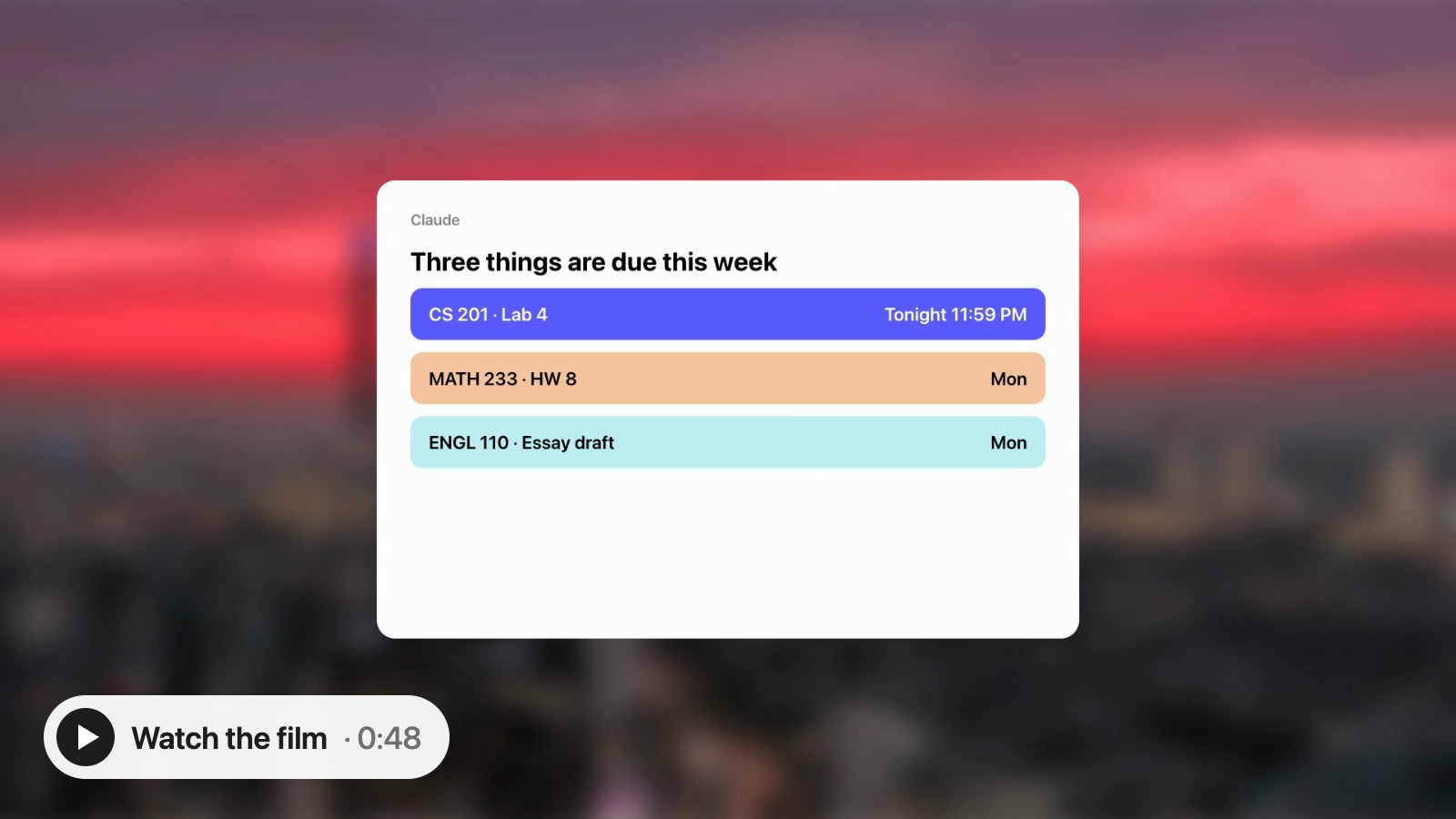
Wire your Canvas LMS straight into Claude and ChatGPT. Your courses, deadlines, grades and lecture files become part of what your AI knows, in any chat and on any device. It is a read-only remote MCP server that one command deploys to your own free Cloudflare account. Works at any Canvas school that lets students create access tokens (30-second check).
"What's due this week?" · "Summarize Lecture 5 in MATH 132." · "What feedback did I get on HW 3?" · "What's in the code ZIP for Lecture 12?" · "Set up the PA2 starter code in this folder."
Why Neuro-CanvasLMS
| ☁️ Nothing runs on your computer | It lives in the cloud on Cloudflare Workers. No app to keep open, no local server. |
| 🔌 No device has to stay on | Close the laptop and leave the phone in your pocket. Your AI can still reach Canvas 24/7, from claude.ai, the desktop and mobile apps, Claude Code or ChatGPT. |
| 💸 Free | It runs on Cloudflare's free plan, which is far more than one student needs. |
| 🧠 Your files live in the conversation | Lecture notes and PDFs the AI reads stay with that chat on your AI provider's servers. Nothing to download. |
Local Canvas tools only work while your own computer runs them. Hosted services keep your Canvas token, or a copy of your courses, on their servers. Neuro-CanvasLMS runs in your own Cloudflare account: always on, usable from your phone and in ChatGPT, and your token goes only to your own Worker and your school's Canvas.
What you get
- 65 read-only tools: courses, modules, pages, files, assignments, submissions, grades and feedback, rubrics, announcements, discussions, inbox, calendar, to-dos, groups, quiz history and profile settings.
- Real file reading: text from PDF, Word, PowerPoint and Excel, about 90 kinds of code and text files, and Jupyter notebooks (cells and outputs); ZIP archives unpacked on the server (listing plus every code/text file); scanned or handwritten PDFs are recognised and their original pages handed to the AI to look at.
- Linked files too: course files that a module, the syllabus, a page, an assignment or an announcement links on Google Docs/Slides/Sheets, Google Drive, Dropbox (files and folders) and GitHub (files and repositories) are read as text, as long as they are shared publicly ("Anyone with the link").
- Finds files the course hides: many courses hide their Files list from students. The connector searches the front page, syllabus, modules, assignments, announcements and the pages they link to, so the AI can still find "the Lecture 12 slides" by name.
- Starter code onto your computer: in Claude Code, Codex and other coding agents, ask "set up PA2 from Canvas". The agent gets a one-time download link that expires in minutes, saves the assignment's starter files in your folder and unpacks them.
- Read-only by design: only fixed
GETrequests. It never submits work, sends messages, starts quizzes or changes anything in Canvas. - Yours only: deployed in your own Cloudflare account and locked to your own Canvas account. Nobody else, including the authors, ever sees your Canvas token.
Can you use it?
Check in 30 seconds: in Canvas, open Account → Settings and scroll to Approved Integrations. If you see a + New Access Token button, you're set. If it is missing, or creating a token is refused, your school doesn't let students make personal tokens, and this connector can't work there yet.
Install (about 5 minutes)
You need Node.js 22+, a free Cloudflare account (verify its email address) and your Canvas login. In a terminal, run:
npx -y neuro-canvas-lms
The installer signs you in to Cloudflare (a browser page opens; click Authorize), asks for your school's Canvas address, sets up your free workers.dev address if the account is new, deploys the connector to your own account and checks that it works. A new address can take a few minutes to come online; meanwhile the installer opens Canvas so you can create your token. Then:
- Create a Canvas token (if you haven't yet): Canvas → Account → Settings → + New Access Token. Your school may cap its lifetime (30 days at UMass Amherst). Copy it right away; Canvas shows it only once.
- Claude: Settings → Connectors → Add custom connector → paste the URL the installer printed (it is already copied) → Connect → paste the Canvas token → Authorize. It then works everywhere you use Claude, including the mobile app and Claude Code.
- ChatGPT: add a custom connector (developer mode) with the same URL.
- Start a new chat and ask: "What assignments do I have this week?"
Let an AI install it: give any AI assistant that can run terminal commands (Claude Code, Codex and the like) the link to this repository and say "install the Canvas connector". No cloning needed. AI agents: follow SKILL.md: one npx command with flags, and you never handle the Canvas token.
When the Canvas token expires: make a new one, then in your AI app Disconnect → Connect the connector and paste it. Nothing needs to be reinstalled.
Update, uninstall
- Update: run the same
npxcommand again. It asks once whether to update (type y), then reuses your settings, deploys the current code and keeps your storage and connections, so you never reconnect. When a new version is out, your AI tells you. After updating, ChatGPT needs a refresh of the connector in its settings to see new features; Claude picks them up in a new chat. - Uninstall:
npx -y neuro-canvas-lms uninstall, then delete the Canvas token and the connector in your AI app.
How it works
Claude / ChatGPT ──OAuth──▶ Neuro-CanvasLMS on your Cloudflare ──read-only API──▶ your school's Canvas
  (any device)                (always on; stores your Canvas token encrypted)
Privacy & security
- Your token goes only to your Worker and your school's Canvas, and is stored encrypted inside the authorization record in your own Cloudflare KV.
- The connector locks itself to your Canvas account when you connect it and refuses all others.
- Only Claude, ChatGPT and local clients can complete OAuth.
- Course content is treated as untrusted data, never as instructions.
- File downloads are capped at 15 MiB, HTTPS-only, and blocked from reaching private networks.
- Canvas still enforces your own permissions: you can only read what you can already see.
- Once a day the connector reads the latest version number from npm, where it is published, so your AI can tell you about updates. Nothing about you is sent.
- Files the AI reads are kept by your AI provider as part of the conversation, under that provider's own privacy terms. Delete the chat to remove them.
Check your school's policy on personal access tokens and third-party tools before use.
Limits
- Files over 15 MiB can't be read through the connector (Cloudflare Worker memory limit). Download them and open them with Claude Code locally.
- Gradescope, WebAssign, external sites, locked content and the internals of New Quizzes are out of reach.
- Some courses hide their Files or Quizzes pages (403/404). Files linked anywhere in the course are still found (see above); quizzes stay hidden.
- Tested on UMass Amherst's Canvas (hosted by Instructure). Other schools should work; schools that host Canvas themselves may serve files from servers this connector does not allow yet.
Project status
A community project, MIT licensed and provided as is: no guaranteed maintenance, updates or support. Issues and pull requests are welcome, and so are forks. If it stops working for your school, the code is here for you to fix. You can also open an issue, and the author will arrange a fix.
Development
npm test · npm run check (dry-run build) · npm run setup (the installer, from a clone). UI text lives in i18n.mjs (English, 简体中文, Español, 日本語, हिन्दी). See AGENTS.md for the code map. Built with the help of AI coding assistants.