
VPN Bypass
Read and change VPN Bypass (macOS) routing: domain lists, services, modes, kernel routes, logs
Runs on your machine from its package; the steps are below.
What it does
- Reads
- Writes
- High impact
At most: creates or changes data: records, files, settings.
What it costs
FreeOdel charges nothing per call. The publisher may charge for its own service.
Runs locally over stdio
This server isn't hosted — your MCP client launches it from a package registry. Use one of the commands below, or drop the config into your client (e.g. Claude Desktop).
Run
npx -y vpn-bypass-mcp
MCP client config
{
  "mcpServers": {
    "vpn-bypass": {
      "command": "npx",
      "args": [
        "-y",
        "vpn-bypass-mcp"
      ]
    }
  }
}

vpn-bypass-mcp


vpn-bypass-mcp is an MCP server for VPN Bypass, the macOS menu bar app that decides which traffic uses the VPN and which goes around it. An AI agent uses it to read the app's state and change its routing through the app's local control socket. It runs on macOS only.
Features
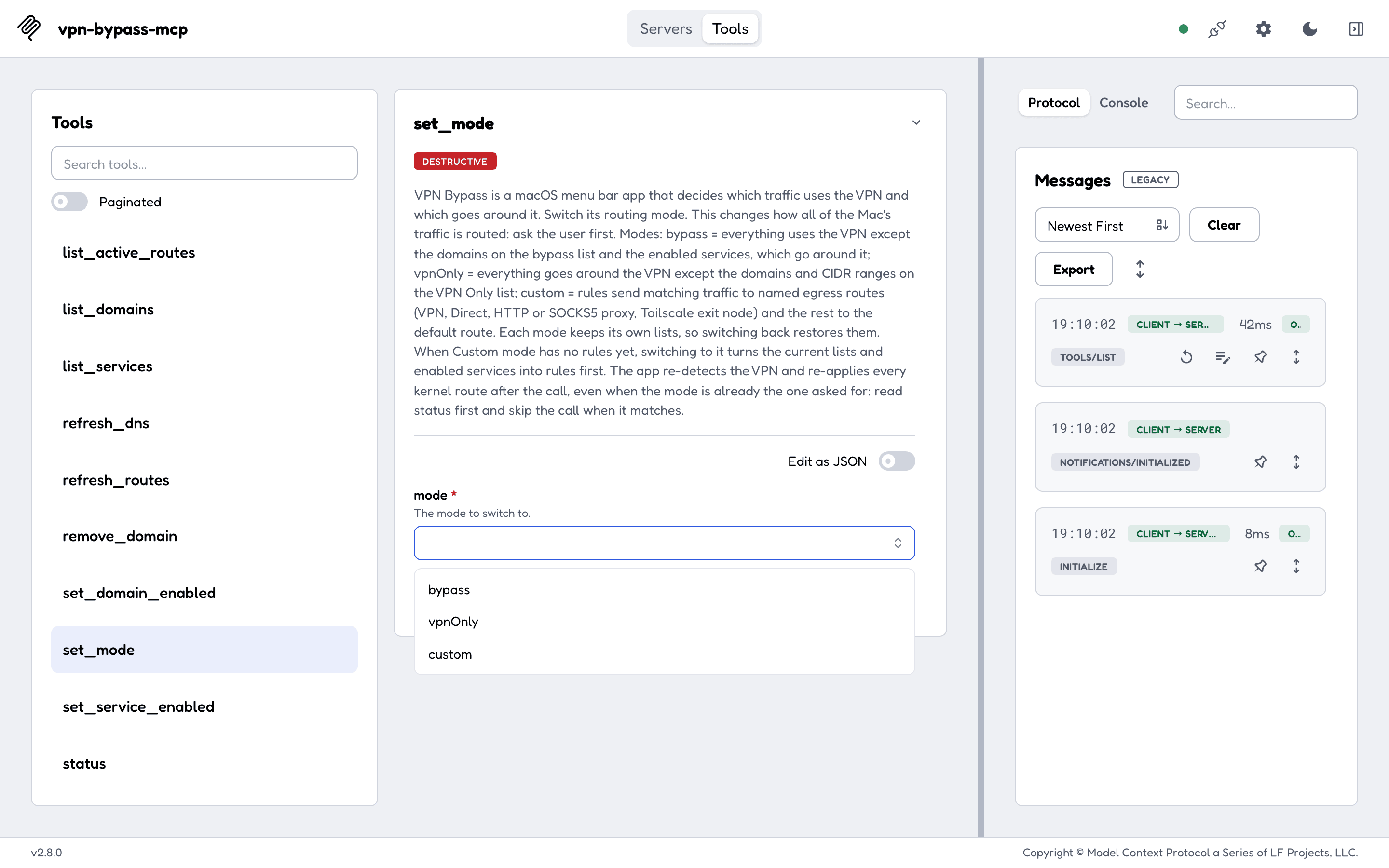
- 23 tools, one per app action: status, domain lists, services, routing mode, kernel routes, DNS refresh, the log, and Custom-mode routes and rules.
- Every tool returns the app's own JSON unchanged, so fields a newer app adds reach the agent.
- Tool descriptions tell an agent that has never seen the app what each mode does, and keep kernel routes apart from Custom-mode egress routes.
- MCP hints on every tool (
readOnlyHint,destructiveHint,idempotentHint), so a client can ask before a destructive call. VPN_BYPASS_MCP_READ_ONLY=1registers only the 8 tools that change nothing.- Errors an agent can act on: the app is not running, the app is older than 4.9.0 (with its version when it reports one), or the app's own error code.
- A proxy password travels in a separate field and is never returned, echoed or logged.
- stdio only; the server opens no network port.
Quick start
npx -y vpn-bypass-mcp --version
Then add the server to your MCP client (Claude Desktop, Cursor, or any client that reads mcpServers):
{
  "mcpServers": {
    "vpn-bypass": {
      "command": "npx",
      "args": ["-y", "vpn-bypass-mcp"]
    }
  }
}
VPN Bypass must be open. The domain, service, active-route, refresh and log tools need VPN Bypass 4.9.0 or newer; status, set_mode and the Custom-mode tools work with older versions. Claude Code, the release binaries and building from source are in Getting started.
Documentation
The full documentation is at geiserx.github.io/vpn-bypass-mcp.
- Getting started: requirements, npm, release binary, source, first run
- Configuration: environment variables, read-only mode, timeouts, security
- Usage: modes, the two kinds of route, every tool, errors
- Development: build, test, release
- Related projects: the VPN Bypass app, its
vpnbcommand line, and where this server is listed
Related projects
VPN Bypass, the app, and its Homebrew tap.




